What Does WISMO Mean? How Australian Delivery Teams Keep Customers Informed
Drafted with AI assistance, edited and fact-checked by Sean Flannery. See our editorial policy.
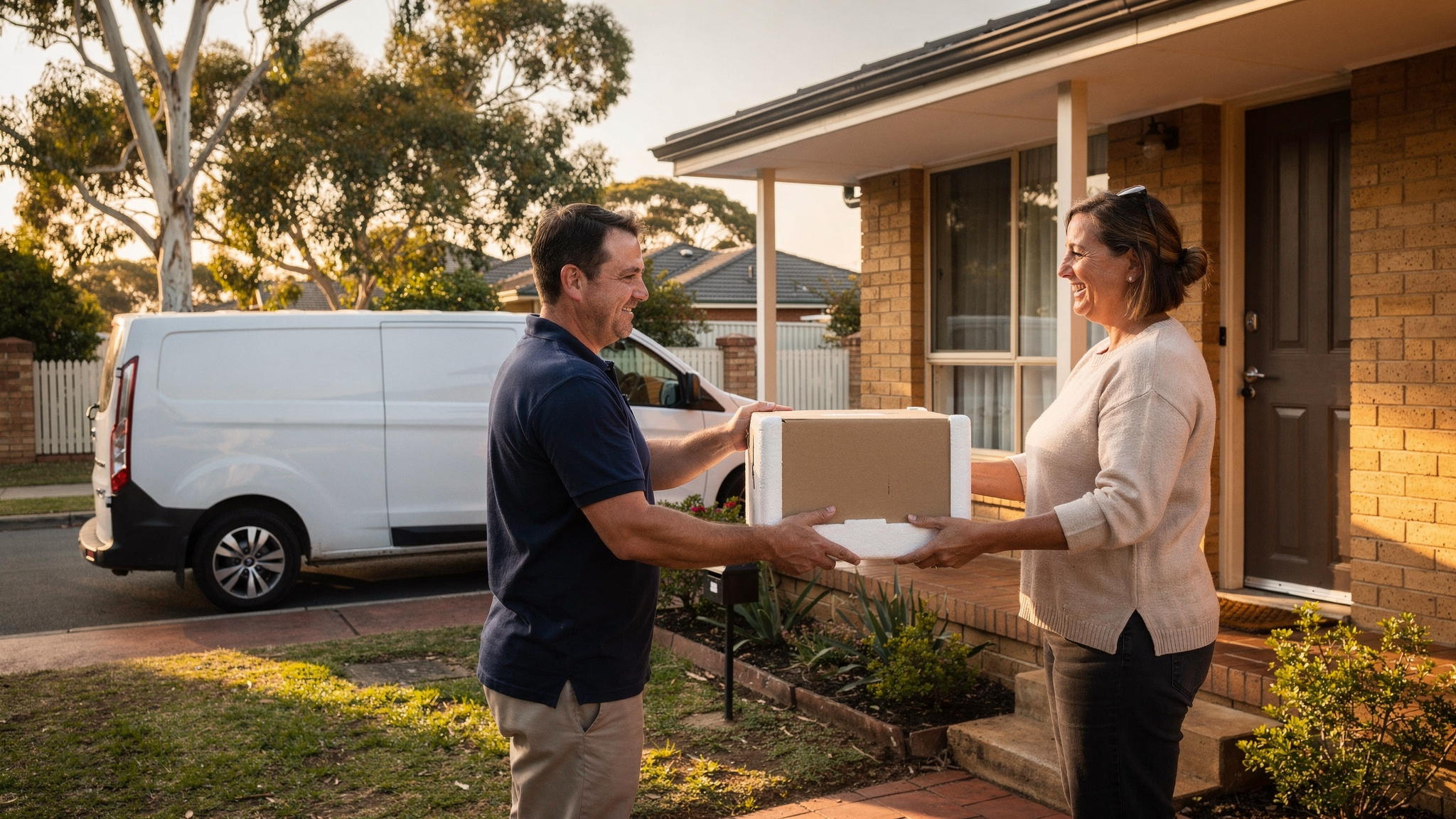
WISMO stands for "Where Is My Order?", the call, email or chat a customer sends when they can't see where their delivery is or what state it's in. Australian delivery teams can answer the question before it's asked by sharing live tracking links, clear delivery windows and automatic updates when timing changes.
The WISMO meaning is useful for a delivery team because it shows what each enquiry really is: a customer who needed a piece of information and didn't have it yet.
Picture a hot Friday afternoon in a regional town. The confirmation said Friday but not morning or afternoon, nothing has arrived since, and the customer has a day to plan around. So they call, even though nothing has gone wrong.
What WISMO means and why customers ask it
A WISMO contact is a status question. The customer wants to know where their order is, when it will turn up, or whether it has already arrived.
It can come by phone, email, live chat or a social media message. It can also come while the delivery is running exactly to plan.
That second point matters. WISMO doesn't measure how well a delivery is going. It measures how much the customer can see.
Customers usually ask for one of a few reasons. The window was broad, such as a whole day. The expected time changed and no message followed. Or the order is something they need to be home for, like fresh food, medicine or a bulky item.
Fresh food shows this clearly. Madam Seafood is a family-run seafood business in Adelaide, established in 2017 by a group of food-loving mums in South Australia.
It delivers fresh and live Australian seafood, from prawns and oysters to crabs, lobsters and sashimi-grade products. Weekly home delivery runs go out on Tuesdays and Fridays, alongside pick-up depots across the city.
With perishable orders, timing is everything. Customers need to be home to receive their seafood, so as the business grew, so did the number of calls asking when each delivery would arrive. Planning routes by hand was taking more and more of the team's time too.
Madam Seafood connected Locate2u directly to its online store using Locate2u's store integrations. Customers choose a delivery date and time at checkout, and Locate2u organises those orders, creates optimised routes for each run and sends every customer a real-time tracking link.
On its case study page, Madam Seafood automated 90% of its delivery workload with Locate2u. Customers receive live tracking updates, so they know when to expect their seafood with no phone call needed.
Results vary with order volume, and the principle holds: when customers can see their order, they don't need to ask about it.
How growing online sales in Australia shape delivery enquiries
Every online order carries a delivery promise. Every delivery promise can prompt a status question.
The Australian Bureau of Statistics reported that online sales made up 12.7% of Australian retail turnover in June 2025, in original terms.
For an operations manager, the takeaway is about scale. If status updates depend on someone answering the phone, that workload grows in step with orders.
If updates go out automatically, a busier month doesn't have to mean a busier phone line.
So build customer updates into the order process from the start, rather than adding them once the enquiries arrive. A confirmation with a clear window, and a tracking link sent when the run begins, do the same job on a busy day as on a quiet one.
Setting clear delivery windows for metro, regional and remote addresses
A delivery window is the first answer to the WISMO question. The clearer it is, the less reason a customer has to ask.
Across Australia, distance shapes every delivery promise. That's why windows work best when they're set by the type of address, not by one rule for the whole country.
The ABS remoteness structure offers a helpful way to think about it. It measures road distance from populated places to service centres, which is close to how a delivery run experiences an address.
Metro addresses. Stops sit close together, so a route can hold narrower windows. Offer a morning or afternoon slot at checkout, then let the tracking link narrow it further on the day.
Regional addresses. Legs between towns are longer, and one run may cover several of them. A wider window stated plainly, such as the day of delivery, works better than a tight slot the run can't comfortably hold. Confirm the run day the evening before.
Remote addresses. Road distances are longest here, and an order may travel in stages. Give a delivery day rather than a time.
Then set a status update to go out automatically as each leg is completed, for example when the order is scanned at a depot, so the customer can follow its progress.
Route optimisation software helps keep these promises realistic. Locate2u builds routes around delivery locations, time windows and driver availability, so the window a customer sees at checkout matches a run the driver can complete.
One simple test before offering a window: can the planned route meet it on a busy day as well as a quiet one? If not, widen the window and let live tracking do the fine-tuning.
Keeping customers updated when weather changes delivery times
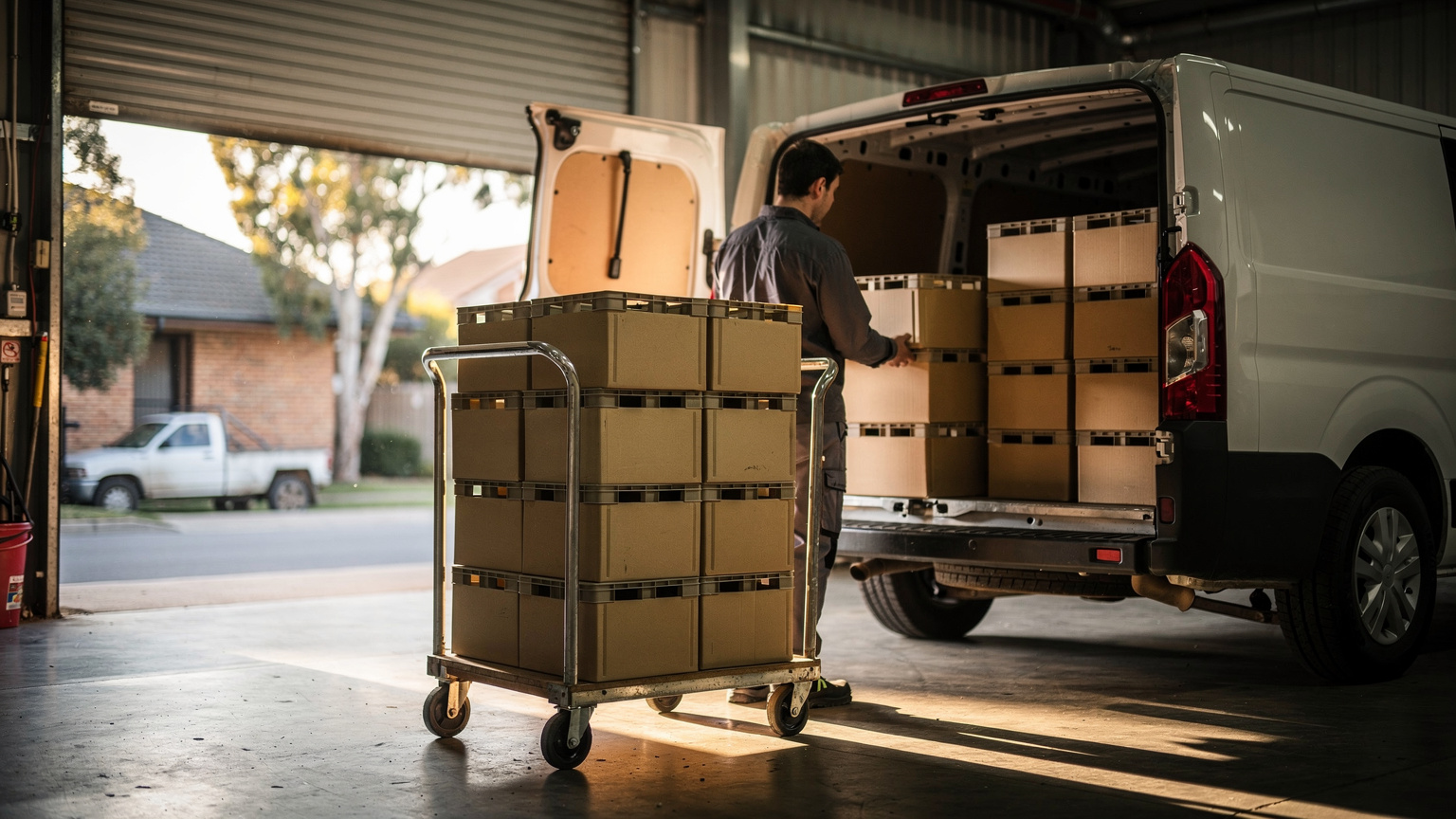
Australian weather can reshape a delivery day. Summer heatwaves, heavy rain, flooding and the wet season across the north all change travel times, sometimes at short notice.
The refreshed National Freight and Supply Chain Strategy, released by the federal infrastructure department, lists extreme weather events among the major supply chain disruptions since the original strategy was released in 2019.
For a delivery team, the lesson is to write the message before the weather arrives. A delay notice that reaches the customer first answers the question they would otherwise call to ask.
Keep a short set of ready-to-send weather updates. Each one says what has changed, the revised time or day, and whether the customer needs to do anything.
A sample: Heavy rain has slowed today's run through your area. Your delivery is now expected tomorrow morning. No action is needed, and your tracking link will go live when the driver sets off.
When a run needs to change, Locate2u lets dispatchers adjust the day's deliveries on the fly. The team can then send customers revised times based on the new plan, and drivers stay on safe, workable routes.
For perishable or heat-sensitive goods, offering a morning slot on very hot days gives customers a helpful choice.
Planning customer updates for the November to Christmas peak
The run from November to Christmas brings a surge of online orders, and it starts earlier than it once did.
The Australian Bureau of Statistics reported that Black Friday sales were again a big hit, with retailers starting promotional periods earlier and running them for longer compared with previous years.
That moves delivery volume into November. Customer updates need to be ready before Black Friday, not in mid-December.
Publish Christmas cut-off dates early and repeat them in every order confirmation. A customer who knows the last safe order date can plan around it.
Load peak message templates before promotions begin: the confirmation with a window, the tracking link and the revised-time notice.
Then plan capacity for the busiest days. If volume outgrows the fleet, Zoom2u, Locate2u's sister brand, provides on-demand courier capacity for overflow and same-day deliveries. Decide in advance how customers on those orders will receive their updates, so every order gets the same clear information.
How live tracking links answer the question before the phone rings
A live tracking link answers the WISMO question directly. Instead of calling, the customer opens the link and sees where the delivery is.
Timing matters. A link sent when the driver's run begins gives the customer something to follow on the day they're planning around the delivery.
With Locate2u real-time tracking, customers receive a link to follow their delivery live, and the dispatch team sees every vehicle on a live dashboard. If a run is behind schedule, the team can see it straight away and update the customer.
The link helps drivers too. A customer who can see the van approaching is ready at the door, which helps each stop go smoothly.
Tracking answers the question during the delivery. Proof of delivery answers it afterwards.
Locate2u captures photo evidence, signatures and timestamps at each drop, so a customer checking on their order can see when and where it was left. The guide to what proof of delivery means explains how that record works.
A practical checklist for fewer WISMO contacts
Use this checklist to set up customer updates that answer status questions before they're asked. Work from the top, adding each step once the one before it runs reliably.
| What to set up | When it happens | Why it helps |
|---|---|---|
| Delivery window in the order confirmation | At checkout or confirmation | Tells the customer which day and time to expect the order |
| Window set by metro, regional or remote address | When routes are planned | Keeps the promise in line with the road distance |
| Live tracking link | When the driver's run begins | Shows where the order is on the day |
| Revised time with a short reason | As soon as a change is known | Lets the customer adjust their plans early |
| Delivery confirmation with photo and signature | When the drop is completed | Shows when and where the order was left |
| Weather and peak message templates | Written before they're needed | Makes busy-day updates fast and consistent |
| One WISMO tag on every status enquiry | On every call, email and chat | Shows which update is working best (see the FAQ below) |
If orders come from an online store, connecting it to the delivery platform keeps the promised window and the planned route in step. Nobody has to copy orders across by hand, so the time a customer chose is the time the route is built around.
Start small. A clear window and a tracking link, done well, answer the questions customers ask most on delivery day.
Frequently asked questions
Is a WISMO contact the same as a delivery complaint?
No, a WISMO contact is a status question: the customer wants to know where the order is, and it can arrive while the delivery is running exactly to plan. Treating it as an information gap points the fix at clearer updates for the customer.
How can a small delivery business measure its WISMO contacts?
Tag every call, email and chat that asks about order status with a single WISMO label for four weeks to set a baseline. Then make one change, such as sending tracking links, and compare the weekly count over the next four weeks against that baseline, so the team can see which update answers customers best.
Does sending tracking links replace a customer service team?
No, tracking links and automatic status updates handle routine questions about when an order will arrive. That frees the team to spend its time on requests that need a person, such as changing an address or arranging a different delivery day.
Which delivery updates should a business send first?
Start with an order confirmation that states the delivery window, then a message with a live tracking link when the driver's run begins. Add a delay notice with a revised time only after those two are working reliably.
WISMO contacts show that customers want to see their order, and visibility is something any delivery team can build. Clear windows by address type, ready-made updates for weather and peak season, and a live tracking link on every run give customers their answer before they reach for the phone. To see how those pieces work together in one place, explore Locate2u delivery management software, then compare the Locate2u plans and pricing to find the right fit for your fleet.