Courier Dispatch Software in Australia: How to Assign, Track and Prove Every Job
Drafted with AI assistance, edited and fact-checked by Sean Flannery. See our editorial policy.
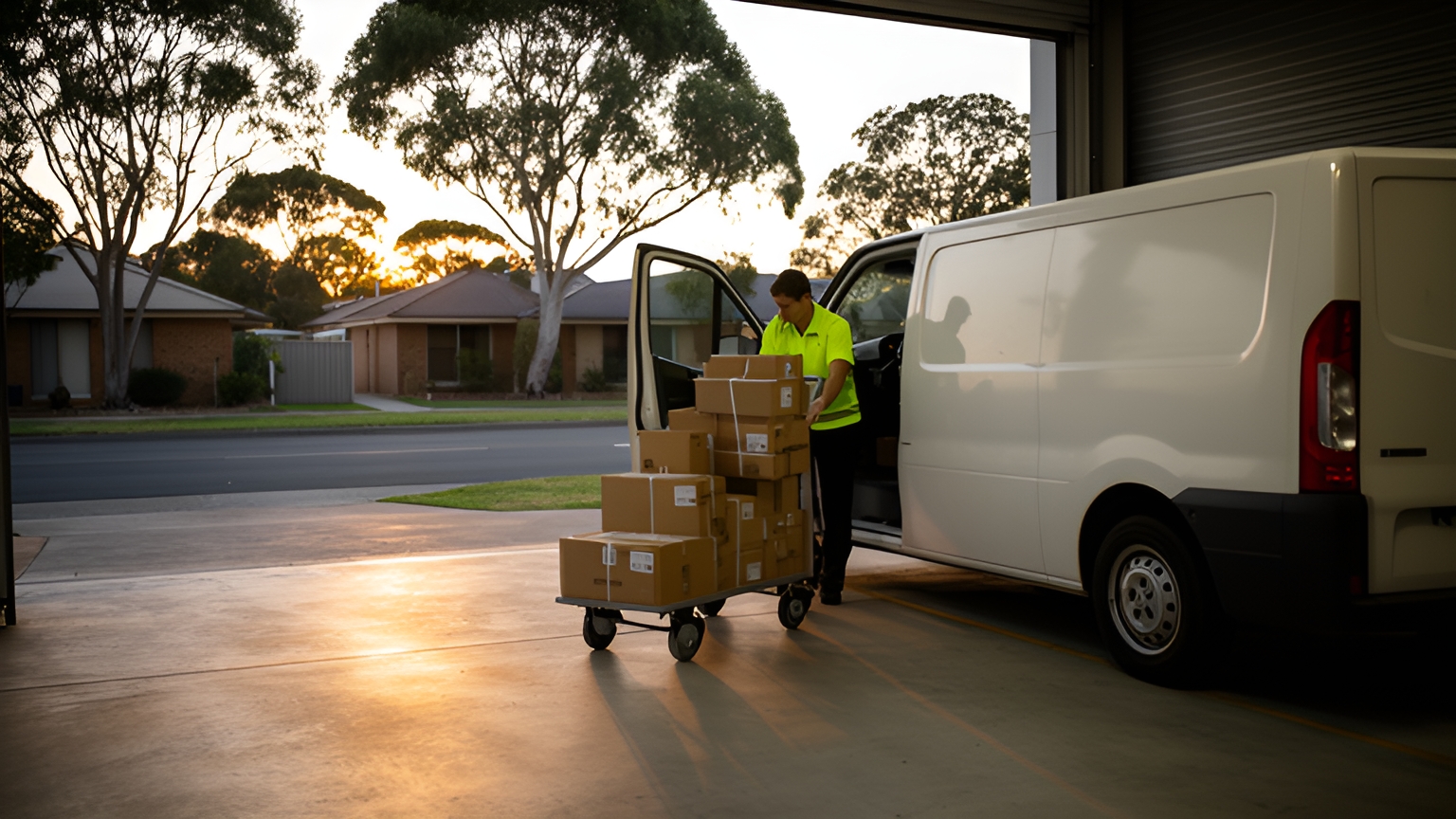
Courier dispatch software assigns each job to the right driver, sequences the stops, shares live ETAs with customers and captures proof of delivery on the driver's phone. For Australian operators, it also needs to re-plan runs quickly when roads close, handle long regional legs and slot same-day jobs into scheduled routes.
A weekday in a busy metro depot can start with city drops booked into tight windows, a van loading for a long country leg and new same-day orders arriving before the first driver has pulled out.
Each of those jobs needs a driver, a place in a run, an ETA the customer can rely on and a clear record once it is done. Good dispatch software brings all of that onto one screen.
How courier dispatch software assigns jobs across employee drivers and contractors
Good allocation starts with knowing your drivers as well as your jobs.
Courier dispatch software can only assign work sensibly once each driver has a profile. That profile records the vehicle they drive, what it can carry, the zones they cover and when they are available.
A refrigerated job should only be offered to a refrigerated vehicle. A pallet should never land on a hatchback run.
If your fleet combines employee drivers with contractors, keep everyone on the same dispatch board. One board gives you one view of capacity, and every job has exactly one owner.
There are two ways to hand out work, and a practical setup uses both.
Auto-allocation lets the software match jobs to drivers by zone, vehicle and availability, then build the run. It suits repeat work in familiar areas.
Manual assignment keeps a dispatcher in charge of the exceptions: a fragile item, a customer who prefers a regular driver, or a site with tricky access.
For contractors, a job offer that the driver accepts in the app works well. The job stays visible until someone takes it, and the acceptance becomes a timestamped record of who took what.
Locate2u's dispatch planning tools build optimised routes from delivery locations, time windows and driver availability, and the routing can account for vehicle types. Drivers work through their run in the Locate2u driver app, where they also photograph each delivery and capture a signature.
Before you commit to a platform, time how long a new contractor takes to install the app, log in and complete a test job. A quick start helps every driver feel confident from their first run.
How to slot same-day jobs into the day's scheduled runs
Online orders arrive with a delivery promise already made at checkout. The Australian Bureau of Statistics Retail Trade Australia release reported that, in original terms, the proportion of online sales to total retailing rose from 11.9% to 12.7%.
As that share grows, more of each day's work arrives with expectations attached. It pays to decide in advance how a same-day job enters your runs.
Same-day prescription delivery shows what flexible routing makes possible. SuperPharmacy's case study reports that its delivery team was spending up to one hour every day manually planning routes for prescription deliveries. If an urgent prescription came in, the entire route had to be regenerated from scratch.
With Locate2u's route optimisation, that daily planning now takes just 10 minutes. For this one Australian online pharmacy, that was an 83% cut in route planning time, with routes generated automatically from delivery locations, time windows and driver availability.
The flexibility matters just as much. New prescriptions can be slotted into existing routes on the fly without disrupting other deliveries, and that let SuperPharmacy offer same-day prescription delivery as a core service.
In SuperPharmacy's words: "Before Locate2u, we had to generate new routes if we wanted to change anything. Now we can adjust the day's deliveries on the fly."
To try the same idea on your own work, load yesterday's jobs, add a few late orders and time how long the re-plan takes.
Then set up the process around it.
Start with a cut-off. Pick a time for each zone after which new orders roll to the next day, and show it at checkout so the promise matches the plan.
Leave a little room in the runs that cover your busiest same-day areas. A run packed to the last minute has nowhere to put a late job.
When a job lands, let the optimiser test it against every live run. It should place the job where it adds the least extra driving without pushing another customer outside their window.
When no run can take the job, send it elsewhere. An on-demand courier marketplace such as our sister brand Zoom2u can pick up the overflow, so your own drivers stay on the windows customers already chose.
How to plan city drops around delivery windows, loading zones and peak traffic
City runs are planned around time as much as distance. According to the Bureau of Infrastructure and Transport Research Economics, Melbourne had the most metropolitan road freight, estimated at 18.2 billion tonne kilometres in 2024–25.
That freight shares arterials, intersections and kerbs with your vans. A run sequenced on distance alone can reach the CBD just as the roads are busiest.
Kerbside space is part of the same puzzle. On loading space, Transport for NSW says: "A challenge however is that space is contestable between different freight and servicing operators and also other uses that placemakers may desire."
No dispatch system can tell you whether a particular loading zone is free right now. What it can do is hold everything your team knows about each address, so the run is planned around it.
| Detail stored against the address | How it helps the run |
|---|---|
| Delivery window | Keeps the stop in the time the customer can receive it |
| Dock hours or loading zone location | Places the drop when the vehicle can unload close by |
| Expected time on site | Gives a lift-and-reception delivery the time it needs, so later stops stay on schedule |
| Access instructions | Tells the driver where to go before they arrive |
With those details stored, the optimiser can sequence the run to suit them. Put inner-city drops with narrow windows or limited kerb access in the quieter parts of the day, and use the busier stretches for suburban stops with flexible windows.
Encourage drivers to add notes as they learn a site. Their local knowledge then helps every driver who visits next.
How to dispatch regional runs and work across state time zones
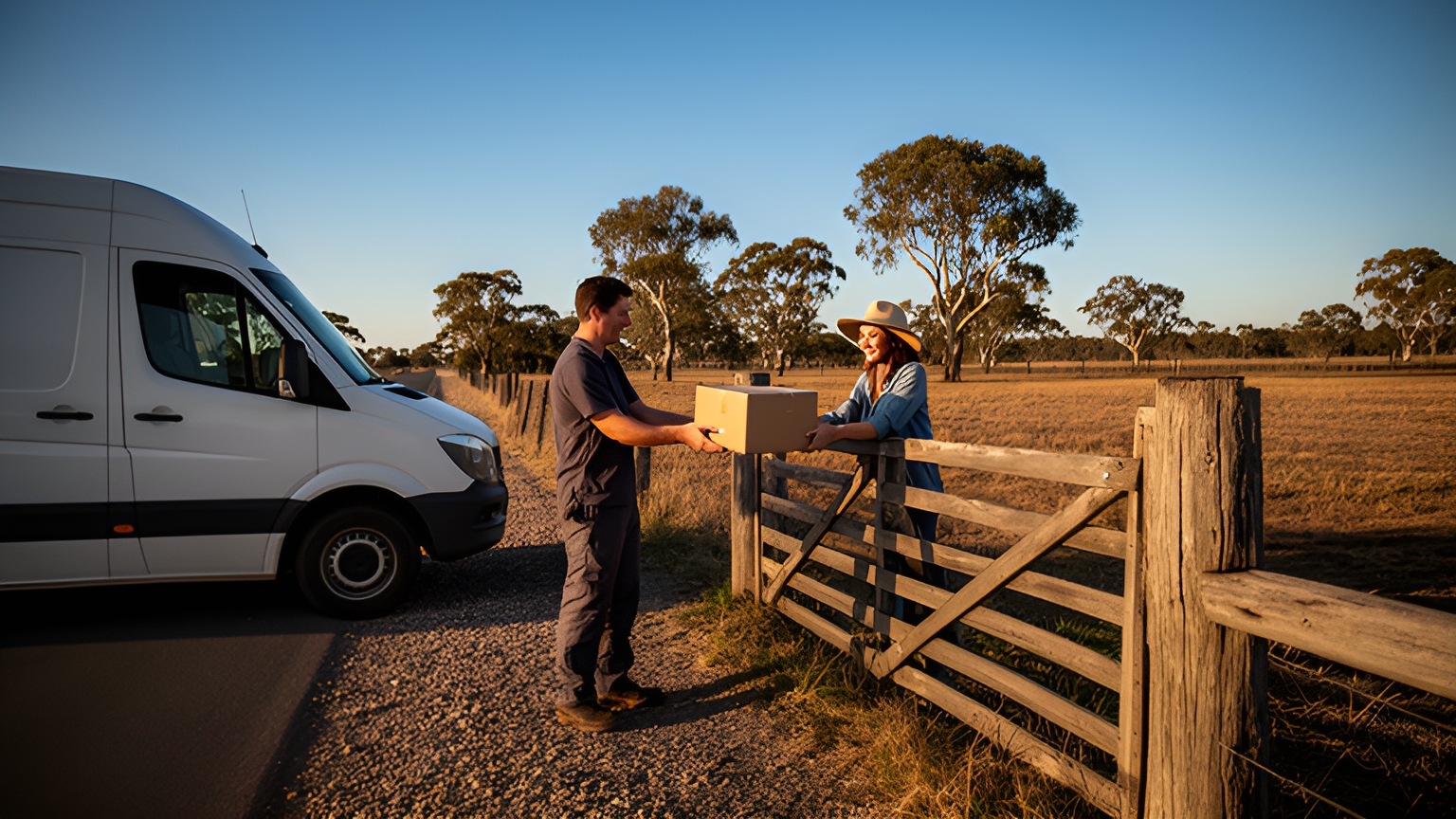
Regional work runs on a different scale. The Australian Bureau of Statistics Survey of Motor Vehicle Use found that light commercial vehicles, including utilities and goods carrying vans, travelled a total of 52,229 million kilometres in the most recent edition of the survey.
Distance on that scale is why regional runs deserve their own planning rules, rather than a metro template stretched further.
Group regional towns into zones with set run days, so customers know when a van comes through and each trip leaves well loaded. Build fuel or charging stops and rest breaks into the run itself, so the ETA a customer sees already allows for them.
Time zones need the same care. When the depot, the driver and the customer sit in different states, their clocks can differ, and daylight saving does not apply in every state. Store each delivery window in the recipient's local time, and show ETAs the same way.
If any of your vehicles are heavy vehicles, check the current requirements for long-distance work with the National Heavy Vehicle Regulator.
How to re-plan a run and update customer ETAs when roads close
Australian roads close for floods, bushfires, crashes and roadworks, sometimes at short notice. Floods can be the hardest to time, because water from rain that fell far upriver can reach a road some time after the rain has stopped.
The faster a dispatcher can re-plan, the less a closure affects the rest of the day. A good platform turns it into a short routine.
First, mark the closed road or area. The software should then flag every job whose route depends on it.
Next, re-optimise the remaining stops for each affected driver. Where one van now faces a long detour, moving a few of its jobs to a nearby driver can keep both runs on time.
Then update customers before they need to ask. A revised ETA sent early lets a business customer arrange receiving staff and lets a household plan to be home.
Locate2u's real-time tracking gives the dispatch team a live view of every vehicle, so a delay shows as it happens and a later job can go to another driver. Customers receive live tracking links and automated notifications, so the updated ETA reaches them without a phone call.
On storm-season mornings, check Bureau of Meteorology warnings for your regions before drivers leave, and plan the most exposed legs with an alternative route already in mind.
How proof of delivery gives every job a clear, searchable record
Proof of delivery turns every completed job into a record anyone on your team can look up quickly.
With Locate2u's proof of delivery, drivers capture photos, signatures, timestamps and location data on their phone at the drop. Customers get confidence that their goods arrived as booked, and the office has a ready answer to any delivery question.
Capture is half the value. Finding the record again weeks later is the other half.
When you assess a platform, check that you can search completed jobs by customer, date, suburb, driver and job status. Check, too, that completed, cancelled and reassigned jobs stay clearly separate, and that any change to a delivery's details leaves an audit trail.
Exports matter to the finance side of the business. Job and driver records that export cleanly make customer invoicing and contractor payments simpler.
If your business has reporting obligations for payments to contractors, check the current requirements with the Australian Taxation Office.
Some jobs need an extra step at the door, such as an ID check, and returns need a record of what came back. Ask whether the driver app can prompt for a specific step on a specific job type, so drivers see it at the right moment.
How to roster weekend and public-holiday dispatch with labour costs in view
Weekend and public-holiday runs can carry higher labour rates, so careful planning on those days goes further.
The Fair Work Ombudsman pay guide for the Road Transport and Distribution Award lists this ordinary hourly rate for a Transport worker grade 1, where the award covers the worker:
| When the hour is worked | Transport worker grade 1, hourly rate where the award applies |
|---|---|
| Ordinary hours | A$26.87 |
| Saturday | A$40.31 |
| Sunday | A$53.74 |
| Public holiday | A$67.18 |
Treat these figures as cost context for planning. For your own team's pay and award coverage, check the current requirements with the Fair Work Ombudsman.
Because a Sunday or holiday hour can cost more, every hour an optimiser removes from a weekend run is worth more than the same hour midweek.
Gather weekend demand into fewer, fuller runs. Offering weekend customers wider windows gives the optimiser more room to sequence stops tightly.
Build the roster from availability. Ask drivers which weekends suit them, then fill runs from the people who opted in.
Check public holidays state by state. A holiday in one state can be an ordinary trading day across the border, which changes both demand and labour cost on interstate runs.
For a one-off weekend peak, an on-demand courier can carry the extra jobs while your rostered drivers keep their planned runs.
How to test a dispatch platform on your own jobs before you commit
A demo shows what courier dispatch software can do. A test on your own jobs shows how it handles your day.
Export a recent week of real jobs, run them through the platform, then work through these checks:
- Same-day insertion: add late orders and time how long the re-plan takes.
- A road closure: block a road on a live run and watch which jobs move and how customers hear about it.
- A regional leg with no signal: capture proof of delivery offline and confirm it syncs when coverage returns.
- A cross-border job: check that windows and ETAs show in the recipient's local time.
- Your order flow: pull orders straight from your store or order system instead of re-keying them.
- A failed job: see what triggers an exception, who is alerted and how quickly the job can be re-dispatched.
Agree on your measures before the test starts: on-time rate, first-attempt success and the share of jobs with proof of delivery captured. Track them on your own data, against how your current process performs.
Involve drivers early. Ask a few to run the test jobs and share what felt quick and what felt slow. Their feedback shapes a workflow they will enjoy using.
To set up a trial run on your own jobs, book a call with the Locate2u team and bring a real day's data.
Frequently asked questions
Will a dispatch app keep working when mobile coverage drops out on a regional run?
Ask any vendor to show you, on a test job, what the driver app does with no signal, including whether photos, signatures and timestamps are stored on the phone and sync once coverage returns. Run that test on a real regional leg before you sign.
Should you send overflow jobs to an on-demand courier or stretch your own fleet?
When a same-day spike would push your own drivers past their delivery windows, an on-demand courier marketplace such as our sister brand Zoom2u can take the extra jobs. Keep your own fleet on the scheduled runs your customers know.
Can orders from your online store flow straight into dispatch?
Yes, if the platform connects to your store or order system, which removes the step of re-keying addresses each morning. Check the Locate2u integrations page for the systems it connects to, and ask for a walkthrough using your own order data.
How do you help drivers get comfortable with a new dispatch app?
Introduce it on a quieter day, walk each driver through accepting a job and capturing proof of delivery, and ask for their feedback after the first runs. Drivers who help shape the workflow tend to pick it up quickly.
Start with the part of your day that needs the most re-planning, whether that is same-day orders, city windows or long regional legs, and test it on real jobs first. When you are ready to build runs around your own drivers and customers, see how Locate2u's dispatch planning fits your fleet.