How to Choose Last-Mile Delivery Software in Australia
Drafted with AI assistance, edited and fact-checked by Sean Flannery. See our editorial policy.
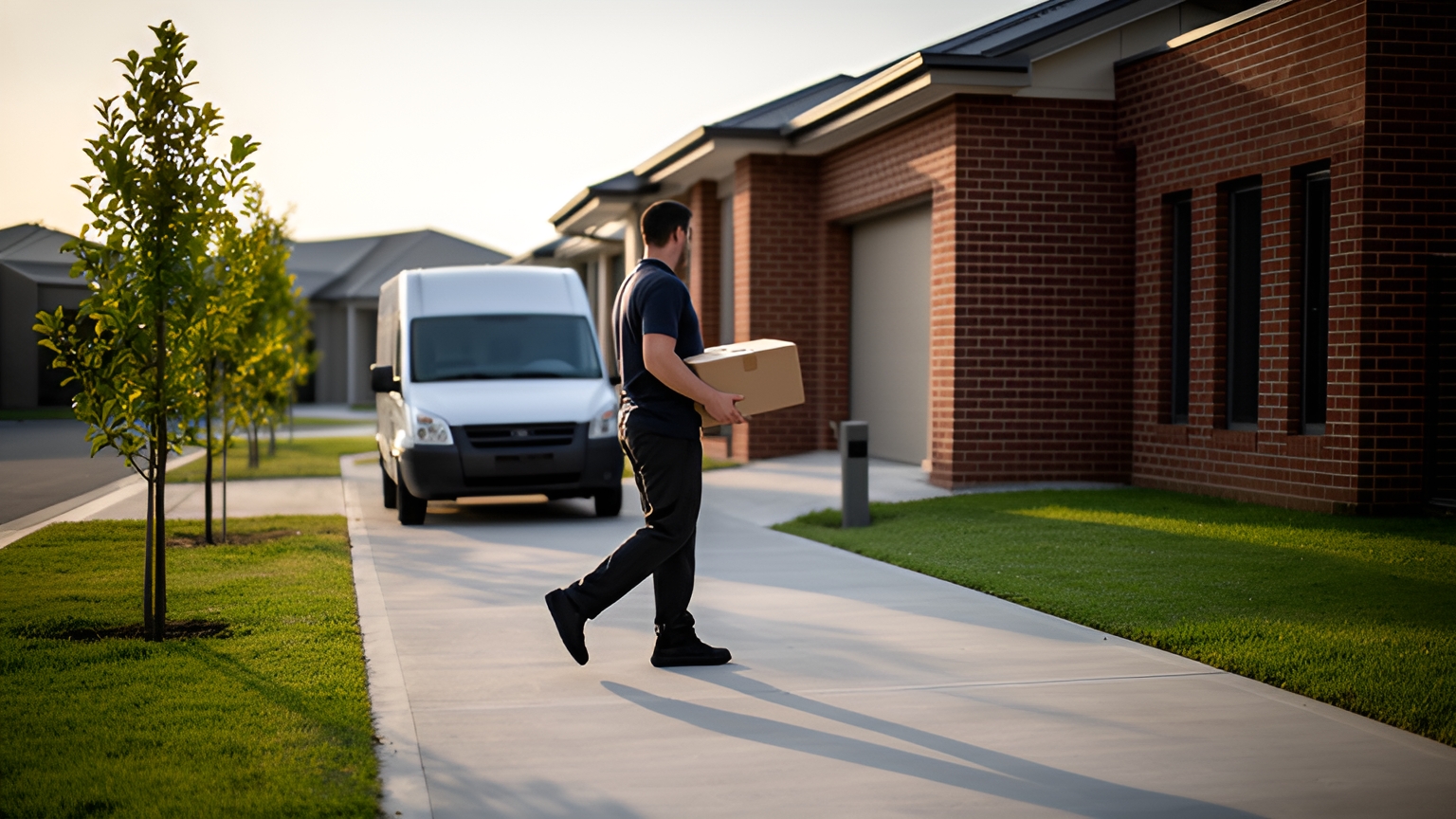
Last-mile delivery software plans and dispatches routes, gives drivers a mobile app, shares live ETAs with customers and captures proof of delivery. For Australian teams, the strongest choice re-sequences routes when new outer-suburb addresses or same-day orders arrive, suits mixed van and ute fleets, and connects to the systems that already hold your orders.
How online shopping growth in Australia shapes your last-mile delivery software choice
Online shopping keeps sending more Australian orders to the doorstep. According to the Australian Bureau of Statistics Retail Trade Australia release, online sales made up 12.7% of all Australian retail turnover in June 2025 in original terms, up from 11.6% in June 2024.
The same release puts total online retailing sales at A$4,703.8m in June 2025 in seasonally adjusted terms.
For a delivery team, that growth becomes a planning question. How quickly can a day's online orders turn into routes a driver can start on?
Two checks answer it. First, see how orders reach the platform: straight from your online store or order system, or by file import. Second, ask the vendor to plan a real day at your busiest order count and time it. Then add a margin of extra stops for growth and time it again. Planning that stays quick at the higher count leaves you headroom for the year ahead.
How route planning keeps pace with new outer-suburb and regional addresses
New delivery addresses are appearing fastest on the edges of the capitals. Australia's capital cities grew by 1.8 per cent last financial year, adding 324,700 people, and the ABS says the largest growth areas were mostly in outer-suburban parts of the capital cities, in its media release Capital city growth slows.
For route planning, that means new estates joining runs first drawn up around established suburbs. Each new street changes the best order of stops, not just the length of the run.
When you assess a platform, look for:
- Accurate new addresses: a way to place a pin when a street is too new for the map.
- Full re-sequencing: new stops slotted into the best position, not tacked on at the end.
- Mixed run lengths: dense metro drops and long regional legs planned with the same care for delivery windows.
- Quick changes: same-day orders added to a live route without rebuilding the whole day.
Locate2u's route optimisation builds multi-stop routes around delivery windows and the drivers on shift, and planners can change the plan as the day unfolds.
Working out the fuel value of shorter routes for vans and utes
Vans and utes carry much of this work. BITRE's Road Vehicles Australia, January 2025 reports that light commercial vehicles are the second-largest vehicle type on register, with 4.2 million vehicles, or 18.9% of the fleet, on 31 January 2025, up 3.1% over the end of January 2024.
Because a van and a ute carry very different loads, set up each vehicle in the planner with its own capacity before you compare routes. The kilometres a demo reports are only meaningful when they come from the vehicles you actually run.
Fuel is a daily cost for each of them, which makes kilometres a useful measure when you compare platforms. The ACCC's Australian Petroleum Market Report, December 2025 reports that across the 5 largest cities, quarterly average retail diesel prices were 185.9 cents per litre (cpl), an increase of 4.1 cpl from the previous quarter.
The method: kilometres saved per day × litres per 100 km ÷ 100 = litres saved per van per day, then multiply by the diesel price your fleet pays.
Worked example, on these assumed inputs: a route that covers 8 km less per day, a van using 12.5 litres per 100 km, the ACCC's 185.9 cpl, 240 working days a year and a fleet of 10 vans.
| Step | Calculation | Worked example result |
|---|---|---|
| Litres saved per day | 8 km × 12.5 litres ÷ 100 | 1 litre |
| Fuel value per day | 1 litre at 185.9 cpl | 185.9 cents per van |
| Litres saved per year | 1 litre × 240 days | 240 litres per van per year |
| Fuel value per year | 240 litres at 185.9 cpl | Worked example: A$446.16 per van per year |
| Fleet of 10 vans | Worked example per-van value × 10 vans | Worked example: A$4,461.60 per year |
In this worked example, on the assumed inputs above, the shorter route is worth A$446.16 of diesel per van per year, or A$4,461.60 across the assumed 10-van fleet, before you value the driver time it hands back. The ACCC figure is a five-city average, so swap in the price your fleet actually pays and your own kilometres for a business case.
In a demo, ask the platform to plan one of your real days and report total kilometres, then compare it with your current plan. For more ideas on running costs, see these practical ways to reduce last-mile delivery costs.
How an Australian online pharmacy made room for same-day prescription delivery
Australian online pharmacy SuperPharmacy has been operating online since 2000 and delivers prescription medications, over-the-counter products and health essentials to customers nationwide.
As customers increasingly expected same-day delivery for their prescriptions, the team wanted planning that could keep pace. Its case study reports that the delivery team was spending up to one hour every day planning prescription routes by hand, and a change such as a new urgent prescription meant generating the route again from scratch.
SuperPharmacy brought in Locate2u's route optimisation to automate daily planning. Routes are now generated automatically from delivery locations, time windows and driver availability. Work that took up to an hour now takes just 10 minutes, cutting route planning time by 83%.
The day also became more flexible. New prescriptions can be slotted into existing routes on the fly without disrupting other deliveries, and that let SuperPharmacy offer same-day prescription delivery as a core service.
As SuperPharmacy puts it: "Before Locate2u, we had to generate new routes if we wanted to change anything. Now we can adjust the day's deliveries on the fly."
To see how a platform handles the same kind of day on your own work, give it a normal morning plan, add an urgent order mid-run, and check that the new stop fits in while every other customer keeps their window.
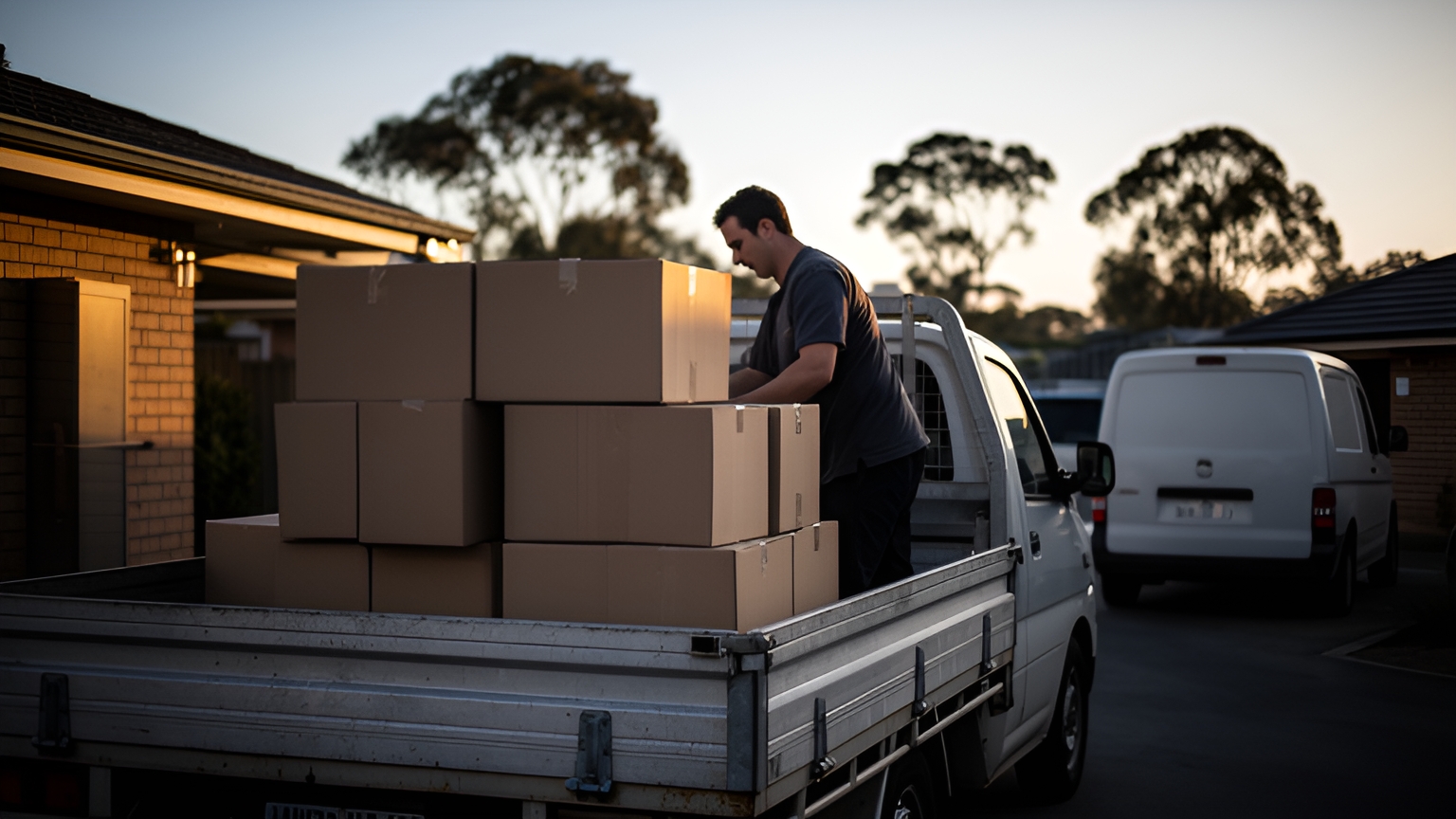
How live ETAs, delivery windows and photo proof keep customers informed
A customer waiting in for a delivery wants to know one thing: when it will arrive. Software that answers early keeps the doorstep ready and the phone line clear for other work.
Delivery windows set the expectation. Check that customers can choose a window when they order, and that the route planner treats that window as a firm constraint rather than a preference.
Live updates come next. A message as the driver heads out, followed by a tracking link with a live ETA, lets someone plan their afternoon around the arrival.
On a hot summer day, that timing matters for anyone expecting chilled groceries or medicines that should go straight into the fridge.
Photo proof completes the record. Where a customer has given authority to leave, a photo shows exactly where the delivery was placed. For signed deliveries, the signature and timestamp sit with the stop.
Locate2u's proof of delivery captures photos, signatures and timestamps for each delivery, so your team and your customer share the same clear record of every stop.
Ask about exceptions as well. When a drop can't be completed, the driver should be able to pick a reason with a quick tap, so the next attempt can be planned around it.
In a demo, follow one test order on your own phone from window confirmation to delivered photo, and check the wording reads well for your customers.
How driver app features support a well-planned day in Australian heat
Summer heat shapes the Australian delivery day. It affects the people doing the work, the vehicles, and plenty of the goods in the back, from chilled food to medicines.
A well-planned run gives drivers a day that suits the conditions, and the driver app is where that plan lives. The Locate2u driver app puts each driver's route and stops on their phone and captures proof of delivery at the door.
The whole run, ready before departure. Stop order, delivery notes, gate codes and where-to-leave instructions should load before the vehicle leaves the depot, so the driver can focus on the road.
Heat-aware sequencing. Plan early starts, put heat-sensitive stops first, and keep heavier hand-unload drops for the cooler morning where windows allow.
Breaks in the plan. Treat rest as part of the route, not something squeezed in between stops. In the demo, ask whether a break can be entered as a timed stop with its own length and a window, such as late morning before the hottest hours. Then check that the planner fits every delivery window around it and that the break appears in the driver's stop list.
Coverage on the urban fringe and on regional runs can be patchy. Ask whether photos and signatures save on the phone and upload once signal returns.
Onboarding counts too. Ask how a new or casual driver learns the app, and have one of your own drivers try it during the demo. Their feedback is the clearest guide to how the app will feel across a full shift.
How to check a platform fits your existing systems and mixed fleet
New software works best when it fits around the systems that already hold your orders. Copying orders from one screen into another adds planning time every single day.
Start with your order source. Check whether your online store, order management or accounting system appears on Locate2u's integrations page, and ask how orders flow in: automatically as they are placed, on a schedule, or by file import.
Then check the return path. Delivery status, ETAs and proof of delivery should flow back to wherever your customer service team looks first.
A mixed fleet needs its own checks. Vans, utes and small trucks carry different loads, so the platform should hold a capacity for each vehicle and assign bulky orders to the vehicles that can carry them.
Drivers may also join from different arrangements, such as your own team and contract drivers. Ask how each driver is set up in the app and what each one can see.
For days when volume runs past your own fleet, Locate2u's sister brand Zoom2u, an on-demand courier and delivery marketplace in Australia, can add same-day delivery capacity.
Finally, ask about data export. On-time results, exceptions and proof-of-delivery records should leave the platform in a format your team already works with, such as a spreadsheet.
A demo scorecard you can run on your own routes
A demo on sample data shows how software looks. A demo on your own orders shows how it works for you.
Bring a real day of orders and run each test below. Rate every row as strong, partial or missing, and give more weight to the rows that matter most for your work.
| What to check | Test to run in the demo | What a strong result looks like |
|---|---|---|
| Order intake | Send a day of real orders from your store or order system | Orders arrive ready to plan, with no re-keying |
| Live changes | Add an urgent order to a route already under way | The stop lands in a sensible position and other stops keep their windows |
| New addresses | Add an address in a new estate, such as one in Ripley or Alkimos | The address places correctly, or a pin can be dropped quickly |
| Vehicle mix | Plan the same day across your vans, utes and any trucks | Bulky orders go to vehicles that can carry them |
| Customer updates | Follow one order from window confirmation to delivered, on a phone | Clear messages at each stage and a live tracking link |
| Driver app | Have one of your drivers complete a test stop with a photo and a signature | The driver finishes comfortably without needing help |
| Reporting | Export on-time results, exceptions and proof-of-delivery completion | A file your team can open and use straight away |
| Data access | Ask how permissions, record retention and record removal work | Clear answers you can write into the scorecard |
Keep the completed scorecard. It gives your team a shared record of why one platform suited your routes better than another.
To map your current routes against these checks, and to talk through what Locate2u would involve for your fleet, book a call with the Locate2u team.
Frequently asked questions
Can the same software handle pickups and returns alongside deliveries?
Ask to see a route that mixes drops, collections and returns in one run, with each stop type captured differently in the driver app. If returns need a separate route or a manual workaround, factor that extra planning into your decision.
What delivery data should you review each month once the software is live?
Export on-time performance against promised windows, exceptions by reason, and proof-of-delivery completion for each run. Reviewing these together shows which suburbs, time slots or stop types need a planning change, so make sure the platform exports them in a format your team can use.
How should you check that customer addresses and delivery photos are kept secure?
Ask who in your team can see customer details, how user permissions are set, and how long photos and signatures are kept. Confirm you can export or remove records when you need to, and write the answers into your scorecard.
How do you roll out delivery software without disrupting a busy week?
Start with one depot or one regular run, connect your order source first, then add customer notifications once drivers are comfortable in the app. A staged rollout lets you compare the new routes with your current plan before moving every run across.
The quickest way to choose well is to test with your own work. Run one real day of orders through the scorecard, add an urgent stop and a new-estate address, and see how Locate2u plans multi-stop routes around your delivery windows and the drivers you have on shift.