Delivery Optimisation Software: A Practical Guide for Australian Delivery Teams
Drafted with AI assistance, edited and fact-checked by Sean Flannery. See our editorial policy.
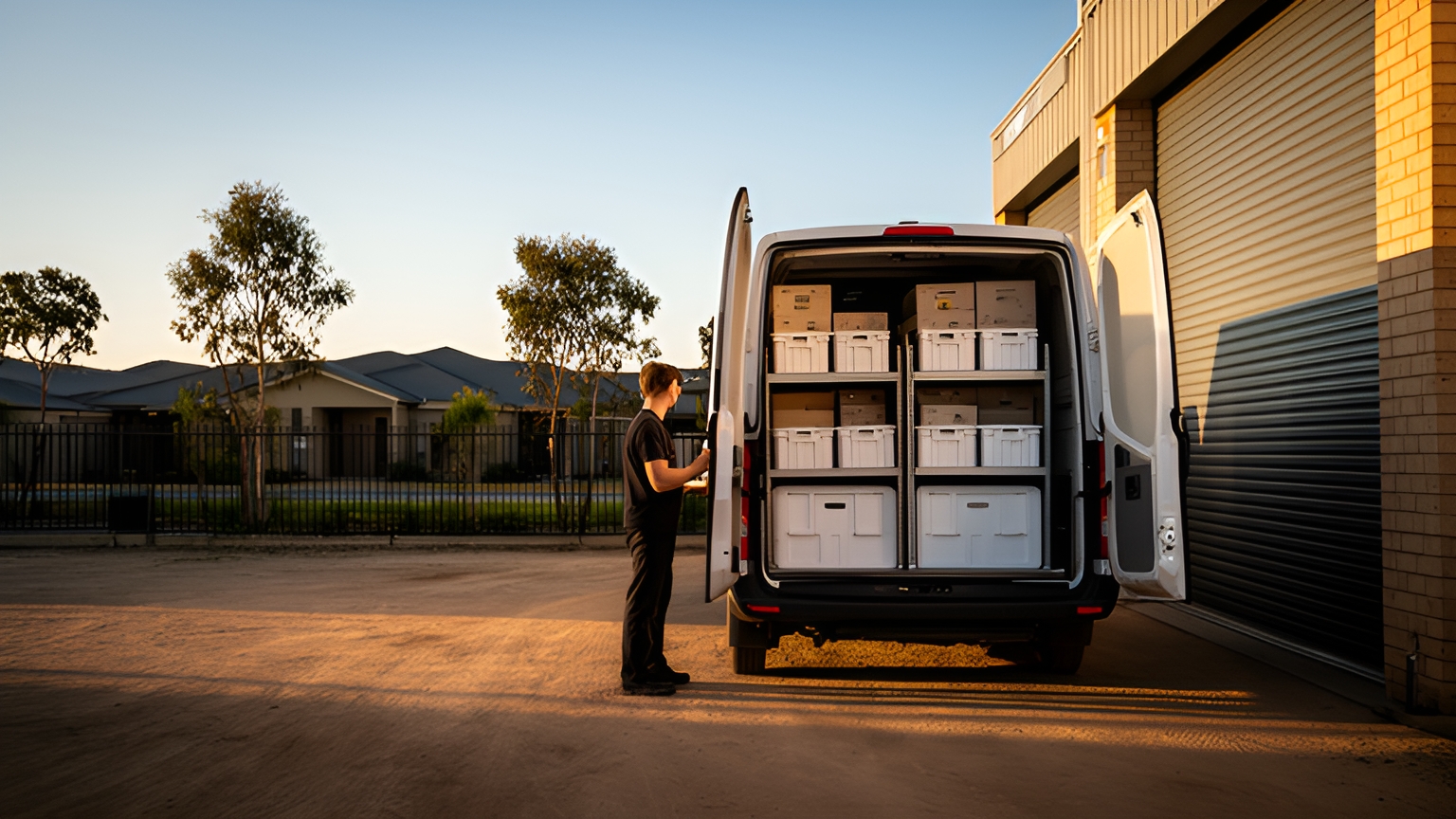
Delivery optimisation software sequences multi-drop routes around time windows, vehicle capacity and driver shifts, then re-plans them when orders change mid-day. In Australia, each hour of drive time has a clear price. The Fair Work Ombudsman pay guide lists a minimum hourly rate of A$26.27 for a full-time or part-time Transport worker grade 2, with A$39.41 on Saturday and A$52.54 on Sunday.
So every minute a plan adds to a run, through backtracking, uneven runs or a stop that suited a closer van, costs money. That cost rises on weekends.
Add growing outer suburbs, CBD loading docks and summer heat, and planning becomes a daily puzzle. The sections below show how to price it, plan it and test it on your own routes.
What delivery optimisation software plans for an Australian delivery team
A basic route planner puts stops in order. Delivery optimisation software decides which van takes which stop, in what sequence and at what time, while respecting the limits of the day.
The inputs that shape a good plan:
- each stop's address, plus access notes such as dock location or entry instructions
- the customer's delivery window
- an estimated service time at each stop
- vehicle capacity, and which vehicle suits which load
- each driver's shift start, finish and break times
- pickups and returns that share a run with deliveries
The output is a stop sequence each driver can follow, arrival times the office can share, and a plan that can change when a new order lands mid-morning.
That last part is often where the time goes. SuperPharmacy's case study reports that its delivery team was spending up to one hour every day manually planning routes for prescription deliveries.
SuperPharmacy has operated as an online pharmacy in Australia since 2000 and delivers to customers nationwide. When an urgent prescription arrived during the day, or a delivery needed rescheduling, the whole route had to be regenerated from scratch.
With Locate2u's route optimisation, routes are generated automatically from delivery locations, time windows and driver availability. Planning that once took an hour now takes just 10 minutes, an 83% cut in route planning time for this online pharmacy's operation.
New prescriptions can be slotted into existing routes during the day without disrupting other deliveries. That flexibility let SuperPharmacy offer same-day prescription delivery as a core service.
SuperPharmacy said: "Before Locate2u, we had to generate new routes if we wanted to change anything. Now we can adjust the day's deliveries on the fly."
To see where your own team sits, time the morning planning session for a week and count how often a mid-day order forces a rebuild.
How saved drive minutes add up at Australian award rates
Saved minutes are easier to judge once they carry a price. The method: minutes saved per shift, divided by 60, multiplied by the hourly rate for that shift.
The Fair Work Ombudsman pay guide, with rates effective 1 July 2025, lists A$26.27 an hour for a full-time or part-time Transport worker grade 2, A$39.41 on Saturday and A$52.54 on Sunday. Check the guide for any newer rates before running your own figures.
These are award minimums, so treat them as a floor. If your team is paid more, use your own rate.
Here is what saved drive time is worth per driver, per shift, at those rates, rounded to the nearest cent:
| Minutes saved per shift | Ordinary rate, A$26.27 an hour | Saturday, A$39.41 an hour | Sunday, A$52.54 an hour |
|---|---|---|---|
| 10 minutes | A$4.38 | A$6.57 | A$8.76 |
| 20 minutes | A$8.76 | A$13.14 | A$17.51 |
| 30 minutes | A$13.14 | A$19.71 | A$26.27 |
Worked example, on assumptions to swap for your own: four drivers on ordinary-rate runs each save 15 minutes a shift, five days a week.
That is 300 minutes, or 5 hours, a week, priced at the A$26.27 award minimum.
Now add a Saturday run where the same four drivers each save 15 minutes. That is one more hour, priced at A$39.41.
Two things follow. Weekend runs repay optimisation fastest, because each saved minute is worth more, so start testing there.
And the wage line is only part of the gain. Fewer kilometres also means less fuel and vehicle wear, on top of these figures.
Your saved minutes stay an estimate until tested. Run one real day's orders through the software and compare its planned drive time with what that day actually took.
Building balanced runs for fast-growing outer suburbs
Australia's capital cities grew by 1.8 per cent in 2024-25, adding 324,700 people, according to the Australian Bureau of Statistics.
The same ABS release says: "The largest growth areas were mostly in outer-suburban parts of the capital cities".
If your customers follow that growth, more of your stops sit at the edge of the city, in newer estates where addresses are spread further apart.
That changes how runs should be split. Dividing work by suburb or postcode can leave one van with a tight inner cluster that finishes early, while another covers fringe estates and finishes late.
Look for software that balances runs by shift time rather than stop count, mixing inner and outer stops across vans where that shortens the day. Even runs mean predictable finishing times and drivers who know when their day ends.
To test it, compare planned finish times across every van on a busy day. They should land close together, with fringe runs no longer than the rest.
Then check stops per run alongside kilometres per run. A fringe run with fewer stops is fine if its drive time sits in line with the others.
For a wider look at choosing a planner, this guide to delivery route planning software is a useful next read.
Sequencing stops around loading docks, kerbside access and off-peak windows
In a dense CBD or a busy shopping strip, the shortest route is not always the shortest day. The drive between addresses is easy to measure. The minutes after the van arrives are easy to overlook.
Those minutes include finding a kerbside loading zone, reaching the dock or entry, signing in and taking the lift. A good plan counts them as service time at the stop, so arrival times further down the run stay realistic.
Record access notes on each customer: where the dock is, which entry to use, building access hours and any lift booking. Drivers then see the note on the stop instead of working it out on arrival.
Group stops by building and precinct. Several deliveries in one tower can share one park, one walk and one sign-in when their windows allow it.
Use time windows for docks with set hours, so the sequence lands each van there while the dock is open.
Off-peak delivery is worth planning where customers can receive it. In its response to Victoria's draft strategy, the Australian Logistics Council welcomed references to freight precincts and off-peak delivery.
If an early-morning or evening window opens up for one of your customers, set it up as its own run, with its own shift times and service times, rather than tacking it onto the day plan.
Then review planned against actual service time each week. Stops that keep running long are the ones that need a better access note.
How mid-shift re-planning makes same-day orders easier to fit
Same-day work is where a fixed morning plan has to bend. In its June 2025 Retail Trade release, the last before that series stopped, the Australian Bureau of Statistics reported that, in original terms, the proportion of online sales to total retailing rose from 11.9% to 12.7%.
If more of your orders come through online checkouts, more of them can land after the vans have left. The decision is how to fit them in.
Mid-shift re-planning handles it stop by stop. The software finds the run with the time and space for the new stop, inserts it and re-sequences what remains. Customers further down that run get an updated arrival time, and the driver sees the new stop in their app.
With Locate2u, dispatchers can adjust the day's routes as new orders arrive. Customers receive a live link through Locate2u's real-time tracking, so they can check when their delivery will arrive without making a phone call.
A few settings make same-day work smoother. Set a daily cut-off for same-day orders that matches when your last runs leave.
Leave some slack in afternoon runs, so an insert does not push other stops outside their windows.
And decide in advance what happens when the fleet is full, so extra stops go to overflow capacity rather than lengthening a driver's shift.
Planning shifts and delivery windows around heat, storms and fire weather
Australian weather shapes the delivery day. Optimisation helps here because a new shift time or delivery window becomes a quick re-plan rather than a rebuild.
Heat. On hot days, bring shift starts forward and put heavy unloads and chilled or perishable stops early in the run, while it is cooler. Build rest breaks into each driver's shift so they sit inside the plan.
Storms and heavy rain. When a road is cut, re-optimise the remaining stops around it and send customers their updated arrival time. In the northern wet season, wider windows give the plan room to move.
Fire weather. Regional and fringe runs can change at short notice. Check that the software can re-plan a single run without disturbing the rest of the day.
The faster a changed plan reaches drivers and customers, the calmer the day runs for everyone.
Preparing addresses, drivers and data for a smooth rollout
A smooth rollout of delivery optimisation software starts with the data going in. The plan can only be as accurate as the addresses, windows and service times behind it.
- Clean the addresses. Include unit and lot numbers, and spot-check addresses in new estates so each pin lands on the right street.
- Add access notes and time windows to each customer: dock location, entry instructions, building hours and the window they can receive.
- Set service times by stop type. A house, an apartment block and a shop with a loading dock each take a different amount of time.
- Load vehicles and shifts: each vehicle's capacity, the loads it suits, and each driver's start, finish and break times.
- Run one real day in parallel. Plan it in the software, deliver it as usual, and compare planned arrival times and kilometres with what happened.
- Bring drivers in early. They know the sites and the tricky entries, and their notes make every later plan sharper.
Drivers adopt a new tool fastest when it makes their day easier. Locate2u's driver app is where drivers capture proof of delivery, with photos, signatures and timestamps, so every completed stop leaves a clear record for the office and the customer.
Give the first optimised week some room. Treat it as a calibration week: adjust service times, add access notes and tidy addresses as the actuals come in.
A demo checklist to test on your own routes
A demo is most useful when it runs on your orders, not sample data. Bring one busy day's real orders and work through these checks:
| What to check | How to test it with your own data |
|---|---|
| Time windows and service times | Load real windows and service times, then confirm each planned arrival lands inside its window. |
| Balanced runs | Compare planned finish times across every van, including outer-suburb runs. |
| Access notes | Add dock and entry notes to a few CBD sites and confirm the driver sees them on the stop. |
| Mid-shift insert | Add a same-day order mid-morning and watch how the remaining stops and arrival times change. |
| Weekend value | Price the drive time saved on a Saturday or Sunday run with the award minimum rates or your own rates. |
| Driver app | Have one driver run a test route and capture proof of delivery with a photo, signature and timestamp. |
| Planned versus actual | Confirm you can compare planned and actual arrival times and kilometres for each run. |
Score each check on the day you test it, while the run is fresh. To work through the list against your own routes, book a call with the Locate2u team.
Frequently asked questions
What data do you need to load before the first optimised run?
Clean delivery addresses with any access notes, each customer's time window, an estimated service time per stop, vehicle capacities, and each driver's shift start, finish and break times. Loading one real day's orders with these fields gives a fair first test.
How do you handle a day when your own fleet is fully booked?
Plan your own vans first, then move the overflow stops to extra capacity. Zoom2u, Locate2u's sister brand, is an Australian on-demand courier and delivery marketplace that can take same-day or overflow jobs your fleet cannot fit.
How can you tell whether optimisation is working after rollout?
Track three things each week: time spent planning routes, planned versus actual arrival times per stop, and planned versus actual kilometres per run. Stops where actual service time keeps exceeding the plan are the ones to add access notes to.
Is route optimisation worth it for a fleet of two or three vehicles?
Run the worked example from this guide with your own minutes and drivers. Planning time and mid-day changes take effort at any fleet size, so test the software on a busy day's real orders and compare the result before deciding.
Start with the numbers you already have: this week's planning time, your drivers' rates and one busy day's orders. Price the minutes, test a mid-shift insert and check how evenly the runs finish. Then explore Locate2u's dispatch planning and book a call with the Locate2u team to see those runs planned on your own routes.