How to Choose Vehicle Route Optimisation Software for Australian Fleets
Drafted with AI assistance, edited and fact-checked by Sean Flannery. See our editorial policy.
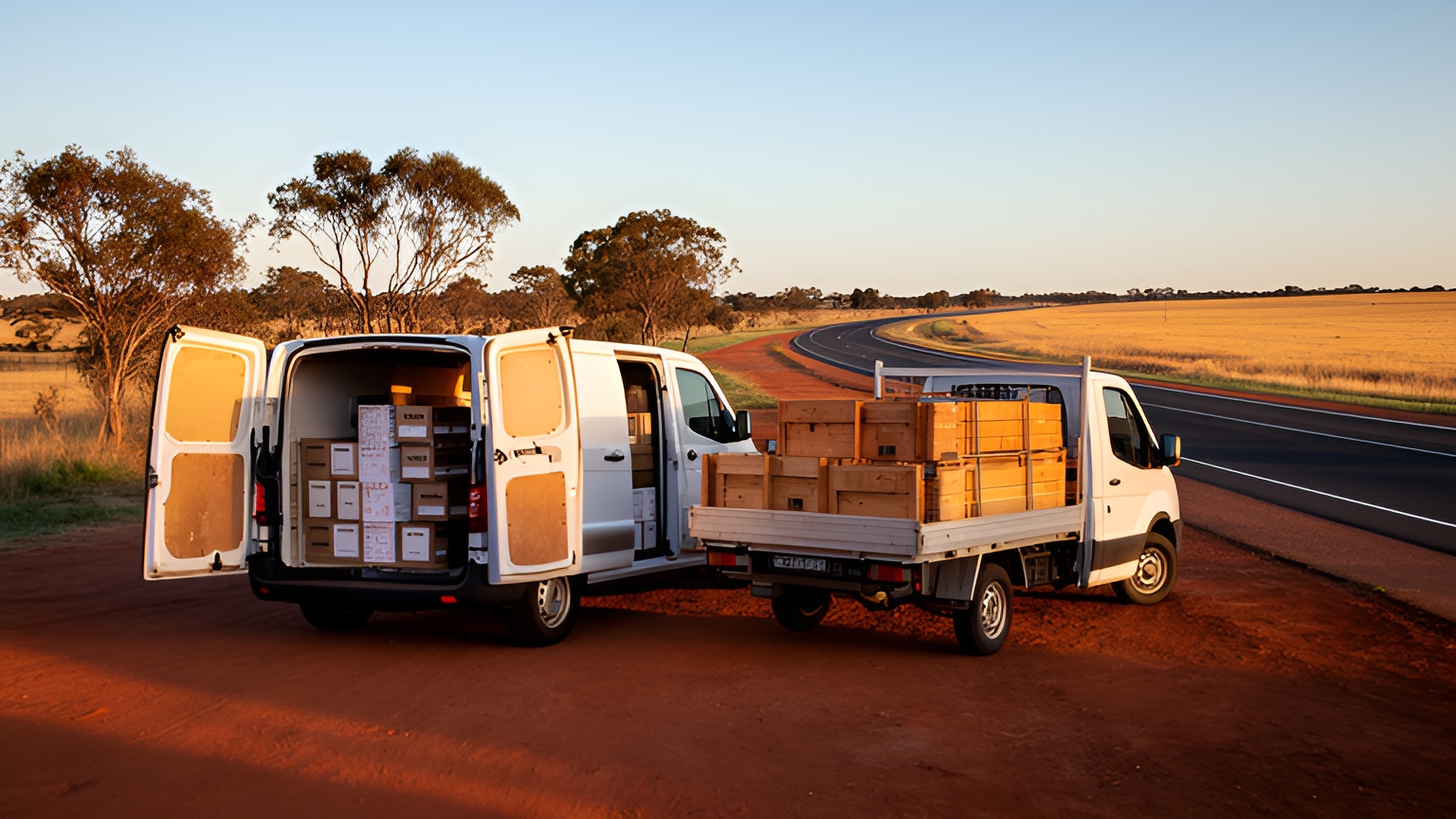
Vehicle route optimisation software sequences each vehicle's stops around time windows, service times, load capacity and vehicle type, then adjusts the plan as the day changes. For Australian fleets, the best test is execution: how well a tool handles long regional legs, rural addresses, patchy mobile coverage and same-day changes when it runs on your own real orders.
A plan that looks tidy on screen before dawn still has to work at a building site on the city fringe, a farm gate well inland and a busy CBD loading dock at lunchtime.
So the useful question is not which tool draws the shortest line on a map. It's which one produces plans your drivers can follow from the first stop to the last.
What vehicle route optimisation software needs to handle on Australian roads
Australian delivery work swings between two very different kinds of run, often from the same depot in the same week.
Metro runs pack many drops into a small area. Regional runs stretch a handful of stops across long highways and back roads.
The national picture shows how much of this work sits on the road. BITRE's 2025 yearbook freight chapter estimates Australia's total domestic freight task reached its highest point in 2024-25 at 786 billion tonne kilometres, with road accounting for approximately 253 billion tonne kilometres.
Growth is the part that matters for a software decision. The federal infrastructure department says domestic freight is projected to increase by 26% between 2020 and 2050. Choose a tool that can take on more stops per vehicle without adding planning hours each time volume rises.
Costs move too. ABS producer price indexes track how road freight transport prices change over time.
If you buy in some freight, that movement shows up on invoices. If you run your own vehicles, it's a good reason to know what each run actually covers and how long it takes.
With those conditions in mind, a shortlist should be tested against:
- Metro density: many close drops, tight windows, and parking or loading-zone time built into service times.
- Regional legs: long drives between stops, clear start and finish depots, and runs that fill a whole shift.
- Rural addresses: property names, lot numbers and access roads that need checking before a driver sets out.
- Coverage gaps: a driver app that keeps working when the signal drops out.
- Same-day changes: new orders, cancellations and delays added without rebuilding every route.
- Wet-season travel in the north: where road closure information comes from, and how quickly it reaches dispatchers and drivers.
Locate2u's route optimisation builds routes around delivery locations, time windows and driver availability, and lets dispatchers slot new jobs into routes already under way. For a wider look at the category, this guide to choosing delivery route planning software covers the planning side in more depth.
How to match routing rules to your vehicles, loads and delivery windows
A plan is only as good as the rules behind it. Before any trial, write down what each vehicle can carry and what each customer needs.
Vans and utes do a large share of this work. BITRE's Road Vehicles Australia report counts 4.2 million light commercial vehicles, 18.9% of the fleet, on 31 January 2025, the second-largest vehicle type on register.
If your fleet mixes vans and utes with rigid trucks, check that the software treats each vehicle type separately, with its own capacity and its own suitable jobs.
Time windows come first. Some customers need a hard window because someone must be on site. Others accept anything before noon. Set them differently so the optimiser knows where it has room to move.
Service time is the setting most often left at a single average. A crane unload at a building site takes far longer than a parcel at a front door. Set service time per customer or per job type wherever you can.
Capacity should use the unit that fills your vehicles first: weight, volume, pallets or crates.
Vehicle type covers everything a load needs. Refrigerated goods on a long, hot regional run need the refrigerated vehicle. Heavy building materials need the truck that can unload them.
Then add depots and shifts: start and finish points for each driver, more than one depot if you run them, and breaks placed inside the plan so each route reflects a real working day.
Finally, check how each tool tells you when a rule can't be met. A clear flag on a stop that doesn't fit lets a dispatcher decide what to do before the van leaves. Assigning jobs to the right driver and vehicle is part of the same job, so look at how Locate2u approaches dispatch planning alongside routing during any trial.
How to test address accuracy and the driver app on regional runs
Regional runs are where address data gets its hardest test. A rural property can sit at the end of a long access road, with the front gate kilometres from the shed that takes deliveries.
Pull a sample of your trickiest regional and rural addresses from last month and load them before the trial starts.
Then check where each pin lands. Is it the gate, the shed, the homestead or the middle of a paddock?
Next, check what a dispatcher can do about a pin in the wrong place. The answer you want: move it once, save it against that customer, and every future route uses the corrected spot.
Delivery notes matter just as much. Gate codes, the dog that greets every vehicle, which shed takes pallets. Experienced drivers carry this knowledge, and good software keeps it on the stop so every driver on that run sees it.
The driver app needs its own test, on a real regional run rather than in the office car park. Questions worth answering on the day:
Does the app keep the full route and stop details when mobile coverage drops out? Can a driver complete a stop, take a photo and capture a signature without signal, with the record syncing once coverage returns?
Does navigation open cleanly from each stop? Can a driver see the next few stops and their windows at a glance, without scrolling through menus while parked on a roadside?
Hand the app to a driver who knows that regional run well and ask for honest feedback after a full day. Then compare what they found with the features listed for Locate2u's driver app.
Why the best plans learn from how routes are actually driven
A routing research challenge supported by MIT's Center for Transportation & Logistics describes a gap between theoretical route planning and real-life route execution, noting that "in real-life operations, the quality of a route is not exclusively defined by its theoretical length, duration, or cost."
That gap is where drivers' local knowledge shines. They know which dock opens early, which street fills with parked cars at school pickup, and which site needs a call ahead.
Good software captures that knowledge rather than working around it. Look for these during a trial.
Planned against actual. After each run, can you see planned arrival times next to actual ones, stop by stop? Where a customer's actual time keeps running longer than planned, update that customer's service time.
Dispatcher changes. When a dispatcher moves a stop or swaps vehicles before routes go out, that edit is useful information. If the same change happens every week, turn it into a rule.
Completed-stop records. Photos, timestamps and notes from each stop give clear records for customers, and they show where time on the road actually went.
The aim is a steady loop. Each week the rules sit a little closer to how the work really happens, and drivers see their feedback show up in the next day's plan.
How integrations keep orders flowing in without re-keying
Every order typed in twice is time a dispatcher could spend on the day's plan, and one more chance for an address or quantity to change along the way.
The Australian Logistics Council has made this case for freight data more broadly: "A single standard is designed to eliminate duplication of entering data and encouraging interoperability between business systems, through the provision of a clean data set." That position is set out on the Australian Logistics Council's single data standard page.
Treat single entry as the goal, then test for it. Start by mapping where your orders begin: an online store, an order management system, accounting software or a shared spreadsheet.
Then check each connection during the trial:
- Do orders arrive with time windows, item details and delivery notes intact?
- Does a cancellation in your order system remove the stop from the plan?
- Do completion details, photos and timestamps flow back to the system your customer service team uses?
- Where no ready-made connection exists, is there an API or file import your team can manage?
Check the result end to end. Place a test order in your own system, watch it appear on a route, complete it in the driver app and confirm the record lands back where your team expects it.
Locate2u lists the systems it connects with on its integrations page, which is a practical starting point for that mapping exercise.
How an online pharmacy cut daily route planning to 10 minutes
SuperPharmacy has been operating as an online pharmacy in Australia since 2000, delivering prescription medications, over-the-counter products and health essentials to customers nationwide.
As customers increasingly expected same-day delivery for prescriptions, the delivery team was planning routes by hand, a job that took up to one hour every day.
Manual plans were also slow to change. If an urgent prescription came in during the day, or a delivery needed rescheduling, the route had to be generated again from scratch.
SuperPharmacy's case study reports that after moving to Locate2u's route optimisation, what once took an hour of manual work now takes just 10 minutes, cutting route planning time by 83% for this one business. Routes are generated automatically from delivery locations, time windows and driver availability.
The bigger change came during the day. New prescriptions can be slotted into existing routes on the fly without disrupting other deliveries, and that flexibility let SuperPharmacy offer same-day prescription delivery as a core service.
As SuperPharmacy puts it: "Before Locate2u, we had to generate new routes if we wanted to change anything. Now we can adjust the day's deliveries on the fly."
To test the same idea on your own routes, time how long tomorrow's plan takes to build. Then, in each trial tool, add an urgent order mid-morning and watch what happens to the routes already on the road.
How to trial routing tools on last month's real orders
Demos run on tidy sample data. Real operations have odd addresses, late orders and the customer who always needs a call first.
The fairest way to compare vehicle route optimisation software is to run every shortlisted tool on the same real orders from a recent period:
- Export last month's orders with addresses, time windows, item sizes and the vehicles that actually ran.
- Set up the same rules in each tool: capacity, service times, depots, shifts and breaks.
- Plan a sample of real days, including your busiest day and a regional day.
- Ask two or three experienced drivers to review the routes for docks, site access and parking.
- Compare each plan with what was actually driven, using the measures below.
- Run a live change: add an urgent order and cancel a stop on a route already under way.
| Measure | How to work it out | What it tells you |
|---|---|---|
| Planned against driven kilometres | Planned route distance next to tracked or odometer distance for the same day | How closely plans match real roads |
| Stops per hour | Completed stops divided by hours from departure to return | Whether sequencing and service times are realistic |
| Dispatcher edits | Stops moved or reassigned before routes went out | How much local knowledge the rules still need |
| Time to plan | Minutes from orders loaded to routes sent to drivers | Daily planning effort |
| Driver review | Notes from experienced drivers on each sample route | Whether routes will be driven as planned |
Worked example, using assumed figures: a van's Tuesday plan shows 40 stops over 120 km. The run takes 8 hours from departure to return and the odometer shows 132 km.
That gives 40 stops divided by 8 hours, or 5 stops per hour, and a gap of 12 km between planned and driven distance for that van on that day. Repeat the same sums for each tool on the same day's orders.
When the numbers are in, favour the tool whose plans needed the fewest dispatcher edits and earned the most confidence from drivers, rather than the one with the shortest theoretical kilometres.
To run this comparison with Locate2u on your own orders, book a call with the Locate2u team.
Frequently asked questions
Should drivers be involved in choosing route optimisation software?
Yes: ask two or three experienced drivers to review the trial routes, because they know loading docks, site access and parking that no map shows. Their feedback shows whether a tool's plans will be driven as planned, and it builds confidence in the new system before it goes live.
Is route optimisation worth it if most of your stops repeat every week?
Usually, because fixed runs still shift with new customers, cancellations and seasonal volume. Re-optimising when a stop is added or removed keeps each run balanced, rather than letting the original sequence drift as the customer list changes.
How often should you re-run route optimisation during the day?
Re-run it whenever a new order, cancellation or delay changes what the remaining stops look like, not on a fixed timer. Check during a trial that the tool can re-sequence only the affected vehicles, so drivers already on the road keep a stable plan.
What can you do when your own vehicles are fully booked?
Locate2u's sister brand Zoom2u, an on-demand courier and delivery marketplace in Australia, can take overflow or same-day jobs when your fleet is at capacity. Plan which job types you would hand off, such as small urgent parcels, so dispatchers can decide quickly on busy days.
The routing tool worth choosing is the one whose plans your drivers can follow on Australian roads, from dense metro mornings to long regional afternoons. Look at how Locate2u's route optimisation fits your runs, then put it through the trial above on last month's orders.