Cloud-Based Dispatch Software: A Practical Guide for Canadian Delivery Teams
Drafted with AI assistance, edited and fact-checked by Sean Flannery. See our editorial policy.
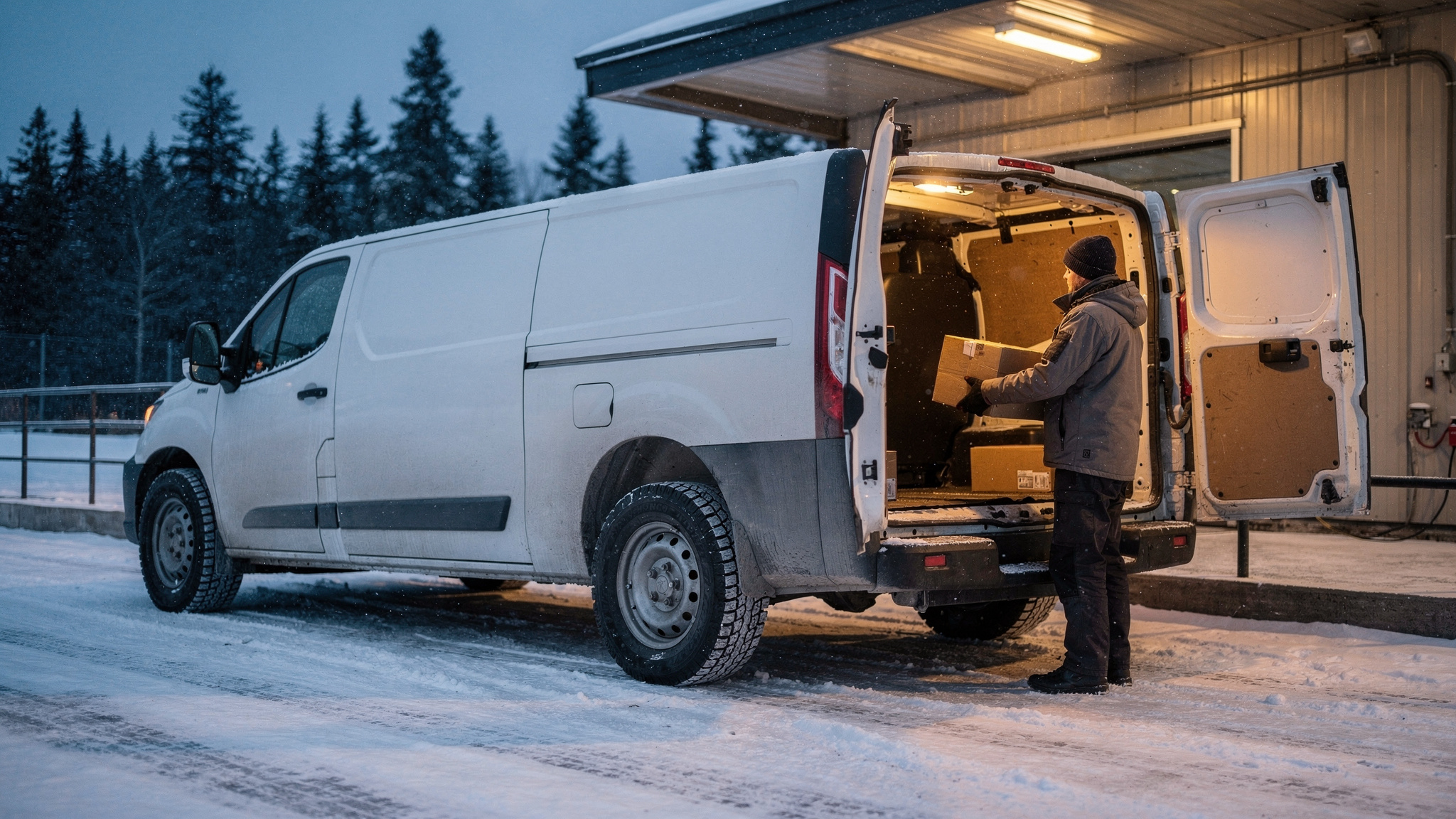
Cloud-based dispatch software runs your job board, route planning and driver updates from a web browser and a driver app, so dispatchers, drivers and customers all work from the same live record. For Canadian teams, that makes it easier to add winter travel time to ETAs, send jobs to drivers on long inter-city runs and capture proof of delivery on site.
Picture a January morning in Winnipeg. Freezing rain came through overnight, one van is already heading west toward Brandon, and a customer in St. Boniface would like a delivery update in French.
On a cloud board, the dispatcher sees where the van is, moves an afternoon stop and sends a fresh ETA from any laptop. The driver sees the change at the next stop, and the customer gets an answer without a single phone call.
What cloud-based dispatch means for a Canadian delivery team
A cloud-based dispatch system keeps the job board on hosted servers instead of a computer in the depot office. The office team logs in through a browser, and drivers use an app on their phones.
Every change, from a new job to a signed delivery, is written to one shared record as soon as the device is online.
That shared record is the real shift. A whiteboard or spreadsheet works well while everyone is in the same room. Once the work spreads further, such as a second depot in Saskatoon, a dispatcher working from home on a storm day or a driver hours along the highway, everyone needs to see the same board at the same moment.
Canadian offices are already comfortable with this way of working. According to Statistics Canada, cloud computing was the most commonly used information and communication technology among Canadian businesses in 2023, at 48%, up 3 percentage points from 2021.
For a dispatch team, that figure is a useful planning signal. If your office already runs email, accounts or shared files in the cloud, moving the dispatch board there is a familiar step for the team, not a new kind of system to learn.
Day to day, it comes down to a few connected pieces. The dispatcher plans and assigns jobs on a browser board. The driver receives them in an app, updates status and captures proof at the door.
The customer follows a live tracking link. And the office sees each completed job, with its photo, signature and timestamp, as soon as it syncs.
How e-commerce growth changes the daily dispatch board
Statistics Canada reports that retail spending in Canada reached C$865.2 billion in 2024, of which C$73.7 billion was e-commerce revenue, and that e-commerce sales grew 9.0% in 2024, according to its The Daily release of 11 February 2026.
For a dispatch team, the useful question is what that growth does to the shape of the day. When more of your work comes from online orders, jobs arrive through the afternoon, customers choose delivery windows at checkout and more stops are front doors than loading docks.
A plan built once each morning and then fixed suits set runs well. Order-driven work needs a board that accepts new jobs all day and re-sequences the affected route without starting over.
SuperPharmacy, an online pharmacy in Australia, planned around exactly this pattern. Its team was spending up to one hour every day planning routes by hand, and an urgent prescription arriving mid-day meant regenerating the route from scratch. How it changed that is told in full further down, and it is a useful model for Canadian teams with afternoon orders.
When you assess a platform for e-commerce volume, load a real afternoon of your own orders into the demo. Add an urgent job after routes are assigned and watch what happens to the driver's sequence.
Then confirm each customer receives a tracking link automatically. Our guide to combining dispatch and delivery planning looks more closely at how the two fit together.
Building winter travel time into routes and ETAs
Transport Canada's winter tire guidance explains that at temperatures below 7°C, all-season and summer tires begin to lose elasticity, which leads to less traction.
Its winter driving advice tells drivers to slow down and to "Allow extra travel time and be very careful when you brake, change lanes, make turns, and take curves".
That advice translates directly into the plan. If drivers are allowing extra time on the road, the ETAs the office sends customers need the same extra time built in.
A summer plan used in January asks drivers to make up the difference behind the wheel. A winter plan gives them room to drive to the conditions and still arrive when the customer was told.
Use seasonal service times. Stops take longer when a driver clears a snowy ramp, walks an icy path or finds a cleared spot to park. Set longer stop durations for the winter months and let the route planner work with them.
Plan lighter routes on storm days. When the forecast turns, re-run the plan the evening before with fewer stops per vehicle, and keep some capacity free for jobs that roll over to the next day.
Use 7°C as a seasonal prompt. Once overnight lows start dipping below that mark, it is a sensible moment to switch the board to winter settings and confirm the fleet's tire changeover is booked.
When you compare platforms, check that you can edit service times by stop or by area, and re-optimise a whole day quickly when the weather changes overnight.
For winter tire and hours-of-service requirements, check the current rules with your provincial ministry and Transport Canada.
What to look for in a driver app for long highway runs
A run from Regina to Saskatoon, or from Moncton to Halifax, keeps a driver a long way from the depot for most of the day. The driver app becomes their main connection to dispatch, so it needs to work well through a long highway day.
Signal is part of that picture.
So test how an app behaves when the signal drops. A well-built driver app lets the driver keep working: open the next job, take the photo, collect the signature and send it all once the phone reconnects.
Keep in-app tasks to arrival and departure, so drivers can give the highway their full attention between stops.
| What to check | Why it helps on a long run | How to test it |
|---|---|---|
| Works on weak or no signal | Drivers finish jobs between towns without waiting for coverage | Switch the phone to airplane mode, complete a delivery, reconnect and confirm the office sees it |
| Clear job details at a glance | Address, contact, access notes and items are ready before arrival | Open a real job on a driver's own phone and see how quickly they find the access notes |
| Hand-off to navigation | Drivers use the maps they already know for the drive itself | Tap from a job into turn-by-turn directions and back again |
| Photo, signature and timestamp capture | A complete record at the door, even on a cold day | Complete a proof of delivery while wearing winter gloves |
| Messages from dispatch | Route changes reach the driver without a phone call on the highway | Change a stop on the board and confirm it appears before the driver's next stop |
The Locate2u driver app is built around this job cycle: drivers receive their assigned jobs, update status as they go and capture proof of delivery at each stop.
How live tracking and proof of delivery keep handovers clear
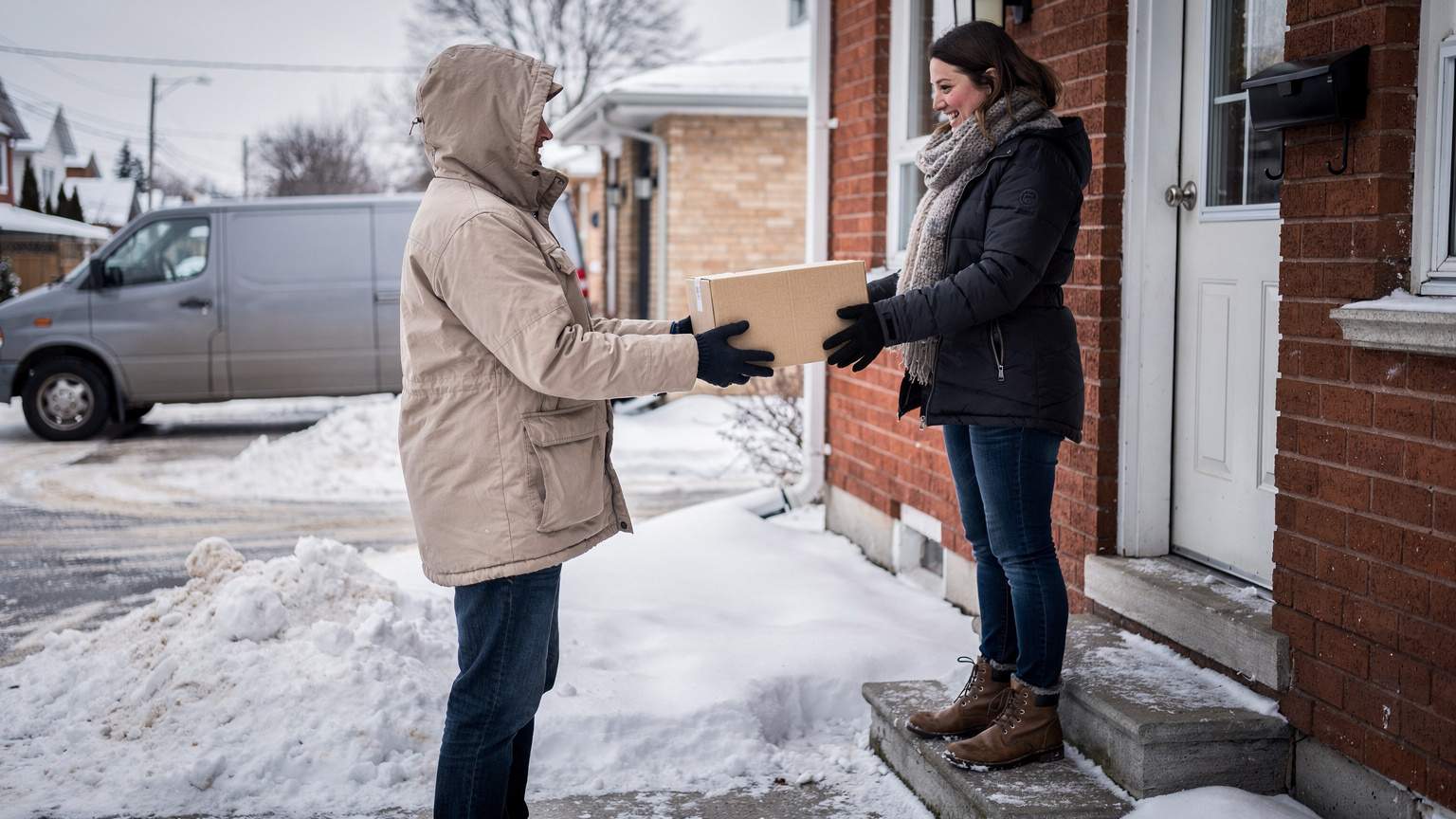
Every delivery passes through several handovers. The depot hands the load to the driver, the driver hands the goods to the customer, and the record of that moment makes its way back to the office.
Those moments carry real weight in logistics costs. A published industry analysis found that between 13 and 19 percent of logistics costs could stem from inefficient handovers between parties, in the United States economy.
That is a US estimate, not a Canadian one. The lesson still carries across the border: make every handover digital, timestamped and visible to everyone who needs it.
Live tracking looks after the customer side. Locate2u can send each customer a tracking link, so they can watch their delivery approach and plan to be home without calling the depot.
That is especially helpful on long days. When a van is working along a string of towns, the last customer on the route gets a clear view of when the driver will arrive.
At the door, proof of delivery completes the handover. Locate2u captures photos, signatures and timestamps for each delivery and attaches them to the job, so the office and the customer see the same record of what arrived and when.
A clear record helps everyone. Drivers can show each job was completed well, and customer service can answer questions straight from the job history.
If you deliver in Quebec or to francophone customers elsewhere in Canada, check that customer notifications and tracking messages can be written in both French and English before you switch them on.
How an online pharmacy cut daily route planning from up to an hour to 10 minutes
SuperPharmacy has been operating as an online pharmacy in Australia since 2000, delivering prescription medications, over-the-counter products and health essentials to customers nationwide. On its case study page, it is described as one of the earliest adopters of digital pharmacy services in the country.
As customers came to expect same-day prescription delivery, the team was spending up to one hour every day planning routes manually. When an urgent prescription came in during the day, or a delivery needed rescheduling, the whole route had to be regenerated from scratch.
SuperPharmacy moved its daily planning to Locate2u's route optimisation. According to its case study page, what took up to an hour takes 10 minutes, a cut of 83% in route planning time, with routes generated automatically from delivery locations, time windows and driver availability.
The bigger change was flexibility. New prescriptions can be slotted into existing routes on the fly without disrupting other deliveries, and that let SuperPharmacy offer same-day prescription delivery as a core service.
As the team puts it on the case study page: "Before Locate2u, we had to generate new routes if we wanted to change anything. Now we can adjust the day's deliveries on the fly."
Canadian teams taking orders into the afternoon, such as a pharmacy in Halifax or an online grocer in Calgary, face the same choice between rebuilding the day and slotting new stops in. SuperPharmacy's figures are one business's result, and results vary with order volume, but the approach travels well.
Turning each day's jobs into planning data, including return legs
Every job that runs through a cloud board leaves a record: when it was planned, when the driver arrived, how long the stop took and what came back. Over a season, those records become planning data.
They show which areas run long once winter sets in, which customers need longer stop times and which inter-city runs come home with space to spare.
Return legs deserve their own line in that data. Transport Canada's 2020-2021 road transportation report cites a 2020 industry survey in which the industry norm for empty trucking miles rose from around 10-15% to 30% during the pandemic.
The figure is dated and pandemic-era, yet it shows how much capacity a trip back can hold. Logging each return leg as a job makes that space visible, so a dispatcher can match it with a supplier pickup, a customer return or a scheduled collection on the same road.
Useful fields to capture from the first week:
- planned against actual arrival times, by area and by season
- stop durations, so winter service times come from your own records
- jobs added after the plan went out to drivers
- return legs, and what each one carried
A step-by-step plan to move your dispatch board to the cloud
A staged move keeps deliveries running normally while dispatchers and drivers get to know the new board.
Start by mapping how work reaches the board today: phone orders, emailed job sheets, online orders and recurring runs. Note who plans each day, which drivers cover which regions and where handovers happen.
Next, load the core data. Import customers and delivery addresses, set up each depot, and add vehicles and drivers. Once you know how many dispatchers and drivers need a login, compare the plans on the Locate2u pricing page.
Then set realistic times. Add typical stop durations for each kind of job, plus a winter profile with longer service times and lighter route loads for storm days.
Run a pilot on a handful of routes. Keep the existing board alongside the cloud board during the pilot and compare the two plans each morning.
Bring drivers on next. Install the app on each driver's phone and walk through a complete job together, from accepting it to capturing a photo and signature, ideally in the depot yard wearing winter gloves.
Finally, go live depot by depot and review the data each week. Adjust service times, route loads and return legs as the records build, and ask drivers what would make the app easier on their runs. Their feedback from the road is one of the most valuable guides to tuning the setup.
Frequently asked questions
Can a small courier business with only a few vehicles use cloud dispatch software?
Yes: Canada's courier sector is mostly small operators, and ISED counted 11,301 courier establishments, 95.4% of them with 0 to 99 employees. A browser-based platform needs no office server, so a small team can start with its existing laptops and drivers' phones.
Is there government funding in Canada to help pay for dispatch software?
A federal digital adoption grant covered up to 90% of the cost of a digital adoption plan, to a maximum of C$15,000, according to ISED. Check ISED's current program listings to confirm whether this or any successor stream is open before budgeting on any support.
Can dispatchers at a second depot or working remotely use the same cloud dispatch board?
Yes, because the board runs in a web browser, a dispatcher in another city or at home sees the same live jobs, driver locations and status updates as the main depot. Give each person their own login so it is always clear who changed a route.
Cloud-based dispatch works best when the plan fits the country it runs in: winter service times, a driver app that suits long highway days and one live record that every depot can see. Start with a pilot on a few routes, build your winter settings in before the first cold snap, and let each season's data shape the next. To see how one board can plan, assign and track your jobs, explore Locate2u's dispatch planning tools.