How to Choose Last Mile Delivery Software for Canadian Routes
Drafted with AI assistance, edited and fact-checked by Sean Flannery. See our editorial policy.
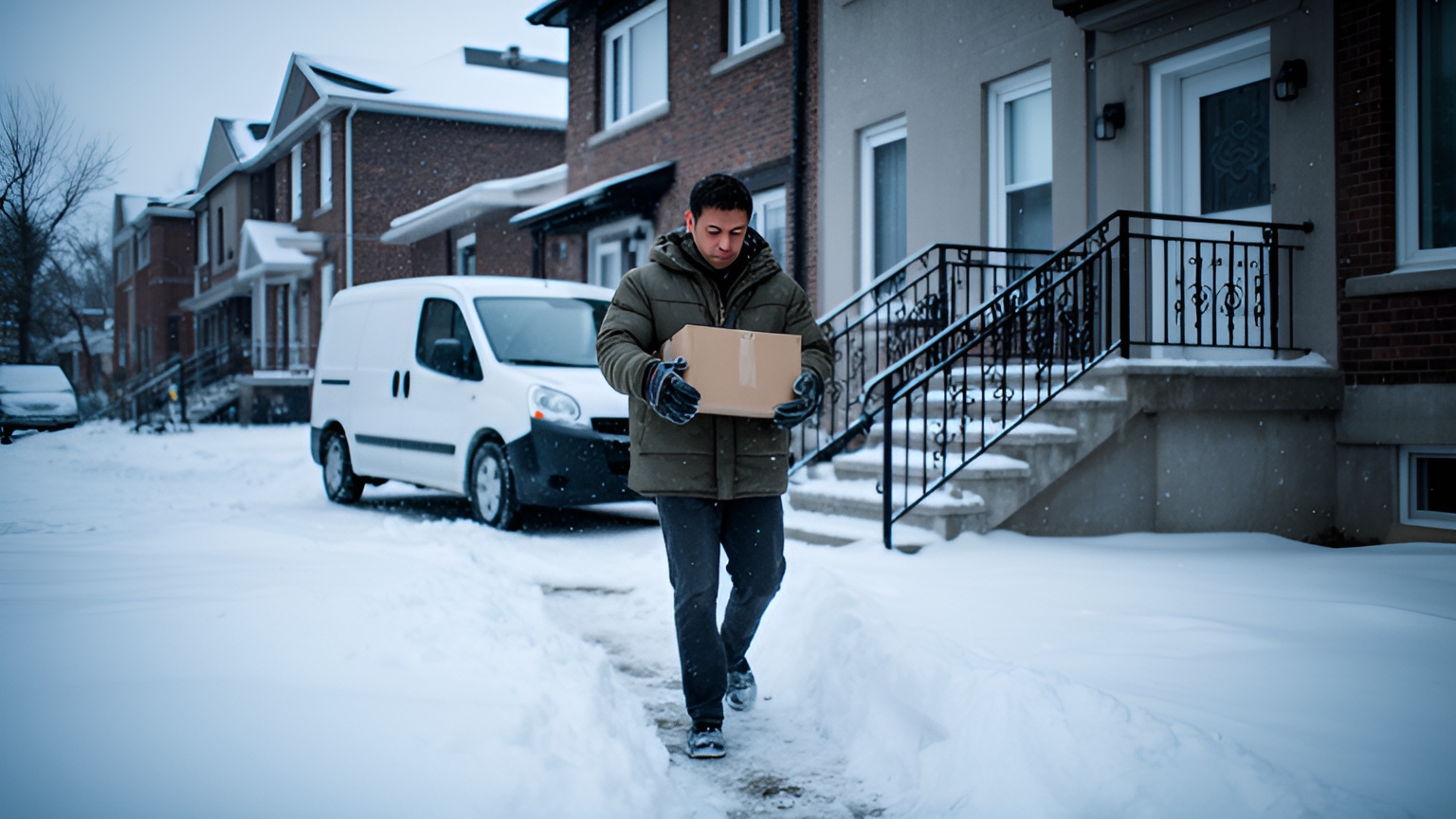
Last mile delivery software plans, dispatches, tracks and records the final leg of every delivery. For a Canadian operator, the right platform keeps dense Toronto and Montréal routes on time, plans long rural and northern runs, sends customer notifications in French and English, captures proof of delivery, and lets dispatchers adjust routes during the day.
That is a wide brief for one system. A morning that starts with condo towers downtown can finish on a gravel concession road hours from the depot, with a snow squall somewhere in between.
The best way to choose is to test the software against those conditions, on your own routes, before you commit.
What last mile delivery software handles for a Canadian fleet
Strip away the feature lists and last mile delivery software does a handful of jobs. Each one replaces a manual step between an order arriving and a customer receiving it.
- Order intake: orders arrive from your store, order system or a spreadsheet and land in one dispatch view.
- Route planning: stops are grouped and sequenced around delivery windows, vehicle capacity and driver availability.
- Dispatch: each driver receives their run on a phone app, in order, with addresses and delivery notes.
- Live tracking: dispatchers see where every vehicle is, and customers get a link showing when to expect their delivery.
- Proof of delivery: photos, signatures and timestamps are captured at the door and stored against the order.
- Reporting: on-time rate, first-attempt success and route times build up day by day.
In Canada, the same platform has to do all of that across very different days. A courier in Mississauga, a grocer in Laval and a building supplier serving cottage country all need these jobs done, on routes that look nothing alike.
So the useful question is how each job behaves under the conditions your fleet actually meets. The sections below take those conditions one at a time.
If your aim is to fit more stops into the vehicles you already run, this guide to improving last mile delivery without adding vehicles pairs well with the checks here.
Keeping stops on time through Toronto and Montréal congestion
Transport Canada's Transportation in Canada Annual Report 2025 names "chronic urban congestion, particularly in the Toronto and Montréal regions" among the conditions that restrict first and last mile connectivity.
For a dispatcher, that becomes a planning decision. On a dense downtown route, the time spent at each stop and the time of day can shape the plan as much as the kilometres do.
Good software lets you plan around both.
Start with service time. A delivery to a condo tower with a concierge desk, a loading dock and an elevator takes longer than a porch drop on a suburban crescent.
Ask whether you can set a different service time by stop or by customer type, so the plan reflects the building rather than an average.
Then look at delivery windows. Some businesses downtown accept deliveries only while receiving is open, and some households book a narrow slot. A plan that respects each window, and shows an ETA for every stop, gives dispatch times it can share with confidence.
Finally, ask how the platform estimates travel time across the day. A route that clears the Gardiner before the morning rush plays out differently from the same stops at noon near the Décarie.
In a demo, load one of your real downtown runs, windows and all. Then check whether the sequence and ETAs match what your drivers already know about that route.
Adjusting the day's routes as winter weather and new orders change
SuperPharmacy's case study reports that its delivery team was spending up to one hour every day manually planning routes for prescription deliveries. When a new urgent prescription came in or a delivery needed rescheduling, the whole route had to be regenerated from scratch.
As customers increasingly expected same-day delivery, the team moved its daily planning onto Locate2u route optimization. Optimized routes are now generated automatically from delivery locations, time windows and driver availability.
What once took an hour of manual work now takes 10 minutes, cutting route planning time by 83% in this one Australian online pharmacy's operation.
The flexibility mattered just as much. New prescriptions can be slotted into existing routes during the day without disrupting other deliveries, and that let SuperPharmacy offer same-day prescription delivery as a core service.
In the team's words: "Before Locate2u, we had to generate new routes if we wanted to change anything. Now we can adjust the day's deliveries on the fly."
Canadian winter puts the same capability to work in a different way. When snow slows a corridor or a road closes after a squall, the stops still ahead of each driver may need a new sequence, or a different driver.
When you test this, watch for four things:
Can dispatch move a stop from one driver to another quickly? Does the re-planned route reach the driver's phone without a call? Does the customer's ETA update to match? And can you see the effect on every other stop on that run before you confirm?
On your own routes, run a demo day, add an order mid-morning, then mark one route as delayed. Watch how quickly the open stops settle into a workable plan.

Planning reliable routes across rural and northern Canada
Statistics Canada's 2021 Census of Population found that the share of the population living in rural areas decreased from 18.7% in 2016 to 17.8% in 2021.
The same census release notes that Canada's three territories, which are largely rural, represent 39.1% of the country's landmass but 0.3% of its population.
For routing, those figures describe a familiar pattern beyond the big cities: fewer stops per run, longer legs between them, and days that can stretch well past the depot's usual radius.
That calls for planning that looks different from a downtown run.
Group areas onto set run days. Serving each region on a regular day keeps long legs worth the drive. Ask whether the software can schedule recurring runs by zone and carry unfilled orders to the next run.
Plan legs that start or end away from the main depot. Communities such as Thompson, Prince Rupert and Yellowknife sit a long way from other cities, so a run may hand freight to a regional depot or continue the next day. Check that the platform can plan routes with a different start and finish point.
Address quality comes next. Rural properties may carry a lot, concession or rural route number rather than a civic number, so pin coordinates and add delivery notes before go-live.
And a complete delivery record matters even more when the customer is hours away. Locate2u proof of delivery captures photo evidence, signatures and timestamps for every delivery, giving dispatch a clear record of each remote drop.
Ask to see that capture working with the phone in airplane mode, then syncing once it reconnects. On a highway stretch with patchy coverage, that check tells you more than any brochure.
French-first notifications and tracking links for Quebec customers
Statistics Canada's 2021 Census of Population reports that in Quebec, the rate of bilingualism in English and French rose from 40.8% in 2001 to 46.4% in 2021, while over the same period it fell from 10.3% to 9.5% in Canada outside Quebec.
So bilingual customers are concentrated in Quebec. And a customer who speaks both languages may still prefer to read a delivery text in French.
The practical setting is a French-first default for Quebec addresses, with English available, plus a stored language preference for each customer in francophone communities elsewhere.
Notifications are only half of it. The tracking link a customer opens should read just as naturally.
Locate2u live tracking lets you share a tracking link with each customer, giving them real-time visibility into when their delivery will arrive. Before going live in Quebec, ask the Locate2u team to show you the messages and tracking page your French-speaking customers will see.
When you review them, read every line. Delivery window, driver notes, button text, the lot.
Check that accented characters such as é, è and ç display correctly in text messages on different phones.
Keep the tracking page plain and mobile-friendly, with large buttons and short sentences. That helps customers on older phones, on slower rural connections and those who use screen readers or larger text settings.
Then send a test notification to a real Quebec address in the demo and open it on a phone, not a laptop.
Preparing dispatch for the online holiday peak
Statistics Canada reported that, on a seasonally adjusted basis, retail e-commerce sales increased 9.9% to C$5.7 billion in June 2026, accounting for 7.7% of total retail trade, compared with 7.1% in May.
Every online order shipped to a home becomes a stop in someone's dispatch plan. A growing online share is a good reason to plan peak capacity in the fall, well before December.
Holiday intent points the same way. A 2025 holiday retail outlook for Canada found that 42% of Canadians planned to begin their holiday shopping online that season.
That measures where shopping starts, not how many parcels follow. Treat it as a planning signal rather than a volume forecast.
A short preparation list for the weeks before the peak:
- Clean addresses and pin rural properties while volume is still steady.
- Set order cut-off times for each region and show them at checkout.
- Plan driver rosters and vehicle capacity for your busiest days, including weekend runs.
- Write French and English notification templates, including a clear message for weather delays.
- Line up overflow capacity with a partner courier before the rush begins.
- Rehearse a heavy day by importing a large batch of orders and timing how long planning takes.
A demo checklist for testing software on your own Canadian routes
A demo is most useful when it runs on your routes, not a sample city. Bring a real week of orders, including your hardest addresses, and invite a driver and a dispatcher to the session.
Work through each row below with the vendor, and note what you see.
| Canadian condition | What to test in the demo | What good looks like |
|---|---|---|
| Toronto and Montréal congestion | Load a real downtown run with delivery windows and per-stop service times | Every window respected, with ETAs your drivers agree with |
| Winter weather and new orders | Add an order mid-morning and mark one route as delayed | Open stops re-sequence quickly and the driver sees the change |
| Rural and northern runs | Import addresses with lot, concession or rural route numbers | Pins land on the right property and long legs plan as expected |
| Weak mobile coverage | Capture a photo and signature with the phone in airplane mode | The record syncs with its timestamp once the phone reconnects |
| Quebec customers | Send a test notification and tracking link to a Quebec address | French throughout, accents intact, with English available |
| Holiday peak | Import a heavy day of orders straight from your order system | Routes build without retyping and work is balanced across drivers |
After the demo, a pilot shows how the plan holds up over normal variation.
Track on-time rate and first-attempt success during the pilot, and compare them with your own records from the weeks before. Time the daily planning job as well, because the time dispatch gets back is part of the result.
Then ask your drivers. Their view of stop order, delivery notes and the proof of delivery screen is the clearest guide to whether the app suits the road.
Frequently asked questions
How long should a pilot of last mile delivery software run before you decide?
Run it across at least one full week of normal routes, including a day with poor road conditions if the season allows, so the plan is tested on real variation. Compare on-time rate and first-attempt success against the weeks before the pilot, using your own records as the baseline.
What should you clean up before importing rural customer addresses?
Check every rural address for a civic number, and add delivery notes or pinned coordinates for properties that only have a lot, concession or rural route number. Clean address data before go-live gives the routing engine accurate stop locations from the first day.
Can drivers still record a delivery where mobile coverage drops?
Ask the vendor to show, in a live demo, the driver app capturing a photo and signature in airplane mode and syncing once the phone reconnects. Test it on a route you know has weak coverage, not in the office.
How do online orders get from your store into the delivery plan?
Connect your storefront or order system so new orders flow straight into dispatch without retyping. Review the Locate2u integrations page with your order system in mind, then confirm the connection with the Locate2u team on a call.
The right last mile delivery software for Canada handles a downtown condo, a concession road and a French tracking page in the same day, and you can see that for yourself before you commit. Take the checklist into your demo, put the Locate2u driver app in a driver's hands on one of your own routes, and when you want to talk through fit and cost, book a call with the Locate2u team.