How to Choose the Best Route Planner for Delivery Drivers in Canada
Drafted with AI assistance, edited and fact-checked by Sean Flannery. See our editorial policy.
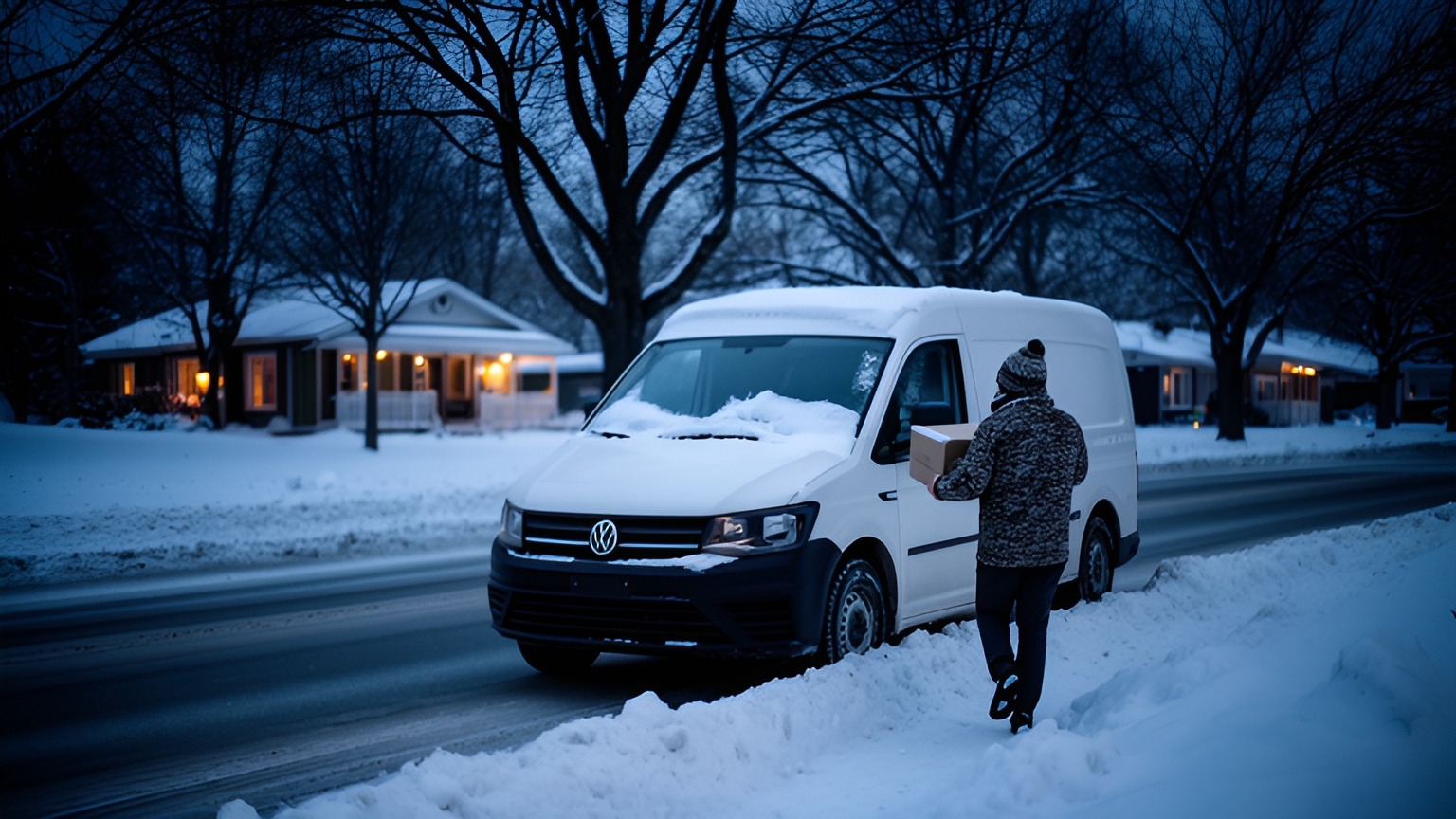
The best route planner for delivery drivers in Canada sequences multi-stop routes around time windows, vehicle capacity and stop service times, re-plans mid-day when orders change, works where mobile coverage drops out, and lets dispatchers build winter buffers. Judge any tool by running it on a week of your own stops.
A plan that looks tidy on a dispatch screen has to hold up on a Prairie highway in a January cold snap. It has to keep working where the cell signal fades between towns.
And in Quebec, the customer at the door may expect the delivery update in French.
What the best route planner for Canadian delivery drivers handles on a real day
Picture a regular morning at a delivery operation in the Prairies. One van is loaded for tightly packed city stops. Another is heading out on long highway legs to smaller towns.
A few customers need their goods before lunch. A commercial customer can only receive at the back dock. Then a fresh order lands just after the vans leave the yard.
A good planner holds all of that in one plan. In practice, that means it works with:
- Delivery time windows, so morning-only customers are sequenced first rather than squeezed in.
- Vehicle capacity, so no route asks a van to carry more than it holds.
- Service time per stop, because unloading at a busy commercial dock takes longer than a handover at a front door.
- Accurate rural addresses, with a way to pin the real drop point when a rural address does not match the gate or laneway drivers use.
- Offline working, so drivers keep their stop list and directions when coverage drops between towns.
- Mid-day changes, so a new or cancelled order re-sequences the remaining stops without rebuilding the day.
- Customer updates in English and French where your customers expect both.
Long rural legs and dense city stops behave very differently. A planner that only counts kilometres will treat a rural stop and a downtown stop as equal, when the real difference is time on the road against time at the door.
Locate2u's route optimization software builds multi-stop routes for a whole fleet and lets dispatchers add or move jobs while drivers are already on the road.
For a wider view of the category, this guide to delivery route planning software in Canada covers the basics in more depth.
How shorter routes ease fuel and labour cost pressure in 2026
Fuel and driver time are the two costs a route planner touches most directly.
Statistics Canada reported in The Daily that, year over year, gasoline prices rose 30.9% in October 2026, compared with 27.8% in September, partly due to a base-year effect.
Delivery businesses feel labour costs too. In a 2026 StatsCAN Plus analysis, Statistics Canada found that the input costs most commonly cited by transportation and warehousing businesses as likely obstacles over the next three months were the cost of energy (65.8%) and labour (43.1%).
A route planner cannot move the pump price. It can change how many kilometres each delivery takes and how many paid hours a route needs.
That gives a fleet manager two practical levers.
Fewer kilometres per stop. Every kilometre taken out of a route is a kilometre that no longer burns fuel at this year's prices.
Fewer paid hours per route. With labour close behind energy on that list, a plan that finishes earlier frees driver time for more stops, or for a calmer end to the shift.
So judge a planner by the kilometres and paid hours it removes from your own routes, not by the savings it advertises.
How to work out the fuel and paid driver time a tighter plan gives back
Start with the plan's own output. Compare the planned kilometres and drive time for a day's stops against what the same stops took last week.
Then look at engine-on waiting. A van that reaches a customer before their window opens, or waits at a loading dock in a cold snap, still uses fuel.
Natural Resources Canada puts a figure on that: every 10 minutes of idling costs at least one-fifth of a litre in wasted fuel, and up to two-fifths of a litre with an eight-cylinder engine.
Timing arrivals to time windows is where a planner reduces that waiting.
The two formulas are short. Fuel back equals minutes of engine-on waiting removed, divided by 10, times one-fifth of a litre. Paid time back equals minutes of drive time removed, divided by 60, times your hourly paid rate.
Worked example on assumed inputs: a fleet of eight vans running five delivery days a week, a tighter plan that removes 20 minutes of engine-on waiting and 15 minutes of drive time per van per day, and an assumed paid rate of C$20.00 an hour.
| Line | Calculation | Result |
|---|---|---|
| Fuel per van per day | 20 ÷ 10 × 0.2 litres | At least 0.4 litres, up to 0.8 litres for an eight-cylinder van |
| Fuel per fleet per week | 0.4 litres × 8 vans × 5 days | At least 16 litres |
| Paid time per van per day | 15 ÷ 60 × C$20.00 | C$5.00 |
Swap in your own fleet size, rate and minutes. Multiply the per-van paid time by your number of vans and delivery days for a weekly total, multiply the litres by your own pump price, then add the fuel from kilometres removed, which a planned-versus-actual report shows directly.
How to plan winter routes that stay reliable from first snow to spring thaw
Winter reliability is mostly planned the evening before the vans roll out.
Transport Canada's winter trip planning guidance tells drivers to keep the fuel tank at least half full, and to make sure an electric vehicle has enough range for unplanned events, since cold temperatures can reduce its range.
The same page points to official weather warnings for blizzards, heavy snow, freezing rain, cold snaps and strong winds, and to the 511 traveller information and apps many provinces and territories offer for road conditions and snow plow operations.
Those two inputs turn into a short dispatcher routine.
Check the warnings and 511 for tomorrow's delivery areas before routes are finalized. A freezing-rain warning over a rural region is a reason to re-plan that route, not a surprise at noon.
On snow days, lengthen service times per stop and shorten the maximum route duration. The buffer then sits in the plan, and drivers are not left to absorb it.
Give electric vans the shorter or denser routes on cold-snap days and start them fully charged. Plan fuel stops into long rural legs so every van keeps that half-tank margin.
Watch the day as it unfolds. Locate2u's real-time tracking gives the dispatch team a live view of every vehicle, so a route running behind shows up early and a later stop can move to another van.
Keep the winter settings in place until roads settle in spring. Then compare planned against actual times for a couple of weeks and remove the buffers once routes finish on plan again.
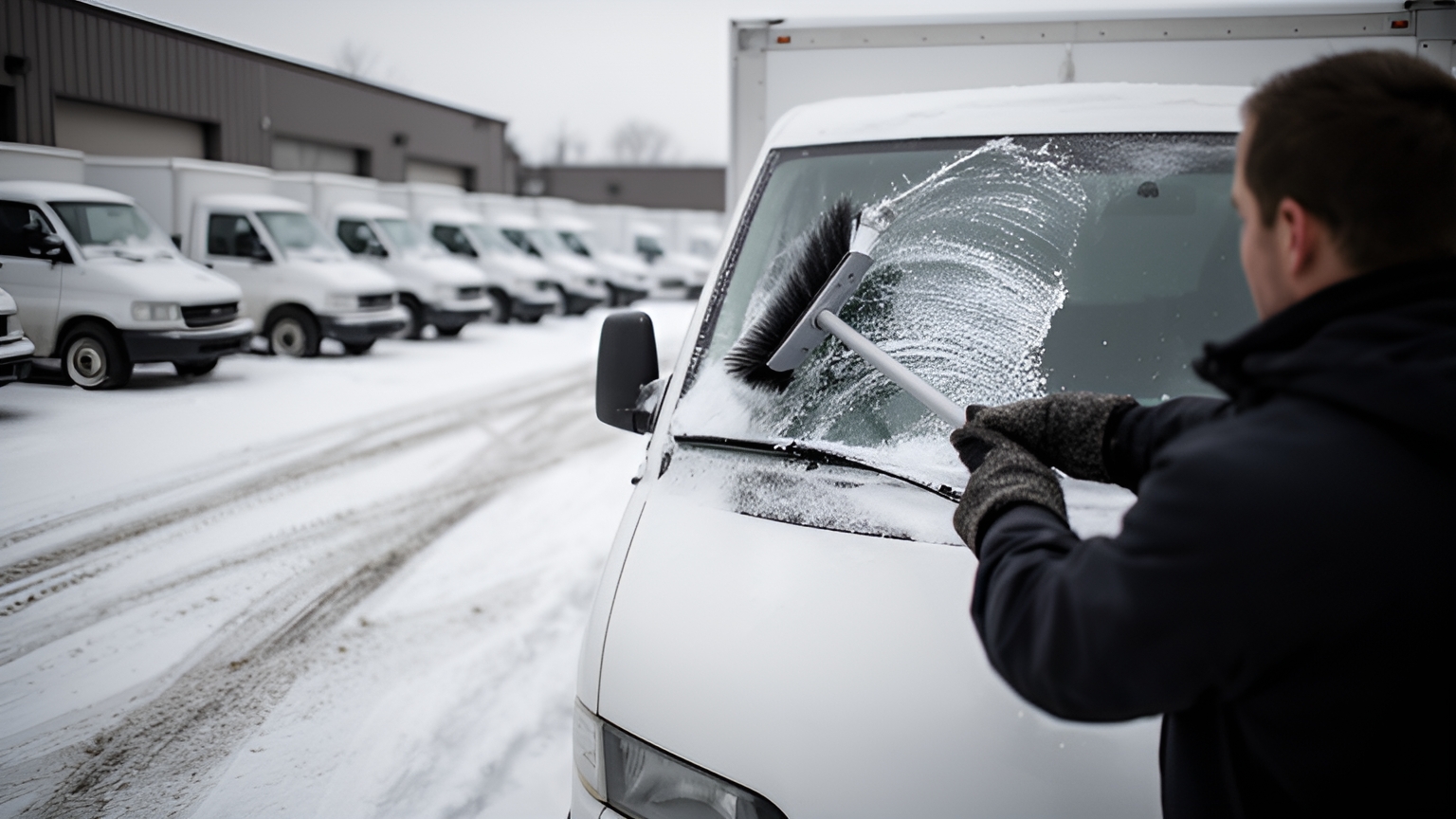
How shift-length planning makes the most of every driver's day
A route works best when it fits the day of the person driving it.
Transport Canada's 2025 annual report notes that employers continue to face shortages in key occupations, including truck drivers. That makes every planned hour of a skilled driver's day worth protecting.
Set each driver's start time, finish time and maximum route duration in the planner, so no route is built longer than the shift it belongs to.
Add breaks as scheduled stops. A plan that already includes the break gives the driver a realistic finish time from the start.
Share the long rural days and the tight city days fairly across the team, so workloads stay balanced from week to week.
Then review planned against actual finish times. When a route keeps running long, adjust its service times or split it. The fix belongs in the plan.
How an Australian online pharmacy took daily route planning from up to an hour to 10 minutes
Australian online pharmacy SuperPharmacy delivers prescription medications, over-the-counter products and health essentials directly to customers' doors across Australia.
Its case study reports that the delivery team was spending up to one hour every day manually planning routes for prescription deliveries. When an urgent prescription came in during the day, or a delivery needed rescheduling, the entire route had to be regenerated from scratch.
With customers increasingly expecting same-day delivery for their prescriptions, the team needed a faster, more flexible way to plan.
SuperPharmacy implemented Locate2u's route optimization software to automate daily planning. Planning that took up to an hour now takes 10 minutes, a cut in route planning time of 83%, with optimized routes generated automatically from delivery locations, time windows and driver availability.
The team can also slot new prescriptions into existing routes during the day without disrupting other deliveries. That flexibility let SuperPharmacy offer same-day prescription delivery as a core service.
As SuperPharmacy puts it: "Before Locate2u, we had to generate new routes if we wanted to change anything. Now we can adjust the day's deliveries on the fly."
To see where your own operation sits, time route planning on a normal morning. Then time the same stops in a planner during your test week, and add an urgent order mid-day to see how the plan absorbs it.
Test questions to put to any route planner before you choose
Feature lists tend to read alike. Questions you can run on your own stops show how a planner handles Canadian work.
Put these to every tool on your shortlist, and score the answers on real routes rather than sample data.
| Test question | What a good answer looks like |
|---|---|
| Add an urgent order and cancel another mid-morning. How long does re-sequencing take? | Only the remaining stops move, and completed or confirmed stops stay locked. |
| Can each stop carry its own service time? | A commercial dock and a front door get different times, and arrival estimates reflect both. |
| Does the plan respect vehicle capacity? | Each route fits within the load of the van assigned to it. |
| What happens when a rural address maps to the wrong spot? | The dispatcher pins the correct drop point once and it is kept for the next run. |
| What does the driver see when the phone loses signal between towns? | The stop list and customer notes stay on screen, and updates sync when coverage returns. |
| Can customer notifications go out in French as well as English? | Each customer receives updates in the language they use. |
| Is there a planned-versus-actual report? | Kilometres, drive time and on-time arrivals against windows, per route and per driver. |
| What does proof of delivery capture at each stop? | A photo, a signature and a timestamp, attached to the order. |
That last question shapes how confident your team feels after a test week. Locate2u's proof of delivery captures photo evidence, signatures and timestamps for every delivery, so each stop on a test route comes back with a clear record.
Ask each question live, on your own data, and note how long each answer takes. Speed under change is often what separates a good planner from a good-looking one.
How to test a route planner on your own Canadian routes
A fair test compares like with like. The same stops, the same vans, the same drivers, before and after.
- Pick a baseline week of real stops. Record kilometres, drive time, finish times, on-time arrivals against windows and how long planning took each day.
- Load identical stop lists into the planner, with the same vans, capacities, shift lengths and time windows.
- Run a test week on the road. Include at least one dense city route and one long rural route, and a snow day if the calendar allows.
- Bring in a small group of experienced drivers and ask them to flag local knowledge the plan misses, such as rural access roads, unloading spots or gate codes.
- Compare planned against actual for the test week, then against the baseline, and turn the difference into litres and paid time with the formulas above.
Drivers' notes are often the most valuable output of the whole exercise. Saved against each customer, they make the next run smoother for whoever drives it.
Keep the scorecard simple. If the test week shows fewer kilometres, earlier finishes and steadier on-time arrivals on your own routes, you have your answer.
Frequently asked questions
Should you plan electric delivery vans differently on cold winter days?
Yes. Cold temperatures can reduce an electric vehicle's range, as Transport Canada's winter trip guidance points out, so give EVs the shorter or denser routes on cold-snap days, start them fully charged, and keep enough spare range for unplanned events such as detours or road closures.
How often should a dispatcher re-optimize routes during the day?
Re-run the plan when an order is added or cancelled, or when a road closes, rather than on a fixed timer. Lock stops a driver has already completed or confirmed with a customer, so only the remaining stops move.
How do you bring drivers into a new route planner smoothly?
Involve a small group of experienced drivers in the test weeks and ask them to flag local knowledge the plan misses, such as rural access roads, unloading spots or gate codes. Save those notes against each customer so every driver benefits from them on the next run.
Can one plan mix dense city stops and long rural legs?
It can, if the planner lets you set a different service time per stop and a maximum route duration per driver. Splitting city and rural work into separate routes, then letting the planner sequence each one, is also worth testing during your test week.
The right planner proves itself on your own stops: fewer kilometres, paid hours back and winter days that finish closer to plan. See how a finished route reaches the road in Locate2u's driver app, and to set up a test week on your own Canadian routes, book a call with the Locate2u team.