Delivery customer notifications: which messages to send, when, and how to automate them
Drafted with AI assistance, edited and fact-checked by Sean Flannery. See our editorial policy.
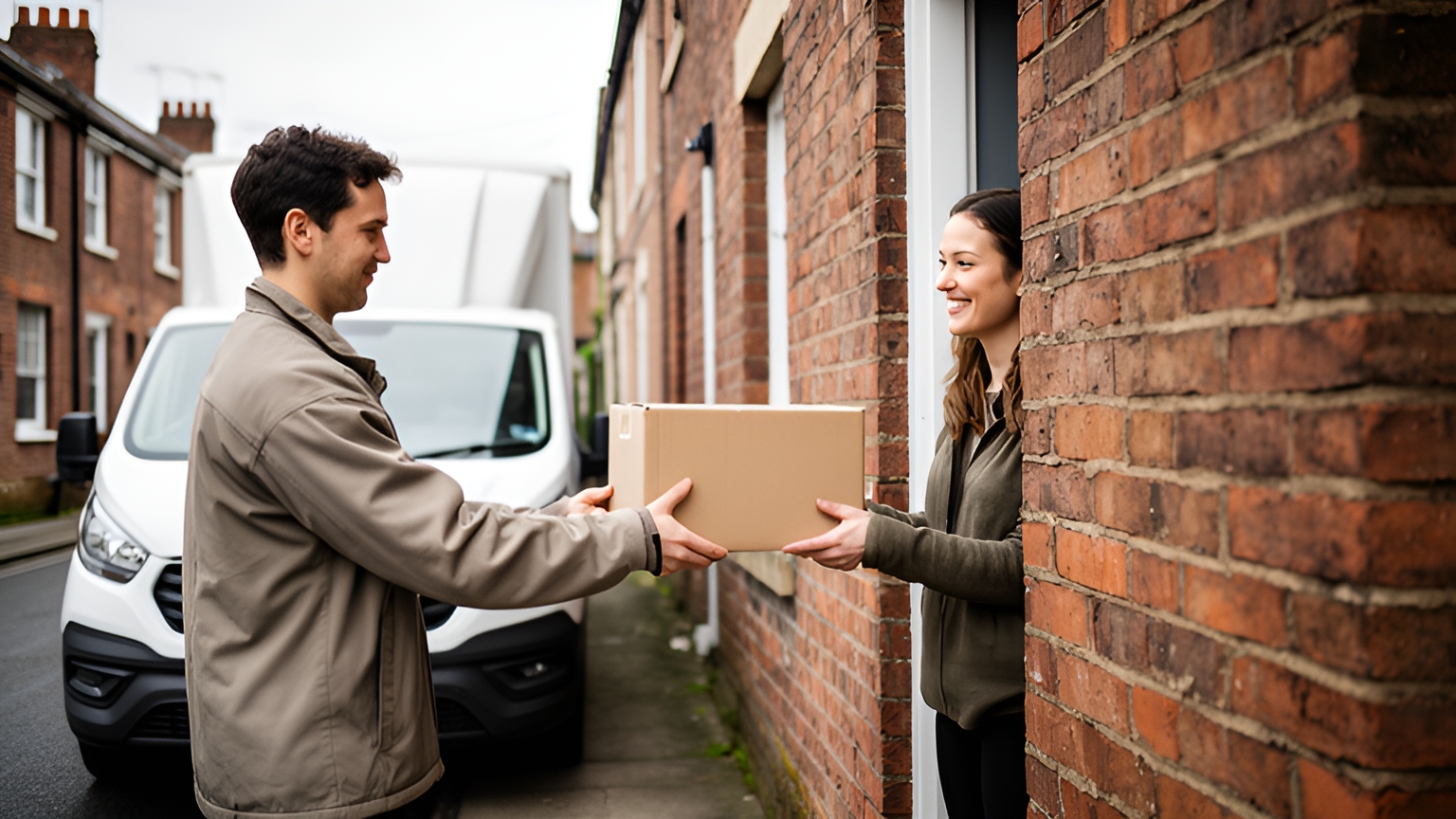
Delivery customer notifications work best as a short, predictable sequence: a dispatch confirmation, a morning-of message with a specific time slot, an on-the-way alert with a live tracking link, and a delivered or attempted message with clear next steps. UK shoppers want them. IMRG's 2021 Consumer Home Delivery Review found that 89% of people seek information on the progress of their delivery.
For a UK transport manager, that sequence does more than reassure. It helps the customer on a terraced street, in a flat above a shop or at the end of a farm track be ready when the van pulls up.
The sequence is small enough to set up once and then run automatically from your dispatch plan.
Which delivery updates UK customers look for most
The same IMRG research is clear about priorities. IMRG's 2021 review found that failed delivery notifications and dispatch date or tracking details are the most sought-after information.
That gives you a simple rule for deciding what to build first. If a message tells the customer when their order left, or what happens after a missed attempt, it earns its place.
Think about what the customer does with each update.
A dispatch confirmation lets them plan the week. A tracking link lets them check progress without picking up the phone. An attempted delivery message tells them how to rebook, collect or redirect while the order is still fresh in their mind.
Depot scans, hub transfers and sorting updates are useful inside your operation. To a customer at home, they rarely change what happens next.
The questions that do change their plans are simpler. When will it arrive? And what happens if they miss it?
Answer those two well, and the finer detail can sit quietly behind the tracking link for anyone who wants it.
Trade and business deliveries follow the same logic with different stakes. A site team wants the arrival time so it can have people and space ready for unloading. A shop wants to know the delivery will land before opening or after the lunchtime rush.
A simple message sequence from dispatch to doorstep
A good set of delivery customer notifications needs only four messages. Each one answers a question before the customer has to ask it.
The dispatch confirmation goes out when an order is booked onto a delivery day. It confirms the date and address, and tells the customer how the next update will reach them.
The morning-of message carries the time slot. Send it once the day's routes are final, so the slot reflects the real plan.
The on-the-way alert is sent as the driver heads to the stop, with a live tracking link the customer can open without downloading anything.
The last message depends on the outcome. A delivered message works best with proof attached, such as a photo and a timestamp, and this explainer on what proof of delivery means and what it should record covers the detail. An attempted message should offer simple next steps: rebook, collect or choose a safe place.
Here is the sequence on one page:
| Message | When to send | What to include | What the customer does |
|---|---|---|---|
| Dispatch confirmation | When the order is booked onto a delivery day | Delivery date, address, how updates will arrive | Checks the address and plans the day |
| Morning-of time slot | Once the day's routes are final | A specific arrival window and a way to add instructions | Arranges to be in or adds a safe place |
| On the way | As the driver heads to the stop | Live tracking link | Gets to the door, opens the gate |
| Delivered or attempted | The moment the stop is completed | Proof of delivery, or clear options to rebook or collect | Collects the order or picks a new slot |
Keep the same order and wording style for every delivery. A predictable rhythm is reassuring in itself.
Choosing SMS, email or a tracking link for each message
Channel matters because each message is read at a different moment. IMRG's 2021 review found that 45.6% of people now prefer SMS for delivery status updates, compared with 39.1% who prefer email.
So make SMS the default for anything time-sensitive, and keep email for the messages people read at a desk.
A practical split looks like this:
- Dispatch confirmation: email works well, because it can carry the order summary, delivery address and returns information for later reference.
- Morning-of time slot: SMS, short enough to read in a glance and needing no app.
- On the way: SMS containing a live tracking link, so the customer can watch the van approach.
- Delivered or attempted: SMS for speed, with an email copy that keeps the proof of delivery on record.
The tracking link is less a channel than a destination. SMS and email both point to it, and it holds the detailed, live picture.
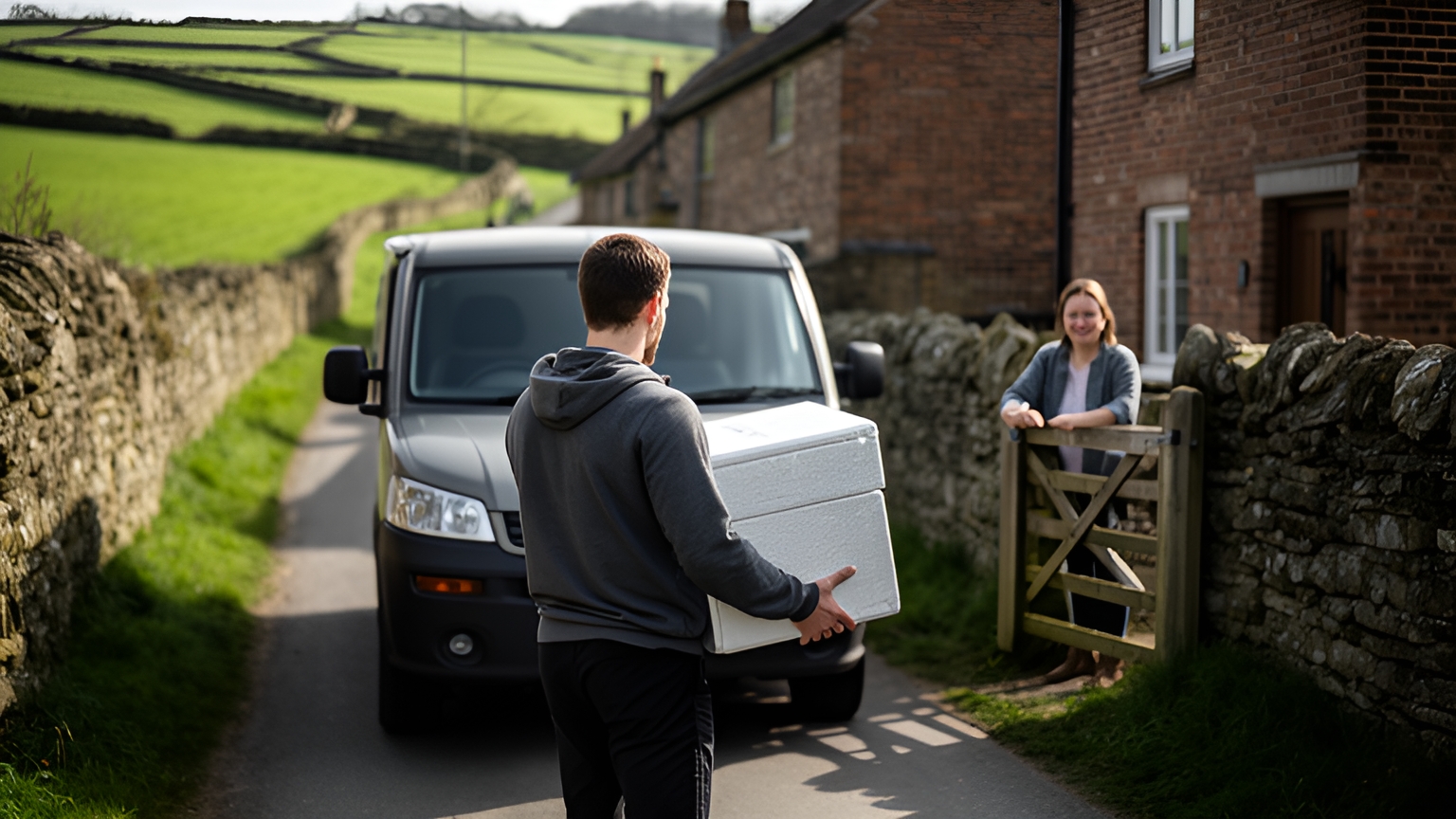
Rural rounds need one extra thought. Defra's Statistical Digest of Rural England reports proportionally more not-spots, in terms of voice and text, 4G and 5G, in majority rural parliamentary constituencies than in less rural constituencies in England.
So write every text to stand on its own. Put the date, the slot and the next step in the message itself, and treat the tracking link as a helpful extra rather than the only place the information lives.
Finally, ask at checkout. A simple field letting customers pick SMS, email or both takes the guesswork out of every message that follows.
How a precise morning time slot helps customers reach the door on busy streets
An SMS on the morning of delivery, giving a specific time slot, makes a strong update. It's easy to see why on a UK high street or a row of terraces.
Bus and cycle lanes and wider pavements can reduce access and dwell time for freight vehicles.
When the stop has to be brief, a customer who knows the van is due turns it into a quick, friendly handover.
A handover usually needs a person, a neighbour or an agreed safe place, and the morning message is the natural moment to arrange it.
Traffic shapes the slot too. Department for Transport road traffic estimates show vans accounted for 17% of all motor vehicle traffic in Great Britain in 2025, at 58.8 billion vehicle miles.
So set slot widths with traffic in mind, and send the slot once the day's plan is final rather than the night before.
Three details make the morning message work harder.
Give a window short enough to plan around. An all-day window is a date, not a slot.
Include a link to add delivery instructions, such as a safe place, a gate code or a side entrance round the back of a shop.
And tell the customer when the next update will arrive, so they can get on with their morning instead of refreshing a tracking page.
Writing alerts that are clear and easy for every customer to act on
A notification only helps if the customer can understand it at a glance and act on it straight away.
That covers everyone. The customer reading on a phone in a busy shop, the customer using a screen reader, and the customer who needs a little longer to get to the door all benefit from the same clear writing.
Lead with the answer. The time slot or the status goes first, the brand and the small print after.
Name the sender clearly, so the customer knows instantly who the message is from. Write link text that says where it goes, such as Track your delivery live, rather than a bare web address.
A short checklist keeps every message on track:
- Put the time slot or status in the first line.
- Use plain words such as arriving, delivered or sorry we missed you, rather than internal status codes.
- Give one clear action per message: track, add instructions or rebook.
- Offer a simple way to share access needs, like extra time to reach the door or help with heavy items.
- Keep the text complete on its own, so nothing important lives only in an image or a map.
The on-the-way alert deserves special care. Sent as the driver heads to the stop, it gives the customer time to reach the door, settle the dog or move the car off the drive.
That small head start helps the handover happen first time, which suits the customer and the driver equally.
When access notes travel with the order, the driver also arrives knowing what will help, whether that's a ground-floor side door or a customer who needs a moment longer.
Put together, an on-the-way text can be as short as this: Your bakery order is on its way and should reach you within the hour. Track the van live, or add delivery instructions, using this link.
How a seafood delivery business replaced phone enquiries with live tracking links
Fresh seafood needs the customer at home when it arrives. Madam Seafood, a family-run business established in 2017 by a group of food-loving mums in Adelaide, South Australia, built its home delivery service around exactly that.
The business delivers fresh and live seafood, including prawns, oysters, fish, crabs and lobsters, directly to customers' doors across Adelaide. It runs weekly home delivery runs on Tuesdays and Fridays, alongside pick-up depots throughout the city, and customers choose their delivery window at checkout.
As orders grew, bookings and routes were still planned by hand, often into the early hours of the morning.
Customers also phoned constantly to ask when their seafood would arrive. That made perfect sense: with perishable orders, they needed to be home to receive them.
Madam Seafood adopted Locate2u and connected it directly to its online store. Orders now flow straight in, are grouped by delivery window and turned into optimised routes for each driver run, and every customer receives a real-time tracking link.
Customers know exactly when to expect their seafood, with no phone call needed.
Madam Seafood's case study reports that the business automated 90% of its delivery workload, a result from one Adelaide business with its own order flow and routes.
To test the idea on your own rounds, pick one delivery day, send every customer a tracking link with their morning slot, and compare the number of arrival-time calls your team handles against a typical day.
Automating notifications straight from your dispatch plan
Typing messages by hand gets harder with every extra stop and every route change. The dependable approach is to let each notification fire from an event that already happens in your dispatch plan.
Start with clean order data. When orders arrive with a correct address, phone number, email and the customer's channel choice, every later message has what it needs.
Next, optimise and lock the day's routes. The planned arrival for each stop becomes the morning slot, so the message is only as good as the plan behind it.
Then let the driver's progress do the work. As the driver heads to a stop, the on-the-way alert and live tracking link go out automatically.
Close the loop at the door. Capturing proof of delivery, with a photo, signature and timestamp, triggers the delivered message, while a missed attempt triggers the next-steps message.
Locate2u brings those pieces together. Its delivery management platform turns orders into optimised routes, sends automated customer notifications as delivery status changes, and gives each customer a live tracking link. Routes can also be adjusted on the fly when an urgent order comes in during the day.
One check before switching automation on: place a test order, send yourself every message type, and read each one on a phone with a weak signal. If it still makes sense there, it's ready.
Measuring the value of good updates beyond cost per parcel
Cost per parcel is easy to measure, but it leaves out the value of a first attempt that succeeds.
The Government Office for Science's 2019 review cited IMRG estimates that 13 to 14% of all online shopping deliveries in the UK arrived either late or when the customer was not at home, costing retailers and carriers £771 million in 2014.
Those figures are dated, but the principle holds. Every delivery that lands first time saves a second trip, and good notifications help make that happen.
So judge your messages by what they change. A short scorecard works well:
- First-attempt delivery rate, by round and by time slot.
- Arrival-time calls and emails per day.
- Redeliveries and orders returned to the depot.
- Tracking link opens, a good sign the messages are being read.
- Customer comments and repeat orders after a delivery.
Compare a few weeks before and after any change to your sequence, and you'll see which updates earn their place.
Frequently asked questions
Do delivery notifications help with trade and business-to-business deliveries?
Yes. Site teams can plan unloading around a live arrival time, and Franz Building Supplies, which delivers heavy and bulky products to construction sites, builders and trade professionals, shares live tracking links with customers alongside proof of delivery; its case study quotes: "Our customer disputes dropped to nearly zero."
Are customers willing to pay for more precise delivery information?
An SMS on the morning of delivery, giving a specific time slot, is a strong candidate for that kind of update. Offering a precise slot as part of a premium delivery option is worth testing with your own customers.
Should collections and returns get their own notifications?
Yes. Use the same sequence with collection wording: confirm the collection day, send a time slot that morning, then confirm the item was collected so the customer knows their return or pickup is on its way.
How do you keep customers informed without over-messaging them?
Send only messages that ask for an action or answer a question the customer would otherwise phone about. Let customers choose their channel at checkout, and fold minor in-transit updates into the tracking link rather than sending a separate alert for each.
Start with the four core messages, send the time slot by text on the morning of delivery, and track first-attempt deliveries on your busiest rounds to see what improves. To see how live tracking links and automated updates would look on your own routes, explore Locate2u's real-time tracking or book a call with the Locate2u team.