Delivery Tracking Software Explained: A UK Glossary of Tracking Terms
Drafted with AI assistance, edited and fact-checked by Sean Flannery. See our editorial policy.
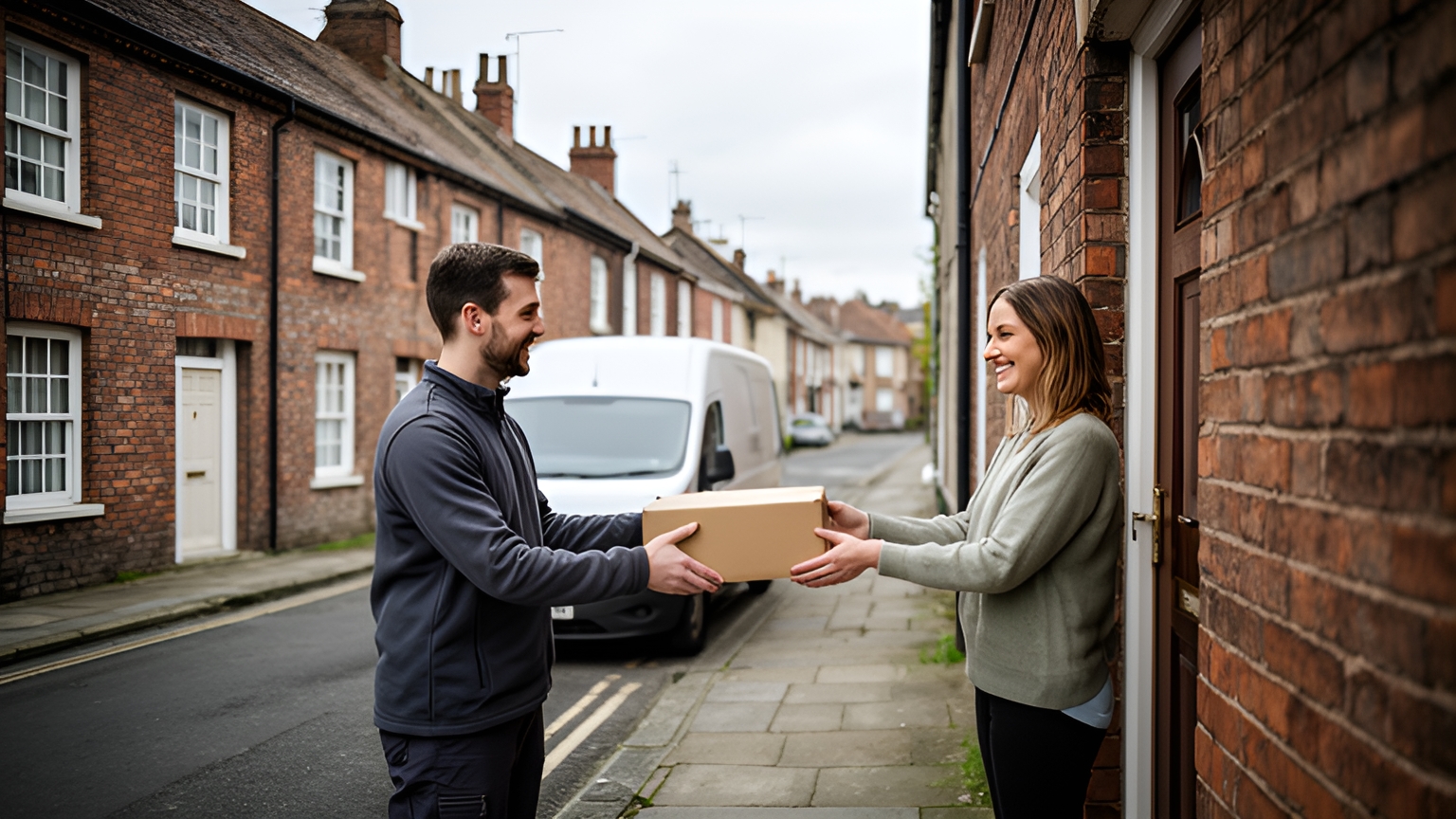
Delivery tracking software records where each van and order is between depot and doorstep, then turns that into statuses customers can follow: dispatched, in transit, out for delivery, delivery attempted and delivered. It shares a live ETA through a tracking link and captures proof of delivery, such as a photo, signature or timestamp, at the drop.
Each of those words does a job. A customer on a narrow terraced street reads out for delivery and decides whether to stay in. A dispatcher reads delivery attempted and books the next slot.
So knowing what a status means is only half of it. The other half is what sets it, what the customer sees, and what your team does next.
What delivery tracking software records between depot and doorstep
The Chartered Institute of Logistics and Transport UK defines final mile deliveries as the last step of the supply chain and shipping process, when goods are delivered directly to the end customer's doorstep.
That last step is where delivery tracking software earns its place.
Between the depot gate and the door, it keeps a running record for every order. It shows which van the order is on, where it sits in the stop sequence, and each status change with the time it happened. It also holds the live ETA and, at the end, the proof captured at the handover.
The same record serves two audiences. Your dispatcher sees the whole fleet on one screen. Your customer sees one order, through a tracking link.
Madam Seafood's case study reports that the Adelaide seafood business automated 90% of its delivery workload with Locate2u route optimisation and an integration with its online store. That is one business's result, in the Australian market.
Fresh and live seafood goes out on weekly home delivery runs on Tuesdays and Fridays. Customers choose their delivery date and time at checkout.
As orders grew, sorting addresses and planning routes by hand took more and more of the team's time. Customers also phoned to check when their order would arrive. That makes sense with perishable food that someone needs to be home to receive.
Now Locate2u pulls orders straight from the store, groups them by delivery window and builds optimised routes for each run. Each customer receives a real-time tracking link, so they know when to expect their seafood without needing to call.
To try the same idea on a UK run, pick one regular route and send every customer on it a live link once the van leaves. Then count the order enquiries against a similar day.
Here is every tracking term in this glossary, in plain English.
| Term | What it means | Who or what sets it |
|---|---|---|
| Final mile | The last step of the journey, to the customer's doorstep | Not a status: the stage tracking covers |
| Dispatched | Picked, packed and assigned to a van | A scan at loading, or the dispatcher |
| In transit | Moving between sites before the final run | The vehicle's location |
| Out for delivery | On the van, on today's route | The driver starting the route |
| ETA | Estimated time of arrival at the stop, recalculated as the van moves | The routing engine |
| Geofence | A virtual boundary around an address | The system, when the van crosses it |
| Delivery attempted | The van reached the stop, but the handover needs another visit | The driver, at the stop |
| Rescheduled | A new date or window is agreed | The dispatcher |
| Collected | Picked up by the customer from a depot or collection point | Staff at the counter |
| Returned to depot | Back at base, ready to go out again | A scan at the depot |
| Proof of delivery | The record of the handover: photo, signature, timestamp, location | The driver, at the door |
| Delivered | The handover is complete and recorded | Completing proof of delivery |
| Tracking link | A web page showing the customer their order's status and ETA | A notification sent at a chosen status |
Dispatched, in transit and out for delivery: what triggers each status
The first three statuses move an order from shelf to street. Each one works best with a single, clear trigger that happens anyway as part of the day.
Dispatched
The cleanest trigger is a scan at loading, once the order is picked, packed and assigned to a van.
The customer sees a short confirmation that the order is on its way out, with the delivery day.
The dispatcher checks that every order expected on the run has been scanned before the van leaves the yard.
In transit
This covers movement before the final run starts, such as a trunk leg from a central warehouse to a local depot. The vehicle's location sets it, not a manual update.
For a single-depot operation running its own vans, in transit and out for delivery happen at the same moment. Showing both only adds a step the customer has to interpret, so pick one.
Out for delivery
This is the status that tells a customer today is the day.
Set it when the driver starts the run. If your team works from the Locate2u driver app, starting the route there is a natural trigger, because it happens on every run regardless.
The customer now gets the live tracking link and an ETA. The dispatcher's attention shifts to stops running behind, so customers hear about a revised time before their window passes.
Delivery attempted, rescheduled, collected and returned to depot: keeping the day moving
Some stops take a second visit. A signature might be needed when nobody is free to give it, or a building's shared entrance is closed for the afternoon.
These four statuses guide the order to a sensible next step, so the customer knows where things stand and the team knows what to plan.
Delivery attempted
The driver sets it at the stop, and the time and location are recorded with it.
The customer sees a clear note that a visit was made, with an easy way to choose a new slot.
The dispatcher offers the next available window or a collection point, ideally on the same day the visit happened, so the order goes back on a route quickly.
Rescheduled
The dispatcher sets it once a new date or window is agreed with the customer.
The customer sees the new date and window on the same tracking page. The order then drops into that day's plan, routed alongside nearby stops rather than added on as a special trip.
Collected
Used when a customer picks up from a depot or collection point. Staff at the counter confirm it, with the same kind of proof the vans capture, such as a signature and timestamp.
The order closes and the customer gets a confirmation.
Returned to depot
A scan back at the depot sets it at the end of the run.
The customer sees that the order is safe at the depot and what happens next. The dispatcher books it onto the next route or arranges collection.
A short end-of-day look at returned orders, grouped by reason, shows where a small process change helps. Offering evening slots on streets where daytime handovers are harder is one example.
How a live ETA reads Great Britain's A roads and minor roads
An ETA is a prediction. It is only as good as its read of the roads a van actually uses.
On a multi-drop run through a British town, the drive between stops goes on A roads, junctions and residential streets rather than open motorway. So the ETA a customer sees depends on street-level conditions: traffic lights, a busy high street, a one-way system around the town centre.
Two things help an ETA hold up on those roads.
First, the drive time between stops should reflect the road type and time of day, and recalculate as the van moves.
Second, the time at each stop needs to be realistic. A drop at a block of flats with a shared entrance takes longer than a front door on a cul-de-sac. Finding a space on a narrow high street adds time before the driver even reaches the door.
A simple check: run one route, then compare each predicted arrival with the actual one, split into A-road and minor-road stops. Where the gap is widest, adjust the stop time for that kind of address.
What geofences and proof of delivery each confirm at the drop
A geofence and proof of delivery answer different questions. Together they give your team and your customer the same clear record of the drop.
A geofence is a virtual boundary drawn around an address. When the van crosses it, the system marks the stop as arriving and can send the customer a message that the driver is nearly there.
It confirms the van reached the area. It does not confirm the handover, so it should never close a stop on its own.
Boundary size matters. On a dense street of terraces, a tight boundary keeps the alert for the right house. A farmhouse at the end of a long lane needs a wider one, so the message lands before the driver knocks.
Proof of delivery confirms the handover itself. Locate2u's proof of delivery captures photos, signatures and timestamps at the drop, and each piece answers its own question:
- A photo shows the goods and where they were left, which tells the customer exactly where to look.
- A signature shows who received the order, which suits business customers who keep goods-in records.
- A timestamp shows when the handover happened, so it can be matched against the delivery window.
- A location shows where the proof was captured, which confirms the right address.
The dispatcher has an answer ready whenever someone asks about a drop. The driver gets a quick, consistent routine at every door.
How the customer tracking link connects to your online shop
Office for National Statistics retail sales figures show 28.8% of retail sales in Great Britain were made online in September 2026. Online spending values in July to September 2026 rose by 7.4% compared with the same quarter of 2025.
For a business selling online, the tracking link is the next page of a journey that started at checkout. It works best when the shop and the delivery tracking software share the order from the start.
Start with the delivery window. If customers choose a day or time slot at checkout, that choice should flow into the route plan automatically rather than being typed in again.
Then match the order reference. The tracking page should show the same order number as the shop's confirmation email, so the customer recognises it straight away.
Keep the look consistent too. A tracking page in your shop's colours, with your logo, reads as part of your own service.
Finally, set the message timing. A short confirmation at dispatch, then the live link once the van is out for delivery, gives customers one steady ETA to plan around.
The Locate2u integrations page lists the shop and order systems the platform connects with, which is the first place to check whether your store can pass orders straight through.
Planning tracking around van traffic, weekends and the weather
Delivery vans share Britain's roads with a lot of other traffic, and the pattern shifts across the week.
Vans accounted for 17% of all motor vehicle traffic in Great Britain in 2024, according to the Department for Transport's road traffic estimates. Compared with 2023, van traffic increased by 1.3% and reached 58.5 billion vehicle miles.
With that much van traffic on the same streets, delivery windows and ETAs hold up best when they are planned around the busy hours.
The same Department for Transport release says vans follow similar daily travel patterns to cars, with morning and afternoon peaks on weekdays, and fewer vans on the road at weekends.
Build a little extra stop-to-stop time into weekday drops that fall in the morning and afternoon peaks.
Review weekend ETA accuracy separately from weekdays. Traffic follows a different pattern at weekends, and pooling the two blurs both.
For routes in Northern Ireland, lean on your own run history, because these Department for Transport figures cover England, Scotland and Wales only.
Weather changes the workload as well as the roads. The Office for National Statistics reported that sales by non-store retailers fell in September 2026, with online clothing retailers saying unseasonably warm weather held back sales of their autumn and winter ranges.
So order volumes move with the forecast. Checking the week-ahead forecast alongside your order book helps you decide how many vans each day needs, and when to offer customers wider windows.
For a broader view of how tracking sits alongside dispatch and routing, the guide to delivery management software walks through the full workflow.
Frequently asked questions
Should the tracking link go to the customer at dispatch or when the van is out for delivery?
Send a short confirmation at dispatch and the live tracking link once the route is locked and the van is out for delivery. A link sent before the stop order is fixed can show an ETA that moves several times, which is harder for a customer to plan around than one later, steadier update.
Who should update a status: the driver, a geofence or the dispatcher?
Let the system update the statuses it can detect, such as arrival by geofence, and leave drivers to confirm the moments only they see, such as the handover itself. Dispatchers then step in only for exceptions like a rebooked slot, which keeps the driver's phone use to a minimum between drops.
Can a mixed fleet of vans and larger lorries share one tracking set-up?
Yes, provided the platform can tag each vehicle by type and capacity, because the Department for Transport's road traffic statistics count vans as goods vehicles of no more than 3.5 tonnes gross vehicle weight and lorries as goods vehicles over 3.5 tonnes. Tagging keeps ETAs and route plans realistic for each vehicle class.
How can you test delivery tracking on your own routes before committing?
Pick one typical weekday run with a mix of A-road and minor-road drops, send live links to those customers and compare the inbound calls with a similar day. To set that test up on Locate2u, book a call with the Locate2u team on the UK request access page.
Tracking works best when each status has one clear trigger, every customer gets a steady ETA, and every drop ends with a record both sides can see. A good first step is to map each term in this glossary to a moment in your own day, then see how Locate2u's real-time tracking would show those moments to your customers on your UK runs.