Proof of Delivery Software: How US Fleets Build Clear Records at Every Stop
Drafted with AI assistance, edited and fact-checked by Sean Flannery. See our editorial policy.
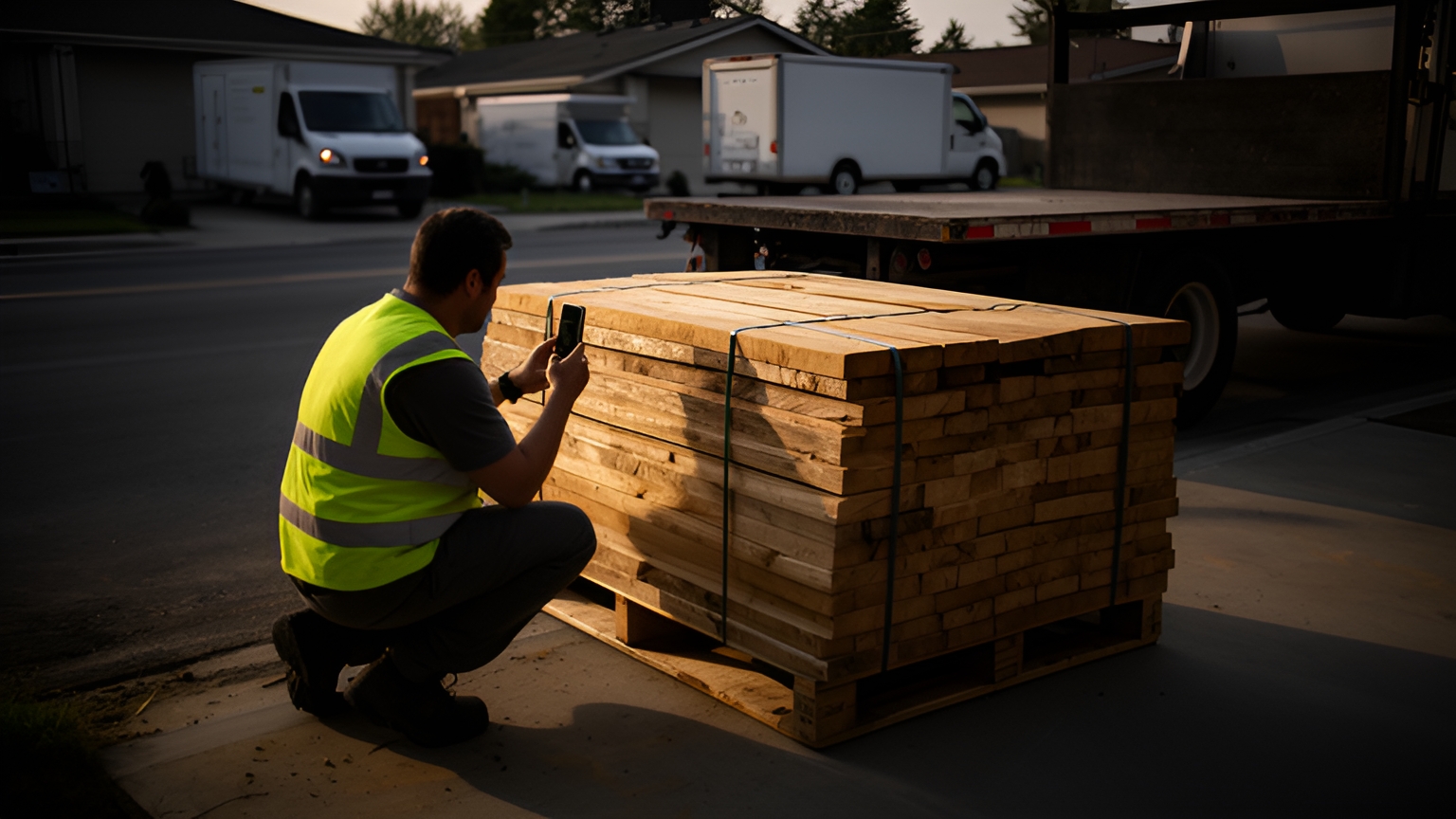
Proof of delivery software replaces paper receipts and delivery confirmation notices with a digital record captured on the driver's phone: photos, signatures, GPS location, timestamps and exception notes for every stop. US fleets use it to share proof with customers quickly, document condition on return pickups and keep records complete on long rural routes.
Each stop answers the same questions: what arrived, where it was left, when, and in what condition.
What proof of delivery software records at each stop
The US Bureau of Labor Statistics lists "Handle paperwork, such as receipts or delivery confirmation notices" among the duties of delivery truck drivers in its Occupational Outlook Handbook.
Proof of delivery software turns that paperwork into a record built at the stop itself. The driver captures it on a phone, and dispatch can open it once it syncs.
A complete stop record brings together several kinds of evidence. Each one answers a different question.
| Capture | Question it answers | Where it helps most |
|---|---|---|
| Photo | What did the goods look like, and where were they left? | Doorstep drops, job sites, return pickups |
| Signature | Who accepted the delivery? | High-value and B2B orders |
| GPS location | Was the stop completed at the right address? | Rural routes, large sites, similar addresses |
| Timestamp | When did the handover happen? | Delivery windows, customer service lookups |
| Exception note | What changed at this stop? | Partial deliveries, reschedules, access issues |
Locate2u's proof of delivery captures photo evidence, signatures and timestamps for every delivery, along with location data. Drivers complete the record on-site through the Locate2u driver app, so the business and its customer can both refer to the same stop record.
For a plain-language primer on the term itself, the guide to what proof of delivery means covers the basics. The sections below focus on setting up the record so it works on real US routes.
How a building supplies company built confidence with photo proof and live tracking
Franz Building Supplies delivers heavy and bulky building materials to construction sites, builders and trade professionals. Its customers rely on timely, accurate deliveries to keep their projects on schedule.
The Franz Building Supplies case study describes the gap the team wanted to close. Without a clear record of what was delivered, when and where, there was no way to verify the facts when a question came up about whether an order was complete or had arrived.
The team also wanted to lift accountability and the customer experience as a whole. Drivers needed a system that kept them on track, and management wanted clear visibility into daily operations.
Franz Building Supplies implemented Locate2u's proof of delivery system, which captures photo evidence, signatures and timestamps for every delivery. Drivers now photograph each delivery on-site, creating a record that both the company and the customer can reference.
The team also began sharing live tracking links with customers. That gave them real-time visibility into when their deliveries would arrive and set clear expectations before the truck pulled up.
The Franz Building Supplies team described the result in its own words: "What I love about Locate2u is the live-tracking features and proof of delivery. Our customer disputes dropped to nearly zero."
To try the same approach on your own routes, pick the accounts that ask about deliveries most often. Set a photo rule for every site drop: one wide shot showing where on the site the load was set down, plus one close-up of the load itself. Send a tracking link before each truck leaves the yard, run it for a few weeks, and see how quickly your team can answer questions about those orders.
How exception codes and item-level checks keep multi-drop and B2B records accurate
Not every stop ends with a full handover. A job site might accept most of an order and set one item aside for a swap, or a business might be closed when the driver arrives.
Exception codes turn those moments into structured data. Instead of a free-text note someone has to interpret later, the driver picks a reason and the app asks for the evidence that reason needs.
A practical starting set of codes, each paired with its capture:
- Partial delivery: a photo of what was accepted and a quantity note for each line that changed.
- Damaged on arrival: a close-up photo of the item and a short condition note.
- No one available to receive: a photo of the location and the timestamp, ready for redelivery.
- Rescheduled at the recipient's request: a note with the new delivery window.
- Site closed or access blocked: a location photo and a note for dispatch.
Multi-drop and B2B runs benefit from item-level checks too. Scanning each barcode or confirming a quantity per line at handover shows exactly which items reached which stop, not just that the stop was completed.
Picture a mixed load of lumber, drywall and fixtures split across several job sites. When each line is confirmed at its own stop, the office can see which site received what before the truck is back at the yard.
Capture rules work best when they're set per customer. In a demo, check whether you can require a signature and a photo for one account, a photo only for another, and an acceptable distance from the delivery address, so drivers are prompted automatically.
For B2B fleets, a completed stop record can also start billing. Locate2u's integrations page lists the systems the platform connects to, which is the place to confirm that completed deliveries can flow into your accounting or order system.
How condition photos make return pickups easy to document
Return pickups are regular work for fleets that collect on behalf of retailers. NRF research estimates that 19.3% of online sales will be returned in 2025.
Each of those collections moves an item from the customer to the driver. A condition record captured at that moment gives the retailer's returns team something concrete to check when the item arrives, and gives the customer handing it over the same record of what was collected.
Start by confirming the order number on the driver's phone, so the photos attach to the right return. Then photograph the package from more than one side with the label visible.
If the item is handed over unpacked, a photo of the item itself shows its condition at collection. Where a return covers several items, a quick scan or count per item keeps the record matched to the order.
Finish with a short condition note and the customer's signature. The timestamp and GPS location sit on the record without extra steps.
The customer benefits too. A collection confirmation with a photo gives them confidence that their return is on its way back.
How to keep records complete on long rural routes
On rural routes, offline capture comes first. US Census Bureau figures put the rural population at 20.0% of the national population in 2020, so a sizable share of US addresses can sit on long, low-density routes.
On those routes, stops can be miles apart and mobile coverage can come and go between them. The capture workflow needs to keep working when the signal drops.
Photos, signatures and notes should save to the phone at the stop and sync once the driver is back in coverage, keeping the original time and location rather than the time of upload.
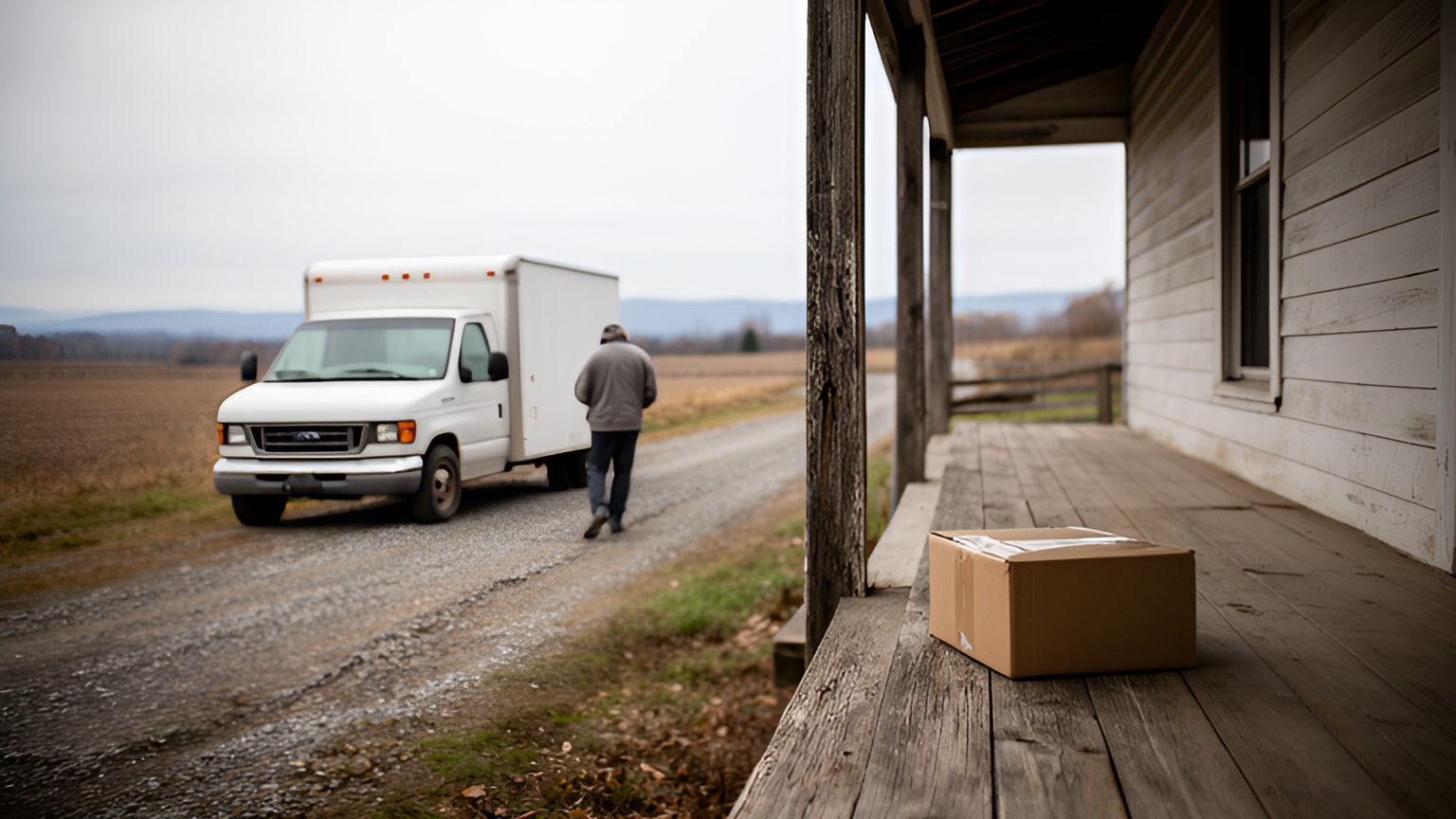
GPS needs some flexibility on rural addresses. A farmhouse may sit well back from the road, so a tight distance rule built for city blocks can flag a correct delivery, and setting the acceptable distance per customer keeps the record accurate.
Saved delivery instructions help every driver who visits the address. A note to use the side door of the barn, or to leave parcels inside the gate, travels with the address so anyone on the route sees it.
Photo size matters on weak connections as well. Ask how the app handles uploads on a slow signal, and whether a driver can carry on to the next stop while earlier records sync.
How clear records help through the November and December peak
When holiday volume adds stops to each route and brings seasonal drivers onto the team, the capture flow has to be quick to learn and quick to complete. A driver who is new to an account should be able to follow its prompts at the first door without calling dispatch.
Winter adds a second variable. The Federal Highway Administration reports that over 70 percent of the nation's roads are located in snowy regions, which receive more than five inches of average snowfall annually.
For fleets running those roads, a snow photo rule helps: when a drop spot is covered, ask drivers to frame the parcel together with the door or another fixed landmark, so the recipient can find it at a glance.
On signalized arterial routes, FHWA notes that speed reductions can range from 10 to 25 percent on wet pavement and from 30 to 40 percent with snowy or slushy pavement.
That makes a weather delay exception code worth adding before winter. A driver running behind or moving a stop can select it in one tap, the timestamp shows customer service exactly when it was recorded, and the tracking link keeps the recipient informed.
Before peak, walk seasonal drivers through each customer's capture rules and run a practice day with the exception codes they're most likely to need. Clear records at the busiest time of year keep customer service answers quick.
Tests to run in a demo before you choose a platform
A demo is most useful when it runs on your own work. Bring a real day's stop list, including some rural addresses and a B2B account with specific capture rules, and ask the vendor to walk through it live.
| Test | What to ask for | What a good result looks like |
|---|---|---|
| Stop capture | Complete a delivery on a phone with photo, signature and note | Clear prompts and a short flow a driver can follow at the door |
| Offline capture | Switch the phone to airplane mode, capture a stop, then reconnect | The record syncs with its original time and location |
| Exception codes | Mark a partial delivery and a reschedule | Each code asks for the photo or note you configured |
| Per-customer rules | Set one account to signature plus photo, another to photo only | The driver is prompted automatically at each stop |
| Sharing proof | Find a past stop by order number and send it to the recipient | Search by order or address, then share without switching systems |
| Billing handoff | Follow a completed B2B delivery through to an invoice or export | The finished record reaches your accounting or order system |
Watch the driver side closely. If you can, ask one of your drivers to try the capture flow during the demo and say which prompts feel slow.
Then watch the office side. Customer service should be able to open any stop and see the photo, signature, time and location together on one screen.
When questions about cost or rollout come up, book a call with the Locate2u team to talk through your routes, your customer rules and how the setup would fit your fleet.
Frequently asked questions
Should you require a signature on every delivery, or is a photo enough?
Set the capture standard per customer rather than fleet-wide: a doorstep photo with GPS and timestamp often suits residential drops, while high-value or B2B orders can require both a signature and a photo. Where a contract sets a specific requirement, build that rule into the customer's delivery settings so drivers are prompted automatically.
Can a completed proof of delivery record start the invoicing process?
For B2B fleets it can, if the platform passes completed stop records to your accounting or order system. In a demo, ask to see a finished delivery flow through to an invoice or export, and check which connections the vendor's integrations page lists.
How long should a delivery business keep proof of delivery records?
Match retention to the longest window in which customers can raise a query or send a return, then add a buffer. Confirm the platform lets you search old records by order number or address and export them in bulk if you ever change systems.
How do you help drivers get comfortable with a new proof of delivery app?
Start with a short pilot on a few routes, keep the required capture steps to the minimum each customer needs, and ask drivers which prompts slow them down. Their feedback on the stop workflow is the fastest way to tune the setup before a full rollout.
Clear proof at every stop starts with a capture standard that fits each customer and a workflow drivers find easy to follow. Set the rules per account, test offline capture and exception codes on your own addresses, and make sure the finished record reaches customer service and billing. To see how photos, signatures, timestamps and location data come together in one record, explore Locate2u proof of delivery.