Courier Software for Small Business: How US Owner-Operators Set Up Dispatch, Routes and Proof of Delivery
Drafted with AI assistance, edited and fact-checked by Sean Flannery. See our editorial policy.
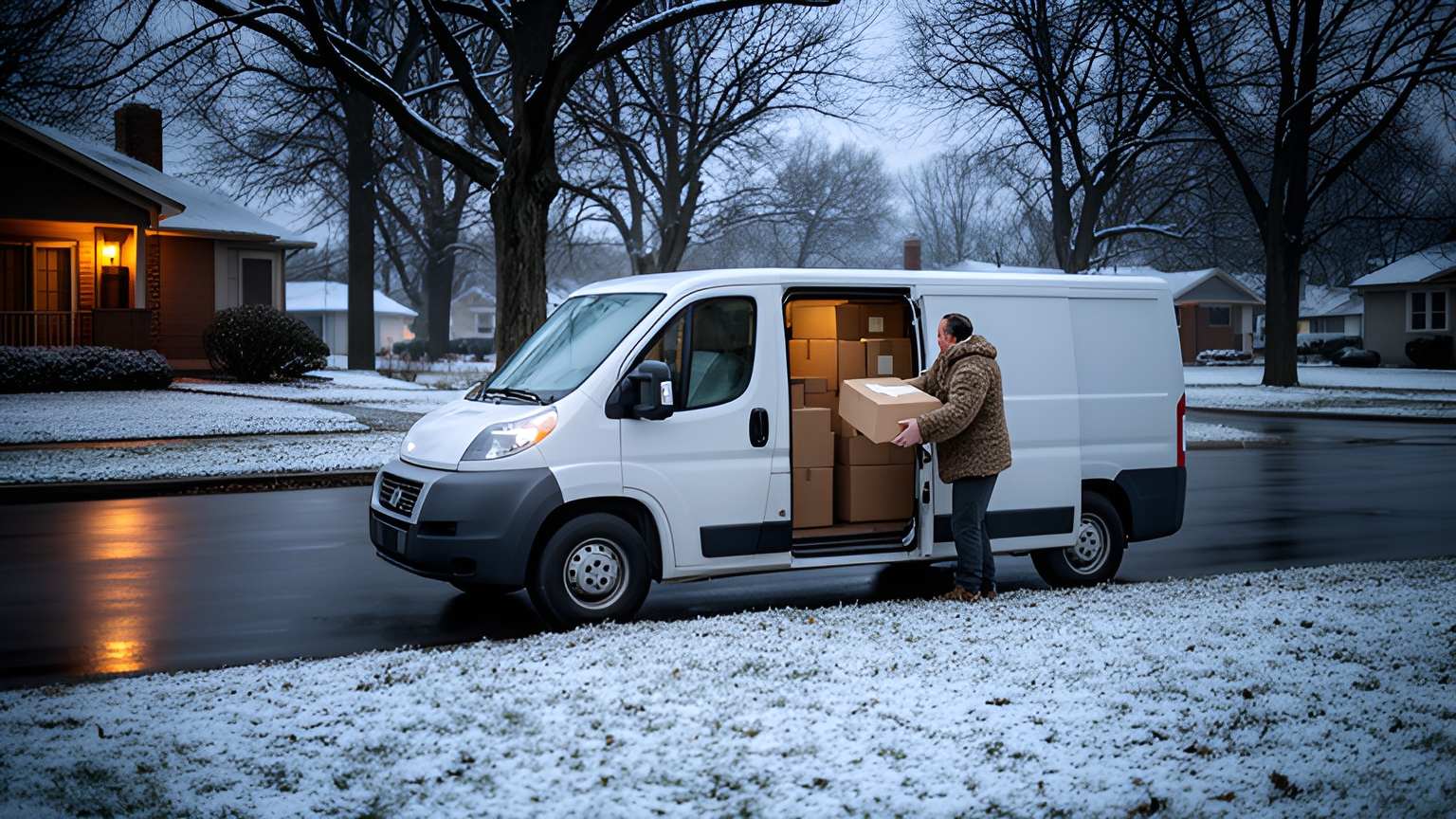
Courier software for small business brings order intake, dispatch, route optimization, live tracking and proof of delivery into one system, so an owner-operator can stop assigning jobs by phone and text. Drivers get sequenced stops in an app, customers get tracking links, and every drop or pickup is recorded with a photo, signature and timestamp.
Picture a 7am start. The owner is on the phone taking a same-day job, two drivers are waiting on a text with their first addresses, and three web orders came in overnight.
For a US owner-operator, add jobs spread across a sprawling metro area, winter weather across much of the country, and return pickups sharing van space with outbound parcels. Each of those has a setup step in the software, from one intake board to winter buffers and pickup windows.
How courier software moves a small team from phone-and-text dispatch to one shared plan
Phone-and-text dispatch works well at a handful of jobs a day. The owner knows every customer, every address and every van.
As volume grows, the plan spreads across call logs, message threads and a notebook on the passenger seat. A change agreed on one call has to be passed on by hand to the driver it affects.
That is a tooling gap, not a people problem. Everyone is working hard, just from different copies of the plan.
Courier software gives the whole team one board. Every job sits there with its address, contact, time window and notes, and a change on the board reaches the right driver's app straight away.
In Locate2u's dispatch planning, routes are built from delivery locations, time windows and driver availability. A new job can be slotted into the day's routes on the fly without disrupting other deliveries, customers can receive a live tracking link, and drivers capture photos, signatures and timestamps at each stop.
The move itself goes best in four steps:
- List every place a job can arrive: the web store, the main phone line, a mobile, a shared email address.
- Agree the fields every job needs, such as address, contact name and number, time window, item size and access notes.
- Name one board owner per shift. Several people can take orders, but one person makes route changes, so drivers receive one clear update.
- Start with one route and run it on the new system for a full week while everything else stays as it is.
That last step keeps regular customers comfortable during the switch. Comparing planned and actual arrival times each evening shows which addresses and windows need adjusting before the next route moves across.
How to bring web, phone and email orders into a single route plan
Route optimization can only plan the jobs it can see. So the first task in any setup is getting every order, from every channel, onto the same board before the run is built.
A family seafood business in Adelaide, South Australia shows how much of that an integration can take on. Madam Seafood's case study reports that in its early years bookings were managed by hand, with delivery routes worked out after a long day on the fish farm, often into the early hours of the morning.
As the business grew, more orders meant more addresses to sort and more routes to plan. Customers also called often to ask when their deliveries would arrive.
The team connected Locate2u to its online store. When a customer chooses a delivery date and time at checkout, Locate2u pulls the order in, groups it by delivery window, creates optimized routes for each driver run and gives the customer a real-time tracking link.
With Locate2u route optimization and that store integration, this one Australian business automated 90% of its delivery workload, and customers could see when to expect their seafood with no phone call needed.
For a US owner-operator with a web store, the same setup turns the delivery window a customer picks at checkout into the window the route is planned around.
You can test the idea on your own orders. Export last week's web orders and check how many arrived with a complete address and a usable delivery window, because those are the orders an integration can route without anyone retyping them.
If your orders come from an online store or another business system, check the connections listed on Locate2u's integrations page before you plan your intake.
Phone and email orders need a simple house rule instead. Whoever takes a call enters the job on the board during the call, using the same fields as a web order.
Email orders go to one shared inbox, and the board owner moves them onto the plan at set times through the day.
Then set a cut-off for each run. Orders entered before it go on that run's optimized route. Later orders slot into a live route where there's room, or wait for the next run.
How to put a dollar value on planning time using BLS courier and dispatcher wages
Planning time is easy to overlook because nobody invoices for it. It still has a cost, and US wage data gives you a fair way to price it.
The U.S. Bureau of Labor Statistics gives a 2025 median hourly wage of US$19.27 for couriers and messengers in the Couriers and Messengers subsector.
For dispatcher time, look up the dispatcher median on that same BLS page, or use the hourly value you put on your own time if the owner does the dispatching.
The method has two parts:
Planning cost = hours spent building routes each day × dispatcher hourly rate × working days.
Driver waiting cost = hours each driver waits for a finished run × driver hourly rate × number of drivers × working days.
As a worked example, assume one hour of route planning each morning and two drivers who each wait half an hour for their run. That is one hour of dispatcher time and one paid driver-hour every working day, with the driver-hour priced at the BLS median courier wage of US$19.27.
| Time | Worked-example input per day | Rate to apply |
|---|---|---|
| Route planning | 1 hour of dispatcher or owner time | BLS median dispatcher wage for the subsector, or your own rate |
| Drivers waiting for their run | 2 drivers × half an hour, so 1 driver-hour | US$19.27, the BLS 2025 median courier wage |
| Daily cost of morning planning | US$19.27 for the driver-hour, plus one hour at your dispatcher rate | Multiply by your working days for a yearly figure |
Your own numbers will differ, so time a normal week and swap them in. If optimized routes also run shorter, multiply the miles saved by your own per-mile vehicle cost and add that line too.
That figure gives you a yardstick to set against any software quote. Locate2u's route optimization generates routes from delivery locations, time windows and driver availability, so the dispatcher's morning moves from building the plan to checking and adjusting it.
To see how much of your own planning time shifts, time one week of manual planning, then one week with software on the same routes, and run both weeks through the formula.
How to set winter ETA buffers for routes in snowy regions
A route that runs to time in October can run long in January with exactly the same stops. The Federal Highway Administration reports that average arterial speeds decline by 30 to 40 percent on snowy or slushy pavement.
That reaches well beyond the northern states. FHWA reports that over 70 percent of the nation's roads are in snowy regions, which receive more than five inches (13 cm) of average snowfall a year.
So a winter buffer belongs in your plan as a setting the dispatcher chooses, not a guess made at 6am on the day.
Speed and time move differently, so size the buffer on time. As a worked example, take a run with two hours of arterial driving on dry roads. At a 30 percent lower average speed, that driving takes about 2 hours 51 minutes. At 40 percent lower, it takes about 3 hours 20 minutes.
Apply the buffer to drive time, not stop time. FHWA's figure is about road speed, so stretch the driving legs and keep your usual time at each stop unless your own records say otherwise.
Set it by zone. A route with long arterial legs between suburbs carries more of the slowdown than a tight downtown loop of short hops, and routes in mild-winter areas may only need it on the occasional storm day.
Switch it on from the forecast. Decide the evening before which zones get the winter setting, rebuild those routes, and widen customer delivery windows to match. Drivers then have the time they need on icy roads without feeling rushed.
On the day, Locate2u's real-time tracking shows every vehicle on a live dashboard, so a dispatcher can see a run falling behind and reassign a later stop to another vehicle.
After the first snowy week, compare planned and actual arrival times by zone and adjust the buffer. Your own records are the best guide for next winter's setting.
How to schedule return pickups alongside outbound runs with proof of collection
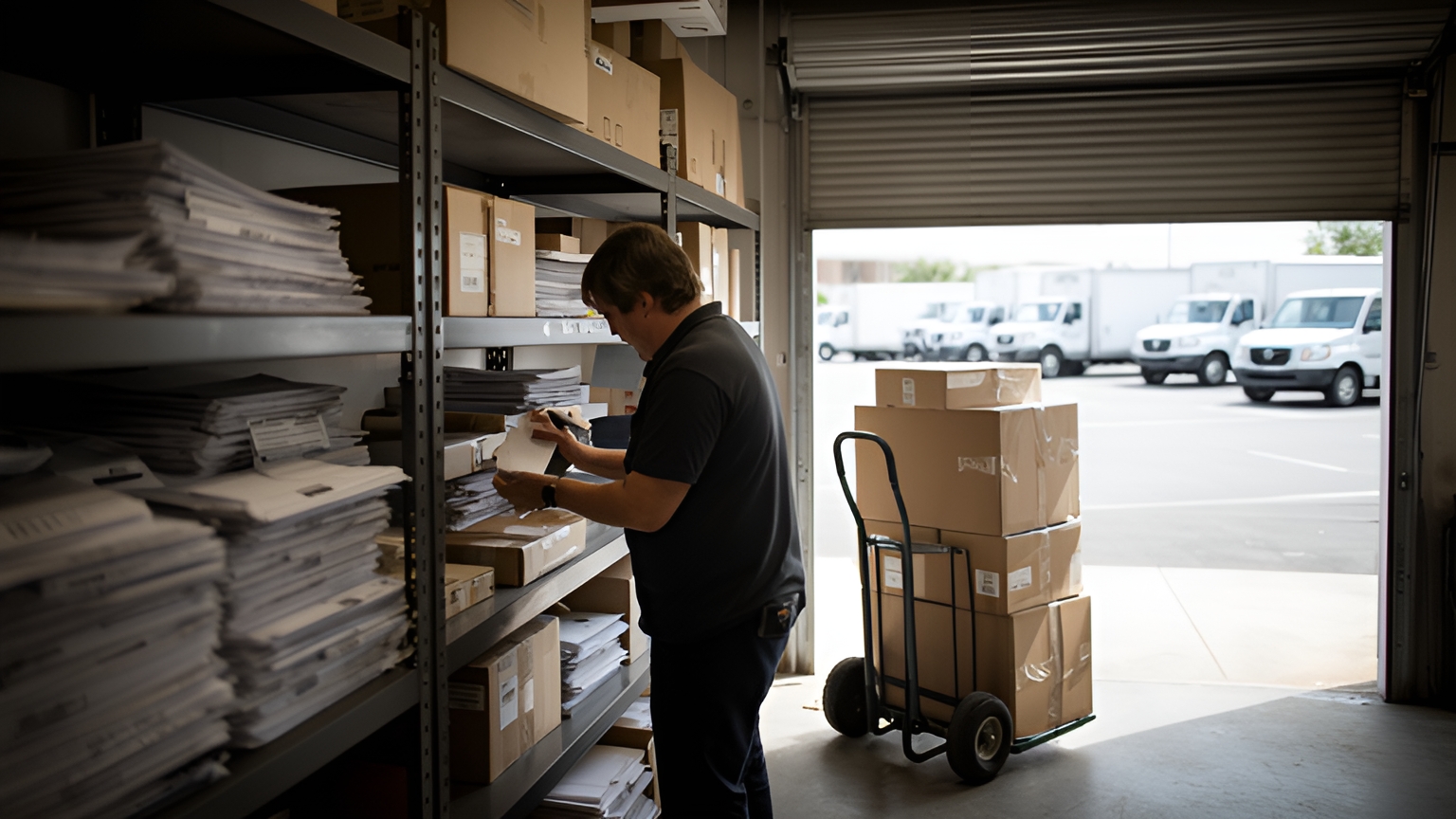
Returns are part of the daily work for a courier that serves online sellers. The National Retail Federation estimates that 19.3% of online sales will be returned in 2025, and projects total returns for the retail industry to reach US$849.9 billion in 2025.
For a small courier team, that volume points to one planning decision: treat returns as scheduled jobs on existing runs, rather than extra trips fitted in at the end of the day.
Give pickups their own job type on the board, with the same fields as a delivery plus the item to collect and where it goes next.
Give each pickup a window, just like a delivery. A collection with a set window can be placed wherever it fits in the route.
Then think about van space. Pickups placed toward the end of a run use room that earlier deliveries have freed up, while bulky collections may suit a dedicated afternoon run.
Record the collection as clearly as a drop. Locate2u's proof of delivery captures photos, signatures and timestamps at each stop on the route, so a collection placed on the run carries the same record as a delivery.
How saved access notes and stop photos help drivers on repeat addresses
Repeat addresses are where a small courier team builds its best local knowledge. The aim is to keep that knowledge on the job record, where every driver can use it.
Useful notes are specific: which entrance to use, where the loading zone or alley access is, whether a dock has set receiving hours, and who to ask for on arrival. A photo of the right door says more than a paragraph.
Drivers are the best source for these notes because they know the tricky addresses first-hand. Ask them which notes to save, and let them add a photo the first time they visit a new site.
Locate2u's driver app gives each driver their sequenced stops and captures photos and signatures at the stop. When you test any driver app, check that a note saved against an address appears on every future job there, including when a different driver covers the run.
How to plan driver capacity as US home delivery demand grows
Official US figures help with one practical question for a growing courier team: when to add a driver or a shift.
The FHWA summary of the 2022 National Household Travel Survey found that online purchases delivered to the home in the past 30 days doubled for all households from 2017 to 2022.
Quarterly online sales also grew in 2026. The U.S. Census Bureau estimates retail e-commerce sales of US$340.2 billion in the second quarter of 2026, seasonally adjusted, up 3.8 percent from the first quarter. E-commerce accounted for 17.1 percent of total retail sales that quarter.
The Bureau of Labor Statistics projects employment of delivery truck drivers and driver/sales workers to grow 7 percent from 2025 to 2035, much faster than the average for all occupations, and notes that continued growth of e-commerce should increase the need for deliveries.
Demand that keeps climbing can outpace a fixed roster, and hiring takes time. So decide your trigger now, using your own route data.
Measure stops per driver-day from completed routes, not from the plan. Courier software that timestamps each stop gives you this without extra paperwork.
Then write the trigger down. A clear one: routes finish past their planned time on three of five working days, or stops per driver-day reach the most your team can complete inside its delivery windows. When either happens, add a shift or a driver.
Start hiring as you approach it. A new driver can then ride along on several runs and learn the saved stop notes before covering a route alone.
Plan holiday weeks separately. The run from Thanksgiving through December can outgrow any fixed roster, so line up overflow capacity with a trusted local courier partner early and agree how jobs will be handed over.
How to choose courier software by testing it on a week of your own jobs
Feature lists look alike from a distance. A week of your own jobs shows how a platform handles your addresses, your windows and your drivers.
When you compare courier software for small business, pull a real week from last month: every order from every channel, with addresses, time windows, pickups and notes. Include your busiest day and your most awkward one.
Ask to see that week planned on a call, then work through these checks:
| Check | How to test it | What good looks like |
|---|---|---|
| Order intake | Load a week of web, phone and email jobs | Every job lands on one board with the same fields |
| Route plan | Build routes for your busiest day | Routes respect time windows and driver availability |
| Changes during the day | Add an urgent job at midday | It slots into a live route without disrupting other deliveries |
| Return pickups | Add several collections to an outbound day | Pickups sit on existing runs with their own windows and proof of collection |
| Driver app | Set it up on a driver's phone in the yard | Stops appear in order, with saved notes, and a photo and signature take moments |
| Records | Review a completed day | Planned versus actual arrival times, stop times and proof captured for each job |
Bring your planning-time figure to the conversation, so the cost of software sits next to the hours it frees up.
And involve a driver in the test. They will spot an awkward screen or a missing field faster than anyone in the office.
Frequently asked questions
How should you roll out courier software without disrupting current customers?
Run the software on one route or one zone for a full week while the rest of the operation stays as it is. Compare planned and actual arrival times each evening, update address and access details, then move the next route across.
Who on a small team should own the dispatch board each day?
Name one person per shift as the owner of all route changes, even if several people take orders. Everyone else enters new jobs on the board with the agreed fields, so drivers receive one clear update instead of competing calls and texts.
What should you review after the first month on courier software?
Pull four numbers by address and by route: planned versus actual arrival time, time spent at each stop, the share of jobs with a photo and signature captured, and return pickups completed on the scheduled day. Use them to reset delivery windows, stop-time defaults and winter buffers.
How do you help drivers get comfortable with a new driver app?
Ride along on the first run, set up the app on each driver's phone together, and practice one photo and signature capture in the yard before leaving. Ask drivers which stop notes they want saved, because they know the tricky addresses best.
A small courier team gets the most from software when every order lands on one board, routes carry realistic winter and stop-time settings, and pickups are recorded as clearly as drops. Start by mapping your order channels and board owner in Locate2u's dispatch planning, then book a call with the Locate2u team to see a week of your own jobs planned and talk through costs for your fleet.