Route Planner for Delivery Drivers: A US Guide to Planning Faster Multi-Stop Days
Drafted with AI assistance, edited and fact-checked by Sean Flannery. See our editorial policy.
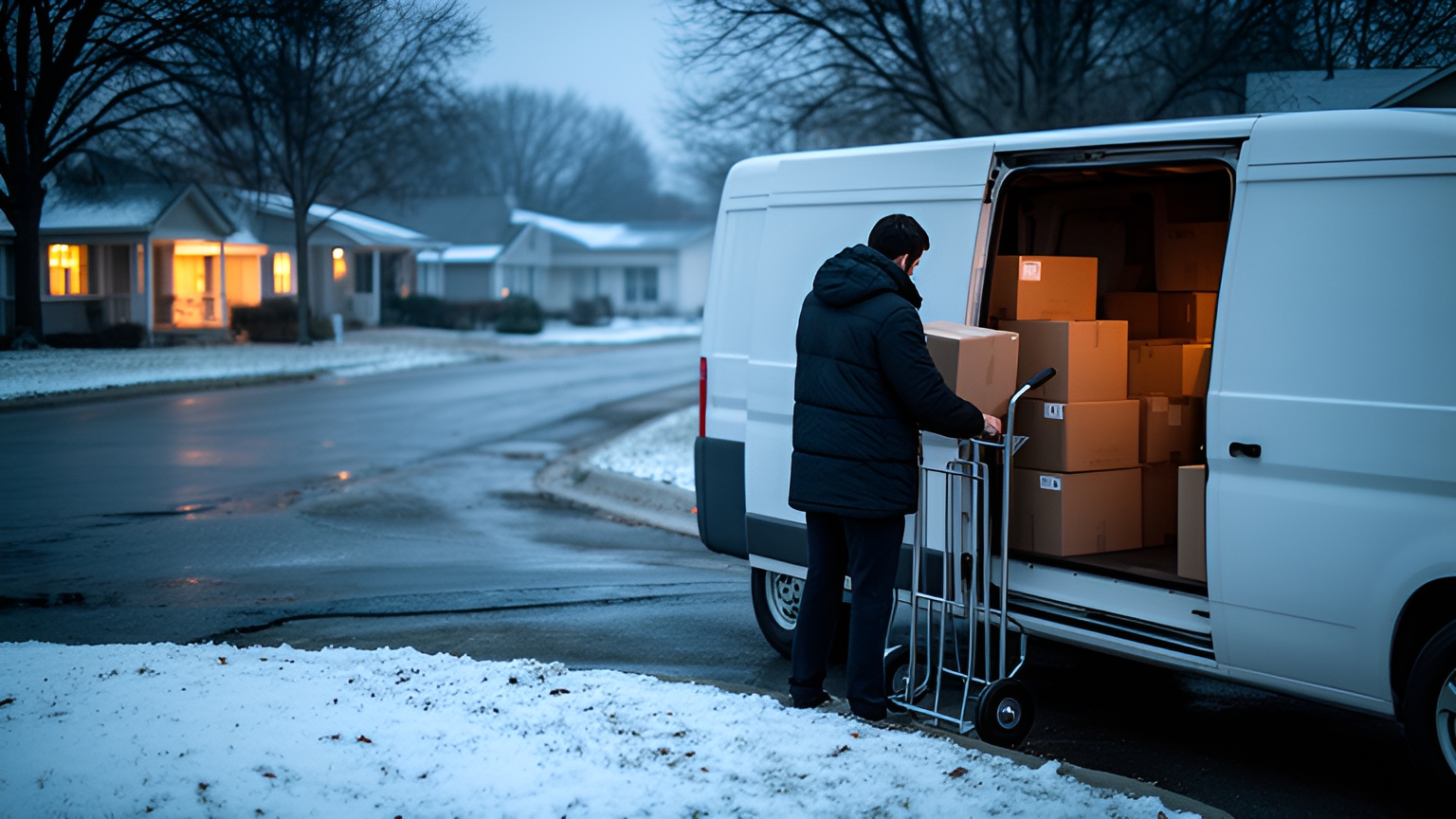
A route planner for delivery drivers turns a list of addresses into a sequenced day. It orders stops around delivery windows and time on site, splits the work across vehicles, and updates the plan when stops change. In the US, a good planner should also account for winter weather, all-day congestion and the November to December peak.
Those conditions shape American delivery work as much as the addresses do. A van that crosses a sprawling metro area twice in one morning, or a regional run that stretches across several counties, spends paid hours on the road instead of at the door.
Good stop planning puts those hours back into deliveries.
How a route planner supports delivery drivers who pick their own best route
The U.S. Bureau of Labor Statistics Occupational Outlook Handbook describes the job plainly: "Most drivers generally receive instructions to go to a delivery location at a particular time, and it is up to them to determine the best route."
That is a lot of skill to carry in one person's head. Drivers learn which loading docks open late, which apartment complexes have a service entrance around the back, and which left turns slow down at lunchtime.
A good planner respects that knowledge. It gives the driver a strong starting sequence that already fits each delivery window and the expected time at each stop.
The driver's judgment then refines the day instead of building it from nothing.
Driver time is also the resource the plan protects. The BLS handbook reports that the median annual wage for light truck drivers was US$44,860 in May 2025.
That is a median wage, not a full employment cost. Even so, it makes the decision simple: every hour spent re-sorting stops or doubling back across town is paid time that could have gone to deliveries.
So the planner's first job is to take the sorting work off drivers and dispatchers. The Locate2u driver app is where drivers see their planned stops for the day, which makes it the natural place for that plan to meet their local knowledge.
When a driver reorders stops for a good reason, add the reason to the stop's notes. The next plan starts from that knowledge, and a newer driver on the same route benefits from it on their first day.
Building a workable day from stop order, delivery windows and time on site
Time on site is the part of the day a map can't show. It covers everything between parking and pulling away.
On US routes that stretch varies widely. A curbside drop at a suburban house is quick. A downtown office tower can mean finding a loading zone, checking in at a dock, riding a freight elevator and collecting a signature.
Give each stop type its own default instead of one number for every stop. Residential porch, business reception, loading dock and multi-unit building make a sensible starting set, and real timings will refine them later.
Next, mark which delivery windows are hard and which are flexible. A clinic that only receives before noon has a hard window. A residential customer happy with any time that day gives the planner room to move.
Add parking and access notes to the stops that need them: gate codes, the side street with legal curb space, the dock bell. Those notes save minutes the planner can't see on its own.
With windows and time on site in place, the planner can do its real job. It orders stops so each one lands inside its window, with realistic travel time between them.
As more customers expected same-day prescription delivery, SuperPharmacy's delivery team was spending up to one hour every day planning routes by hand, according to SuperPharmacy's case study.
The online pharmacy, which delivers prescription medications and health essentials across Australia, moved its daily planning to Locate2u route optimization. Routes are now generated automatically from delivery locations, time windows and driver availability.
Planning that once took an hour now takes just 10 minutes, cutting route planning time by 83% for this one Australian business. New prescriptions can also be slotted into existing routes during the day, which helped the team offer same-day prescription delivery as a core service.
The team summed it up: "Before Locate2u, we had to generate new routes if we wanted to change anything. Now we can adjust the day's deliveries on the fly."
A simple test for your own operation: time how long tomorrow's plan takes by hand, then run the same stops through a planner and compare the two.
Planning winter and wet-weather routes across US regions
Winter planning is a national question, not just a northern one. The Federal Highway Administration reports that over 70 percent of the nation's roads are located in snowy regions, which receive more than five inches (13 cm) of average snowfall annually.
For a fleet in those regions, a winter planning routine belongs in the setup. It shouldn't wait for the first snowy morning.
Bad weather also stretches the travel time between stops. FHWA's road weather research reports that travel time delay on arterials can increase by 11 to 50 percent, depending on the severity of the weather event.
If your routes run along arterial roads between neighborhoods, a plan built on dry-day travel times with tight windows has very little slack when a storm rolls in.
And the FHWA figure covers weather events in general, not snow alone. Gulf Coast thunderstorms, Pacific Northwest rain and Upper Midwest ice storms each give dispatchers good reason to plan a slower day.
A practical weather routine looks like this:
- Set a winter time-on-site default for stop types that involve walking, steps or unloading outdoors.
- Check the forecast the afternoon before and flag the days that need extra travel buffer.
- Widen flexible delivery windows on flagged days, and let customers know early through tracking links or notifications.
- Put fewer stops on routes that cover hills, rural roads or bridges that tend to ice first.
When you test a planner, ask whether a dispatcher can apply a slower travel profile or extra buffer to selected days. That one setting shapes how smoothly a snowy Tuesday runs.
Splitting stops across drivers and vehicles of different sizes
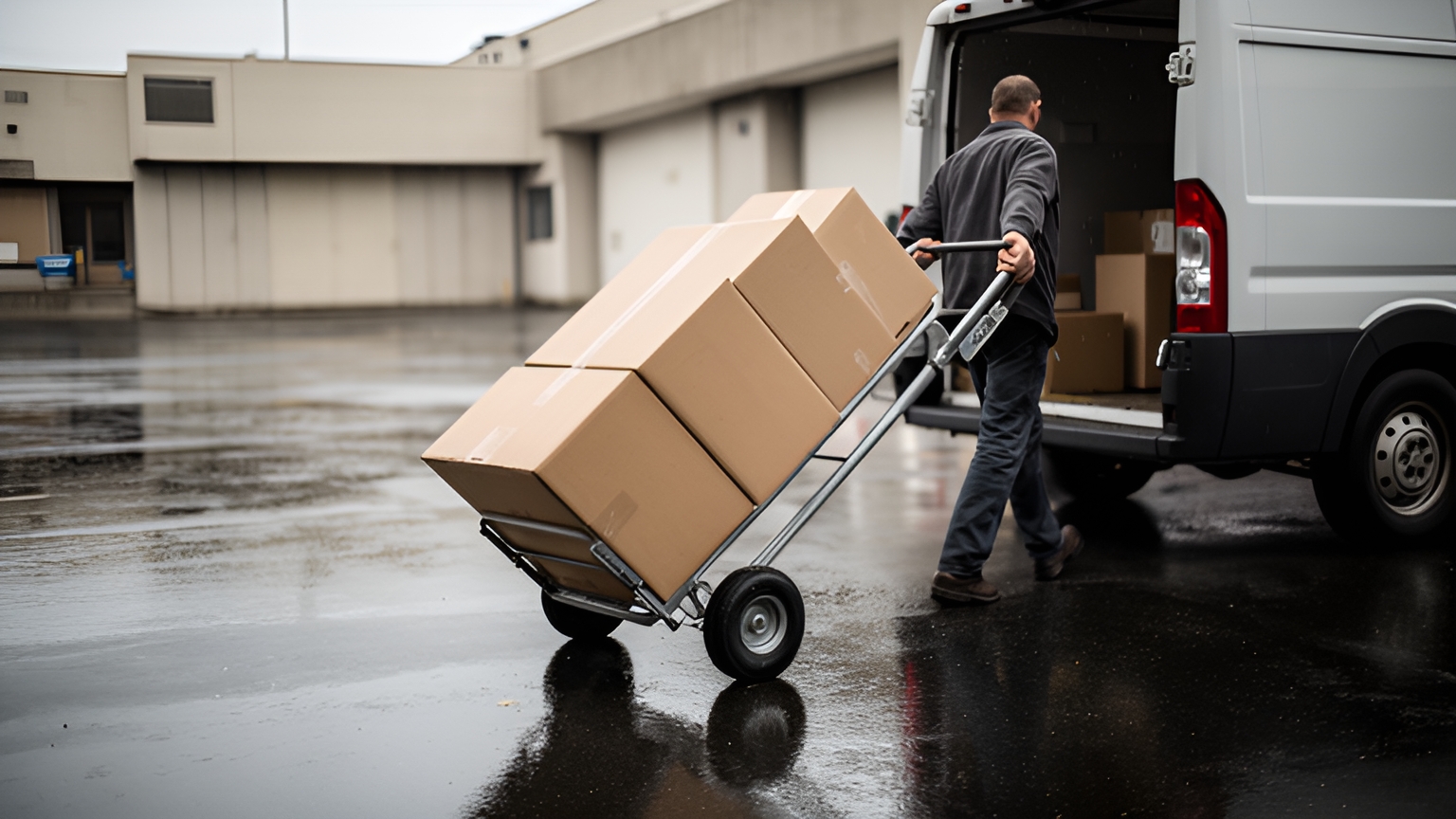
A single depot might send out a box truck with a liftgate, a couple of cargo vans and a car for small parcels, all in the same morning.
Splitting stops well starts with capacity. Record what each vehicle can carry by weight, volume or item count, and tag the stops that need a particular vehicle.
Some stops need more than space. A refrigerated item, a two-person lift or a liftgate unload should only land on a route with the right vehicle and crew.
Then balance finishing times, not stop counts. A dense urban route full of short stops and a rural route with long miles between doors can fill the same working day with very different stop totals.
Keeping drivers in familiar territory is worth weighing too. A driver who already knows a suburb's access quirks brings that knowledge to every stop in it, which is the route judgment BLS describes, put to good use.
Locate2u dispatch planning supports this assignment step, planning multi-drop routes with delivery windows and vehicle capacity in mind. That leaves dispatchers free for the judgment calls instead of sorting addresses.
Keeping the plan current when stops change mid-day
A morning plan is a starting point. On a busy day, a dispatch desk might field an urgent add-on, a customer asking to move to the afternoon and a stop that needs a second visit, all before lunch.
The aim with each change is to keep the rest of the day intact. Insert the new stop where it adds the least travel, then check that every remaining window still holds.
Rebuilding a whole route for one change costs planning time and hands drivers a fresh list mid-shift. A planner that slots changes into live routes keeps the day steady.
Traffic is the other moving part. Where congestion runs into midday and weekends rather than just the commute peaks, fixed time-of-day rules become less reliable, and live updates carry more of the load.
Keep customers in the loop as times move. Locate2u can share live tracking links, so recipients see an updated arrival time without calling the depot.
At the end of the day, compare planned against actual times for a sample of stops. The gaps show which time-on-site defaults or windows to adjust before the next plan runs.
Getting route capacity ready for the November to December peak
The National Retail Federation's annual holiday forecast predicts that retail sales in November and December will grow 4.2% over 2025, equating to total spending of US$1.013 trillion.
That figure measures retail spending, not your stop count. What it confirms is timing: the busiest selling weeks of the year overlap with early winter weather across much of the country, so aim to finish peak preparation before November starts.
Start with time-on-site defaults. Holiday parcels and extra residential drops change the mix of stop types, and the defaults should reflect the new mix.
Onboard seasonal drivers to the driver app before the rush, with a few practice routes, so the first busy day isn't also their first day with the tools.
Line up extra vehicle capacity, and decide in advance which flexible windows can widen on the heaviest days.
If peak days push routes well beyond their usual size, Locate2u's guide to route planners with unlimited stops is a useful next read.
Questions to ask when you test a route planner on your own stops
The best test of any route planner for delivery drivers is a real day's work: your addresses, your windows, your vehicles. Sample data tends to plan neatly.
Bring these questions to the session and watch the answers play out on your own stops.
| Question to ask | What a good answer looks like |
|---|---|
| Can time on site be set by stop type and changed for a single stop? | Editable defaults per stop type, with overrides for stops known to run long. |
| Can a dispatcher add travel buffer or widen windows on forecast weather days? | A setting applied to chosen days, without editing every route by hand. |
| How are stops split across vehicles of different sizes? | Capacity and equipment needs respected, with routes balanced by finishing time. |
| What happens when an urgent stop arrives late in the morning? | The stop slots into a live route, remaining windows are rechecked and the driver sees the change. |
| Can drivers reorder stops, and where does the reason go? | Reordering within limits the dispatcher sets, with the reason saved to the stop. |
| How do customers learn about a changed arrival time? | Live tracking links or notifications that update as the route moves. |
| Can orders flow in from your online store or order system? | Orders arrive ready to plan, with no re-keying. |
Run the test on an ordinary day and on a harder one, such as a day with a weather delay or a cluster of late additions. The harder day tells you more.
To work through these questions on your own routes and talk about the setup that suits your fleet, book a call with the Locate2u team. Bring a recent day's stop list to use as the test case.
Frequently asked questions
What data do you need before you can plan your first optimized route?
At minimum, a clean address list with a delivery window and an estimated time on site for each stop, plus the vehicles and drivers available that day. If orders come from an online store or order system, check the Locate2u integrations page so orders flow in without re-keying.
How often should you review the time-on-site estimates in your planner?
Review them whenever your stop mix changes, and at least before winter and before the November to December peak. Compare planned against actual time at a sample of stops each week and adjust the defaults for stop types that consistently run long.
Should drivers be able to reorder the stops the planner suggests?
Yes, within limits the dispatcher sets, such as fixed delivery windows. Recording why a driver reordered stops, such as a loading dock that opens late or a quieter side street, lets the team add that note to the stop so the next plan starts smarter.
Is a route planner worth setting up for a fleet of one or two vans?
Usually yes, because the planning time and the customer calls about arrival times land on the same one or two people. Test it on a real day's stops and compare the planning time against how you plan today before deciding.
A well-prepared planner gives drivers a sensible day, dispatchers a plan that adapts as stops change, and customers arrival times they can rely on. Start with time-on-site defaults and clear windows, add a winter routine and a peak calendar, then see how it runs on your own stops with Locate2u route optimization.