Delivery Scheduling Apps: How to Book, Assign and Confirm Delivery Slots
Drafted with AI assistance, edited and fact-checked by Sean Flannery. See our editorial policy.
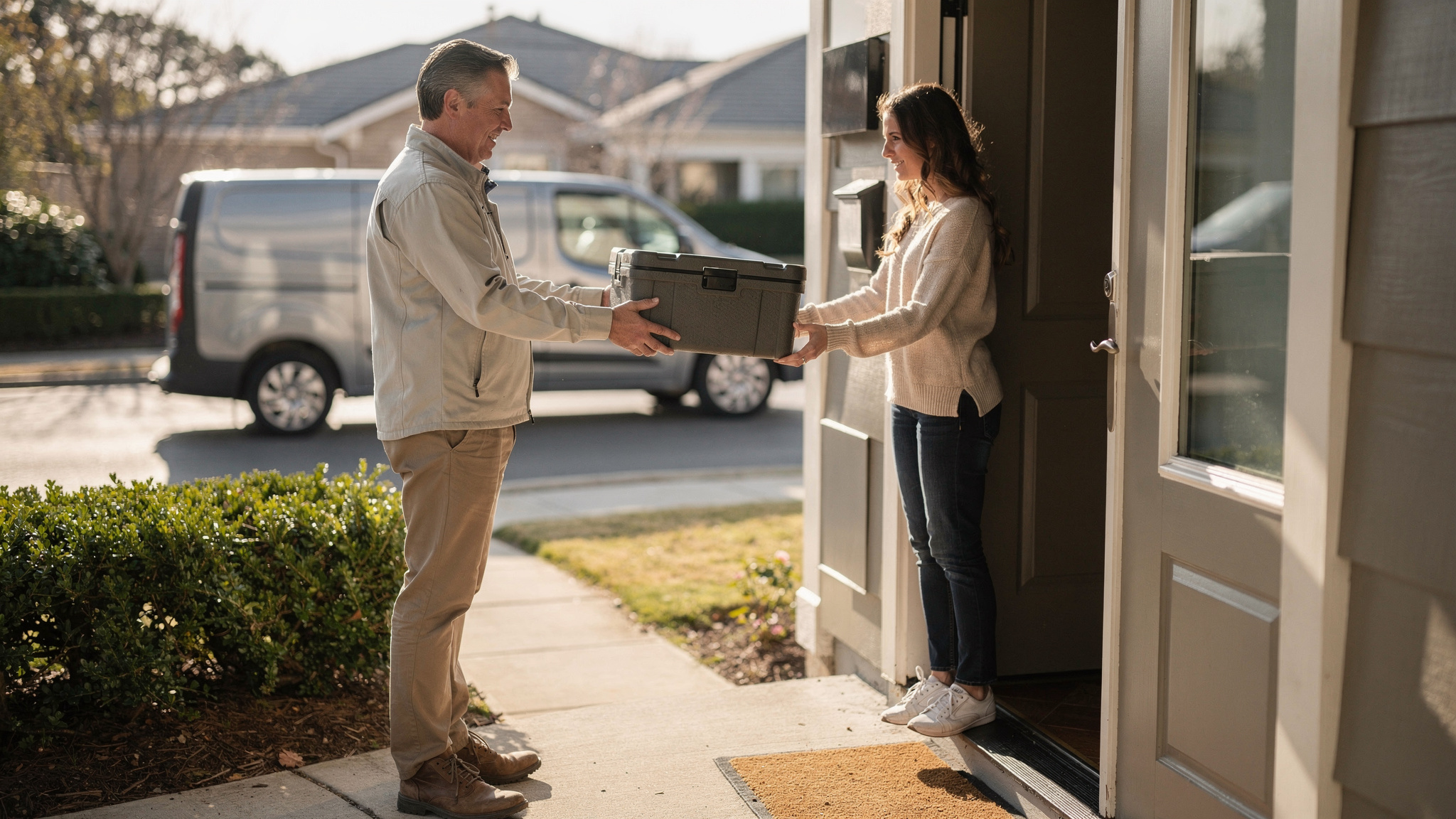
A delivery scheduling app lets customers pick a delivery date and time window, then turns those bookings into routes drivers can complete and sends live updates until the drop is done. It replaces the spreadsheet with booking, assignment and confirmation in one flow, so more deliveries arrive when the customer expects them.
The booking form is the easy part. The real work is making sure every slot you offer is one your routes can reach, and that customers hear from you before they think to ask.
What a delivery scheduling app does, from booked slot to doorstep
Think of a delivery scheduling app as three jobs joined together: booking, assigning and confirming.
Booking happens when the customer picks a date and a window at checkout, or when your team books it for them over the phone. From that moment, the slot travels with the order.
Assigning turns a day of bookings into routes. Orders are grouped by date and window, sequenced into runs and given to drivers with the vehicles and hours to complete them.
Confirming runs from the booking message to the doorstep: a tracking link, a live ETA on the day and a proof of delivery record once the drop is done.
When those steps live in separate tools, someone has to copy each order and its slot from one to the next. In one flow, nothing is retyped.
Madam Seafood's case study reports that the family-run business was established in 2017 in Adelaide, South Australia. It delivers fresh and live seafood to customers' doors across Adelaide on weekly runs every Tuesday and Friday.
In its early years, bookings were managed by hand and routes were worked out after a long day on the fish farm, often into the early hours. As orders grew, customers would also phone to check when their delivery would arrive, which matters when fresh seafood needs someone home to receive it.
Today, customers choose their preferred delivery date and time at checkout. Locate2u pulls the orders straight from the online store, groups them by delivery window, builds efficient routes for each driver run and gives every customer a real-time tracking link.
The case study reports that, with Locate2u route optimisation and its online store integration, the business automated 90% of its delivery workload. That is one Australian business's result, and it shows booking, assigning and confirming working as a single flow.
Why customers value choosing their own delivery time
Choice of delivery time is something many buyers now look for.
In a survey of US consumers published by McKinsey & Company, more than 50 percent of respondents placed importance on being able to schedule deliveries.
So when you compare platforms, slot choice at checkout deserves a place near the top of your list.
The reason is practical. A customer who picks the window has planned to be available for it, which matters most for goods that need a person at the door, such as fresh food or large items that need a signature.
There is a loyalty side too. Research from the Capgemini Research Institute, found that close to three-fourths of consumers are willing to reward retailers who get the last-mile experience right with increased spend and loyalty.
That makes the scheduling step part of what you sell, not just back-office admin. Give it the same care as your checkout.
A few habits make choice work well for customers:
- Show only the windows you can still fulfil, so a full slot is never offered.
- Repeat the chosen window in the order confirmation, in plain words.
- Make rescheduling a self-service step that offers the next open slots straight away.
- Keep window names simple, such as morning, afternoon or evening.
How to set delivery windows your routes can keep
A delivery window is a promise. The best windows are the ones your routes keep day after day.
According to Eurostat, the most common online shopping problem in the EU was slower delivery than expected, reported by 19.9% of customers.
Lateness is judged against what the customer was told. So set windows from what your routes actually achieve, not from what would look best on the checkout page.
Precision is not everything either: a delivery that arrives when promised usually matters more than one that arrives fast.
A slightly wider window that lands on time is a stronger promise than a tight one that slips. A practical way to set windows:
- Start with the widest window your customers accept, and narrow it only where timing matters, such as perishables.
- Cap each window by capacity. Decide how many stops it can hold across your available drivers and vehicles, and close it when it fills.
- Allow for real stop times. An apartment block, a building site and a suburban house each take different time once parking and the walk to the door are included.
- Set booking cut-offs early enough to plan routes and load vehicles.
- Review each month how many stops landed inside their booked window, then adjust widths or caps.
How booked time windows become efficient driver routes
Once bookings close, every order becomes a stop with a deadline attached.
According to MIT's Center for Transportation and Logistics, the average delivery vehicle in a US city makes about 120 stops.
Every time window adds another condition the route has to meet. That is why sequencing a full day of windowed stops by hand is slow, and why it pays to let software draft the plan.
Good route optimisation treats each booked window as a fixed requirement, then orders the stops to keep every promise with as little driving as it can.
Locate2u's route optimisation generates routes automatically from delivery locations, time windows and driver availability, so the planner starts from a workable plan rather than a blank map.
You can help the software by shaping demand. Consider offering windows in each area on the days you already have stops there, so bookings cluster into denser runs.
And when a run looks unbalanced, adjust the window caps for that area so each driver's day stays comfortable.
How automatic assignment gives a small planning team more room
US Bureau of Labor Statistics estimates for May 2023 count 281,310 light truck drivers in the couriers and express delivery industry, its largest single job, alongside 5,420 dispatchers.
That is a planning team far smaller than the driving team it supports. So ask how much of the assignment work a scheduling app takes on by itself.
Automatic assignment matches each booked order to a driver and vehicle that can reach it inside its window, based on who is working and what each vehicle suits.
The planner's job then shifts from building routes to reviewing them, handling the unusual stop and talking to customers.
Locate2u gives the dispatch team a live dashboard showing every vehicle. If a run is behind because of traffic or a longer stop, the team sees it straight away and can move a later stop to another vehicle.
How live ETAs and confirmations help more deliveries succeed first time
A booked slot gets the customer ready. A live ETA keeps them ready on the day.
Completed first attempts help everyone involved. IMRG estimated a cost of £36 per failed delivery event, counting consumers, retailers and carriers together.
That makes clear, timely updates one of the simplest ways to protect each delivery. Send a confirmation when the slot is booked, a reminder before the day and a tracking link once the driver is on the way.
Customers do follow along. In McKinsey's US survey, about 50 percent of respondents said they track their orders to check they are still on time.
Give them a link that answers that question, and the check-in call is no longer needed.
Locate2u's real-time tracking shares a live tracking link with each customer and sends automated notifications, so recipients know when to expect their delivery and can plan around it.
Drivers benefit too. A customer who is expecting them makes for a quick, friendly handover.
At the door, proof of delivery closes the loop. A photo, timestamp and location confirm the drop for both the customer and your team.
And when a first attempt does not complete, that record makes the next step easy. For rebooking ideas, see this guide to attempted deliveries.
How to fit same-day orders and changes into a booked day
Booked days change. New orders arrive, customers move their slot, and urgent jobs appear after routes are out.
McKinsey research puts same-day delivery at approximately 1 percent of the courier, express and parcel market in France and Germany, and around 2 to 3 percent in Japan, the UK and the US.
For a booked operation, a practical approach follows: keep a little capacity in reserve each day for urgent orders, rather than building a separate same-day operation from the start.
The bigger task is fitting changes in while every customer who already has a slot keeps it.
Locate2u lets new orders be slotted into existing routes on the fly, without disrupting other deliveries, and customers keep their live tracking link throughout.
A few house rules keep the day calm. Set a daily cut-off for same-day orders. Protect windows that are already booked. Tell any customer whose arrival moves before they need to ask.
When a request does not fit, offer the next open window straight away. A firm later slot is a clearer promise than a hopeful earlier one.
A practical checklist for choosing a scheduling app
The best test of a delivery scheduling app is a real day of your own orders. Take a recent day of bookings, walk them through each platform you are considering, and use the checks below.
| What to check | Why it matters | How to test it |
|---|---|---|
| Slot booking with capacity caps | Customers only see windows you can fulfil | Book the last place in a window and confirm it closes |
| Windows used in routing | Routes are built around the promises made | Optimise a day and check each stop lands inside its window |
| Automatic assignment | Planners review plans instead of building them | See how orders are matched to drivers, vehicles and availability |
| Live tracking and notifications | Customers know when to expect the driver | Send yourself a tracking link and follow a test run |
| Proof of delivery | Every drop has a clear record | Capture a photo, timestamp and location in the driver app |
| Same-day changes | Urgent orders fit without rebuilding the day | Add an order mid-run and watch which stops move |
| Integrations and API | Orders and chosen windows arrive without retyping | Connect your order, ERP or booking system and send an order through |
| Pricing as you grow | Costs stay predictable as drivers are added | Compare published plans for your current team size and the next one |
Score each row on what you saw happen, not on what you were told.
An app that handles a busy, real Tuesday of your own orders will serve you better than one that only shines on a tidy sample.
Frequently asked questions
How wide should delivery time windows be?
There is no single correct width. A practical starting point is the widest window your customers accept, narrowed only for goods where timing matters, such as perishables, then reviewed each month against how many stops actually landed inside their booked window.
What should happen when the customer is not home for a booked slot?
Record the attempt with a photo, timestamp and location using proof of delivery, contact the customer straight away and offer the next available slot. A clear attempt record makes the rebooking conversation quick and friendly for everyone.
Is a scheduling app worth it for a business with only a few drivers?
If bookings arrive by phone or message and routes are rebuilt by hand each evening, a scheduling app takes that evening planning off the list. Check how costs scale as you add drivers on the Locate2u pricing page before you commit.
Can a scheduling app take bookings from systems other than an online store?
Yes, if it offers an API. Locate2u's API and integrations let orders and their chosen time windows flow in from order, ERP or booking systems, so planners do not retype addresses or slots.
Start with windows your routes can keep, let software turn those bookings into assigned runs, and keep customers updated until the drop is done. To see how that works on your own orders, explore Locate2u's dispatch planning tools and walk a real day of bookings through the checklist above.