Dispatching Software for Small Business: What It Does and How to Choose
Drafted with AI assistance, edited and fact-checked by Sean Flannery. See our editorial policy.
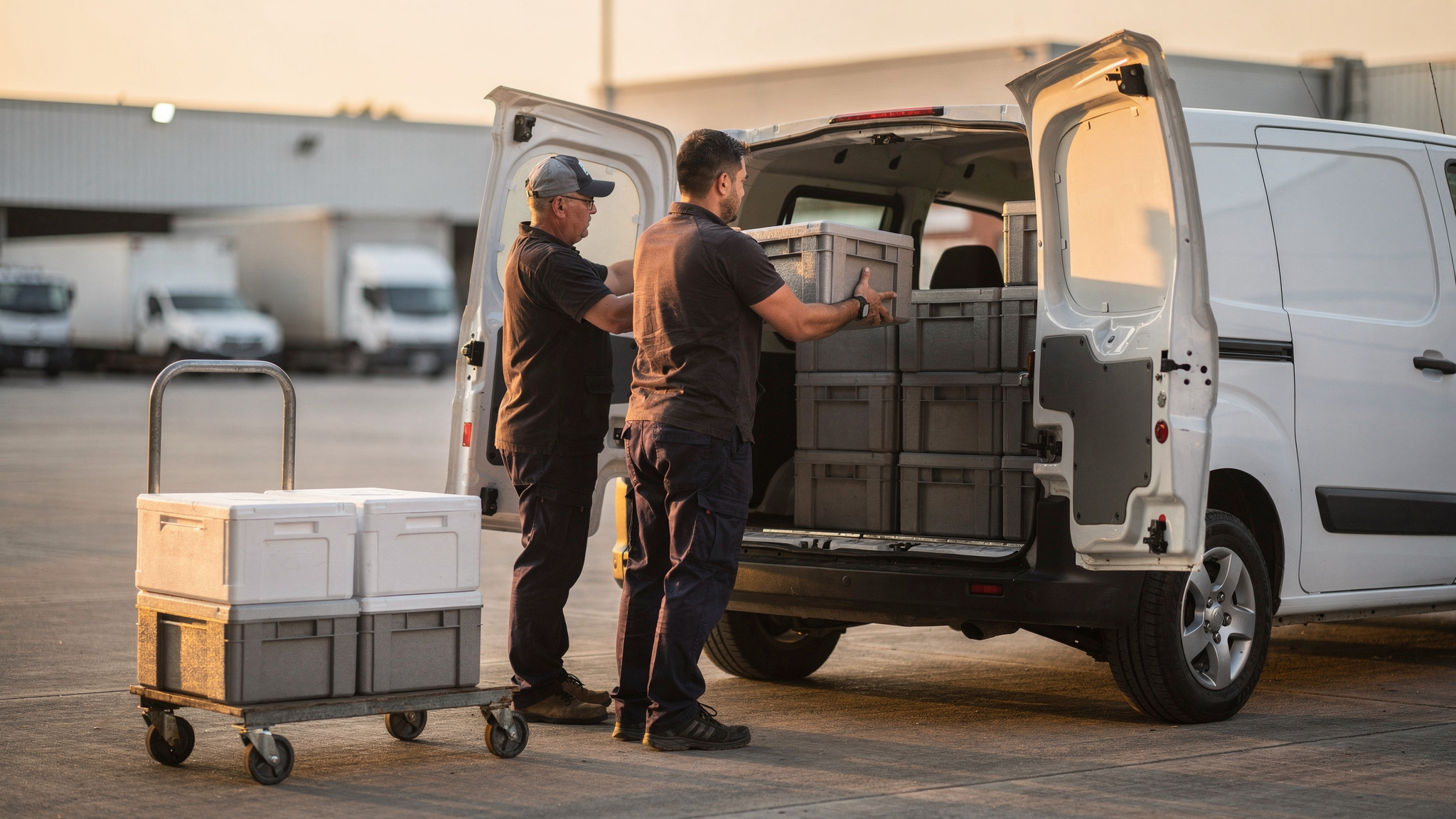
Dispatching software for small business assigns jobs to drivers or technicians, sequences their stops, sends live arrival updates to customers and records each completed job, all from one dispatch board and a driver app. It brings bookings, changes and customer updates into one place, so a small team spends less time coordinating and more time doing the work.
In a small business, dispatch usually sits with the owner or an office manager. It shares their day with quoting, invoicing and the phones.
Good software gives that person a clear view of every job and gives the team everything they need on their phones.
Madam Seafood, a family-run seafood business in Adelaide, is a good example. Planning its delivery runs was once a late-night manual task, and how that changed is told in the section on its delivery runs below.
What dispatch software does across a small team's working day
Picture a small team with a few vans or service vehicles and a full morning of bookings.
Before anyone leaves the yard, the day's jobs are already on the dispatch board. Phone bookings, emails and online orders sit in one list.
The dispatcher assigns each job to a driver or technician. The software then puts each person's stops in a sensible order, taking delivery windows into account where they are set.
Each person sees their run in the driver app, with addresses, contact details and job notes ready to go.
Then the day moves. A customer asks to shift to the afternoon. A new urgent job arrives before lunch.
On a dispatch board, that job drops into the right run and the driver's app updates straight away. Customers receive live arrival updates, so the office phone stays quieter.
By the end of the day, each completed job has come back with a timestamp and, where the job needs it, photos, a signature or notes captured on site.
That gives the business a clear record of the day. And tomorrow's plan starts from a tidy list rather than a blank page.
The dispatch features that earn their place in a small team
A small team does not need every feature on day one. It needs the few that remove the most coordination work.
These are the ones worth looking for, with a quick check for each.
| Feature | What it does for a small team | What to check |
|---|---|---|
| Dispatch board | Shows every job, person and status in one view | Can you move a job to another person in seconds? |
| Assignment and sequencing | Gives each job to the right person and orders their stops | Does it respect delivery windows and job types? |
| Driver app | Sends jobs to the phone and captures photos, signatures and notes | Does it run on the phones your team already carries? |
| Live ETAs and tracking links | Keeps customers updated without a phone call | Can customers open the link without installing anything? |
| Integrations | Pulls orders and bookings in from where they are taken | Does it connect to your online store or booking system? |
| Job records | Keeps a timestamped record of each completed job | Can you find any past job, with its photos, quickly? |
The driver app deserves the closest look. It is the part of the system your team uses all day, every day.
Before comparing anything else, see how the Locate2u driver app shows a job, a route and proof of delivery on a phone.
Detailed reporting can come later. The board, the app and customer updates carry most of the value for a small team at the start.
How dynamic dispatch can give field teams more hours on the job
Dynamic dispatch means giving each person their next job when they are ready for it, rather than fixing the whole day before the first job starts.
The idea comes from large field-service operations. A 2019 McKinsey & Company article on field forces found that dynamic dispatch can free up 20 percent of capacity and cut travel time by 40 percent.
The same article found that field technicians could spend up to 40 percent of their workday on non-value-adding activities, such as filling out timesheets.
That is time a better process can hand back to the job itself.
A later example points the same way. In a 2023 McKinsey article on utility scheduling, crews at one utility site spent 44 percent of their time actually working on jobs before a schedule-optimisation pilot. The pilot set out to raise that share with optimised schedules.
Both articles are dated, and both describe large field forces and a utility rather than a small trades or delivery team. Treat them as a direction of travel, not a forecast for your own business.
So measure it yourself. Before switching, note how much of a normal day goes on travel and paperwork against time on jobs. Check the same split after a month on the new system.
Most small teams end up with a blend: a planned route for the day, plus the freedom to hand a new job to whoever is ready first.
Keeping room in the week for urgent and same-day bookings
Urgent work is good work. A same-day call is often a chance to win a customer who comes back again and again.
The 2023 McKinsey utilities article describes an approach called dynamic schedule loading: book only part of a week's capacity, and use past data on emergency work to decide how much time to hold back.
The right share for your business comes from your own records. Look back over recent weeks, count the time that went on urgent and same-day jobs, and hold roughly that much of each week open.
On a dispatch board, held time shows as open capacity. When the call comes, the job goes to the person with room, and planned bookings stay where they are.
Quiet day? Pull planned work forward.
How live ETAs keep customers informed without extra phone calls
A customer waiting for a delivery or a technician mostly wants one answer: when?
Live ETAs give that answer before they need to ask.
When a run starts, each customer can receive a message with a live tracking link. The link shows the vehicle's progress and an arrival time that updates as the day moves.
If one job runs long, the times for the next customers adjust too. Everyone stays in the picture.
Think of a builder waiting on site for a load of materials, or a household waiting in for a chilled food order. A tracking link lets them plan the next hour with confidence.
For the office, fewer arrival-time calls means more time for new bookings. With real-time tracking from Locate2u, customers get a live link, and the dispatcher sees every vehicle on the same map.
Two checks are worth making. Can you edit the message so it sounds like your business? And can customers open the link on any phone without installing an app?
Pair live ETAs with proof of completion. A photo and a timestamp give the customer and the business the same clear picture of a finished job.
How a family-run seafood business automated its delivery runs
Madam Seafood was established in 2017 by a group of food-loving mums in Adelaide, South Australia, according to its case study page. What began as casual seafood runs for friends grew into a full delivery operation.
Today it delivers fresh and live Australian seafood, including prawns, oysters, fish, crabs, lobsters and sashimi-grade products, straight to customers' doors across Adelaide.
It runs weekly home delivery runs on Tuesdays and Fridays, plus multiple pick-up depots around the city.
In the early years, bookings were managed by hand. After a full day's work, route planning often ran into the early hours of the morning.
As the business grew, so did the number of addresses to sort and routes to plan. Customers also wanted to know when their seafood would arrive, which makes sense: fresh seafood needs someone home to receive it.
Madam Seafood connected Locate2u directly to its online store. Customers now choose a delivery date and time at checkout.
Locate2u pulls those orders in, groups them by delivery window and builds optimised routes for each run. Every customer receives a real-time tracking link, so they know when to expect their order, no phone call needed.
The result, on its case study page: Madam Seafood automated 90% of its delivery workload.
Results vary with order volume and job mix. But the pattern suits almost any small dispatch team.
Connect the place where orders or bookings start, so nobody re-keys them. Let customers pick a window up front. And let the tracking link answer the timing question.
If your bookings come from an online store or a booking system, check which Locate2u integrations connect to it before you plan anything else.
Introducing dispatch software in stages that suit a small team
Introducing dispatch software one step at a time lets each change settle into the team's routine before the next one begins.
It also matches where many small businesses are with digital tools. Eurostat reports that in 2025 the majority of EU SMEs had a low level of digitalisation, with 29% scoring a very low level on its Digital Intensity Index and 35% a low level.
The takeaway for a buying decision is simple. Choose a platform your team can set up and run without specialist help, and start with the parts that remove the most manual work.
- Stage one: put every job on one dispatch board and every run in the driver app.
- Stage two: switch on live ETAs and tracking links for customers.
- Stage three: connect your order or booking source and let the software sequence routes.
- Stage four: try dynamic dispatch and hold capacity for urgent work.
Give each stage a couple of weeks and one clear measure, such as daily planning time or the number of arrival-time calls.
For the delivery side of running a small operation, the guide to choosing delivery software for small businesses covers the wider picture.
How to test a dispatch platform on your own jobs before choosing
The clearest test of any dispatch platform is a real day of your own work. Demos show the ideal day. Your jobs show the real one.
Run this test before committing:
- Pick a typical day's jobs, including the awkward ones: tight windows, a far-flung address, a customer who needs a call first.
- Load them and time how long it takes to assign and sequence the whole day.
- Put the driver app on one team member's phone for a real run, then ask what felt easy and what felt slow.
- Add a change mid-run, such as a new urgent job or a cancellation, and watch how quickly the app updates.
- Send tracking links to a handful of regular customers and ask how the updates felt.
- At the end of the day, open the job records and find the photo, signature and timestamp for any job.
- Check the connection to wherever your bookings start, whether that is an online store, a booking form or a spreadsheet.
Then look past the features. How much setup did it take? Could you get help quickly when you had a question? Did the platform fit your current booking and invoicing process, or ask you to rebuild it?
Write down two measures before and after: time spent planning each day, and the number of calls asking about arrival times. Those two tell you more than any feature list.
Finally, compare cost with the size of your team. Locate2u publishes its plans on the Locate2u pricing page, so you can match a plan to the number of people who will use it.
Frequently asked questions
Is dispatch software the same as route optimisation software?
Not quite: dispatch decides which person or vehicle takes each job and when, while route optimisation works out the most efficient order of stops for that person. Many small businesses look for one platform that does both, so a job can be assigned and slotted into the right place on a route in a single step.
What does a dispatcher actually do in a small business?
When the owner also quotes and invoices, dispatch usually comes in short bursts: assigning the day's jobs first thing, slotting in new bookings and answering arrival-time questions between quotes, then checking completed jobs at day's end so invoices can go out and tomorrow can be planned. Dispatching software keeps each burst short by putting the board, live tracking and job records in one place.
Can a sole trader or two-person business get value from dispatch software?
Yes, when jobs change during the day, customers ask for arrival times or planning the next day takes regular evening time. The benefit grows with the number of stops and changes per day rather than with headcount, so count those before deciding.
Do drivers need special hardware to use dispatch software?
Check whether the platform's driver app runs on the smartphones your team already carries and whether it can capture photos, signatures and job notes on the spot. Ask to test the app on a real run with one driver, because how it feels on real work tells you more than any demo.
Dispatching software works best for a small team when it starts with the basics: every job in one place, a driver app the team finds easy, and customers who can see when you will arrive. Add routing, dynamic dispatch and held capacity as the business grows, and measure each step on your own jobs. To see how assigning and planning work fits on one board, explore Locate2u dispatch planning.