Field Service Scheduling and Dispatch: How to Match the Right Technician to Every Job
Drafted with AI assistance, edited and fact-checked by Sean Flannery. See our editorial policy.
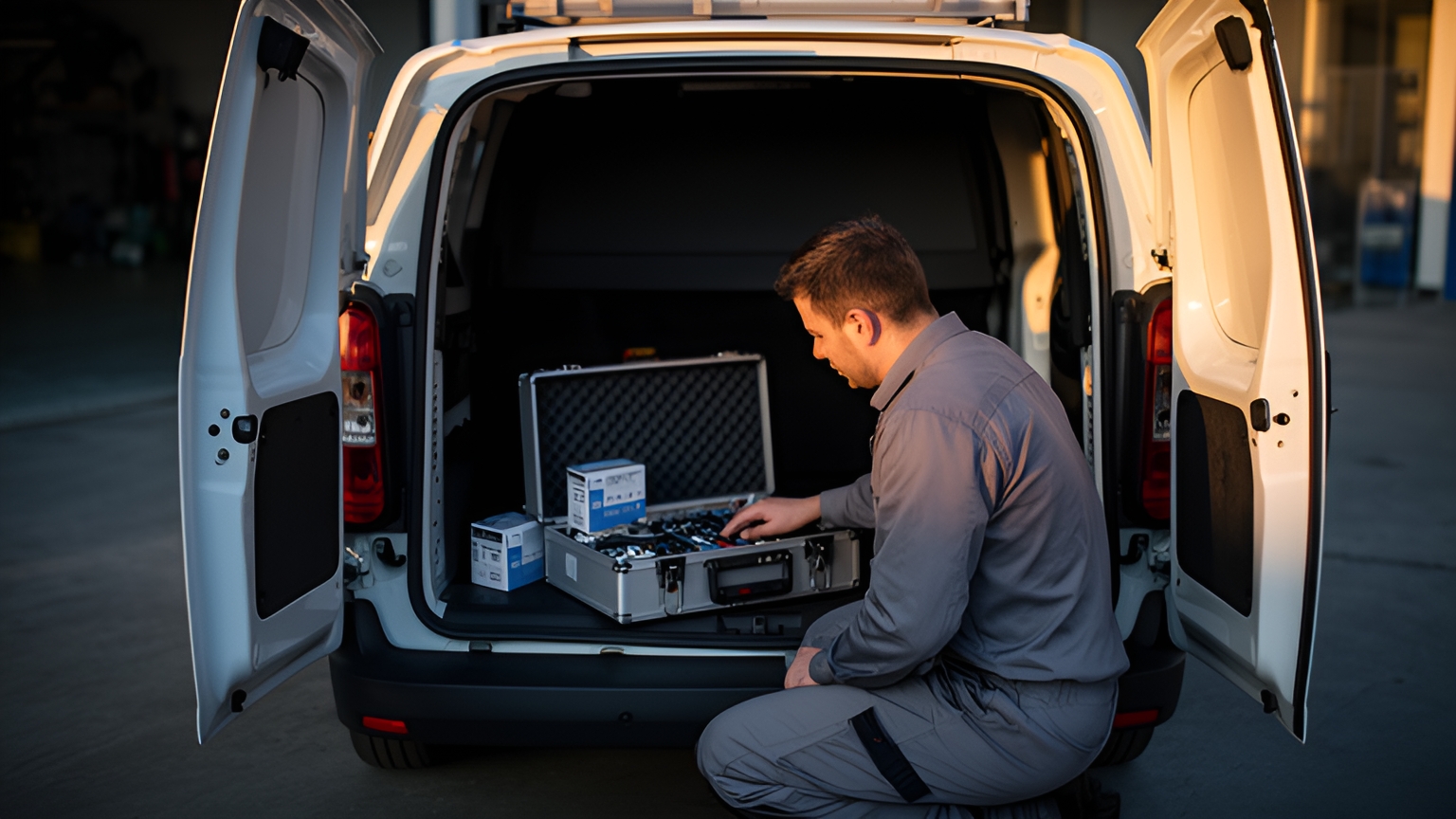
Field service scheduling and dispatch is the process of assigning each job to a technician who has the right skills, can reach the site within the customer's time window, and has a sensible route to get there. Scheduling builds that plan in advance. Dispatch runs it live, reassigning work and updating customers as the day changes.
The two halves feed each other. A schedule built on accurate skills data and realistic travel leaves dispatch with fewer gaps to fill. Good dispatch records then show the planner where tomorrow needs more room.
When both work well, technicians spend more of the day on jobs they're qualified for, and customers know when to expect them.
What field service scheduling and dispatch mean, and where each one starts
Scheduling is the planning job. For every booked job, it settles who is qualified, who can get there inside the agreed window, and where the visit fits in that person's day.
The output is a job list and a route for each technician, ready before anyone leaves the depot.
Dispatch starts when the first technician heads out. Its job is to keep the plan working as the real day arrives: a repair that takes longer than booked, an urgent call-out, a customer who needs a later slot.
One simple rule keeps the boundary clear. Work known by the afternoon before belongs in the schedule. Work that arrives on the day goes through dispatch, which fits it in without unpicking everything else.
SuperPharmacy's case study reports that this boundary became much easier to manage once planning and live changes ran in one tool. SuperPharmacy is an Australian online pharmacy, operating since 2000, that delivers prescription medications and health essentials to customers nationwide.
Its delivery team was spending up to one hour every day planning routes by hand. When an urgent prescription arrived during the day, the route had to be regenerated from scratch.
In this one pharmacy's operation, the case study reports, Locate2u route optimisation turned that hour of planning into 10 minutes. New prescriptions now slot into existing routes on the fly, which let SuperPharmacy offer same-day prescription delivery as a core service.
The case study quotes the team: "Before Locate2u, we had to generate new routes if we wanted to change anything. Now we can adjust the day's deliveries on the fly."
Here's a test to run on your own operation. Time how long tomorrow's plan takes to build. Then time how long it takes to absorb one urgent job at mid-morning. Together, those measures show whether your plan and your live day are working as a pair.
How skills-based scheduling puts a qualified technician on every job
Skills-based scheduling starts from the job, not the map. Before asking who is closest, ask who is able to do this work.
Researchers who model this problem frame it the same way: tasks go to technicians subject to skill sets, time windows, travel times and routing costs. Distance matters, but it comes after qualification.
That calls for a skills matrix. It's one current record per technician, covering the trades they work in, the licences and certifications they hold, the equipment they're trained on, plus their availability, leave and home base.
Tag every job type with what it needs in return. A heating system service might need one certification. A commercial installation might need two people, one of them senior, and a vehicle that can carry the unit.
Then sort those requirements into two kinds:
- Hard constraints must be met: the required certification, crew size, vehicle or equipment, and the customer's time window.
- Soft preferences improve the result: the technician the customer saw last time, a closer match on experience, a shorter drive.
The schedule filters on hard constraints first. Only then does it rank the technicians who pass by travel time and workload.
That order keeps a nearby but unqualified technician off the job. It also stops the plan from piling work onto the one specialist who happens to live centrally.
Keep the matrix live. Update it the day a technician gains a qualification, and set reminders well ahead of renewal dates. Where a job type needs a licence, confirm the current requirement with the relevant regulator in each market you serve.
Planning capacity by skill and service area, not by headcount
Headcount tells you how many people are on the roster. It doesn't tell you whether you can cover next week's specialist jobs on the far side of your service area.
Illustrative example: picture a hypothetical team with a full roster where only a couple of technicians hold the certification a growing job type needs. The roster looks healthy, yet those jobs wait for an opening while routine work flows through.
Planning by skill and service area brings that gap into view early. For each job type and each zone, compare forecast demand with the qualified hours available, week by week.
Qualified hours deserve careful planning because skilled people take time to add. The OECD computed occupational imbalances for 38 countries and found several middle-skilled occupations moved into shortage, such as electrical and electronic trades workers in Australia and metal and machinery workers in the United States.
Other measures point to steady demand for this kind of work. The U.S. Bureau of Labor Statistics projects about 569,000 openings each year, on average, in installation, maintenance and repair occupations, due to employment growth and the need to replace workers who leave those occupations permanently.
In Canada, Statistics Canada reported 98,600 job vacancies in trades, transport and equipment operators and related occupations in the second quarter of 2026.
These are different measures, a shortage indicator, a projection and a vacancy count, so they don't compare directly. What they share is a practical message for planners: the qualified time you already have is worth protecting.
So reserve specialist hours for specialist jobs, and let generalists take routine work even when a specialist happens to be closer. Draw service areas around where each skill is based, not just around map boundaries.
And when demand for one job type starts to climb, plan cross-training before the queue builds.
How optimised schedules lift technician and scheduler productivity
A well-optimised schedule lifts output in two places at once: out in the field and back in the planning office.
A 2022 case study of AI-based scheduling describes one service centre that, over a period of six weeks and after accounting for seasonality and other confounding variables, boosted the productivity of field workers by 20 to 30 percent and of schedulers by 10 to 20 percent.
That's a single service centre's result, and it's a useful prompt to measure both groups before you change anything.
For technicians, track completed jobs per working day and the share of each day spent driving. For schedulers, track how long tomorrow's plan takes to build and how often it gets rebuilt.
On the technician side, the levers are practical. Fewer cross-town drives between jobs. Tighter sequencing inside each customer's window. Less idle time when a job finishes early and the next one is far away.
Route optimisation handles the sequencing once each technician's job list is set. Locate2u route optimisation builds routes from job locations, time windows and driver availability, so the order of visits respects every customer's slot.
On the scheduler side, the gain is time. When software builds the first draft, the planner's role shifts to reviewing exceptions: a job with an unusual requirement, a customer who needs a call, a technician on leave.
For more on ordering a technician's stops, see this guide to route optimisation for field service teams.

How live dispatch keeps the day on track when jobs change
A schedule rarely survives the day unchanged, and that's normal. A job runs long. An urgent call comes in. A customer asks for a later slot.
Faster coordination helps teams absorb those changes. A 2019 report on field operations describes one organisation that improved the productivity of field technicians by 10 percent and its rate of on-time appointments by 5 percent after its units began coordinating in near-real time.
The decision for your team is how short to make the loop between the field and the office. Four steps help.
First, give dispatch a live view of every technician's location and progress. Locate2u real-time tracking shows the fleet on a live dashboard, so a delay is visible as soon as it starts.
Second, decide early. When a job is clearly running over, choose straight away between moving the next visit to a nearby qualified technician, shifting it later in its window, or offering the customer a new time.
Third, agree what dispatch can change on its own. Same-day swaps between technicians who meet every hard constraint can go ahead; anything that breaks a constraint goes back to the planner.
Fourth, keep customers informed. A live tracking link sent once the technician is on the way lets the customer follow progress without phoning the office, and that frees dispatch to handle the next change.
Getting crews, parts and equipment to site ready to start
A great route only pays off when the technician arrives with everything the job needs.
The same 2022 case study reports that false truck rolls, when jobs can't be started or completed on time because crews, equipment or materials are not available, fell by 80 percent at that service centre.
The practical step is a readiness check the afternoon before. For each job on tomorrow's schedule, confirm that the parts are picked or allocated, special equipment is booked, the crew pairing is set and the customer has confirmed site access.
Mark a job ready only when every item is confirmed. Anything not ready moves to a later slot now, while there's still time to fill the gap with other work.
The finish matters as much as the start. With the Locate2u driver app, technicians can record photos, signatures and timestamps as proof of a completed visit, giving the office a clear record without a follow-up call.
How a patient transport team schedules around fixed appointments
Patient transport works with the same building blocks as field service: qualified resources, fixed times and live changes.
PTSQ's case study reports that Patient Transport Services Queensland provides non-emergency medical transport for patients travelling to and from hospitals, specialist appointments and aged care facilities across Queensland, Australia.
Its transport needs range from wheelchair-accessible vehicles to stretcher transport. Each vehicle can handle multiple pickups and drop-offs through the day, and patients have fixed appointment times. The case study notes that a missed appointment can mean weeks of delay in a patient's treatment plan.
Planning by hand meant balancing appointment times against driver availability, vehicle types and travel distances. Last-minute bookings and cancellations made the day hard to rebalance.
PTSQ adopted Locate2u for route optimisation and real-time fleet management. The routing engine accounts for patient appointment times, vehicle types, driver availability and geographic constraints, generating schedules designed to make the most of the fleet while getting every patient to their appointment on time.
On the day, the dispatch team watches every vehicle on a live dashboard. If a transport is running behind because of traffic or an extended pickup, the team sees it straight away and can reassign the next pickup to another vehicle or let the receiving facility know the revised arrival time.
The parallels with field service are direct. Vehicle type works like a technician's certification: a hard constraint the schedule meets before anything else. A fixed appointment works like a tight customer window.
Something to test on your own routes: list every hard constraint your jobs carry, then check whether your current plan enforces each one automatically or depends on a manual check.
What to look for in scheduling and dispatch software
Good software for field service scheduling and dispatch turns the steps above into the default way of working. Test any platform on a week of your own jobs, with your real time windows and constraints, rather than on sample data.
| Capability | Why it matters | How to test it on your own work |
|---|---|---|
| Constraint-aware assignment | Keeps every job with someone qualified and equipped for it | Load jobs with skill, vehicle and time-window requirements, then check each assignment meets them |
| Route optimisation inside the schedule | Orders each technician's visits to cut driving between jobs | Compare total drive time for a real day as planned today and as optimised |
| Fast same-day changes | Absorbs urgent work without rebuilding the day | Add an urgent job mid-morning and time how long the update takes |
| Live view of every technician | Shows delays early enough to act on them | Follow a full day and check progress updates arrive without phone calls |
| Customer arrival updates | Lets customers follow progress without calling the office | Send a tracking link to a colleague acting as the customer |
| Completion records | Gives the office a clear record of every finished visit | Close a job with photos, a signature and a timestamp, then find it from the office |
Also check how jobs reach the platform. If they come from a booking or order system, confirm they can flow in without retyping.
Locate2u brings dispatch planning, route optimisation, real-time tracking, a driver app and proof of delivery together for service and delivery teams.
To see how it handles your job types, time windows and service areas, book a call with the Locate2u team.
Frequently asked questions
Is field service scheduling the same as route optimisation?
No: route optimisation orders a technician's stops to cut travel time, while scheduling first decides which technician takes which job and when, based on skills and time windows. Most teams run route optimisation inside the schedule, once each technician's job list is set.
Can delivery management software handle service appointments as well as deliveries?
It can when it supports time windows, multiple stops per route, driver availability and a record of each completed visit. Locate2u's proof of delivery captures photos, signatures and timestamps, which works as a completion record for a service call as well as a parcel drop.
How can customers see when a technician will arrive?
Share a live tracking link once the technician is on the way, so the customer sees progress without phoning the office. Locate2u's real-time tracking shares these links with customers, while the dispatch team follows the same progress on a live dashboard.
Should one person handle both scheduling and dispatch in a small team?
One person can manage both if the next day's plan is built and checked the afternoon before, leaving the live day for exceptions. Consider splitting the roles once same-day changes regularly pull the planner away from building tomorrow's schedule.
Strong field service scheduling and dispatch starts with accurate skills data, realistic time windows and jobs that are ready to go, then lets live dispatch handle whatever the day brings. To see how jobs, technicians and routes come together before the day starts, explore Locate2u's dispatch planning.