Furniture Delivery Software: How to Schedule, Route and Prove Bulky-Item Deliveries
Drafted with AI assistance, edited and fact-checked by Sean Flannery. See our editorial policy.
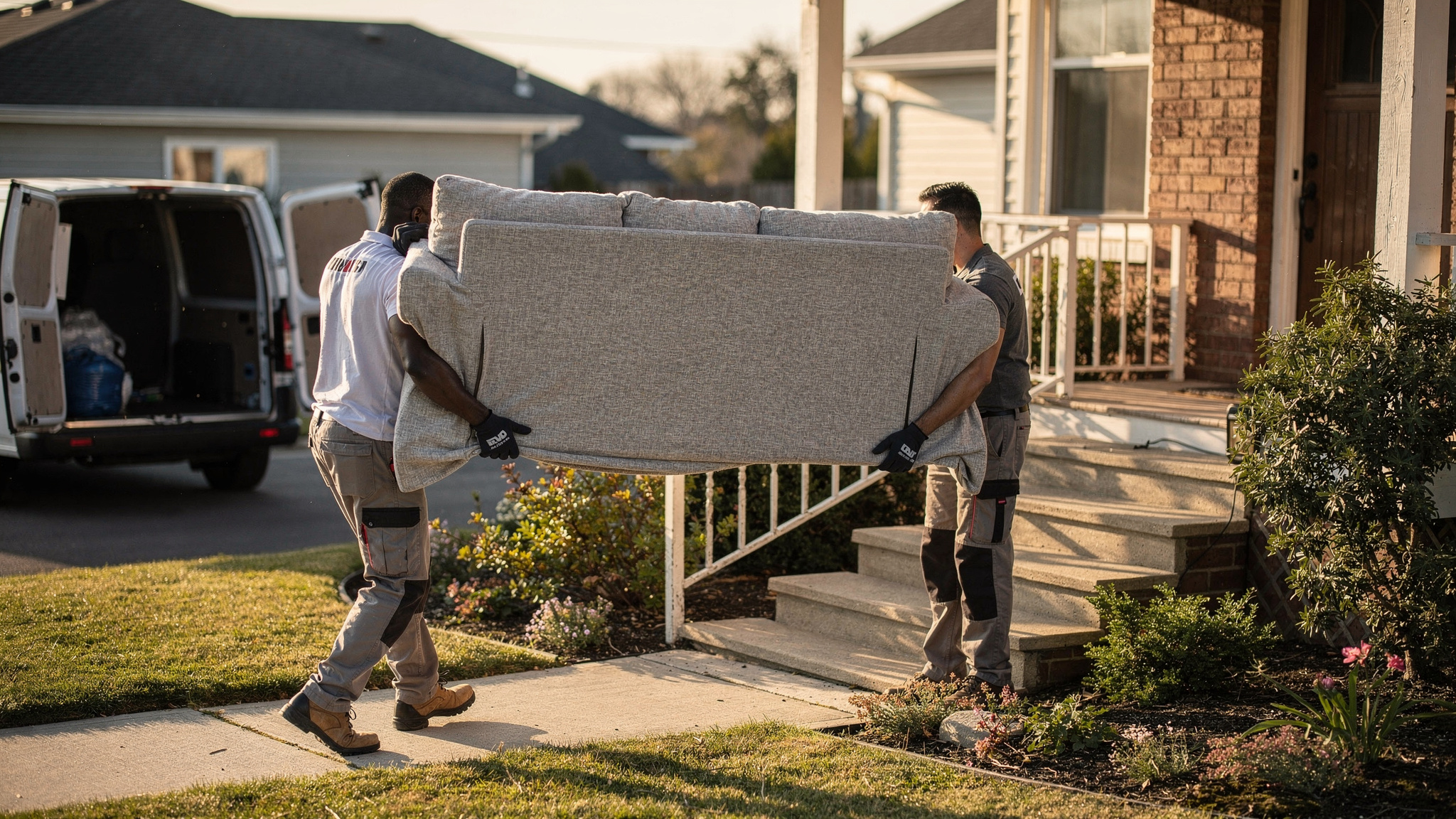
Furniture delivery software plans bulky-item deliveries around what happens at the door. It books delivery windows, assigns two-person crews, sequences routes with realistic stop durations, sends customers live tracking links and captures photo, signature and timestamp proof.
Locate2u brings route optimisation, dispatch planning, live tracking and proof of delivery together in one platform, so a furniture store or bulky-goods retailer can run the whole delivery day in one place.
Picture a large sofa heading up a flight of stairs to an apartment. The customer is home, the hallway is clear, and the crew knows which room it goes in before they open the truck.
That smooth handover gets planned long before the truck leaves the warehouse. Here's how to set it up.
Furniture delivery software works best when it plans for what happens after the truck stops
Most route planning starts with a map. For furniture, the map is only half the job.
A parcel stop is a quick handover at the door. A furniture stop can mean parking a larger vehicle, carrying an item through a doorway and up stairs, placing it in the room the customer chose, unwrapping it and sometimes assembling it.
That's why good furniture delivery software treats each stop as a job in its own right. It knows who needs to be there, how long the work will take, what the customer asked for and what record the crew should leave behind.
Franz Building Supplies shows how this works for heavy, bulky goods. The company delivers building materials and construction supplies to construction sites, builders and trade professionals, and its customers rely on timely, accurate deliveries to keep projects on schedule.
The team wanted better visibility into daily delivery operations and a reliable way to show that each delivery was completed correctly. Without a clear record of what was delivered, when and where, questions after a delivery were hard to settle.
Franz Building Supplies implemented Locate2u's proof of delivery, which captures photo evidence, signatures and timestamps for every delivery. Drivers photograph each delivery on-site, and customers receive live tracking links showing when their delivery will arrive.
On its case study page, the company says: "What I love about Locate2u is the live-tracking features and proof of delivery. Our customer disputes dropped to nearly zero."
That outcome is one customer's experience, not an industry benchmark. But the pattern carries straight across to furniture: heavy, bulky items, a customer waiting on site, and a shared record both sides can rely on. The full Franz Building Supplies delivery story explains how the team set it up.
Last-mile costs make up a large share of logistics spend, so every bulky stop deserves a realistic time slot
Capgemini, citing the Capgemini Research Institute, reports that "last-mile delivery costs account for 41% of total logistics supply chain costs", with retailers carrying much of that cost because they often offer free delivery. See the full last-mile analysis.
So the last leg deserves the most careful planning. For a bulky-goods retailer, a big part of that planning is the time each stop really takes.
Parcel-style planning tends to give every stop a similar, short slot. A furniture stop with stairs and assembly needs more time than a doorstep drop, and a plan that allows for it keeps the afternoon on schedule.
Realistic stop durations matter to customers too. According to Eurostat's e-commerce statistics for individuals, the issue online buyers in the EU reported most often was "speed delivery slower than expected", named by 20% of individuals who bought online.
That figure covers online shopping in general, not furniture alone. Still, the decision it points to is clear: when the plan reflects the real work at each stop, the arrival times customers see are ones the crew can keep.
In practice, give orders with assembly, stairs or an old-item collection a longer service time. Then group nearby bulky stops, so the crew spends more of the day placing furniture and less of it driving between suburbs.
Crew size and lifting guidance belong in the dispatch plan from the moment an order is booked
Some items are a one-person carry. Plenty are not, and the easiest moment to decide is when the order is booked, well before the truck pulls up.
Crew size shapes the whole plan. The US Bureau of Labor Statistics reports: "The median annual wage for light truck drivers was $44,860 in May 2025."
As a worked example, a two-person crew paid at that median totals $89,720 a year in wages before any other costs.
Every hour that crew spends on the road or at a stop is two people's time. Matching crew size to the job, and sequencing two-person stops tightly, helps every one of those hours go towards deliveries.
Lifting guidance belongs in the same decision. An OSHA interpretation letter points to the voluntary NIOSH lifting equation and explains: "The lifting equation establishes a maximum load of 51 pounds, which is then adjusted to account for how often you are lifting".
Requirements and guidance differ between markets. Check the current position with the workplace safety regulator where you operate, whether that's in the US, the UK, Australia, New Zealand or Canada.
Turning that into a dispatch plan is simple. Flag two-person items at booking using the product's weight, size or category. Add access notes such as stairs, lifts or long carries, then assign the job to a crew and vehicle suited to it.
Locate2u's dispatch planning tools let a dispatcher assign jobs to the right drivers and vehicles, and its routing engine accounts for vehicle types and driver availability when it builds the day's routes.
The result is a crew that arrives knowing what they're lifting, with the right people and the right vehicle for it.
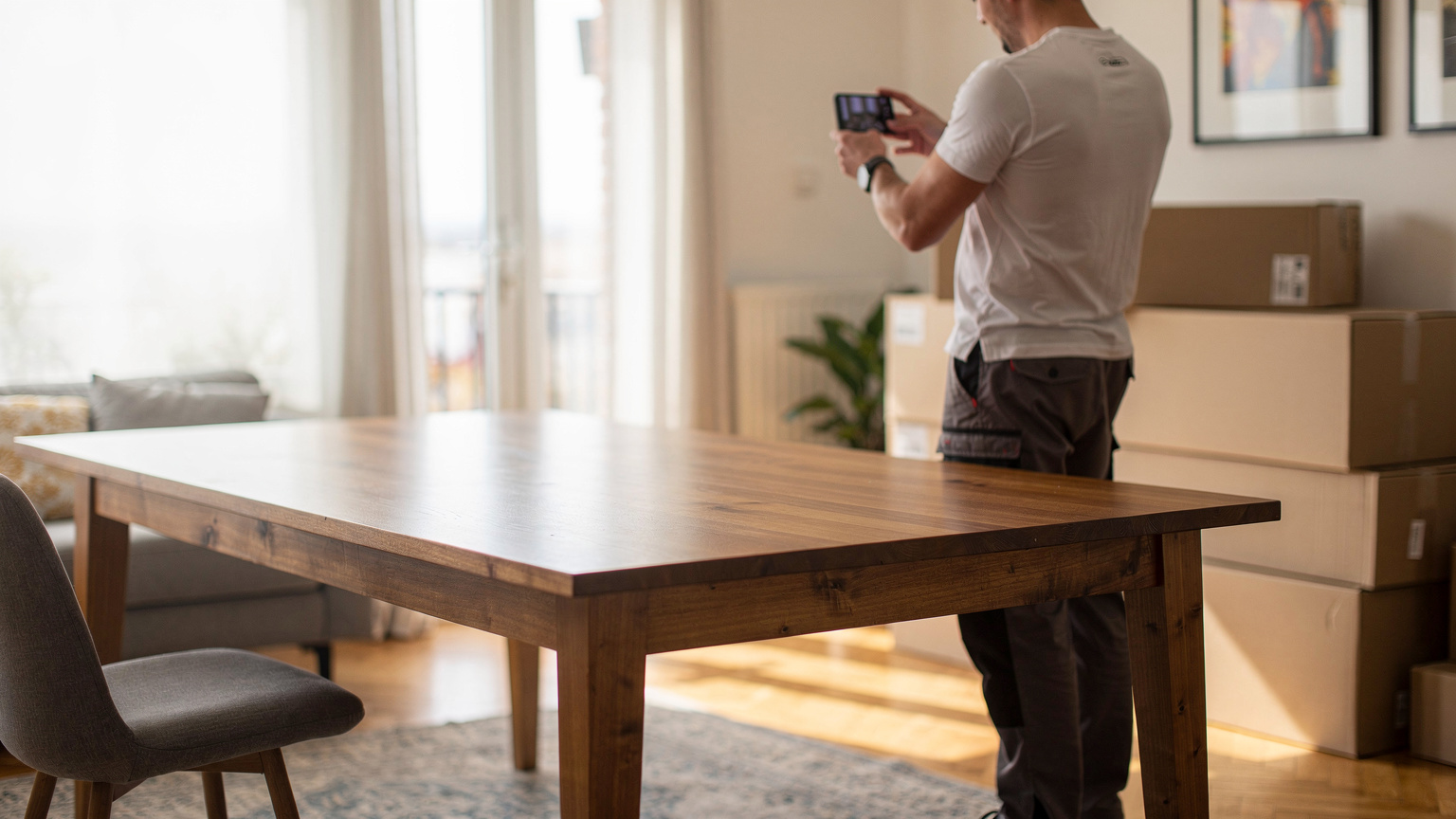
Service details captured at checkout give crews everything they need at the door
The best time to learn what a delivery involves is while the customer is still choosing it.
A few questions at checkout replace a lot of guesswork at the door:
- The delivery window the customer prefers
- The room the item should go in, and which floor it's on
- Stairs, lifts, narrow doorways or parking limits
- Assembly, and whether packaging should be removed or left
- Any old furniture to collect on the same visit
Each answer changes the plan. Assembly lengthens the stop. A collection needs space in the vehicle. Stairs may call for a second person.
Locate2u connects to ecommerce and business systems through its integrations and a public API. Orders, chosen delivery dates and customer details flow straight into route planning, with no re-keying.
So the crew reaches the door with the same picture of the job the customer described online.
Live tracking helps customers be home and ready for a two-person delivery window
A two-person delivery window works best when the customer is ready for it. That means home, with the hallway clear and the old sofa already moved aside.
Customers want to follow along. IMRG's Consumer Home Delivery Review, a UK study, puts it plainly: "Updating customers about delivery is essential, with 89% of people seeking information on the progress of their delivery." Read the IMRG review.
For bulky items, that update is also a practical cue. A customer who can see the crew is a few stops away has time to prop the door, clear the path and put the dog in the yard.
Locate2u sends each customer a link to follow their delivery in real time, and automated notifications keep them informed about their delivery status. The real-time tracking features cover both the customer link and the dispatcher's view.
That dispatcher view matters on furniture days. If an assembly takes longer than planned, the team can see it straight away and keep later customers informed before they need to call.
A useful rhythm is a tracking link on the morning of delivery, then a reminder when the crew is on the way.
Photo proof of condition gives the retailer and the customer the same clear record
A large item passes through several hands between the warehouse and the living room. A clear record at the final handover shows everyone exactly how it arrived.
Eurostat's figures on online shopping show why that record is worth building in. For some 10% of online buyers, the issue reported was "a wrong or a damaged good that has been delivered", according to Eurostat.
That figure covers online shopping broadly. For furniture, the useful response is simple: photograph the item in place, in good light, before the crew leaves.
A helpful set is the item in its final room, a close shot of visible surfaces, and the packaging removed or left as agreed. Add the customer's signature and the record is complete.
Locate2u's proof of delivery captures photos, signatures, timestamps and location data for each delivery, creating a record the team can pull up instantly.
Because the customer can see the same record, a question after delivery becomes a quick look at the photos. Customer service answers faster, and the crew's careful work is visible to everyone.
For more on capture options, see the guide to what to look for in proof of delivery software.
A short checklist helps you test furniture delivery software on your own routes
The clearest way to judge furniture delivery software is to run it on a normal week of your own orders. A tidy sample route shows little about a day with stairs, assemblies and a collection in the middle.
Pick a handful of real orders that represent your trickiest stops. Then work through each row below.
| What to test | How to check it on your own routes |
|---|---|
| Bookable delivery windows | Place a test order and confirm the chosen window arrives in the plan without re-keying. |
| Longer stop times where the job needs them | Give an assembly stop more time and check that later arrival estimates move to match. |
| Crew and vehicle matching | Flag an order as a two-person job and confirm it lands with a suitable crew and vehicle. |
| Service details at the stop | Check the crew can see the room of choice, access notes and assembly requests for each job. |
| Collections on the same run | Add an old-item pickup as its own stop and check it gets its own proof record. |
| Live tracking for customers | Send yourself a tracking link and follow a real route from the customer's side. |
| Photo, signature, timestamp and location proof | Complete a test delivery, then see how quickly the team can find the record afterwards. |
Score each row against your own work. A platform that handles your hardest stops will handle the easy ones too.
When you're ready to compare plans, the Locate2u pricing page sets out what each tier includes.
Frequently asked questions
Can a furniture store with one delivery truck use furniture delivery software?
Yes. Locate2u runs on the same platform for a single crew and van as for a larger fleet, so a store can start with one route a day and add vehicles and drivers later without changing systems.
Can furniture delivery software collect old furniture on the same run?
Generally, yes. In Locate2u a dispatcher can add a pickup as its own stop on the route, so the crew knows to leave space in the vehicle and the pickup gets its own proof record alongside the delivery.
Will furniture delivery software connect to your online store or order system?
Locate2u connects to ecommerce and business systems through its integrations and a public API, so orders, chosen delivery dates and customer details can flow straight into route planning instead of being re-keyed by hand.
What should a crew photograph when a furniture delivery is complete?
A useful set is the item in its final room, a close shot of any visible surface, and the packaging removed or left as agreed. Each photo in Locate2u carries a timestamp and location, which keeps the record easy to find later.
Furniture deliveries go smoothly when the plan reflects the work at the door: the right crew, a realistic time slot, a customer who knows when to expect them and a clear photo record at the end.
A good next step is to take one of your busiest delivery days and map it in Locate2u route optimisation, then see how your bulky stops fit together when each one gets the time it needs.