How a Dispatch Management System Keeps NZ Deliveries on Track
Drafted with AI assistance, edited and fact-checked by Sean Flannery. See our editorial policy.
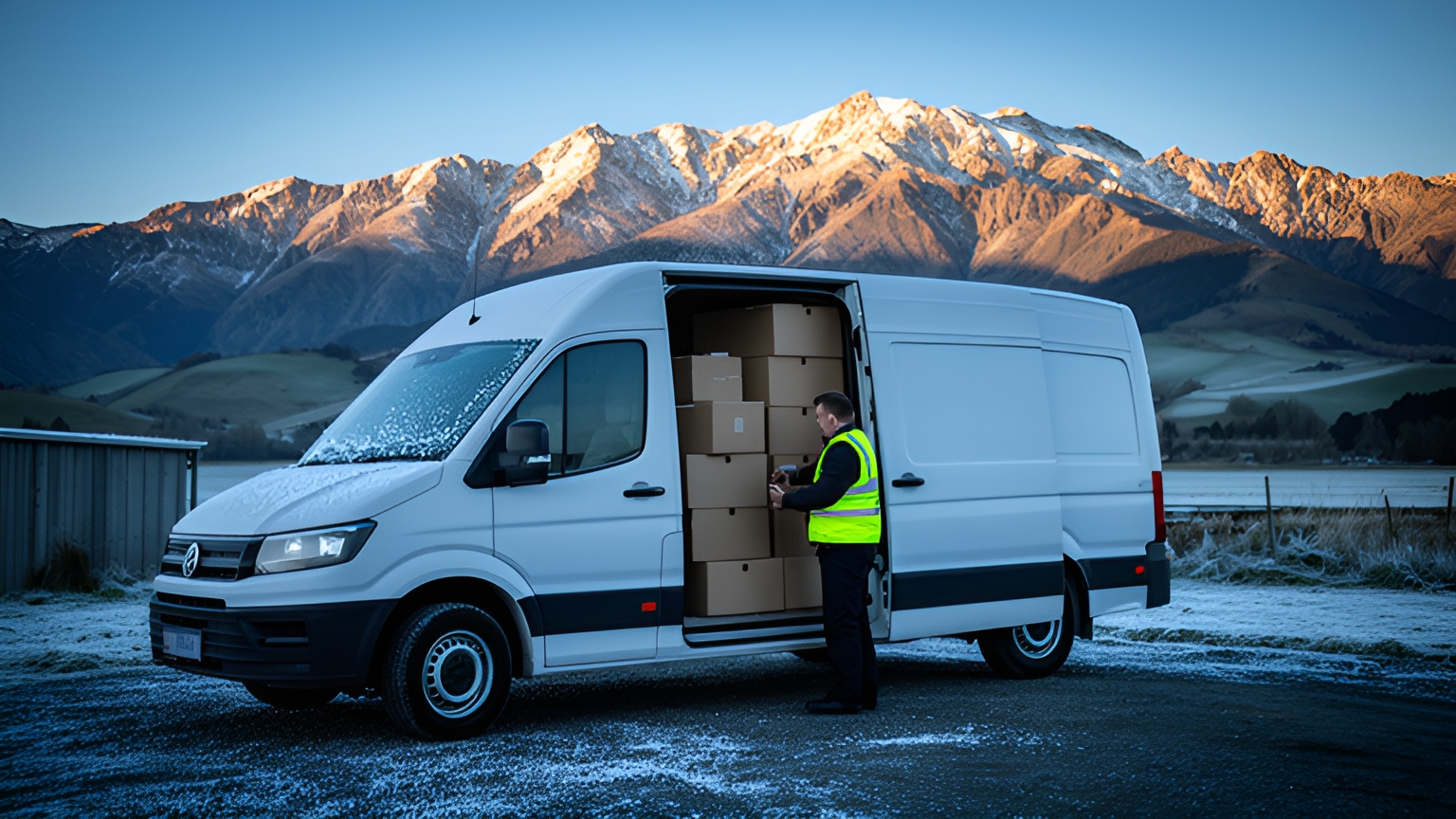
A dispatch management system assigns delivery jobs to drivers, sends each job to a driver app, tracks progress live and records proof of delivery. For New Zealand operators, its biggest value is re-planning the day quickly when a state highway closes, the weather turns or a same-day order lands mid-run.
That matters because most freight here moves by road. NZTA statistics released under the Official Information Act show road carried 24,257 of freight in 2024/25, against 3,373 by rail. That gives road an 87.79% share of combined road and rail freight. NZTA notes the road figure is an estimate.
So when a road changes, your plan changes with it. When you compare dispatch setups, ask how quickly each one lets you rebuild the day on the roads that are still open.
How a winter morning at a South Island depot shows dispatch at work
Picture a Canterbury depot on a dark winter morning. The vans are loaded, the day's jobs went into the system the night before, and each driver opened their run on the app before leaving the yard.
The runs are a mix. Town drops first, then farms and lifestyle blocks further out, plus some trade orders waiting on stock due across Cook Strait on an early sailing.
Then snow settles on the inland route and a state highway closes.
On the South Island, that is a winter pattern to plan for. One NZTA traffic bulletin encouraged road users to prepare for "more snow, heavy rain or ice that could make driving treacherous, as well as the likelihood of further state highway closures into tomorrow."
Here is what a dispatch system does with that morning.
The dispatcher sees straight away which jobs sit beyond the closure, because every job has a place on the map rather than a line on a whiteboard. Those jobs get flagged together, not discovered one phone call at a time.
The driver heading inland gets a re-sequenced run on their app. Town stops come first. The inland drops wait for the road to reopen, or move to tomorrow.
Customers on the moved jobs get an updated time before they need to ask.
And every completed drop still comes back to the office with a photo, a signature and a timestamp. The record of the day stays complete, even though the plan changed twice before smoko.
How live re-planning helps dispatchers decide which jobs move when a state highway closes
No software reopens a closed road. What it changes is how fast you decide what happens next, and how early your customers hear about it.
That speed counts for more because national data on road reliability is thin. The Ministry of Transport's Transport Network Performance Report states: "We do not currently have any appropriate and frequent measures of road reliability."
So your own live view is the best picture of your network on any given morning. Locate2u's real-time tracking gives the dispatch team a live dashboard showing every vehicle in the fleet, which is the information a closure decision rests on.
With the affected jobs flagged, a few questions sort them quickly:
- Is it time-critical? Medicines, chilled goods and a builder waiting on materials go first.
- Can another driver reach it on an open route?
- Does it depend on something else running late, such as stock off a delayed Cook Strait sailing?
- Can it move to tomorrow with a clear, confirmed time?
The tool's job is to make each of those moves quick: drag a stop to another driver, re-sequence a run, and see the new arrival times before you confirm.
SuperPharmacy's case study reports that its delivery team was spending up to one hour every day manually planning routes for prescription deliveries. When a new urgent prescription came in or a delivery needed rescheduling, the entire route had to be regenerated from scratch.
With Locate2u's route optimisation, what once took an hour of manual work takes just 10 minutes, a cut in route planning time of 83% for this one Australian online pharmacy. New prescriptions can be slotted into existing routes on the fly, without disrupting other deliveries, and that flexibility let SuperPharmacy offer same-day prescription delivery as a core service.
In SuperPharmacy's words: "Before Locate2u, we had to generate new routes if we wanted to change anything. Now we can adjust the day's deliveries on the fly."
To test the idea on your own operation, take a recent day that changed mid-morning. Time how long the rebuild took, then run that same day through a dispatch tool and compare.
How clear job handovers give dispatchers and drivers time back
Every job changes hands several times before it's delivered. The order comes in, the office passes it to dispatch, dispatch passes it to a driver, and the result comes back.
Each handover is a point where a detail can stay behind.
Research on digitising mid- and last-mile logistics handovers estimates that business-to-business carriers have around 50,000 dispatchers, and that 70 percent of their time is dedicated to issues caused by blind handoffs.
That is not a New Zealand measure. It's still worth weighing here, because the handover points are the same in a small Kiwi fleet as in a large American one.
Think of a gate code that lives in one person's memory. A note to ring ahead, written on the back of an invoice. A changed delivery window agreed in a phone call that never reached the van.
A clear handover puts all of that on the job itself: address, contact name and number, time window, items, access notes and any special instructions.
Once a job is sent to Locate2u's driver app, the driver works from the same details the office sees. When something changes, the update goes to the app instead of a call to someone who is driving.
That is time back on both sides. Dispatchers spend less of the morning relaying information, and drivers get on with their runs with everything they need in front of them.
The handover also works in reverse. When you assess any system, check that a driver can add a useful note to a job, such as a better entrance or a preferred drop spot, so the next driver benefits.
How tighter job allocation trims kilometres when diesel prices swing
Diesel can move sharply. Stats NZ reported that diesel prices increased 42.6 percent in its March 2026 release and 36.6 percent in its April 2026 release.
You can't set the price at the pump. You can decide how many kilometres each job takes to reach, and most of that decision happens at allocation.
Start with area. When jobs are grouped by district, two vans stop crossing the same valley in opposite directions.
Then vehicle fit. A ute suits compact hand-unload items, while a truck is for bulky loads, so matching each job to the right vehicle avoids sending the big rig out for a box of hardware.
Sequence comes next. Ordering the stops within each run around time windows cuts the back-and-forth that eats kilometres.
And re-plan after every change. A run that carries on as planned after a closure or a cancellation often drives past stops it no longer needs.
Here is a worked example on assumed figures. A depot runs 6 vans, each covering 180 km on a typical day. If grouping jobs by area and re-sequencing stops trims 10 km from each van's day, the fleet drives 60 km less per day, or 300 km less across a five-day week.
To put an NZ$ value on it, multiply the kilometres saved by your vans' fuel use per kilometre and the diesel price you're paying. Run the same sum with your own figures before you rely on anyone else's.
How same-day orders slot into a live plan without starting again
Back at the Canterbury depot, a builder rings mid-morning. They need materials on site that afternoon, and the site is close to a run already on the road.
With a live plan, the dispatcher checks which van is nearby with room on board, inserts the job, and sees how the arrival times for the remaining stops shift. The updated run goes to the driver's app, and the rest of the day stays as it was.
That's the difference between saying yes in a few minutes and rebuilding the whole plan by hand.
When you test this, check that an inserted job respects the time windows already promised to other customers, and that you can see the knock-on effect before confirming.
If no van has room, the dispatcher learns that the moment the order arrives, so the customer gets a realistic time on the first call.
How rural addresses and patchy coverage are handled with good job details
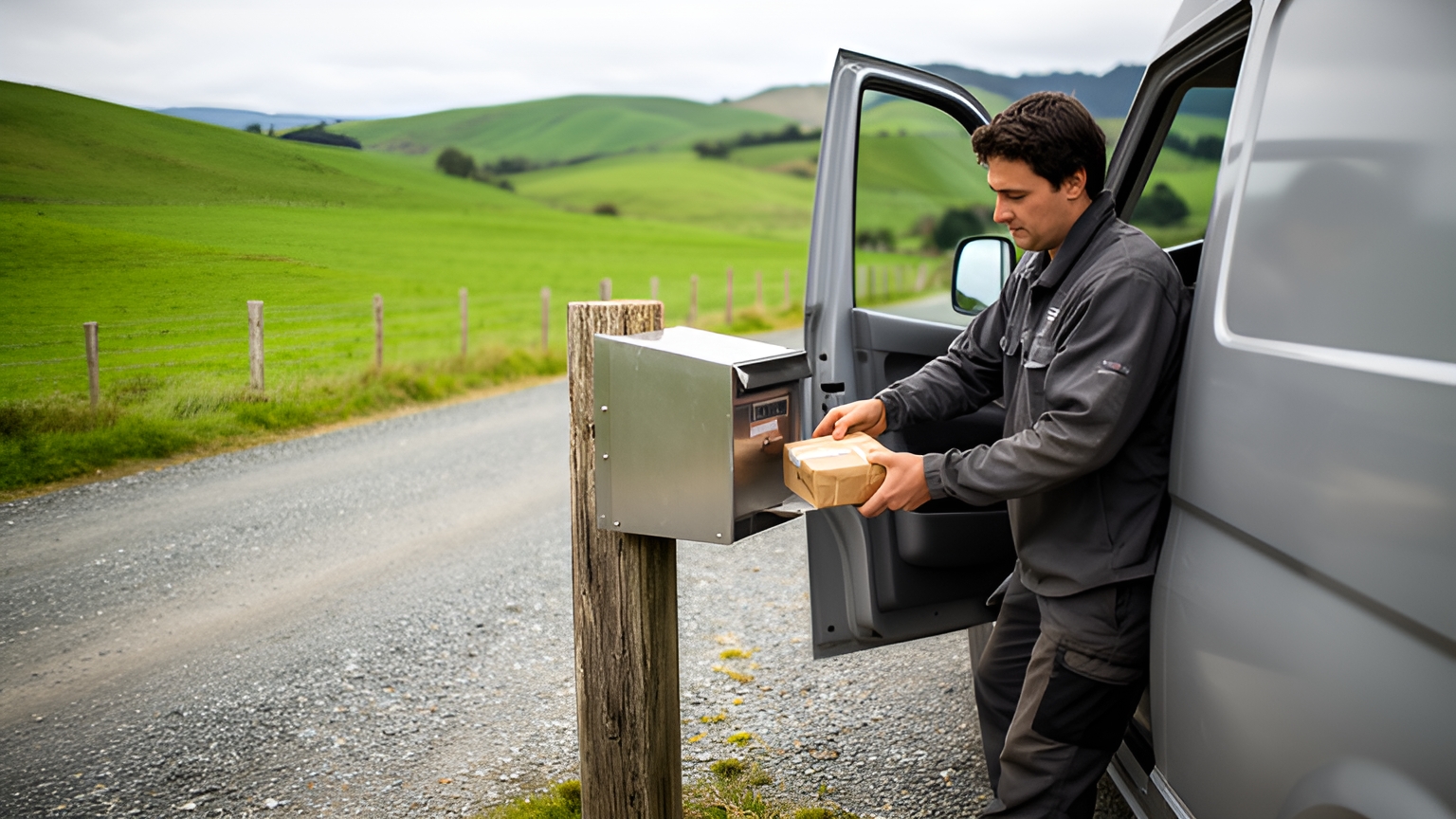
The Ministry of Transport's freight and supply chain issues paper found freight operators see last mile deliveries to retailers and homes as "highly complex and increasingly challenging." The paper is a few years old, but on a rural run much of that complexity still sits in the address itself.
An RD address tells a driver the district. It doesn't always tell them the driveway.
Good job details close that gap. Add the rural property number shown at the gate, a short description of the entrance, a map pin at the actual drop spot, and access notes such as a shared lane, stock on the road or which shed to use. A contact number rounds it off.
Save those details against the customer rather than a single job. Next month's delivery then starts with everything this month's driver learned.
Coverage is the other half. Where runs pass through valleys or back roads with patchy mobile signal, ask any provider how the driver app behaves when the phone drops out: can the driver still read the job list, and do photos and signatures upload once the phone is back in range?
Records help the next run too. Locate2u's proof of delivery captures photo evidence, signatures and timestamps for every delivery, so a photo of where goods were left becomes a handy guide for whoever drives that road next.
Planned, dispatched, out for delivery: statuses that keep the whole team aligned
Statuses only help if everyone reads them the same way. The two that get mixed up most easily are dispatched and out for delivery.
Dispatched means the job has been assigned and sent to a driver's app. Out for delivery means the driver has started the run and the goods are on the move.
That gap matters to customers. A dispatched job might still be sitting in the yard waiting for a load off the ferry, so it's out for delivery that should trigger an arrival message.
| Status | What it means | Who acts next |
|---|---|---|
| Planned | Job is in the system with a date, but not yet assigned | Dispatcher |
| Dispatched | Assigned to a driver and sent to their app | Driver, when loading |
| Out for delivery | Run has started and the goods are on the vehicle | Customer gets an arrival update |
| Delivered | Completed, with photo, signature and timestamp attached | Office, for invoicing |
| Needs attention | Job moved, rebooked or waiting on a detail | Dispatcher, then customer |
Agree these definitions as a team before go-live and pin them up in the depot. When the office, the drivers and the customer messages all use the same words, nobody needs to ring anyone to find out where a job is.
What to check before choosing a dispatch platform for a mixed NZ fleet
A typical New Zealand fleet is rarely one kind of vehicle on one kind of run. Use these checks with your own jobs in front of you:
- Vehicle fit. Can each job record what it needs, such as a crane unload or a hand unload, and be matched to a vehicle that can do it?
- One board for everyone. Can owner-drivers and your own team receive jobs in the same app, with each person seeing only their runs?
- Several depots, one view. If you run from depots on both islands, can each depot plan its own day while the office sees the whole fleet?
- A real closure day. Load a past day when a highway closed and time how long the rebuild takes.
- Rural address notes. Are access details saved against the customer and shown on the driver's screen?
- Signal gaps. What does the app show, and what does it save, when coverage drops out mid-run?
- Statuses and messages. Can you set up the statuses in the table above and choose which ones send a customer update?
- Your order source. Can jobs arrive from your store or booking tool without anyone retyping them?
If dispatch is one part of a wider look at your delivery tools, the guide to choosing delivery management software covers the broader criteria.
Whatever you shortlist, run it on a week of your own jobs at one depot, alongside your current process. A week of real South Island or North Island runs will tell you more than any demo.
Frequently asked questions
Does a dispatch system replace the dispatcher?
No. It replaces the retyping, phone calls and whiteboard updates, so the dispatcher sees the day's jobs, driver positions and exceptions in one view and spends their time on the decisions only a person can make, such as which customer gets priority when a run changes.
How many vehicles do you need before dispatch software is worth it?
There is no set fleet size. A practical test is whether building and rebuilding the day's plan takes up a large part of someone's morning, or whether customers regularly ring to ask where their order is; if either is true, run the software on a week of real jobs and compare.
How should you set up a dispatch system without disrupting current deliveries?
Start with one depot or one run, import your customer addresses and agree the job statuses your team will use. Then run the new system alongside your current process for a week before switching the rest of the fleet over.
Can a dispatch system connect to the booking and invoicing tools you already use?
Ask any provider to show the connection working with your own order source before you commit. Locate2u lists its available connections on its integrations page, which is the place to confirm whether your store or booking tool is covered.
The fairest way to judge a dispatch management system is on a day that doesn't go to plan. Pick a recent morning when a road closed or late orders arrived, and see how quickly each option rebuilds it for your drivers and customers.
To see how that works on your own runs, explore Locate2u's dispatch planning tools, then book a call with the Locate2u team to walk through a week of your real jobs.