Ecommerce Delivery Management Platforms: How NZ Online Retailers Run Their Own Deliveries
Drafted with AI assistance, edited and fact-checked by Sean Flannery. See our editorial policy.
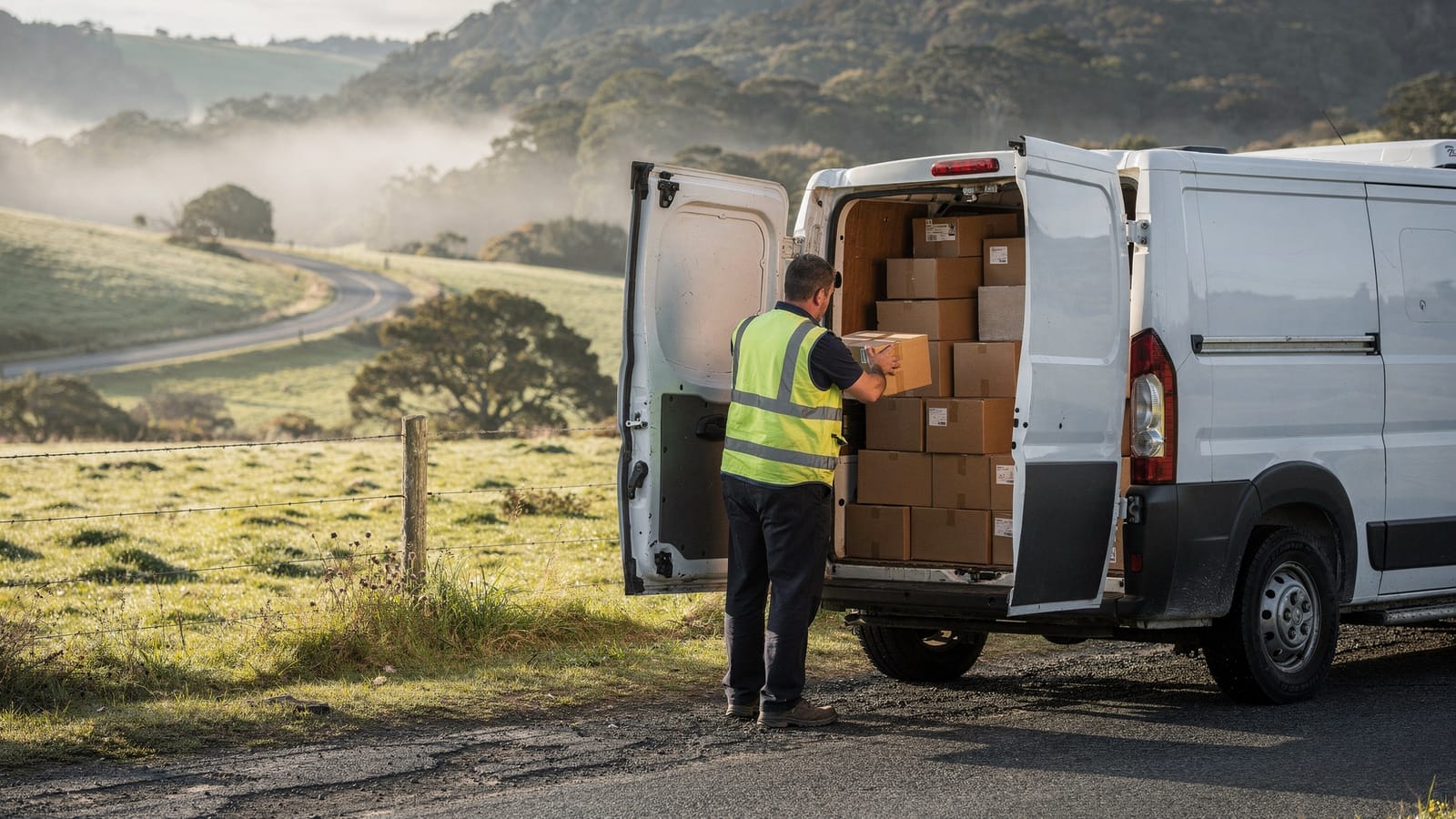
An ecommerce delivery management platform pulls online orders straight from your store, groups them into optimised driver routes, shares live tracking links with customers and records proof of delivery at the door. For New Zealand retailers running their own vans, the most useful platforms also make it quick to re-plan routes when a state highway or rural road closes.
Online shopping is an everyday habit here. A Ministry of Transport freight and supply chain issues paper published in 2022 reported that New Zealanders spent NZ$5.8 billion on online shopping in 2020, 25% more than the year before.
Treat that as a dated snapshot. The decision it points to is still practical: once a region sends you enough orders to fill a van, running those deliveries yourself works best with a proper system behind it.
Delivering in New Zealand also has its own shape. Two main islands linked by ferry crossings. Long rural runs. A growing Auckland. And state highways with few alternatives when one section shuts.
What an ecommerce delivery platform does between checkout and the customer's door
Between a customer pressing the pay button and a parcel arriving on their porch, quite a lot has to happen.
The order needs a delivery day. It needs a driver and a place in that driver's route. The customer wants to know when to expect it, and your team wants a clear record once it's handed over.
When each of those steps lives in a different spreadsheet, inbox or phone call, every change has to be made several times over. An ecommerce delivery management platform joins them into one flow.
Orders arrive from the store automatically. The platform sorts them by delivery day and area, builds a route for each driver, and sends customers a tracking link once their order is on the way. At the door, the driver captures a photo or signature, and that record is saved against the order.
The Ministry of Transport's freight and supply chain issues paper describes the final leg plainly: "Freight operators see the last mile deliveries of goods to retailers and homes as highly complex and increasingly challenging."
That complexity is the reason to keep everything in one place. When a stop moves, the route, the driver's screen and the customer's arrival time should all update together.
Locate2u covers that full flow in one product: order import from your online store, route optimisation, live tracking links for customers and proof of delivery captured by drivers on site.
How store integrations turn online orders into ready-to-run driver routes
Copying orders from a store dashboard into a routing tool is manageable with a few deliveries a day. As volumes grow, it becomes the slowest part of the morning.
A store integration removes that step. New orders flow into the delivery platform with the address, the items and the delivery date or window the customer chose at checkout.
From there, orders are grouped by window and turned into routes without anyone rekeying a thing.
Locate2u's online store integrations pull orders directly from your store and group them by delivery window before routes are generated. Madam Seafood, an Adelaide seafood retailer whose full story appears further down, runs its deliveries this way: customers choose a delivery date and time at checkout, and Locate2u turns those orders into optimised routes.
The integration is only as useful as the delivery options your checkout offers. So before connecting anything, decide what you will actually promise in each region.
An Auckland-based store might offer set windows across the city on most weekdays, fixed days for Hamilton and Tauranga, and one weekly run for rural addresses further out.
Orders heading across Cook Strait can be offered on dates that allow for the ferry crossing and the onward run on the other island.
Set up this way, every slot a customer picks already fits a run you operate. The platform does the sorting, and each driver gets a route that matches what the customer was promised.
Planning dense Auckland runs as the city grows towards two million people
Stats NZ projects Auckland's population will reach 2 million by 2033.
For a store with a strong Auckland customer base, that growth points to more homes, and likely more stops, inside the same delivery zones.
More stops per zone changes the planning job. The question shifts from whether a van can reach everyone to the order in which it should visit them.
That sequencing is where software earns its keep. Locate2u's route optimisation builds routes automatically from delivery locations, time windows and driver availability, so a long list of Auckland addresses becomes a set of runs drivers can follow with confidence.
A few planning habits help Auckland runs finish on time.
Plan in zones. Splitting the region into areas such as the North Shore, West Auckland, South Auckland and the central isthmus keeps each driver working one part of the city.
Keep crossings to a minimum. Where possible, plan each route so the driver stays on one side of the Waitematā Harbour for the whole run.
Match windows to density. Suburbs with plenty of orders can support tighter delivery windows. Quieter areas can share a broader window or a set day.
Then review results weekly. If one zone keeps finishing later than planned, adjust the zone boundary or the window offered at checkout.
Re-planning the day quickly when a state highway or local road closes
Some key sections of New Zealand's state highway network have few alternatives, so a single closure can reshape a day's deliveries.
Two closures on major freight routes show the scale. Regional news coverage reported that the lengthy Desert Road closure forced 800 trucks a day onto a 40-minute detour, at a daily cost of about NZ$100,000.
Coverage of the Brynderwyns closure reported that cars could detour through Mangawhai and Waipu, adding around 30 minutes, while heavy freight had to drive through Dargaville on SH12 and SH14. A road-freight spokesperson quoted there said the detour routes added an extra two to three hours to drivers' trips.
Notice the spread. The same closure meant very different detours for different vehicles.
For an online retailer, the useful question on a closure morning is simple: which stops still fit today's routes, and which customers need a new time?
A short routine answers it:
- Check the day's routes against the NZ Transport Agency Waka Kotahi's current road information before drivers head out.
- Move stops beyond the closure to another driver, another route or the next scheduled run for that area.
- Re-sequence the remaining stops so each route still flows.
- Send affected customers an updated arrival time or a new delivery day.
Locate2u lets dispatchers adjust the day's routes on the fly, slotting jobs into existing routes without rebuilding the whole plan. A live dashboard shows every vehicle, so the team can see which drivers are near a closure and reassign stops while they're still on the road.
The same routine works for a slip on a rural road after heavy rain as it does for a state highway closure.
Inter-island orders follow the same logic. If a Cook Strait sailing changes, stock bound for the other island arrives later, and the next run for that area is the natural place to slot it.
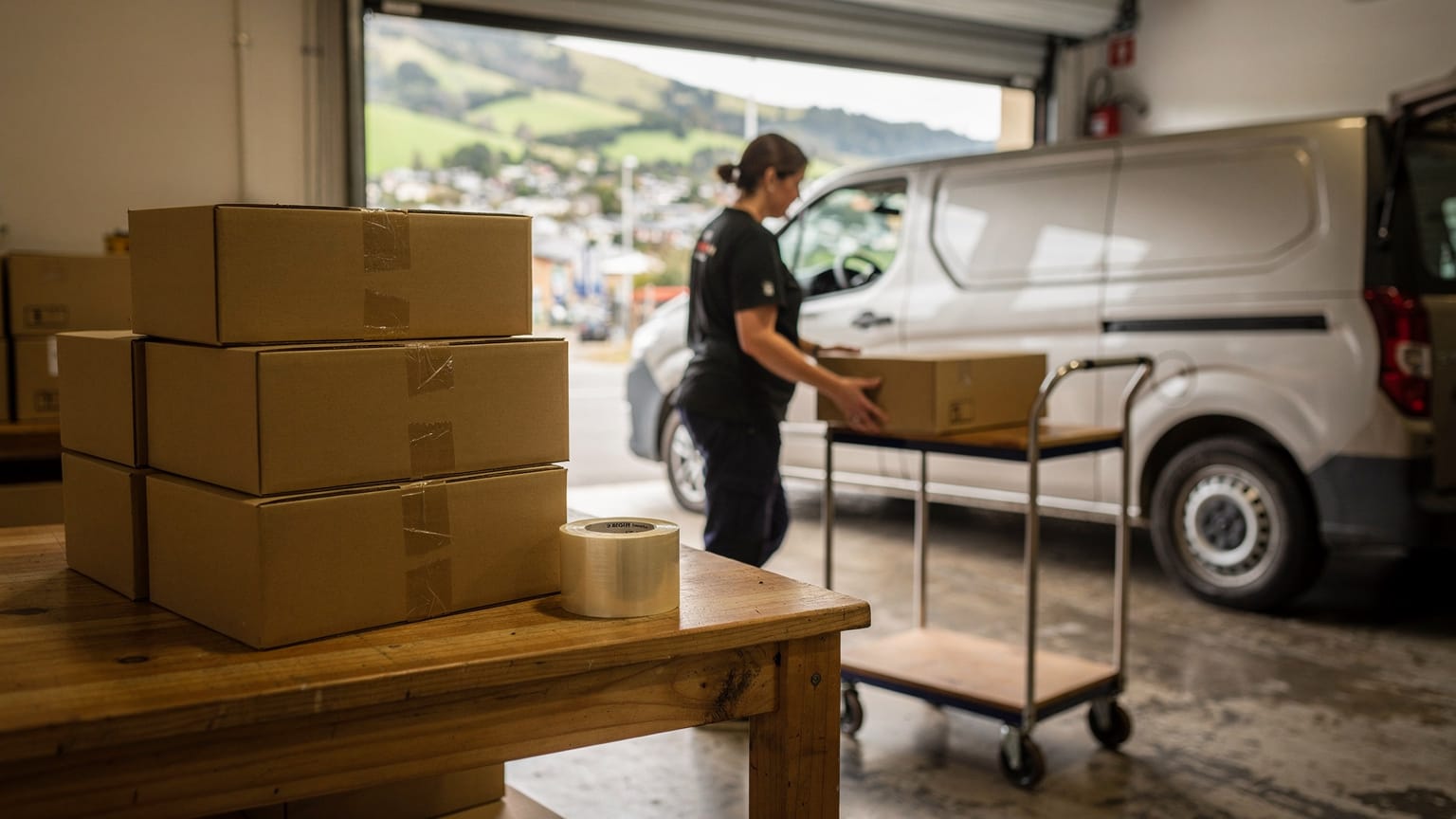
Keeping customers informed with live tracking links and updated arrival times
A live tracking link answers the question customers ask about any delivery: when will it arrive?
Instead of relying on a broad window set the night before, the customer can watch the driver approach as the route progresses.
Locate2u's real-time tracking gives each customer a live link, and automated notifications keep recipients informed about their delivery status. That matters most on the days covered above, when a closure or a busy afternoon shifts the plan.
Setting good windows in the first place takes data. The Ministry of Transport's network performance report is candid on this point: "We do not currently have any appropriate and frequent measures of road reliability."
So there's no frequent national benchmark to plan against. Your own delivery history fills that gap.
Each completed route leaves a record of planned and actual arrival times. Compare the two route by route and patterns appear: an area that runs later on Friday afternoons, a rural road that adds time after rain, a suburb that regularly finishes early.
Feed those patterns back into the windows you offer at checkout. Tighter where routes run reliably, broader where they vary, so the windows customers see match how your routes really run.
How proof of delivery gives every order a clear, shared record
Proof of delivery closes the loop on every order.
At the door, the driver takes a photo and, where needed, a signature. A timestamp is added and the record is saved against the order.
That gives everyone the same picture. When a customer asks where their parcel ended up, your team can answer straight away.
Photos are especially helpful on rural runs, where an order might be left at a farm gate, a shed or a covered porch by arrangement. The customer can see exactly where it is.
Locate2u's proof of delivery captures photo evidence, signatures and timestamps for every delivery, creating a record that both the business and the customer can reference.
Those same records feed the planned versus actual reviews in the previous section, so the data that confirms one delivery helps plan the next.
How an online seafood store organised its delivery runs automatically
Madam Seafood's case study reports that the family-run seafood business, based in Adelaide, South Australia, automated 90% of its delivery workload with Locate2u route optimisation and its online store integration, a result from one Australian business rather than a benchmark.
The business was established in 2017 by a group of food-loving mums in Adelaide. It began as casual runs bringing fresh seafood to friends and grew into a full-scale delivery operation.
Today it delivers fresh and live seafood, including prawns, oysters, crabs and sashimi-grade products, to customers' doors across Adelaide. Home delivery runs go out weekly on Tuesdays and Fridays, alongside pick-up depots around the city.
In the early years, bookings were managed by hand. After a long day on the fish farm, routes were worked out at night, often until the early hours of the morning.
As orders grew, so did the number of addresses to sort and routes to plan. Customers also needed to know when to be home for perishable orders, which meant plenty of phone calls about arrival times.
Madam Seafood connected Locate2u directly to its online store. Customers now choose their preferred delivery date and time at checkout, and Locate2u automatically organises those orders, creates optimised routes for each driver run and gives every customer a real-time tracking link.
The manual step of transferring orders into a routing system is gone. Customers can see when their seafood will arrive without picking up the phone.
The pattern fits a New Zealand online store well: set delivery days per region, windows chosen at checkout, routes built from those choices. To test it on your own routes, connect your store, pick one regular delivery day, and compare planning time and arrival-time enquiries over a few weeks against how that day runs now.
A practical checklist for choosing a delivery platform for NZ conditions
The clearest way to choose is to test each platform on your own orders and your own roads. A short test on real deliveries tells you more than any feature list.
| What to check | Why it helps NZ deliveries | How to test it |
|---|---|---|
| Store integration | Regional delivery days chosen at checkout carry straight into routes. | Place test orders for different regions and confirm dates and windows arrive correctly. |
| Route optimisation with time windows | Busy Auckland zones need stops sequenced around windows and driver availability. | Load a real day's orders for one zone and compare the result with your current plan. |
| Changes during the day | A highway closure or slip can shift stops after drivers have left. | Move several stops to another driver mid-route and see how routes and arrival times update. |
| Customer tracking and notifications | Rural and inter-island customers get clear, current arrival information. | Follow a test order from the customer's side, from confirmation to delivery. |
| Proof of delivery | Photos show exactly where a rural order was left by arrangement. | Complete test deliveries and check the photo, signature and timestamp on each record. |
| Planned versus actual reporting | Your own delivery history is the best guide for future checkout windows. | Ask to see planned and actual arrival times compared by route and area. |
| Billing and terms | A small fleet needs costs that grow sensibly as drivers are added. | Compare the billing model, setup fees and contract length on each pricing page. |
Run the same checks on every platform you shortlist, including Locate2u, using a real day's orders. Include at least one rural address and, if you deliver to both islands, one inter-island order, so the test reflects the deliveries you actually make.
Frequently asked questions
Can an online store run its own vans for some areas and still send other orders another way?
Yes, you can run your own drivers in the zones where you have enough order density and send far-flung or low-volume addresses another way, with the delivery platform managing the jobs your own drivers carry. Review the split each quarter as order volumes in each region change.
How should you set delivery windows at checkout if you deliver across both islands?
Offer windows that match the runs you actually operate, such as set delivery days for each region, rather than one promise for the whole country. That way the slot a customer picks already fits a planned route, and rural or inter-island orders get a realistic date from the start.
What delivery records are worth reviewing each week?
Compare planned and actual arrival times route by route, and note the roads or areas that repeatedly push stops later. Because the Ministry of Transport says it has no frequent measure of road reliability, your own completed-delivery history becomes the most useful guide for setting future windows.
What is a sensible way to test a delivery platform before moving every route across?
Start with one route or one delivery day, run it on the platform alongside your current method, and compare planning time, completed stops and customer enquiries. Once the team is comfortable, move the remaining routes across one region at a time.
The right platform turns the choices customers make at checkout into routes that hold up on New Zealand roads, and keeps everyone informed when the day changes. Start with one region and one delivery day, review the results, then expand. Locate2u's delivery management software brings order import, routing, live tracking and proof of delivery together, which makes it a practical place to begin that comparison.