Courier Software for New Zealand: From Booking to Proof of Delivery
Drafted with AI assistance, edited and fact-checked by Sean Flannery. See our editorial policy.
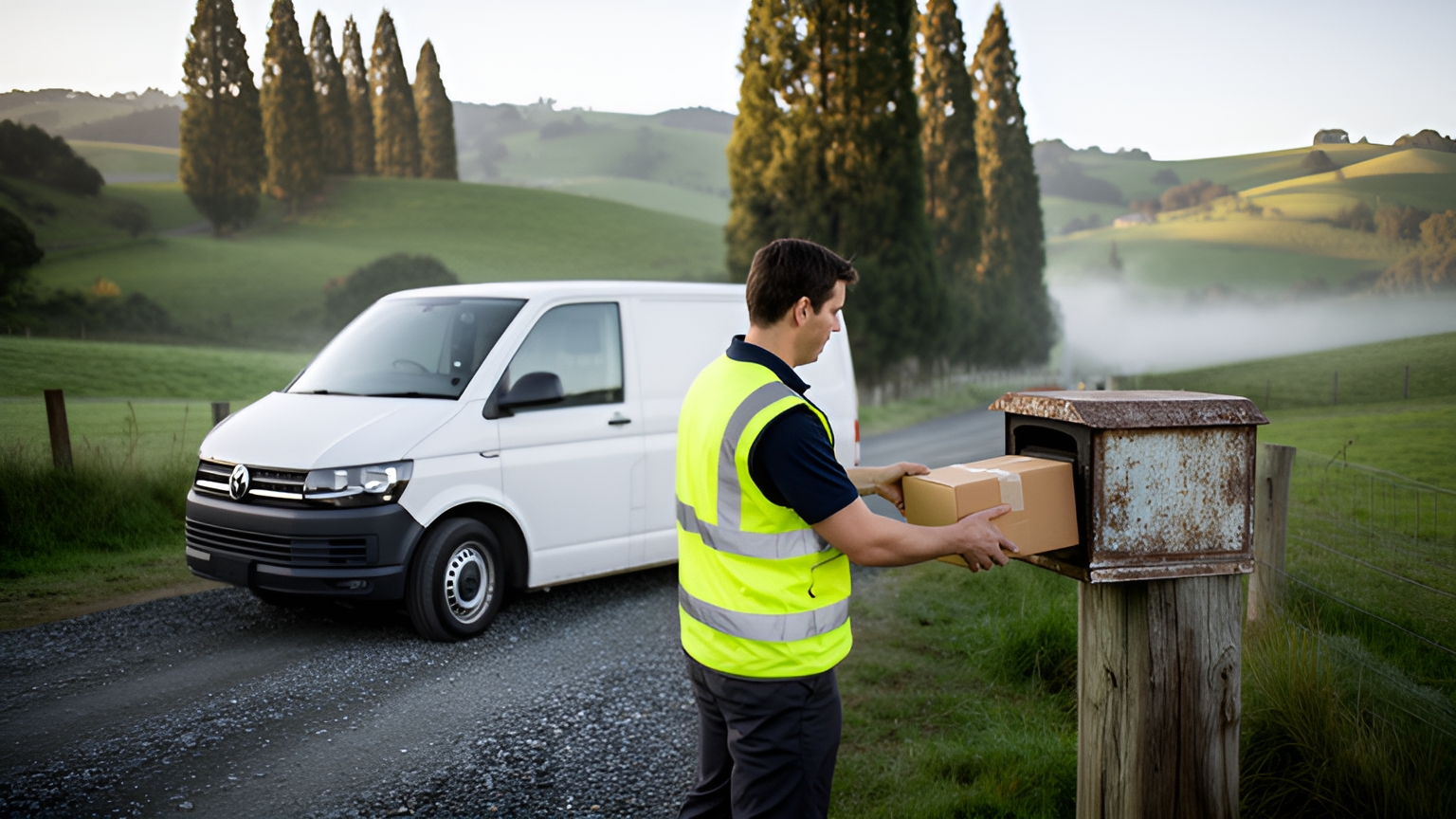
Courier software runs a New Zealand delivery business from booking to proof of delivery. It brings in jobs from web stores and customers, plans routes across city and rural addresses, sends live ETAs, and records photo, signature and timestamp proof on every drop. Its job records also become the operator's own on-time benchmark.
That benchmark matters here. One day can mix tight inner-city windows in Auckland or Wellington with long runs to rural delivery addresses, and freight bound for the other island has to fit around Cook Strait sailings.
How courier software gives NZ couriers their own on-time benchmark
The Ministry of Transport's Transport Network Performance Report, July 2025 states: "We do not currently have any appropriate and frequent measures of road reliability."
That gap matters because road carries most of the freight. NZ Transport Agency Waka Kotahi figures put road's share of the combined road and rail task at 87.79% of tonne-kilometres in 2024/25, an NZTA estimate rather than a precise count.
So the benchmark sits in the operator's hands. Every completed job in courier software carries a promised window, an arrival time and a proof record. Together they show how reliable your own runs are.
Four measures do most of the work. On-time rate counts deliveries inside the promised window. First-attempt success counts drops completed on the first visit. ETA accuracy compares the arrival with the time the customer was sent. Time on site runs from arrival to proof captured.
As a worked example on round numbers, a week of 500 drops with 470 inside their windows gives an on-time rate of 94%. The value comes from comparison: this week against last, a Hamilton city zone against a Waikato rural loop, winter against summer. A zone that keeps landing below the rest is the one to give wider windows or an earlier start.
Planning routes that suit busy cities and long rural runs
Just over half of New Zealanders live in the major urban areas, from Auckland and Christchurch to Wellington, with the rest spread across smaller towns and rural areas, according to Environmental Health Intelligence New Zealand's 2024 urban-rural profile. A courier serving both often has to plan both kinds of run on the same day.
City work is dense. Stops sit close together, windows are tight, and the order of stops decides when the run finishes.
Rural work turns that around. Fewer stops, longer distances, gravel roads and rural delivery addresses where a pin can land at the wrong gate if the address data is thin.
Locate2u's route optimisation builds multi-stop routes around delivery locations, time windows and driver availability.
Whatever platform you assess, run three checks on your own work. Load a batch of rural delivery addresses and confirm each pin reaches the right property entrance. Plan a route that mixes town drops with an outlying loop and ask a driver who knows the area whether the sequence makes sense. Then add a late job to that outlying loop and confirm the route updates without starting over.
If work crosses Cook Strait, treat each sailing as a fixed point in the day, so South Island stops are only sequenced once the freight is on the right side.
How one delivery team went from an hour of planning to ten minutes
As customers came to expect same-day delivery for prescriptions, SuperPharmacy wanted planning that could keep pace. SuperPharmacy's case study reports that its delivery team spent up to one hour every day planning routes by hand.
The online pharmacy has delivered prescription medications, over-the-counter products and health essentials to doorsteps across Australia since 2000, making it one of the country's earliest online pharmacies.
Changes were slow too. If an urgent prescription came in during the day, or a delivery needed rescheduling, the whole route had to be generated again from scratch.
The team brought in Locate2u's route optimisation to automate daily planning. Routes are generated from delivery locations, time windows and driver availability, and planning that took an hour takes 10 minutes, an 83% cut in route planning time for this one Australian business.
Flexibility through the day made the bigger difference. New prescriptions slot into existing routes on the fly without disrupting other deliveries, which let SuperPharmacy offer same-day prescription delivery as a core service.
In the team's words: "Before Locate2u, we had to generate new routes if we wanted to change anything. Now we can adjust the day's deliveries on the fly."
To try the same test on your own work, time how long tomorrow's plan takes to build. Then add a few late jobs and time the replan. For a same-day operation in New Zealand, make those late jobs a mix, such as an urgent drop in central Christchurch and an order for a rural address on an outlying loop, so the replan is tested on both kinds of run. Those two timings say more about a platform than a feature list.
Taking on-demand, scheduled and same-day jobs in one system
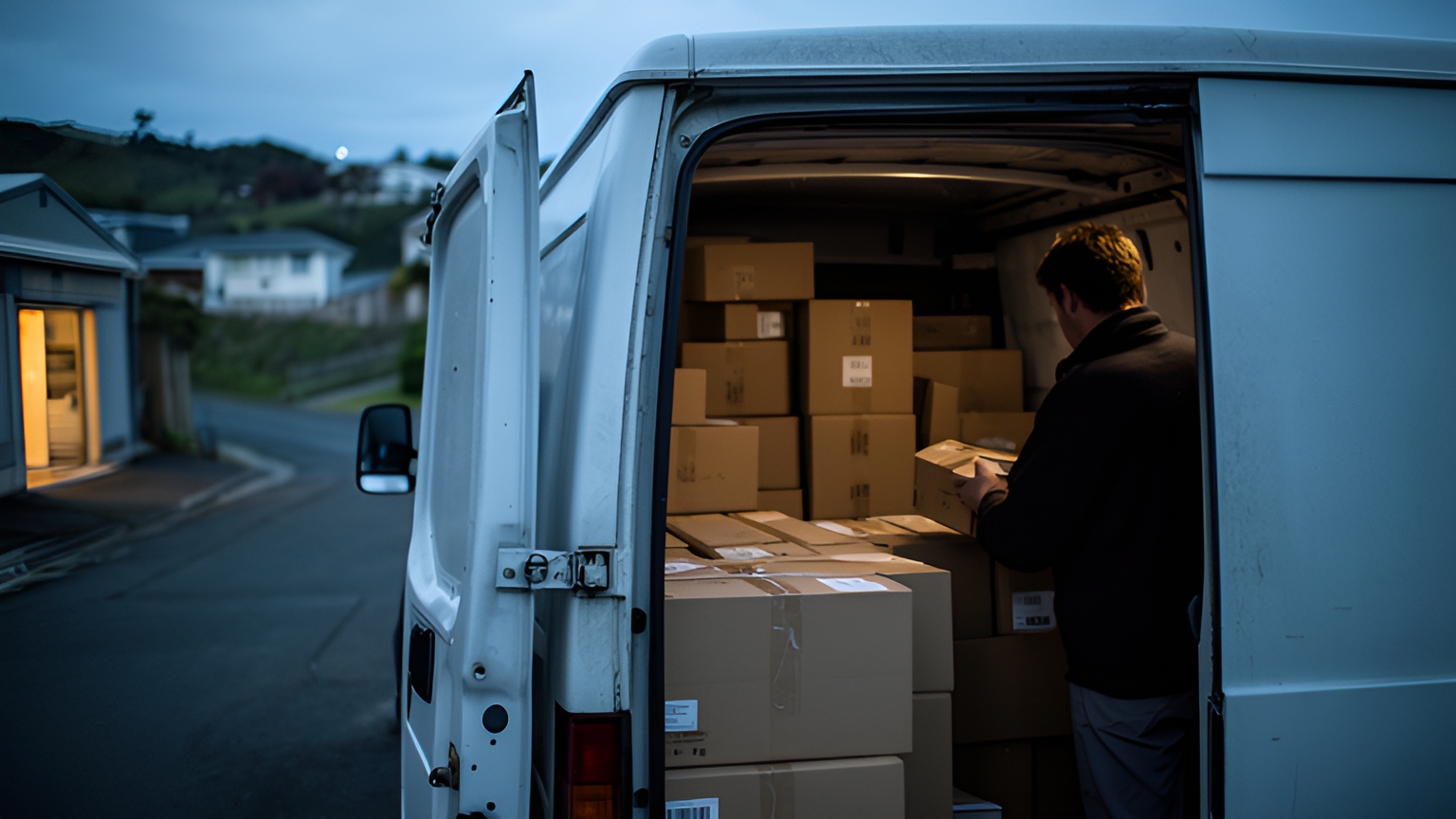
A courier day often mixes three kinds of work.
Scheduled multi-drop runs leave at set times. On-demand jobs arrive with a pickup and an urgent drop. Same-day orders land through the morning from retailers who want them delivered before close of business.
Online ordering feeds much of that. Stats NZ's Business Operations Survey 2022 found: "In 2022 more than half of businesses received orders for goods and services over the internet in their last financial year." That is 2022 data, so treat it as a starting point and ask your own customers how their orders reach you.
If your customers sell online, the way their orders reach your dispatch board is the first thing to check. A direct connection from the store or booking system passes the address, contact details and delivery window straight into the plan, with no re-keying from emails or spreadsheets.
With all three job types in one system, a dispatcher sees the whole day at once. A same-day order can join a scheduled run that already passes nearby. An urgent pickup can go to the closest driver rather than whoever comes free next.
Ask any platform these questions before committing:
Can customers book their own jobs through a portal or web form, so phone and email bookings ease off? Can you set delivery zones with their own rules, such as a city zone with a same-day cut-off and a rural zone that books onto the next run?
Can the system flag a rural address at booking? Knowing that early lets you promise an honest delivery day and price the rural leg of your own service correctly.
And can a planned route take a new stop without rebuilding the day? Test that one with your own late-morning orders, because it decides whether same-day work fits around scheduled runs.
Keeping ETAs accurate and runs moving through winter weather
Winter brings its own planning work in New Zealand. Alpine passes can shut for snow and ice, and Cook Strait sailings can be cancelled in rough conditions.
Flooding is part of the picture too. Earth Sciences New Zealand's 2025 annual climate summary records local states of emergency for flooding in Selwyn, Christchurch and Banks Peninsula in April and May, and in Nelson-Tasman and Marlborough in June, when roads across the northern South Island were closed by flooding and fallen trees.
A good ETA adapts to all of it. It updates as the driver's position and remaining stops change, so the customer at the end of the run learns about a later arrival well before they start wondering.
Locate2u shares live tracking links with customers, so recipients can see when their delivery will arrive without calling the office. Automated notifications keep them informed of delivery status along the way.
The dispatch side matters just as much. When a road closes partway through a run, the team needs a live view of every vehicle and the stops each one has left, plus a quick way to move a stop to another driver or carry it to the next day.
A little preparation before the first big storm makes those calls easier.
Keep a short list of known detours for each regular run, starting with runs through areas that flooded in 2025, such as Nelson-Tasman and Marlborough, so any replan starts from a sensible alternative. Set a cut-off for South Island-bound work when sailings look uncertain, and book those jobs onto the next run rather than promising a same-day drop.
Agree how drivers report a closed road, ideally from the app once they have stopped safely, so the dispatcher can replan straight away. A driver who waits out bad weather is making the right call, and the plan should make that easy.
Afterwards, the job records show how winter affected each run. Compare on-time rate and ETA accuracy for July against February on the same routes, and you have a seasonal baseline for next winter's planning.
Capturing proof of delivery where mobile coverage is patchy
Mobile signal can drop away on rural roads, in hill country and inside some large buildings.
Deliveries still happen there, and the record of each one should be as complete as a drop in the CBD.
Locate2u's proof of delivery captures photo evidence, signatures and timestamps for every delivery. The business and its customer share the same clear record of what arrived, when and where.
Drivers capture it in the Locate2u driver app on their phones, with the day's stops and proof capture in one place.
For patchy coverage, run a simple check on any app before you commit. Take a phone to a spot with no signal and complete a test delivery with a photo and signature. Then drive back into coverage and confirm the record uploads with its original timestamp and location intact.
Two more workflows are worth testing on the same trip.
Authority to leave: when a customer has asked for goods to be left in a safe place, a clear photo of the parcel at the door or shed gives everyone confidence it arrived.
Second attempts: when nobody is home to sign, the driver should be able to mark the stop for another visit, with a reason, so the job returns to the plan instead of living in a note.
Those records feed the first-attempt success measure from earlier. Tidy address data and clear delivery instructions are a practical way to lift it.
How to test courier software on last month's real jobs
A demo shows a platform at its best. Last month's jobs show how it handles your work.
Export a full month from your current system or spreadsheets, awkward days included, and use it as the test set. Then run these checks:
| Test | How to run it | What good looks like |
|---|---|---|
| Address quality | Import every address from the month | Rural and urban pins land at the right property |
| Planning time | Time your current process first, then plan your busiest day from scratch | A plan ready to send in less time than your recorded baseline |
| Late changes | Add same-day jobs to a planned day | Routes update without rebuilding the day |
| Mixed runs | Plan a day with city drops and a rural loop | A sequence a local driver agrees with |
| Proof without signal | Complete a test drop out of coverage | Photo, signature and timestamp upload intact |
| Reporting | Pull on-time rate by zone and week | A report you can compare month to month |
Bring a driver or two into the trial. They know which rural turn-offs are easy to miss and which city loading zones fill early, so their view of the driver app matters as much as the dispatcher's view of the planning screen.
Keep the trial month's report once it is done. It becomes the first line of your on-time benchmark, and every month after it has something to be measured against.
For the wider picture of running a courier business on software, read the guide to courier management software in New Zealand.
Frequently asked questions
How do you move a courier operation onto new software without disrupting deliveries?
Start with one run or one zone, run it alongside your current process for a week or two, then compare the job records before moving the rest of the fleet across. Bring drivers in early so their feedback shapes the setup before the busiest runs switch over.
How much training do drivers need for a courier driver app?
Plan a short walkthrough on a real run rather than a classroom session, covering how to open the day's stops, capture a photo and signature, and mark a delivery that needs a second attempt. Choose an app your drivers find simple on their own phones during the trial.
Can courier software connect to an online store or booking system?
Locate2u lists its store and business-system connections on its integrations page, so start there to see whether your online store or booking system is covered. Before you commit, test one connection with a day of real orders and check that addresses and delivery windows arrive intact.
How should a courier business prepare its software for the pre-Christmas peak?
Review last year's job records week by week to see when volume climbed, then set up extra driver accounts, vehicles and delivery zones before that week arrives. Run a test day at peak volume so planning and notifications are proven before customers are relying on them.
Courier software earns its place when it plans a mixed city and rural day quickly, keeps customers informed through winter, and leaves a clear proof record on every drop, signal or not. Its job records then give your business an on-time benchmark built from its own runs. To see how Locate2u's dispatch planning handles your own work, book a call with the Locate2u team and bring last month's jobs.