Vehicle Routing Software in New Zealand: How to Plan Runs That Fit the Country
Drafted with AI assistance, edited and fact-checked by Sean Flannery. See our editorial policy.
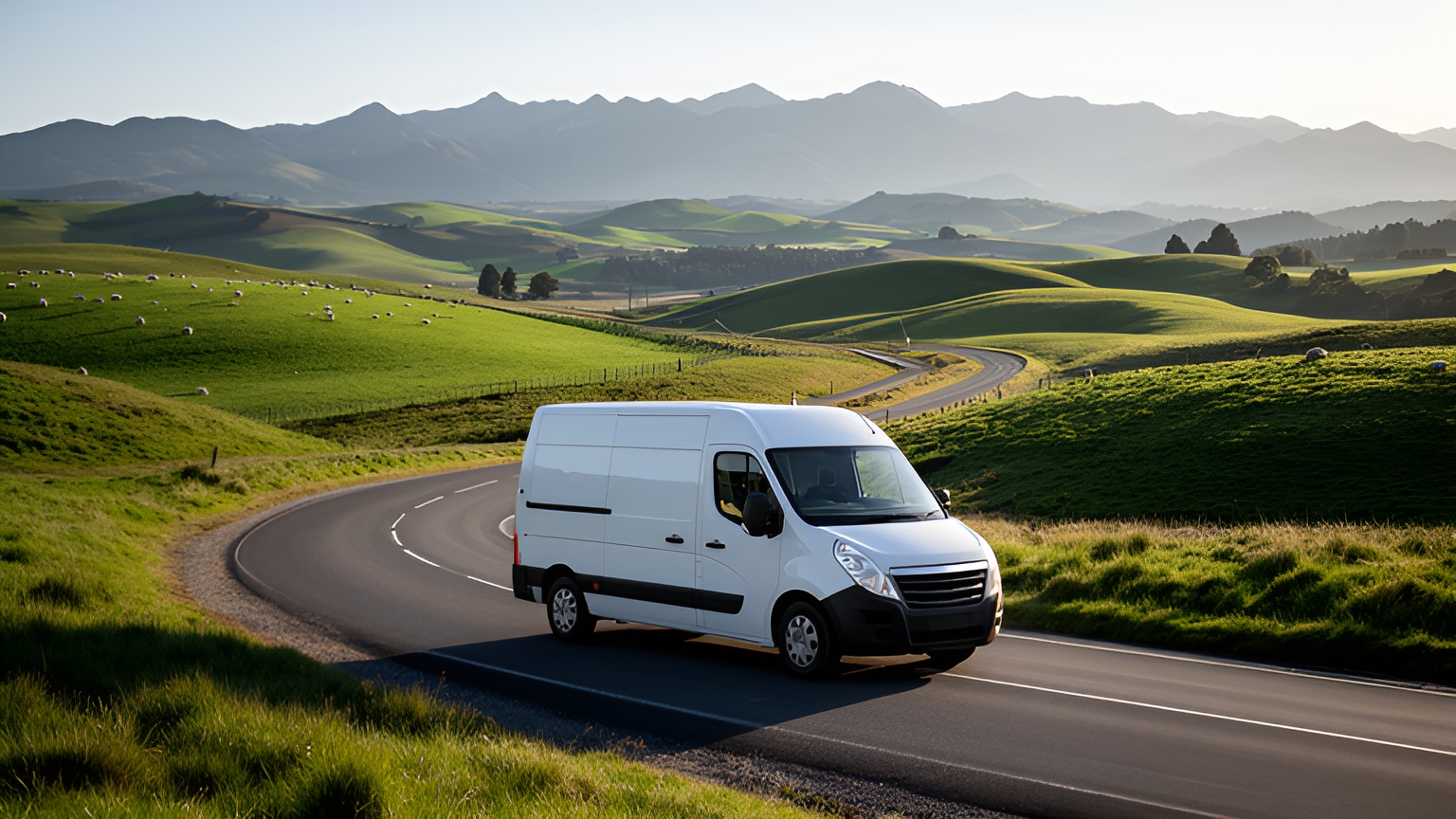
Vehicle routing software sequences a day's stops across your vans and trucks, working within delivery windows, vehicle capacity and driver availability. For New Zealand runs, look for software that lets dispatchers set different buffers for Auckland peaks and rural corridors, re-plan quickly around slips or pass closures, and send customers live ETAs when the plan changes.
Those abilities matter because a single New Zealand day can include a motorway queue in the morning, a gravel road to a farm gate after lunch and a ferry sailing that leaves on time whether the truck is there or not.
The first thing good routing gives back is planning time. SuperPharmacy's case study reports that Locate2u's route optimisation software cut its route planning time by 83%, one Australian online pharmacy's result on its prescription deliveries.
Before the change, the delivery team spent up to one hour every day planning routes by hand. An urgent prescription or a reschedule meant building the route again from scratch.
The same planning now takes just 10 minutes, with routes generated automatically from delivery locations, time windows and driver availability.
The flexibility counts as much as the speed. New prescriptions slot into existing routes during the day without disrupting other deliveries, which let SuperPharmacy offer same-day prescription delivery as a core service.
In the team's words: "Before Locate2u, we had to generate new routes if we wanted to change anything. Now we can adjust the day's deliveries on the fly."
You can run the same check on your own routes. Time how long tomorrow's plan takes by hand, then add one job mid-morning and see how much of the plan still holds.
How New Zealand's long, hilly network shapes every routing decision
The Ministry of Transport's Aotearoa Freight and Supply Chain Strategy, published in August 2023, lists the factors that shape how freight moves, including "how long and hilly New Zealand’s geography is, how spread out the population is".
That is exactly what a routing plan has to absorb. A hill road can take far longer than its distance suggests, and some corridors have only one sensible way through.
So look for vehicle routing software that plans on real road travel times rather than straight lines, and lets you adjust those times by area.
Between road and rail, road carries the larger share by far. NZ Transport Agency Waka Kotahi statistics put road freight at 24,257 million tonne-km in 2024/25, which is 87.79% of combined road and rail freight, with coastal shipping and air not included in that share.
NZTA notes the figure is an estimate that "is therefore not strictly a measure of the freight task".
The Ministry of Transport's Long-term Insights Briefing 2025 gives a similar picture: "In 2023, approximately 25,000 million tonne-kilometres of freight was transported by road".
For a dispatcher, the point of those numbers is where the gains sit. With road doing the heavy lifting, the plan for each van and truck is where time and fuel are saved.
The same freight strategy puts the freight moved at "around 56 tonnes per New Zealander" and says moving it "around such a small, spread-out population is highly complex."
Spread-out customers mean longer legs between stops outside the main centres. That is the case for setting service times and buffers by zone, rather than one figure for the whole country.
How to plan Auckland runs around predictable peak windows
Auckland's weekday traffic follows a recognisable rhythm: a morning peak as the working day starts, a quieter middle of the day, then an afternoon build into the evening.
Predictable is useful. Anything predictable can go into the plan.
Check that the platform lets dispatchers set time windows and travel-time buffers, then use them for traffic as well as for customers.
Start with the depot departure. If the first stops are nearby, an early start works well. If the first useful stop is across the harbour, a later departure can clear the same jobs with less time in queues.
Next, sequence local stops into the peaks and cross-town legs into the gap. A van that works its own suburbs during the morning rush and crosses the city later spends more of its day at doors.
Then set a peak buffer for the busiest corridors rather than padding every stop. A blanket buffer makes the whole day look slower than it really is.
A worked example on assumed numbers shows the difference. One van has 24 stops: 12 near the depot and 12 on the far side of the city.
Sequenced by distance alone, the plan might send it across town at 7am. With a peak window marked from 7am to 10am, the optimiser has a reason to clear the local stops first, cross once traffic eases, and finish the far side before the afternoon build.
Neither plan changes the number of stops. The second simply asks the van to cross the city when crossing is easiest.
Trade customers add one more layer. If a building site wants materials before work starts, lock that stop to the early part of the run and let the optimiser arrange everything else around it.
How rural and regional runs stay accurate, from addresses to corridor buffers
Rural runs are where a plan meets the real map. The address is usually right. The question is whether the pin sits where the driver actually turns in.
Start with the data. Load full addresses, including the rural delivery (RD) number, and check how each one geocodes before the first run.
A pin that lands in the middle of a paddock, or at the wrong end of a long road, throws off every time that follows it.
When a driver confirms the right entrance, save that corrected location against the customer so the next plan starts from it. Add a short note for anything a new driver would want to know, such as which gate to use or where to leave goods at the shed.
Next, set service times that match the stop. A farm drop at the end of a long driveway takes longer than a town shopfront, and an honest service time keeps every ETA after it honest too.
Then set corridor buffers. A regional run often follows one state highway with few alternatives, so a buffer for that corridor, rather than for the whole fleet, keeps town runs tight and country runs realistic.
Finally, decide whether a long circuit is one day or two. Some regional runs work better as a planned multi-day trip with an overnight stop than as one stretched day.
Where long days bring driver work time into play, check the current requirements with NZ Transport Agency Waka Kotahi and set each driver's start and finish times in the plan to match.
How mixed fleets keep trucks and vans on the roads that suit them
A van and a loaded truck can share a depot and a job list without sharing a route. Steep grades, tight bends and narrow rural roads suit some vehicles better than others.
This matters most when a main road closes. A back-road detour that works for a van can be hard going for a heavy vehicle.
Set up each vehicle with its type and real capacity, by weight, volume or pallets, whichever limits it first. Then match jobs to vehicles: heavy and bulky orders to the truck, small trade items and parcels to the van.
Check how a platform handles this before relying on it. Ask to see a truck and a van planned on the same day, and confirm the truck's route stays on roads that suit it.
For more on heavy-vehicle planning, this guide to truck route optimisation software covers the details.
Planning inter-island legs and winter pass runs ahead of time
Two things set New Zealand routing apart: a sea crossing in the middle of some runs, and passes that winter weather can close.
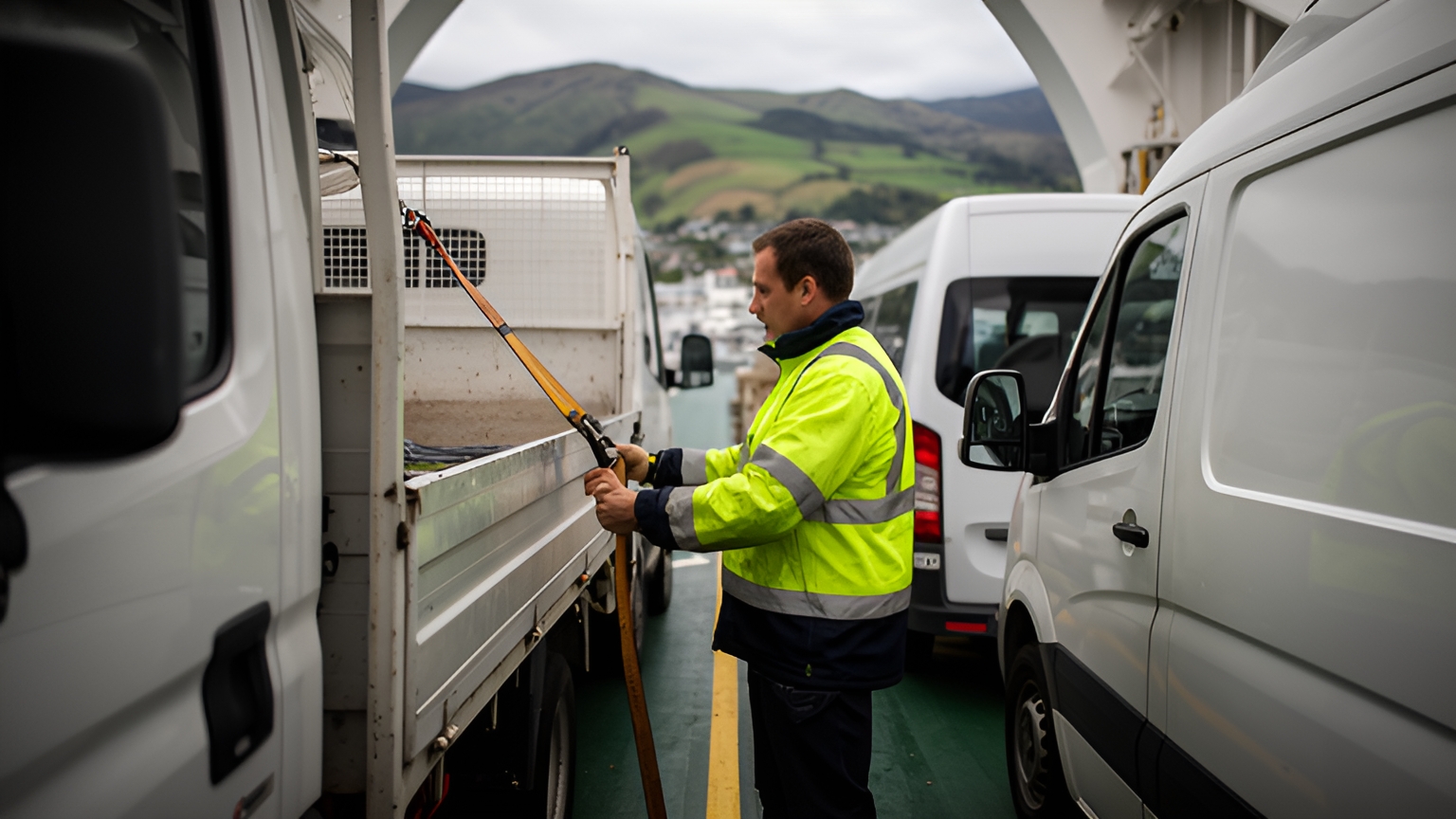
Treat the Cook Strait crossing as a fixed appointment. The sailing time does not move, so plan the leg before the crossing backward from check-in and the leg after it forward from arrival.
In practice that often means two linked routes rather than one. The first ends at the terminal with a sensible buffer. The second starts when the vehicle rolls off.
If a sailing changes, only the second route needs re-planning, and its customers can hear about it early.
Winter brings the passes into the plan. Road snowfall warnings are a regular part of the season on routes such as the Desert Road, Arthur's Pass, Lewis Pass and the Lindis Pass, and heavy rain can bring slips on gorge roads at any time of year.
Re-routing works well when a sensible alternative exists. When the only way round adds hours, the better decision is usually to change the day, not just the road.
Build three options into the winter morning check:
- Re-sequence: run the stops on this side of the pass first and leave the crossing until conditions improve.
- Delay: move the over-the-pass stops to the next suitable day and let those customers know straight away.
- Split: hand the far-side stops to a vehicle already based on that side.
Check NZ Transport Agency Waka Kotahi's current road information before dispatch on winter mornings, and confirm in any demo that a dispatcher can apply a closure and re-optimise the remaining stops quickly.
How quick re-planning lets new jobs slot into the day
The morning plan is a starting point. Calls come in, a customer moves a window, a vehicle on the coast finishes early with room for more.
Quick re-planning means adding a job without rebuilding the day. Completed stops stay put, stops already under way stay locked, and only what remains is re-sequenced.
Locate2u's dispatch planning tools are where this part of the day happens: getting each job to the right driver and vehicle.
A good re-plan follows a simple order. Check which vehicles have capacity and are close to the new job. Insert it. Look at what moved and why. Then send updated ETAs to any customer whose time changed.
Keep the dispatcher in control. The fastest sequence on screen is not always the best one for a driver who knows a regular customer prefers an early drop, so look for the ability to approve, adjust or lock stops before the change goes out.
Small fleets feel the benefit quickly. With two or three vehicles, one urgent job can reshape the whole afternoon, and a re-plan in minutes keeps everyone else's day on track.
How live ETAs keep customers informed when plans change
Plans change. A customer who hears about the change straight away stays confident in the service.
Locate2u's real-time tracking lets the team share a live tracking link, so customers can follow the vehicle's progress and expected arrival without ringing the office.
Live ETAs suit New Zealand conditions well. A rural customer can be at the shed when the truck pulls in. A builder can have someone ready to receive materials. A household waiting on chilled goods can plan to be home.
The key setting is when updates go out. A notice at dispatch is useful, but the most valuable update follows a change: a re-sequence after a closure, a late addition, a delayed sailing.
Check a few things in any platform. Does the ETA update automatically when the route is re-optimised? Can messages go by text as well as email? Does the link open simply, with no login for the customer?
Clear ETAs help drivers too. When customers can see the vehicle coming, drivers take fewer calls on the road and can focus on the drive and the delivery.
Tests to run in a demo before choosing a routing platform
A demo on sample data shows how software looks. A demo on your own data shows whether it fits.
Bring a real day's jobs, including the awkward ones, and run these tests.
| Test | How to run it | What good looks like |
|---|---|---|
| Rural addresses | Load real customer addresses with RD numbers and view the pins | Pins sit at the right entrances and corrections save to the customer |
| Zone buffers | Set one buffer for central Auckland at peak and another for a regional corridor | ETAs change within each zone, not across the whole fleet |
| Mid-day job | Add an urgent job after routes are dispatched | Only remaining stops re-sequence and affected customers get new ETAs |
| Road closure | Apply a closure on a corridor and re-optimise | The dispatcher reviews and approves the new plan before drivers receive it |
| Locked stop | Lock a regular trade customer to one driver | The rest of the day re-sequences sensibly around it |
| Mixed fleet | Plan a truck and a van on the same day | Heavy jobs go to the truck and each vehicle stays within capacity |
| Ferry leg | Enter a sailing as a fixed time inside a run | The route before the crossing reaches the terminal with a buffer |
Run these with the people who will use the plan every day. A dispatcher and a driver will spot in minutes what a feature list never shows.
To see these tests on your own runs, book a call with the Locate2u team and bring a typical day's jobs, along with any questions about fitting the platform to your fleet.
Frequently asked questions
Is vehicle routing software worth it for a fleet of two or three vehicles?
Fleet size matters less than how many stops you run and how often the day changes. Test it on your busiest day of the week: if building that plan by hand takes real time or falls apart when a job is added, routing software earns its place even for a very small fleet.
What data should you have ready before setting up routing software?
Have full addresses ready, including rural delivery numbers, plus a typical service time per stop, each vehicle's capacity, each driver's start and finish point and any customer time windows. Clean inputs on day one give you plans drivers can trust from the first run.
How do you introduce routing software without disrupting current runs?
Start with one depot or one regular run and plan it in both the new software and your current method for a short period. Compare the plans with your drivers, adjust service times and buffers, then roll out the next run once the team is confident.
Can routing software keep a regular customer with the same driver?
Look for a platform that lets dispatchers lock specific stops to a driver or vehicle before optimising the rest of the day. Ask to see this in a demo using one of your regular trade or retail customers, and check the remaining stops still re-sequence sensibly around it.
New Zealand rewards plans built for its roads: peak-aware in Auckland, accurate on rural addresses and corridors, ready for a sailing or a snowy pass, and quick to adjust when the day changes. Start with one regular run, time the planning before and after, and explore Locate2u's route optimisation for multi-stop runs to see how your own routes would come together.