Delivery Dispatch Software: How US Teams Plan Around the Stop
Drafted with AI assistance, edited and fact-checked by Sean Flannery. See our editorial policy.
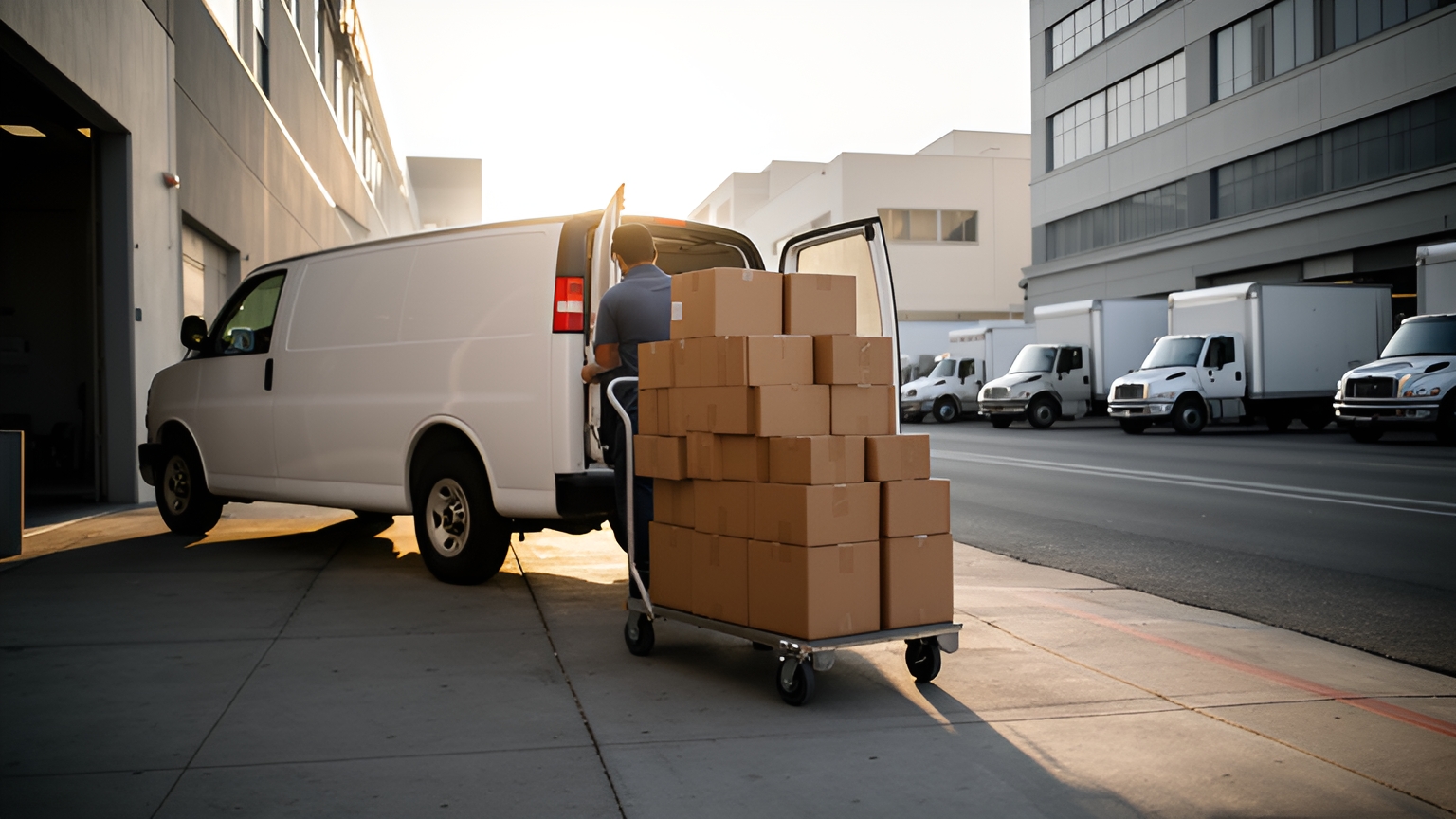
Delivery dispatch software turns a day's orders into assigned, sequenced routes, then keeps them current as stops run long, new jobs arrive or weather changes plans. For US courier and last-mile teams, the strongest results come from planning around time at the stop: realistic service times, saved access notes, live reassignment and proof of delivery.
Drive time gets most of the attention. But a US delivery day depends just as much on what happens after the van parks: the walk to a side entrance, a gate code, a signature, a quick photo.
Plan those minutes well and the rest of the day lines up behind them, from a dense apartment block in the morning to a long county-road leg after lunch.
How delivery dispatch software plans around time at the stop
The US Bureau of Labor Statistics describes how dispatch works for most delivery drivers: "Most drivers generally receive instructions to go to a delivery location at a particular time, and it is up to them to determine the best route."
That approach trusts drivers' local knowledge. Dispatch software builds on it. It sequences the stops, estimates arrival times and shows the dispatcher the whole day on one screen.
Those estimates only hold if the plan knows how long each stop takes.
MIT's Center for Transportation and Logistics reports that delivery vehicles spend 90% of the time parked or idling. That makes the stop worth planning as carefully as the drive.
Small gains at the stop add up. Here is a worked example on assumed numbers: a driver runs 50 stops in a day, and saved access notes save one minute at each stop.
That comes to 50 minutes per driver per day. Over a five-day week, it is 250 minutes per driver.
The same BLS profile puts the median annual wage for light truck drivers at US$44,860 in May 2025. Those are valuable hours, and a clear plan helps drivers spend more of them on completed deliveries and finishing on time.
Locate2u brings dispatch planning, route optimization, a driver app and proof of delivery into one platform. The plan a dispatcher builds and the stop details a driver needs sit in the same place.
Which planning inputs give dispatchers a realistic day
A realistic day starts with realistic inputs. SuperPharmacy's case study shows what that looks like in practice.
SuperPharmacy is an Australian online pharmacy and one of the earliest adopters of digital pharmacy services in that country. It delivers prescription medications, over-the-counter products and health essentials to customers nationwide.
Customers increasingly expected same-day delivery, so the team needed daily route planning that could keep up.
In this Australian business's result, Locate2u's route optimization software cut daily planning that took up to one hour to just 10 minutes. Routes are now generated automatically from delivery locations, time windows and driver availability.
The platform also lets the team slot new prescriptions into existing routes during the day, which enabled SuperPharmacy to offer same-day prescription delivery as a core service. As SuperPharmacy puts it: "Before Locate2u, we had to generate new routes if we wanted to change anything. Now we can adjust the day's deliveries on the fly."
To test the idea on your own operation, time one morning's planning with your current process. Then plan the same orders in the software and compare the two.
These inputs give a route optimizer what it needs to build a day your drivers can follow:
- Service time by stop type: a ground-floor business drop and an upper-floor walk-up are different jobs, so give each its own time rather than one default.
- Delivery windows: bring the customer's chosen window in with the order so the sequence respects it.
- Vehicle capacity: volume and weight limits for each van keep a route from being planned beyond what fits.
- Driver availability: shift start and finish times, plus home zones, decide who can take which stops.
- Order cut-off time: a clear cut-off tells the dispatcher when the plan is ready to lock.
Refine service time first. Begin with a sensible estimate for each stop type, then adjust it from what completed stops show.
How saved access notes help every driver arrive prepared
Every regular delivery address comes with its own details. The loading dock is around the back. The front desk closes at lunch. The gate has a new code.
Drivers learn these details on the job. Saved access notes keep that knowledge with the address, ready for whoever goes there next.
A good note answers the questions a driver would otherwise work out on arrival. Where to park or which loading zone to use. Which entrance to take. Any gate, door or elevator code. Who to ask for, and whether to call ahead.
How the note is stored matters as much as what it says. The driver should be able to add or update it from the driver app at the stop. It should attach to the address rather than a single order, and appear for the next driver before they arrive.
When you look at Locate2u's driver app, check that a note added at one stop shows up for the next driver sent to the same address.
Dispatchers benefit too. A note that points to a rear dock is also a cue to raise the planned service time for that address, so the next plan is more accurate.
Over a few weeks, the plan and the notes improve together. Repeat addresses become easier to plan, and new drivers start their routes with the same detail an experienced driver carries.
How mid-day reassignment keeps same-day work flowing
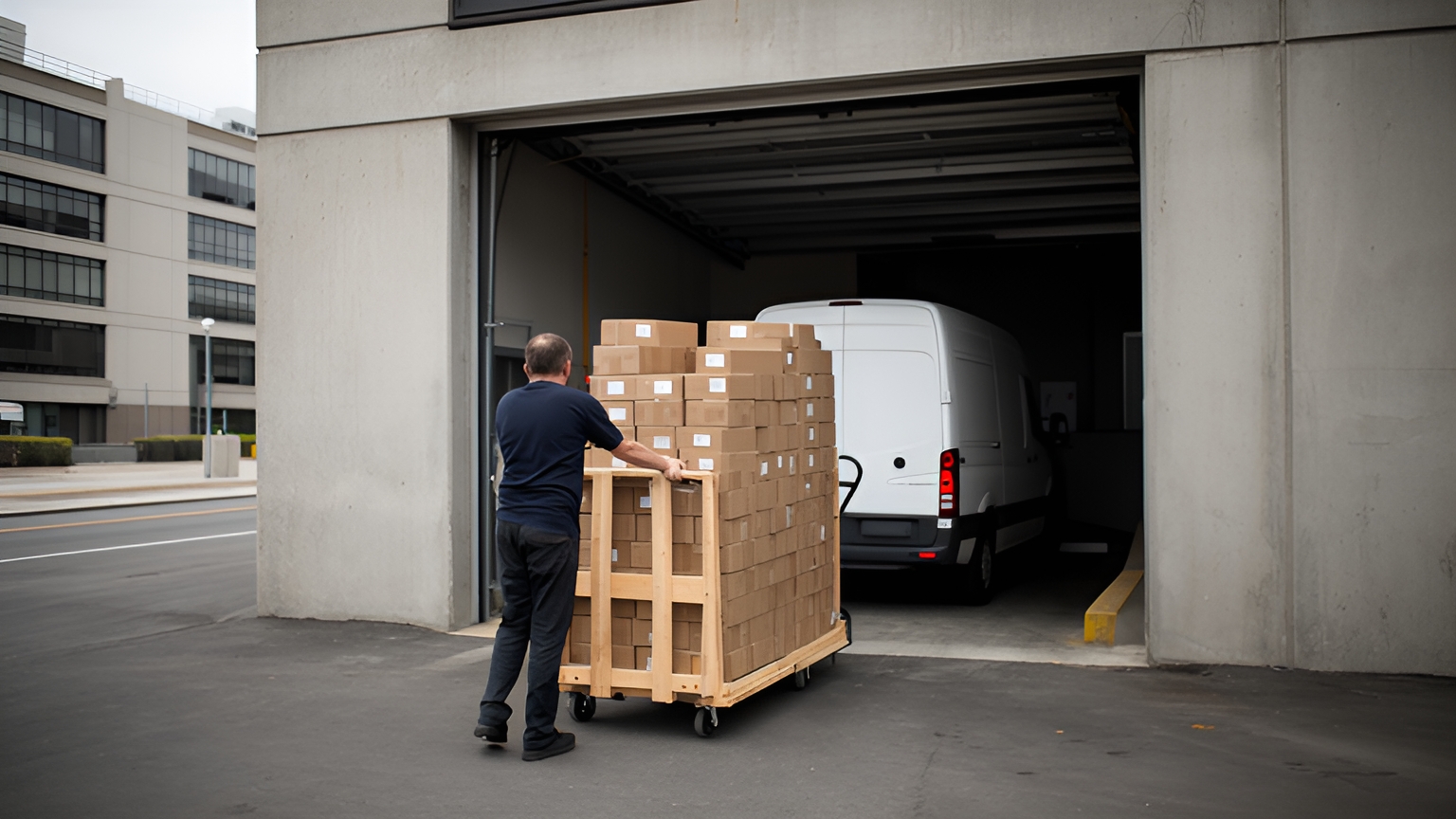
Morning plans change during the day. That's normal, and a good plan expects it.
A stop takes longer than planned. A same-day order arrives late in the morning. A customer asks for a later window. Each one is a small change, and good dispatch software handles it as one.
Look for these four moves in any platform you trial.
A live view of every driver's progress and ETA, so a stop that runs long is visible before it affects the rest of the route.
The ability to insert a new job into the best-fit route without rebuilding the day.
A simple way to move a job from one driver to another, with both drivers' apps updating straight away. Then customer ETAs that update with the plan, so each recipient's tracking link stays accurate.
Proof of delivery closes the loop. Locate2u's proof of delivery captures photo evidence, signatures and timestamps for each delivery, so the dispatcher can see what's done and plan the next move with confidence.
For more on what the proof step should record, read this guide to choosing proof of delivery software.
One useful habit: when a mid-day change goes in, check the next few stops on that route too. A small shift early in the afternoon is easier to absorb than a late one.
How one plan covers dense metro blocks and long rural legs
The US Census Bureau's 2020 urban areas facts show 80.0% of the US population living within urban areas, with the rest in rural areas. A dispatcher covering a metro and its surrounding counties will often have both patterns in one plan.
Each needs a different kind of planning.
Dense metro blocks mean short drives between stops and more time at each one: finding a loading zone, walking into a building, waiting at a front desk. Here, realistic service times and saved access notes carry the plan.
Long rural legs reverse that balance. The drive takes up most of the time, and fewer nearby drivers are available to share work if plans change. Group rural stops by direction, start those legs early enough to finish in daylight, and add a little buffer to the drive estimate.
When you test software, check that it sequences dense clusters tightly while giving rural legs realistic drive times. A driver who starts in the city and finishes out of town should get a route that reflects both.
How dispatch scales for the November and December peak and returns
The National Retail Federation forecasts that US retail sales in November and December 2026 will grow 4.2% over 2025, and it expects retailers to hire between 325,000 and 375,000 seasonal workers.
More orders and more new people arrive at the same time, so onboarding belongs in peak planning.
Saved access notes do much of that work. A seasonal driver who opens the driver app and sees the dock location and entrance for each stop can run an unfamiliar route with confidence from day one.
A few other steps help the plan scale. Start new drivers in zones with plenty of saved notes. Set an earlier order cut-off on the busiest days, so the plan is settled before vans load. Review service times for apartment and office stops, where one stop can carry several parcels at once.
Winter weather arrives in the same season across much of the country. The Federal Highway Administration reports that snow, ice and fog alone cause 15 percent of non-recurring delay. For routes in colder regions, build a winter buffer into drive times and be ready to reassign work mid-day when road conditions change.
Returns follow the holidays. An NRF returns report estimated that 19.3% of online sales would be returned in 2025.
Returns add pickup stops to the day, and a planner can often fold them into outbound routes rather than sending separate trips. Check that the software handles pickups and deliveries in one route, and that vehicle capacity accounts for the items coming back.
How to test dispatch software on one of your own routes
The clearest way to judge delivery dispatch software is to run it on a route you know well. Pick one that mixes a dense cluster with a longer leg, so it tests both kinds of time.
In the week before you switch, record a simple baseline: how long planning takes each day, how many deliveries arrive inside their window, and how many mid-day changes go in without rebuilding the route.
Then run the same route in the software for a week, using these checks.
| What to test | How to test it | What a good result looks like |
|---|---|---|
| Order import | Bring in a full day of orders from your store or order system | Every address and delivery window arrives intact |
| Service times | Set times by stop type and run the plan | Planned ETAs track the real day closely |
| Access notes | Add a note at a repeat address from the driver app | The next driver sees it before arriving |
| Mid-day change | Insert a same-day job late in the morning | It joins a route without a rebuild |
| Proof of delivery | Complete stops with a photo, signature and timestamp | Each finished stop shows a clear record |
| Pickups | Add a return pickup to an outbound route | The pickup and deliveries share one route |
Compare the week against your baseline. If planning time drops, windows hold and changes slot in cleanly, you have a strong case for rolling the software out to more routes.
To plan that test around your own stops and talk through what it would cost for your fleet, book a call with the Locate2u team.
Frequently asked questions
Can dispatch software handle employed drivers and independent drivers in the same plan?
Ask whether the platform assigns work to both groups from one board and gives each group the same driver app and stop notes. A University of California transportation study, hosted by the US DOT National Transportation Library, describes engaging independent drivers as a way to provide flexible and cost-effective delivery, so include a mixed fleet in your trial route if you run one.
How do orders get from an online store into the dispatch plan?
The smoothest setup connects your store or order system so jobs arrive with addresses and delivery windows already attached. Ask the Locate2u team which connection fits your order system, then test that one day's orders import with every window intact before going live.
How can you tell whether new dispatch software is working after the first month?
Compare three things against your pre-software baseline: daily planning time, deliveries completed inside their window, and mid-day changes absorbed without rebuilding a route. Record that baseline in the week before switching so the comparison stays simple.
What should a dispatcher do when a stop's access details change?
Have the driver update the note from the driver app at the stop, so it stays attached to the address and the next driver sees it before arriving. The dispatcher can then adjust the planned service time for that address.
A dispatch plan built around the stop gives drivers clear notes, gives dispatchers room to move work mid-day and gives customers ETAs they can rely on. Start with one route, measure it against your baseline, and see how Locate2u's dispatch planning tools fit the way your team already works.