Courier Delivery Fleet Management: How to Run Vehicles, Drivers and Routes Smoothly as You Grow
Drafted with AI assistance, edited and fact-checked by Sean Flannery. See our editorial policy.
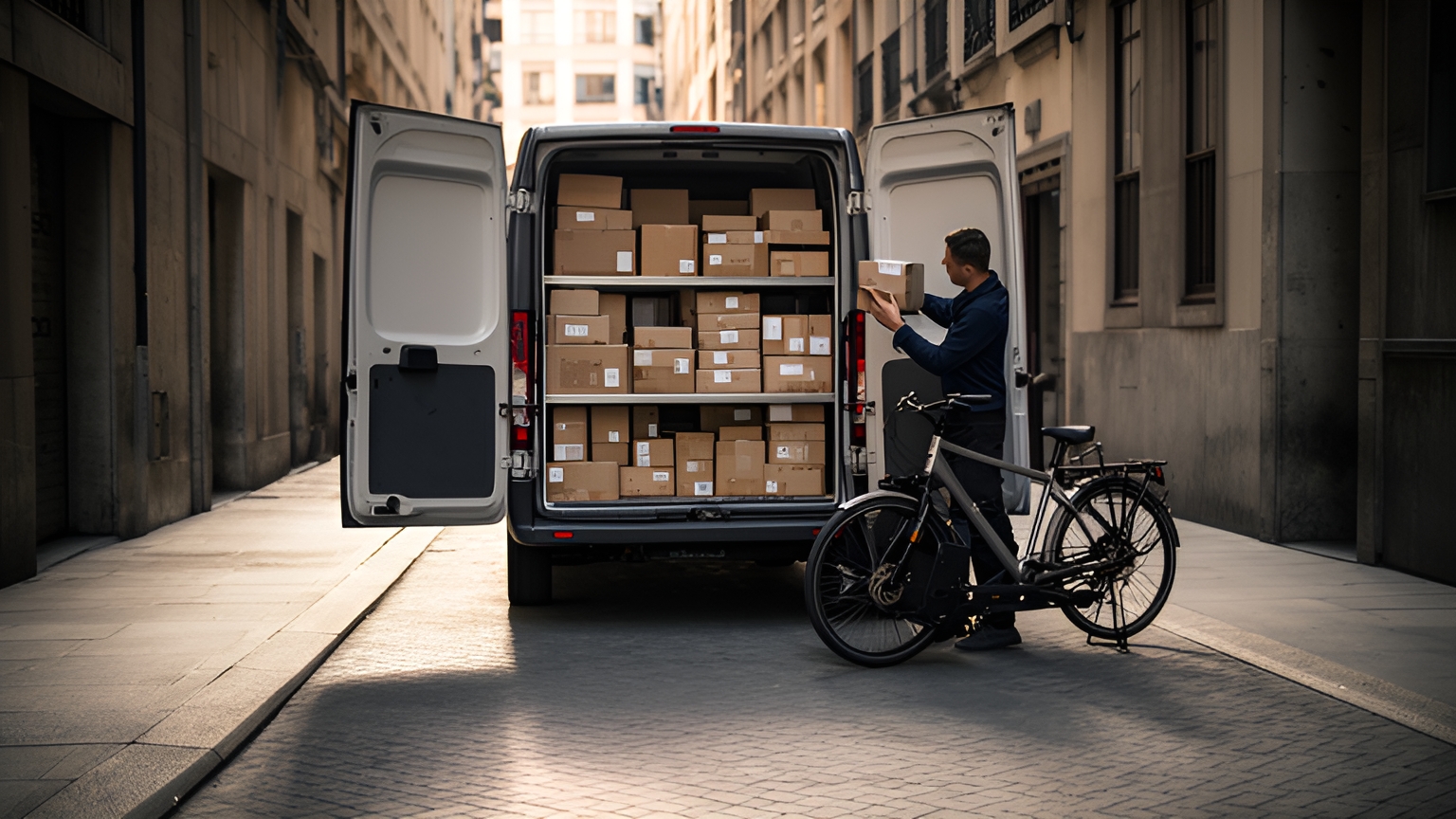
Courier delivery fleet management is the day-to-day coordination of the vans, small trucks, bikes and people that collect and deliver parcels, documents and groceries door to door, within a city or between cities. It covers matching vehicles to jobs, planning and re-planning routes, tracking progress and recording proof of each delivery.
When it runs smoothly, routes finish on time and drivers start each shift knowing exactly what's next. Customers can also see when their order will arrive without picking up the phone.
What courier delivery fleet management covers day to day
Running a courier fleet works as a daily loop. Jobs come in and get matched to a vehicle and a driver. They go into a route, head out, and come back as completed deliveries with a record attached.
Inside that loop sit five recurring tasks:
- Allocation: deciding which vehicle and which driver suits each job, by size, weight, area and shift.
- Planning: putting stops in an order that respects delivery windows and what each vehicle can carry.
- Re-planning: fitting in new pickups, changed addresses and urgent jobs once the day is under way.
- Tracking: knowing where each vehicle is and which stops are done.
- Proof: recording each handover with a photo, a signature or a timestamp.
Of the five, re-planning is the one to watch as orders grow, because every change touches a route that has already been built.
SuperPharmacy is an Australian online pharmacy that delivers prescription medications, over-the-counter products and health essentials to customers nationwide. Its delivery team had been spending up to one hour every day planning prescription routes by hand. If an urgent prescription came in during the day, or a delivery needed rescheduling, the whole route had to be regenerated from scratch.
Its case study reports that the team cut route planning time by 83% with Locate2u's route optimisation software, a result from one Australian business. Routes are generated automatically from delivery locations, time windows and driver availability, and what once took an hour of manual work takes just 10 minutes.
The change also showed up during the day. New prescriptions slot into existing routes on the fly without disrupting other deliveries, and that flexibility let SuperPharmacy offer same-day prescription delivery as a core service.
As the team puts it: "Before Locate2u, we had to generate new routes if we wanted to change anything. Now we can adjust the day's deliveries on the fly."
To try the same measure on your own operation, time tomorrow morning's planning and count every change made after the first vehicle leaves. Those two figures give you a baseline to test any planning tool against.
How official industry definitions describe courier work in different markets
Industry classifications describe courier work rather than how to manage it, but they are a useful guide to the range of jobs a fleet can be asked to take on.
The Australian and New Zealand Standard Industrial Classification, as set out by the Australian Bureau of Statistics, defines courier pick-up and delivery as door-to-door collection, transport and delivery of letters, documents, parcels and other items weighing less than 30 kg. Its listed primary activities include grocery delivery, home delivery and messenger services.
Two planning points follow. Weight and bulk belong on every job record, and fresh or chilled food sits inside the courier workload rather than outside it.
Canada's industry department, Innovation, Science and Economic Development Canada, describes the subsector as courier delivery services, or messenger and delivery services for small parcels within a single urban area. It counts 46,945 courier and messenger establishments in 2025, and 96.7% of them have 0 to 99 employees.
For a team of that size, judge any planning routine on one criterion first: one dispatcher can run it each morning within a time target you set and record. When that holds, add structure as vehicles join.
Matching vehicles to parcel weight, distance and city streets
Start with the job, not the vehicle. A parcel's weight, its size, how far it travels and the street it ends on together decide what should carry it.
When jobs sit within the courier weight range above, check bulk, stop density and kerb access alongside payload.
Give each vehicle a short profile. Note its carrying capacity, anything it can't take, such as chilled goods without a fridge unit, the areas it's best placed to serve and its shift hours.
Include vehicles that drivers supply themselves, so the profile reflects the whole fleet available that day.
Then tag each job the same way: weight, size, handling needs and any access notes for the drop.
The US Bureau of Labor Statistics notes that local messengers usually deliver within one metropolitan or urban area and may use a bicycle, go on foot, or drive a small truck or van. So plan for mixed travel modes and trip lengths from the start.
Matching then becomes a quick comparison of tags. A bike rider or walking courier can take small, light jobs in a dense centre. A van takes the bulky boxes and the longer runs. A small truck takes the heavy or awkward items.
One test shows whether the matching works. Run a typical day's jobs and look at what each vehicle carried. A van that left half-empty while a rider worked through a long list of drops simply means the tags need adjusting.
The same check helps when deciding whether the next vehicle should be another van or a smaller option for city work.
Slotting same-day jobs into routes already under way
The US Bureau of Labor Statistics projects that employment in local messengers and local delivery will grow from 186.6 thousand in 2024 to 202.2 thousand in 2034, an increase of 8.4 percent. BLS expects growing demand for product shipping and delivery, including perishable items like food and groceries, to support that growth.
If food and grocery work is part of your mix, build a plan that can take a new job mid-shift before volumes climb.
A simple routine keeps inserts tidy:
- Set a same-day cut-off time and show it to customers when they order.
- Leave room on the routes most likely to take extras, both space in the vehicle and minutes in the shift.
- Insert the new job into the nearest route with room, then check that the stops after it still meet their windows.
- Send the updated stop list to the driver and an updated arrival time to any customer whose slot moved.
- When every route is full, pass the job to backup capacity rather than stretching a shift.
Step three deserves the closest test. Add a job to a route that's already under way and watch what happens to the stops behind it.
A good result leaves those stops in their order, with only the arrival times adjusting. The driver keeps going without a fresh plan to learn.
To run that check with Locate2u, start from its dispatch planning features and a real day of your own jobs.
Building loading and unloading time into every route
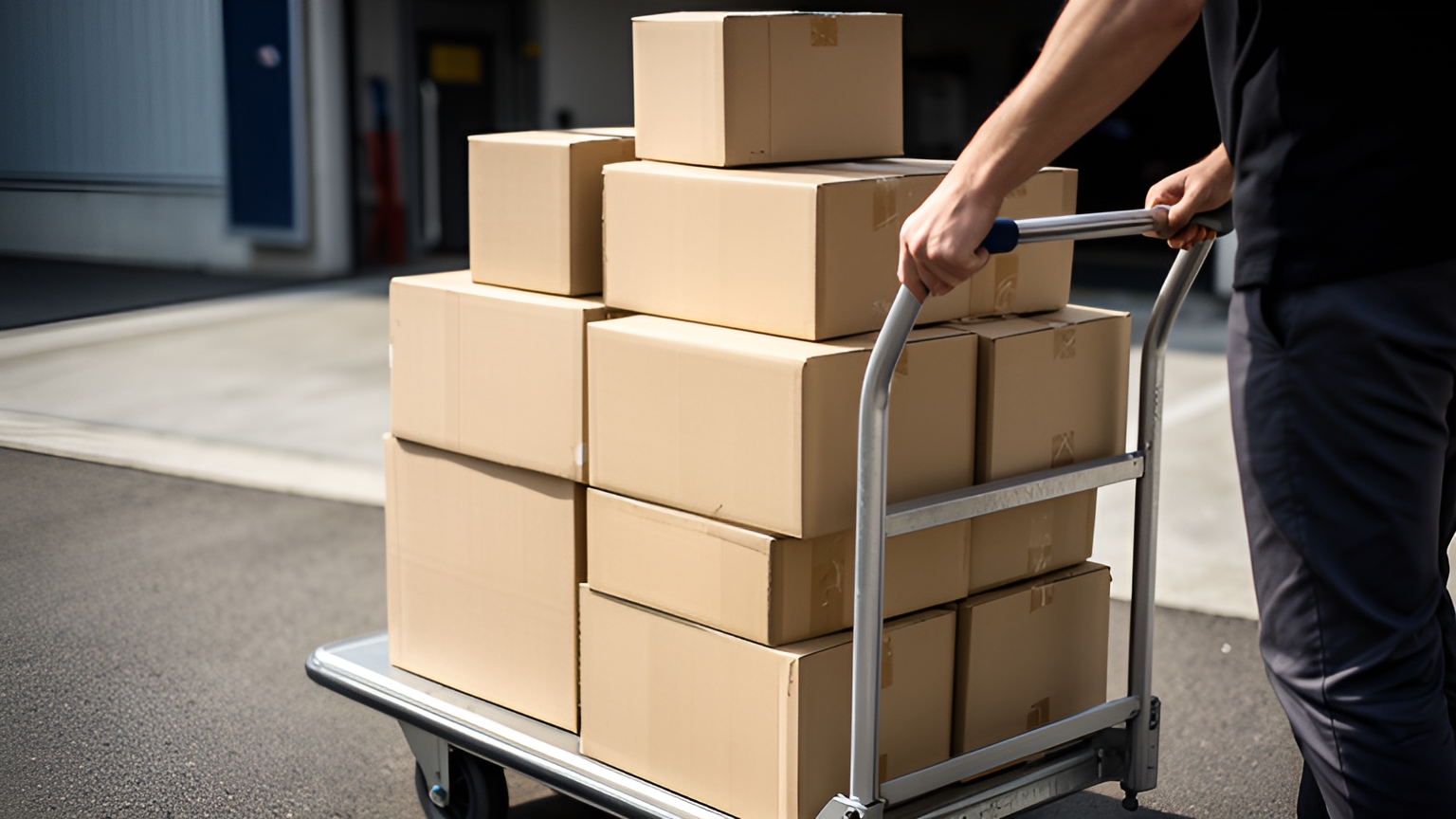
Stop time is part of the route. A plan that counts only driving minutes looks tight on screen and stretches once the van is out.
Take a route of 30 stops with 4 minutes at each, both assumed figures for this worked example. That's 120 minutes of the shift spent at stops, time a drive-only plan leaves out.
Stops vary. A house drop, an apartment block with a lift, a business reception and a chilled handover each run differently, so set a service time for each stop type from your own records.
Drivers know these addresses best. Give them a quick way to add access notes, such as which entrance to use, where the loading zone is and the easiest time to arrive, and keep those notes on the address for next time.
Review once a month. An address that runs over its service time again and again needs a longer slot or a clearer access note.
Where a stop relies on a loading zone or kerbside parking, add the signposted hours to that address's access note, so every driver sees them before arriving.
Keeping customers updated with live tracking and proof of delivery
Customers plan around an arrival time. A live tracking link lets them watch the vehicle approach and be ready at the door, and it answers the "when?" question without a call to the office.
Notifications fill in the steps between: out for delivery, next stop, delivered. Locate2u sends automated customer notifications on delivery status and lets teams share live tracking links with their customers.
Proof of delivery closes each job with a clear record. Locate2u's proof of delivery captures photos, signatures, timestamps and location data, so the office, the driver and the customer all see the same record.
A complete record answers four questions: what was delivered, where, when, and who received it or where it was left.
Add a short note for anything out of the ordinary, such as goods left with reception at the customer's request.
For fresh and chilled goods, the timestamp shows exactly when the handover happened. That gives the customer and the team the same clear view of the chilled leg.
Drivers gain from this as much as anyone. A photo and timestamp taken at the door mean a finished job stays finished, and the driver moves on to the next stop with confidence.
When comparing tools, check how quickly a driver can capture proof on a phone, whether the customer can see it, and how easily the office can find a record by address or date.
What a rising last-mile share of shipping costs means for planning
A World Economic Forum white paper from December 2024 reports that last-mile costs accounted for 53% of the total cost of shipping in 2023, compared with 41% in 2018.
For planning, that makes the final leg the first place to measure when reviewing what each delivery costs. Stop time, distance between drops, vehicle fit and first-time completion all sit inside it.
The same World Economic Forum paper models a business-as-usual scenario in which delivery vehicles could rise by 61% by 2030 across all cities.
That's a projection, not a forecast for any one street. Even so, more delivery vehicles sharing city kerbs is a good reason to keep stop times and access notes up to date.
Neither figure tells you what your own final leg costs. A week of your own stop records will.
First steps: measuring stop times and vehicle use on your own routes
One ordinary week of records is a solid start. Pick a week away from public holidays and seasonal peaks so the numbers reflect a typical run.
Capture these for every route:
- Arrival and departure time at each stop, with the stop type.
- Hours each vehicle spent on the road and hours it spent at the depot.
- Roughly how full each vehicle was when it left.
- Jobs added after the route started.
- Deliveries completed on the first attempt, and the reason for any second attempt.
- Minutes spent planning each morning.
Then read the numbers as a set. Stop types with long service times get longer slots. Vehicles that spend much of the day parked can be matched to different jobs or kept free for same-day work.
A steady stream of mid-shift jobs points to a same-day cut-off and room left on chosen routes.
Ask drivers what they noticed during the week. Their view of which addresses take longest and which areas suit which vehicle often explains the numbers faster than a spreadsheet.
Repeat the same measures a month later and compare. That before-and-after view shows whether a change is working on your routes.
Courier delivery fleet management gets easier when vehicles, routes, dispatch and proof of delivery sit in one place. Locate2u's fleet management tools give a live view of every vehicle on the road, alongside route optimisation, dispatch and proof of delivery.
Bring your week of stop records and book a call with the Locate2u team to see how your own jobs plan out before deciding.
Frequently asked questions
When does a small courier team outgrow planning routes by hand?
Time how long planning takes each morning and count how often the plan is rebuilt once new jobs arrive during the day. If either number keeps climbing as orders grow, test dedicated dispatch and route optimisation tools on one real day of your own jobs before deciding.
Can bikes, walking couriers and vans be planned in one schedule?
Check whether the software lets you set a vehicle type and carrying capacity for each driver or rider, then run one mixed day of jobs through it and see which stops land on which mode. That single test shows quickly whether the tool fits the way your fleet actually works.
What are the options for overflow capacity on busy days?
Agree backup capacity before peak periods arrive, such as a short list of on-call drivers, part-time riders or a flex vehicle kept free on busy days, so overflow jobs have somewhere to go without reshuffling every route. For Australian readers, Locate2u's sister brand Zoom2u, an on-demand courier and delivery marketplace whose site serves the Australian market, can take same-day or overflow jobs when your own vehicles are fully booked.
How do orders get from your existing systems into dispatch?
Weigh how many orders arrive each day, how often they change after they're placed, and whether your online store or ERP can push each order the moment it's created. High or fast-changing volume suits an automatic connection, so check Locate2u's ready-made connections on its integrations page and custom connections on its API integrations page, while a small, stable daily list can be imported in batches.