Fleet Tracking and Dispatching Explained: From GPS Fix to the Right Assignment
Drafted with AI assistance, edited and fact-checked by Sean Flannery. See our editorial policy.
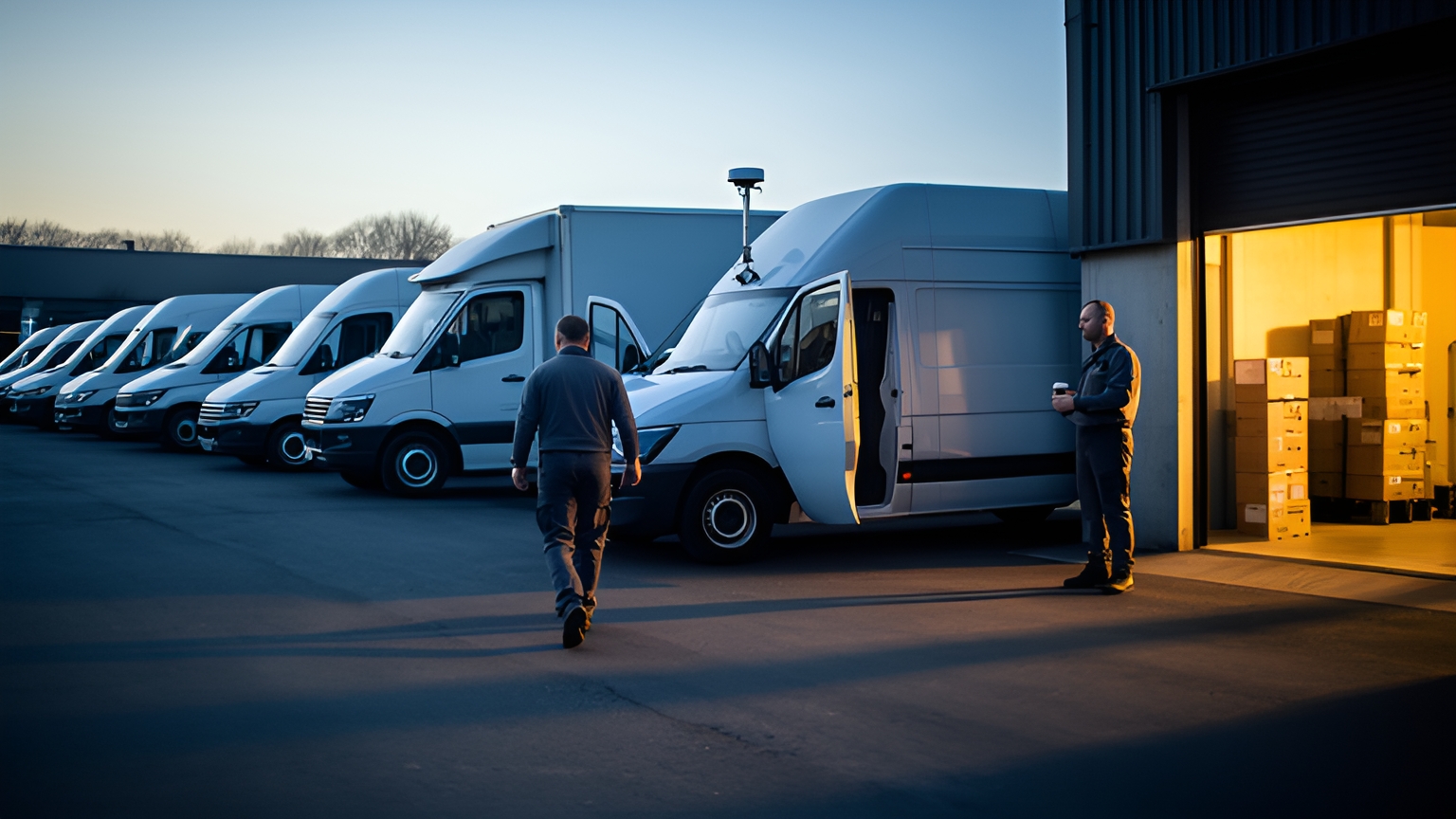
Fleet tracking and dispatching is the combined practice of locating vehicles with GPS-based telematics and using that live position, together with job progress, to assign, sequence and adjust work. Tracking shows where each vehicle is and how its jobs are going. Dispatching decides which vehicle takes the next job, and updates the plan when the day changes.
A vehicle's location on its own answers one question. Combine it with what the vehicle is carrying, where it is due next and which jobs are still waiting, and it answers the question a dispatcher actually asks: who should take this?
What fleet tracking and dispatching means, and how the two connect
Dispatching is the older of the two jobs. The US Bureau of Labor Statistics describes the role as: "Schedule and dispatch workers, work crews, equipment, or service vehicles for conveyance of materials, freight, or passengers".
It is a sizeable profession. The BLS estimated 206,090 dispatchers employed in the US in May 2023, excluding police, fire and ambulance, with truck transportation the industry employing the most at 38,150.
Every one of those roles depends on the information in front of the dispatcher. Better information means faster, more confident assignments.
Tracking supplies that information. In an article on fleet telematics, McKinsey described telematic devices as tools that "monitor and communicate location, fuel consumption, driver behavior, and other data".
Put the two together and each makes the other more useful. A position on a map is just a dot until it is linked to a job list. A job list is just a plan until live positions show how it is running.
So fleet tracking and dispatching works as one loop. Locate the vehicles, assign the work, watch progress, reassign when something changes. Locate2u brings route planning, live tracking, dispatch and proof of delivery into one platform, so every turn of that loop happens in the same place.
How a GPS position fix reaches the dispatcher's map
Every dot on a dispatch map starts with a receiver in the vehicle. That can be a fitted telematics unit or the GPS chip in the driver's phone.
The receiver listens to signals from several satellites at once. It measures the gap between when each signal was broadcast and when it arrived, turns that gap into a distance, and combines the distances into a position and a time.
That result is the position fix. It then travels over the mobile network to the tracking platform, which matches it to the vehicle, the driver and the current job before plotting it.
Two settings shape what the dispatcher actually sees. The update interval is how often the device sends a new fix. Latency is the delay between the fix being taken and it appearing on screen.
So the precision of satellite positioning and the freshness of the map are different things. A McKinsey article on truck connectivity notes: "Business-critical services have a higher demand for near real-time capabilities, such as vehicle tracking."
Short signal gaps in tunnels, basements and covered loading docks are a normal part of the day. A useful check is whether the device or app holds positions during a gap and sends them once it reconnects. For more on the hardware side, read this guide to how GPS fleet tracking works.
How dispatchers match the right vehicle to each job
Nearest vehicle is a starting point, not the whole answer. A good assignment weighs where each vehicle is, what it can carry, which time windows it has to keep and who is available to drive it.
Software can carry much of that weight. SuperPharmacy's case study reports that the online pharmacy's delivery team was spending up to one hour every day manually planning routes for prescription deliveries across Australia, and a new urgent prescription meant regenerating the whole route from scratch.
With Locate2u's route optimisation, routes are now generated automatically from delivery locations, time windows and driver availability. In this Australian pharmacy's case, planning that once took an hour now takes just 10 minutes, a cut of 83% in route planning time.
New prescriptions can be slotted into existing routes on the fly without disrupting other deliveries. That flexibility enabled SuperPharmacy to offer same-day prescription delivery as a core service.
As the team puts it: "Before Locate2u, we had to generate new routes if we wanted to change anything. Now we can adjust the day's deliveries on the fly."
The same test works on any fleet. Time how long a normal day takes to plan now, then plan that day in Locate2u's dispatch planning tools and compare.
Vehicle type deserves its own line in the data. The US Bureau of Transportation Statistics reports that 169.8 million trucks were operated on US roadways in 2021, a survey count that covers a broad range of vehicle types.
When one word covers that much ground, a dispatch system needs each vehicle's real capacity, equipment and access limits on record. A job that needs a crane unload, a temperature-controlled body or a wheelchair-accessible vehicle can then only go to a vehicle that fits.
How live location helps dispatchers adjust the day as it unfolds
A morning plan is a best estimate. Then a pickup runs long, a road closes or a customer adds an order at lunchtime.
Live location turns each of those changes into something the dispatcher sees as it happens. The update arrives from the map, not from a phone call an hour later.
Picture a multi-drop run where an early stop takes far longer than planned. On the map, the vehicle is still parked while its next arrival time slides back.
The dispatcher now has real choices. The next pickup can move to a closer vehicle with spare time. Or the job stays put, the remaining stops are resequenced and the waiting customer gets a revised arrival time.
Locate2u's real-time tracking gives the dispatch team a live view of every vehicle in the fleet. Customers can also receive a live tracking link, so they can follow their delivery without needing to call.
That tracking link does more work than it seems to. Each customer who can check the map is one fewer status call, which leaves the dispatcher more time for the decisions that need a person.
One habit helps the next day run better. At close of business, review which jobs were reassigned and why, then feed any pattern back into tomorrow's plan.
How live location gives dispatchers more ways to fill a return trip
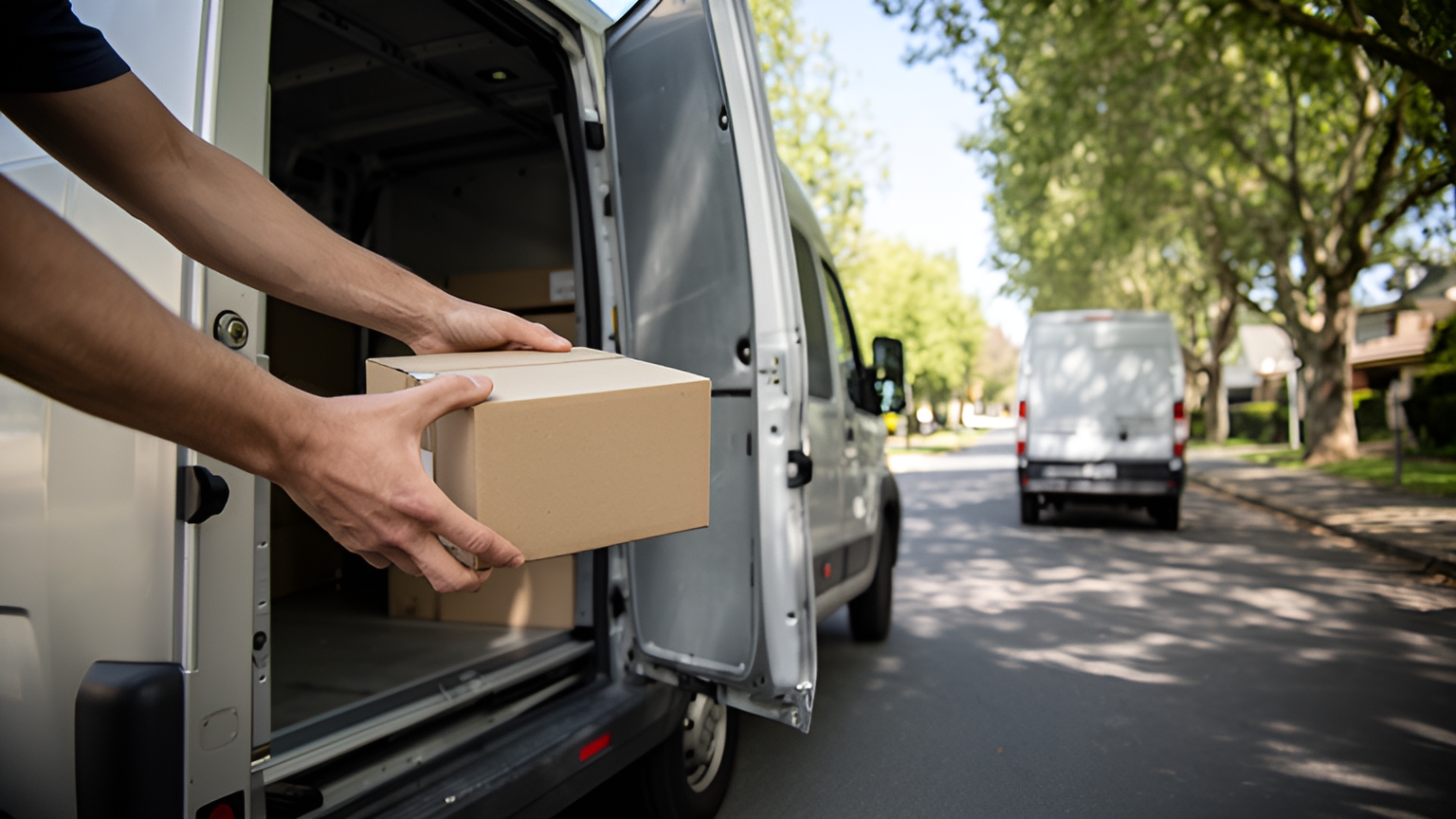
Eurostat reports that in 2025, more than one fifth (21.8%) of the distances travelled by road freight vehicles in the EU was performed by empty vehicles.
In Great Britain, the UK Department for Transport reports that GB-registered HGVs travelled 30% of their domestic vehicle kilometres empty in 2024. The two figures are not strictly comparable, because the UK figure covers only domestic work by GB-registered HGVs.
Some empty distance comes with the work itself. A vehicle delivering timber to a building site often has nothing to bring back, and no map changes that.
So these figures describe the size of the opportunity, not a result tracking delivers. What live location adds is options.
When a vehicle finishes its last drop, its position and spare capacity sit on the dispatcher's map. Any waiting collection near that point becomes a candidate for the trip back.
Collections, customer returns and transfers between sites can all fill that space, as long as they sit in the same system as the vehicle.
A practical first step is to tag jobs that are flexible on timing. Those are the ones a dispatcher can place on a return leg at short notice, and a week of tagged jobs shows quickly how many return legs could carry work.
How on-demand and multi-drop dispatch use tracking differently
Both models run on live location. They just ask it different questions.
On-demand dispatch starts with a job that did not exist a minute ago. The question is which available vehicle can reach the pickup soonest with room for the item, so the live map is the main input.
Multi-drop dispatch starts with a plan. Stops are sequenced before vehicles leave, usually around delivery windows, and tracking shows how each run is progressing against that sequence.
The two often meet in one day. A planned run absorbs an urgent job mid-route, or a same-day order arrives that no planned run can reach in time.
For that second case, extra capacity can come from outside the fleet. In Australia, Locate2u's sister brand Zoom2u runs an on-demand courier and delivery marketplace that businesses can use for overflow and same-day jobs.
When comparing platforms, check that both models live in one view. An urgent job should move onto a planned run, or out to on-demand capacity, without anyone keying it in twice.
How tracking confirms arrivals and closes each job
A job is finished when the record says so. Tracking helps in two places: confirming the vehicle arrived, and capturing what happened at the handover.
Arrival can be detected with a geofence, a virtual boundary drawn around the delivery address. When the vehicle crosses it, the stop can be marked as arrived and the customer updated.
For a closer look at setting up those boundaries, read how geofencing helps a delivery business.
Completion needs evidence too. Locate2u's proof of delivery captures photos, signatures and timestamps alongside location data, so every closed job carries a clear record of what was delivered, when and where.
That record serves everyone involved. Customers see their delivery confirmed, drivers have a timestamped record of every completed job, and the office can answer any question about a job straight from the record.
It also closes the loop. Once a stop is confirmed, the dispatcher's view shows exactly what work remains, and the next assignment is made on facts, not estimates.
What to check when choosing a tracking and dispatch platform
The best test of any platform is your own work. Pick one representative day of jobs, with its time windows, vehicle types and late additions, and ask to see it planned, tracked and changed live.
Then work through the checks below. Each one has a simple test that takes minutes, not weeks.
| Check | What to look for | How to test it |
|---|---|---|
| Map freshness | Update interval, and how signal gaps are filled | Drive a known route through a tunnel or car park and compare the trail with the real path |
| Assignment inputs | Capacity, vehicle type, time windows and driver availability | Add an urgent job mid-run and see which vehicle is suggested |
| Changes during the day | Reassigning and resequencing without rebuilding the plan | Cancel one stop and move another to a different vehicle |
| Customer updates | Live tracking links and arrival notifications | Send a tracking link to your own phone for a test delivery |
| Job records | Photo, signature, timestamp and location on each completed job | Complete a test stop and open its record afterwards |
| Driver app | Clear screens and few taps per stop | Ask two drivers to run a practice route and share what felt easy |
Fuel is worth measuring as well. A McKinsey article reports that several large retailers claim they can reduce diesel consumption by up to 8 percent by using a fleet management system.
That claim comes from those retailers and covers whole fleet management systems, so the useful move is to test it on your own numbers. Record fuel use for a few normal weeks before go-live, then compare the same weeks afterwards.
Finally, bring drivers in early. They use the system more than anyone, and a short walkthrough before go-live turns a new tool into a familiar one.
Frequently asked questions
Is fleet tracking the same as route optimisation?
No. Route optimisation plans the order of stops before vehicles leave, fleet tracking shows how that plan is running in real time, and dispatching uses both to decide what happens next when a job is added, delayed or moved.
How do you introduce fleet tracking to drivers?
Explain what is shared and when it is shared, and how it helps drivers: fewer check-in calls, customers who already know the arrival time and a timestamped record of every completed job. Inviting drivers to a short walkthrough of the driver app before go-live builds confidence quickly.
Can a fleet of two or three vehicles benefit from tracking and dispatch software?
Yes, because a shared view of progress, fewer status calls and clear job records help a fleet of any size. A simple test is to track one normal week and count how many questions the map answers that would otherwise need a phone call.
Where should a business start if it wants to see tracking and dispatch on its own routes?
Pick one representative day of jobs, including any time windows and vehicle types, and ask to see it planned, tracked and reassigned live. To walk through your own example, book a call with the Locate2u team.
Fleet tracking and dispatching pays off when it runs as one loop, with live positions feeding every assignment and every closed job feeding the next plan. Start with one real day of your own jobs, and explore how Locate2u plans and dispatches work across a fleet to see where that loop gives your team the most time back.