Courier Delivery Software: What a Courier Business Needs From Booking to Proof of Delivery
Drafted with AI assistance, edited and fact-checked by Sean Flannery. See our editorial policy.
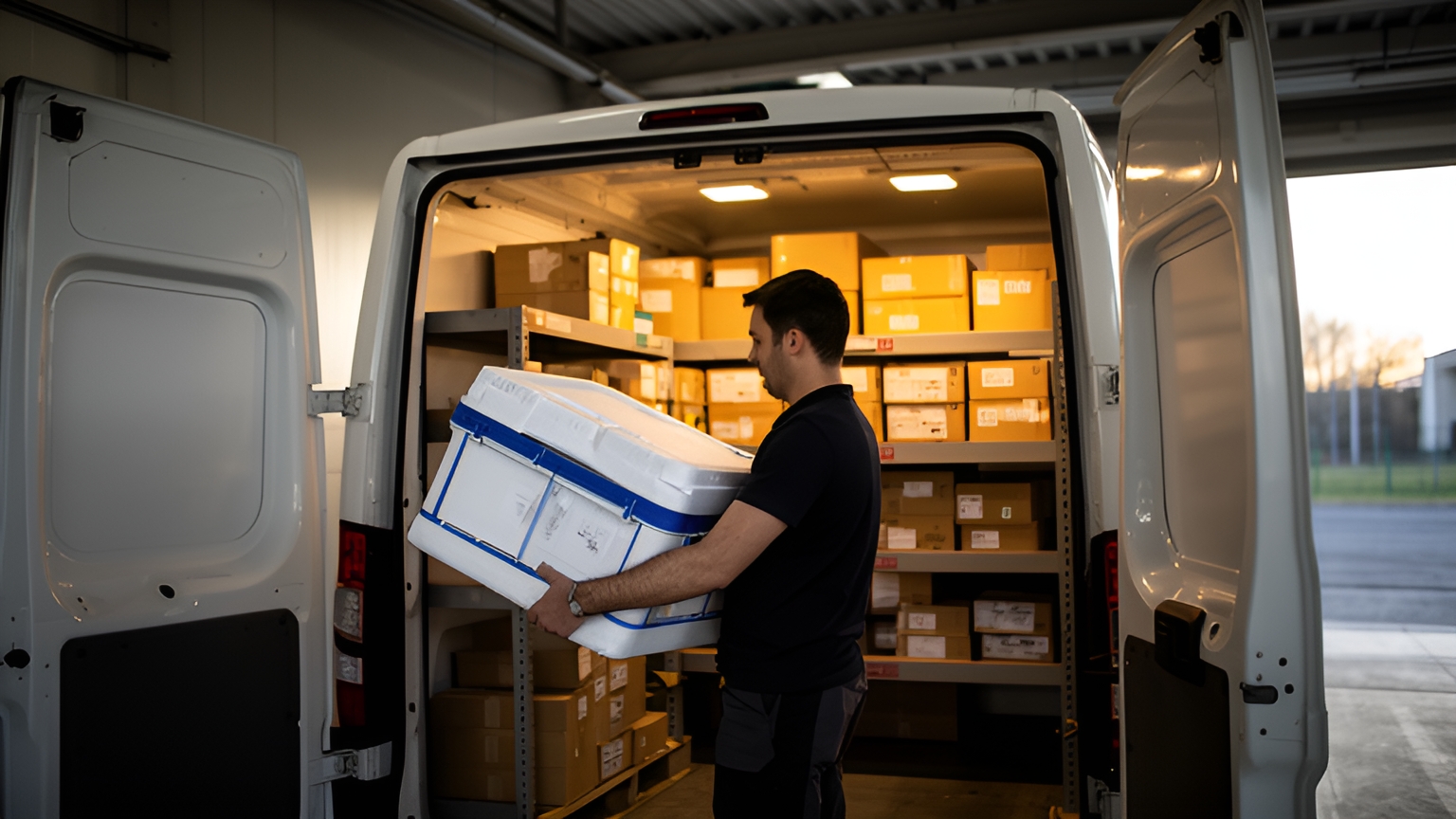
Courier delivery software runs each job from booking to doorstep. It brings orders in, plans optimised multi-drop routes, sends work to a driver app, shares live tracking with recipients and records proof of delivery with photos, signatures and timestamps. Every job ends with a clear record that the courier and the customer can both check.
Most of the value sits in the handovers between those steps: a booking that reaches dispatch without retyping, a route that suits whoever is on shift, an arrival alert that reaches the recipient before the van does.
Each of those saves a phone call and keeps the day moving, which makes each one worth testing before you choose a platform.
What courier delivery software handles, from booking to the doorstep
Think of courier delivery software as one record that travels with the job. It starts as a booking, becomes a stop on a route, moves to a driver's phone and closes with a photo, a signature and a time.
The stretch it covers is a large part of what it costs to get goods to people. In an article, Capgemini reports that, according to the Capgemini Research Institute, last-mile delivery costs account for 41% of total logistics supply chain costs.
Deloitte measures it differently, reporting that last mile delivery accounts for as much as 30-35% of the total delivery cost.
One figure is a share of supply chain costs and the other a share of delivery cost, so they sit side by side rather than against each other. On either measure, the last mile is a big enough slice of spending that the software running it deserves a careful look.
The same Capgemini article lists the technology a last-mile operation needs ready, including order handling, route optimisation, capacity planning, real-time ETA estimation and customer service. For a courier, those areas line up with the stages of a single job.
Locate2u covers these stages in one platform: route optimisation, a driver app, live tracking links for recipients and proof of delivery that records photos, signatures and timestamps.
When you assess any platform, follow one real job through every stage. A feature list tells you what exists. A single job, start to finish, shows you whether the handovers hold up.
How order import keeps new bookings flowing straight into dispatch
Bookings reach a courier from many directions: web store checkouts, booking forms, account customers' spreadsheets, emails and phone calls.
Each booking that has to be retyped into a routing tool is a step where a unit number or a delivery note can drop out of the record. That is a tooling gap, and a good import closes it.
Online ordering keeps more of that work arriving as data. Eurostat reports that in 2024, 77% of internet users in the EU bought or ordered goods or services online for personal use, up from 59% in 2014.
If your customers sell online, their orders can reach you as structured data rather than as a phone call. So check how a platform receives orders from online stores and booking forms, not only how its own booking screen looks.
A good import should:
- carry every field across, including delivery windows, contact numbers and delivery notes;
- flag any address it cannot place before that stop reaches a route;
- accept a spreadsheet from account customers who book in bulk;
- spot a booking that arrives twice.
Test it with a real day's bookings in their messiest form. The jobs with long notes, unusual addresses and tight windows are the ones a clean import protects most.
How route optimisation turns a day's jobs into runs that finish on time
A route optimiser takes the day's stops and builds runs from them, weighing each stop's location, its delivery window and which drivers are available.
The harder test comes after the plan is set. Jobs keep arriving, and a plan that has to be rebuilt for each one soon falls behind the day.
SuperPharmacy's case study reports how an online pharmacy serving customers across Australia moved past exactly that limit. As demand for faster delivery grew, its team was spending up to one hour every day planning prescription delivery routes by hand, and when an urgent prescription arrived during the day, the route had to be regenerated from scratch.
With Locate2u's route optimisation, routes are generated automatically from delivery locations, time windows and driver availability. Planning that took an hour takes 10 minutes, which cut route planning time by 83% for this Australian pharmacy.
New prescriptions are slotted into existing routes on the fly, without disrupting other deliveries, and that flexibility let SuperPharmacy offer same-day prescription delivery as a core service. In the team's words: "Before Locate2u, we had to generate new routes if we wanted to change anything. Now we can adjust the day's deliveries on the fly."
To test this on your own work, load yesterday's jobs into a platform and let it build the runs. Then add a booking for the middle of the day and watch whether it drops into the best-placed run and reaches that driver's app, or whether the whole day gets planned again.
How dispatch planning fits work around full-time and part-time drivers
A courier roster can mix long days with short shifts, with full-day drivers working alongside people who cover a morning or an afternoon.
That mix calls for a dispatch screen that knows each driver's real hours. A driver on a morning shift should be given a run that ends when the shift does, while a full-day driver takes the longer loops.
Teams are growing in other markets too. The US Bureau of Labor Statistics projects faster than average job growth for the delivery industries it covers.
For a growing team, in Australia, the United States or elsewhere, the useful question is whether dispatch can absorb new drivers and new shift patterns without a fresh plan every week.
Volume puts the same question to capacity. A UK study by IMRG found that late delivery, on an adjusted basis, rose from 4.5% in the 12 months to March 2020 to a 12-month rolling average of 6.8% by August 2020, as volume increased and resources came under pressure.
The practical step is seeing unassigned work early. A dispatch view that shows jobs without a driver, and runs that will not fit inside a shift, gives the office time to rebalance before a delivery window is at risk.
Locate2u treats driver availability as one of the inputs when it builds routes, alongside delivery locations and time windows. Locate2u's dispatch planning shows how jobs and drivers come together for the day.
Shift handovers deserve a check as well. When a job moves from a morning driver to an afternoon driver, its notes and history should move with it, so the second driver starts with the full picture.
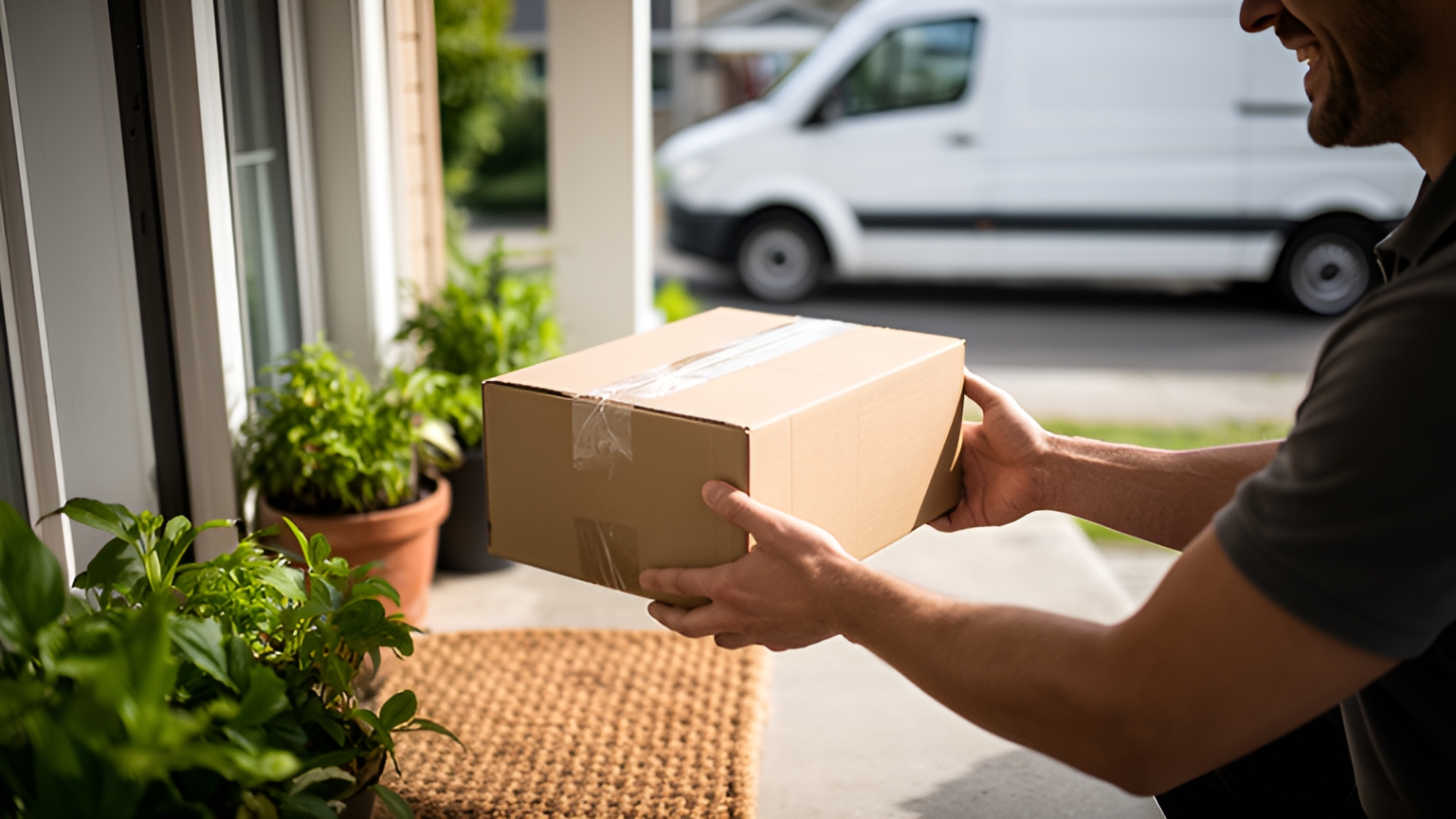
How live tracking and arrival alerts keep recipients informed
A recipient who knows when the van will arrive can plan to be there. And a recipient who is there turns the first attempt into the only one.
IMRG's review shows how much presence matters. It found that carded deliveries, where the first attempt does not succeed, ran at a weighted average of 4.3% before the pandemic and dropped to 3.5% in the 12 months to August 2020, a period that included the first lockdown.
For a courier, the takeaway is simple. Anything that helps a recipient be in when the van arrives helps the first attempt succeed, and a timely arrival alert is the easiest way to do it.
The window inside the alert matters as much as the alert. A narrow advised window that is then missed can feel late to a recipient, even when the delivery is within the agreed time.
So tie the alert to the driver's live position. An estimate that updates as the run progresses keeps a narrow window accurate and helps keep those queries away from the office.
Locate2u shares live tracking links with recipients and sends automated notifications about delivery status, so customers know when to expect their order and can plan around it.
During a demo, open a tracking link on a phone over mobile data and check what the recipient sees first. A link that loads quickly in a browser, with no app to install, works for every recipient.
How a driver app captures photos, signatures and timestamps at every stop
The driver app is where the record of a delivery gets made. At each stop it should capture a photo of the goods as left, a signature or the reason there isn't one, the time and the location.
Captured together and attached to the job, those details let the office answer a customer's question from one screen. They also give drivers a clear, confident finish to every stop: the work is done, and the record shows it.
The courier role can cover more than the drop itself. On some runs it can also include receiving orders, sorting and sequencing items, collecting signatures and cash-on-delivery charges, issuing receipts and keeping delivery records.
If your runs involve payment on delivery or receipts, include those steps when you test an app.
Locate2u's driver app records photo evidence, signatures and timestamps for each delivery, along with location data, so every completed stop carries the same set of details.
When you trial an app, give it to drivers on their real runs. Check how many taps a stop takes, whether the camera opens straight from the job, and how the app behaves where mobile signal is patchy.
The aim is a record that takes seconds to produce, so drivers finish each stop with confidence and keep the run moving.
How a refrigerated courier built customer trust with proof of delivery
Perth Couriers' case study shows how a courier service in Perth, Australia, put clear delivery records at the centre of its customer relationships.
The team delivers temperature-sensitive goods, including refrigerated products, health foods, fresh fruit, vegetables and dairy. Its customers depend on timely, careful deliveries to keep those products fresh.
With perishable goods, customers want assurance that their products were handled properly and arrived on time. Without a system for documenting each delivery, a question about whether an order was late or incomplete was hard to resolve quickly, and with cargo like this, trust is what keeps customers ordering.
Perth Couriers adopted Locate2u for proof of delivery and route optimisation. Every delivery includes photo documentation, timestamps and location data, a record that can be referenced instantly if a question comes up.
Route optimisation keeps deliveries on efficient paths, minimising the time perishable goods spend in transit. Automated notifications keep recipients informed about their delivery status, so they know when to expect their order and can plan accordingly.
For this Perth courier, the result is customers who trust the team more than ever, with disputes cut back significantly.
To see whether the same records would help your customers, choose a few regular deliveries, capture a photo, timestamp and location at each one, and share that record the next time a customer asks about a drop.
A checklist for testing courier software on your own jobs
Demos run on tidy sample data. Your jobs don't, so test courier delivery software on a real day of work, one stage at a time.
| What to test | How to test it | What good looks like |
|---|---|---|
| Order import | Load a real day's bookings, including the messy ones | Every field arrives and unplaceable addresses are flagged before routing |
| Route plan | Optimise yesterday's jobs | Runs respect delivery windows and each driver's availability |
| Late booking | Add a job in the middle of the day | The stop joins the best-placed run and reaches the driver app without replanning the day |
| Shift mix | Set one driver on a short shift | Dispatch shows work that will not fit the shift while there is time to move it |
| Tracking link | Open it on a phone over mobile data | It loads in a browser and shows the estimate clearly, with no app needed |
| Stop record | Have drivers complete stops on a real run | Photo, signature or reason, time and location attached to every stop |
| Office lookup | Answer a customer query using one completed job | The full record is found on one screen |
Run the checklist on a few regular runs for a full week of live jobs before moving the whole fleet. A week covers quiet days, busy days and the bookings that arrive late.
Note which rows passed first time and which needed a workaround. That list becomes your shortlist conversation with any provider.
Software that handles each handover well gives drivers clear runs, recipients timely updates and the office a full record of every job. See how Locate2u's proof of delivery records each stop, then book a call with the Locate2u team to walk through your own jobs, your fleet and the costs involved.
Frequently asked questions
Can courier software cope with jobs that arrive after the day's routes are planned?
Look for software that slots a new job into an existing run without rebuilding the whole plan, then pushes the updated stop list to the driver app. On days when demand outgrows your own fleet, Zoom2u, Locate2u's sister on-demand courier marketplace in Australia, can take overflow and same-day work.
Do recipients need to install an app to follow a courier delivery?
Live tracking is usually shared as a link sent to the recipient, so check during a demo how the link opens on a phone and what it shows. A link that loads quickly in a browser keeps tracking easy for every recipient, whatever device they use.
How should a courier business move onto new delivery software?
Start with a pilot on a few regular runs, import a real day's bookings and have drivers complete them in the app before switching the whole fleet. Running a full week on live jobs shows how routes, alerts and proof of delivery hold up in your own conditions.
What delivery records should a courier keep for each job?
Each completed stop should hold the delivery time, location, a photo of the goods as left and a signature or the reason for no signature. Keeping these attached to the job, rather than in separate files, lets the office answer a customer query from one screen in moments.