Last Mile Delivery Management Platform: What It Should Do and How to Choose One
Drafted with AI assistance, edited and fact-checked by Sean Flannery. See our editorial policy.
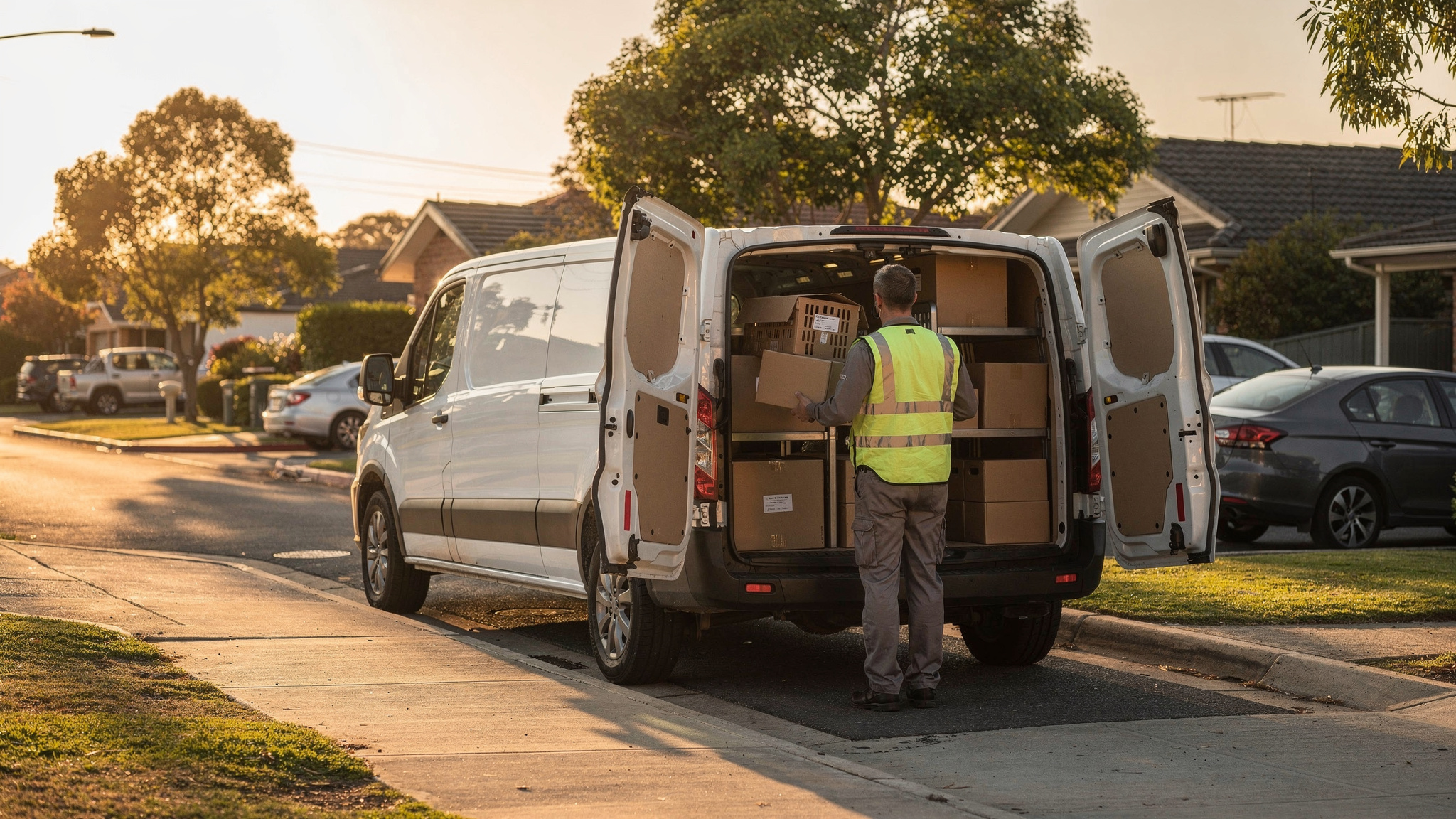
A last mile delivery management platform runs the final leg from depot to doorstep in one place. It plans and optimises routes, dispatches jobs to a driver app, shares live ETAs with customers and captures proof of delivery. The way to choose one is to test it on your own stops, time windows and handover records.
That last step matters more than any feature list.
Sample data makes every platform look tidy. A real day shows you how a platform will run your work: the loading dock round the back, a gate code, a few tight delivery windows and a same-day order that lands mid-morning.
What a last mile delivery management platform does, from order to doorstep
The last mile carries a large share of the cost of getting goods to people. In a 2023 Capgemini article on last-mile deliveries, Capgemini cites the Capgemini Research Institute: last-mile delivery costs account for 41% of total logistics supply chain costs.
So the final leg is the first place worth reviewing when you look at how your deliveries are planned, run and recorded.
The same article lists what the last mile needs on the technology side, including order handling, route optimisation, capacity planning, real-time ETA estimation, returns processing and customer service.
A last mile delivery management platform brings that work together. A connected day runs like this.
Orders arrive from your online store, a spreadsheet upload or your order system. Each carries an address and, where the customer chose one, a delivery window.
The platform plans routes around those stops, windows and vehicles. Each driver then receives an ordered list of jobs on their phone.
Customers get a tracking link with a live ETA. At the door, the driver captures proof of delivery, and the office sees each completed stop as it happens.
The value is in the connection. Because every step reads from the same job record, moving a stop in the plan updates the driver's run, the customer's ETA and the end-of-day report together.
How route optimisation turns stop density into shorter, fuller runs
Route optimisation is the part of the platform that turns a list of addresses into runs.
McKinsey's 2016 analysis of last-mile delivery points to drop density as a factor shaping the last mile, and notes that longer distances in rural areas greatly increase last-mile costs.
You can't move your customers closer together. You can plan so that stops near each other, sharing a delivery window, travel on the same run.
That gives each vehicle more drops for the distance it covers. Planning to each vehicle's capacity at the same time keeps runs full without overloading any of them.
SuperPharmacy's case study shows what automated planning looks like on a real delivery desk. SuperPharmacy has operated as an online pharmacy in Australia since 2000, delivering prescription medications, over-the-counter products and health essentials to customers nationwide.
The case study reports that its delivery team was spending up to one hour every day manually planning routes for prescription deliveries. If an urgent prescription came in or a delivery needed rescheduling, the whole route had to be regenerated.
With Locate2u's route optimisation, the case study reports that what once took an hour of manual work now takes just 10 minutes, with routes generated automatically from delivery locations, time windows and driver availability. The page's headline describes this as cutting route planning time by 83%.
New prescriptions can now be slotted into existing routes during the day without disrupting other deliveries. That flexibility let SuperPharmacy offer same-day prescription delivery as a core service.
The case study quotes the team: "Before Locate2u, we had to generate new routes if we wanted to change anything. Now we can adjust the day's deliveries on the fly."
That is one Australian business's result, measured on its own deliveries. When you assess a platform, run the same checks on your own day: how long a full day takes to plan, and whether a new stop can join a live route without rebuilding the rest.
You can see how planning works in Locate2u's route optimisation software.
How stop-level access notes make arrival times more realistic
A route plan knows the drive between stops. It doesn't automatically know what happens once the vehicle pulls up.
Finding the loading dock. Entering a gate code. Waiting for a goods lift. Walking a large site to the right building.
Each of these takes time, and none of it shows on a map.
As a worked example, take a 20-stop run where each stop needs an extra three minutes to reach the door. That adds an hour to the day, and each ETA after the first stop drifts a little later than planned.
Stop-level access notes close that gap. When the time and the details are recorded against the address, the plan can allow for them, and the ETA your customer sees reflects the real run.
A useful access note answers the questions a driver has on arrival: which entrance, where to stop the vehicle, the gate or door code, site opening hours and who to ask for on site.
Start with the addresses you visit most often. Record the note once against the address so it appears every time that customer orders, and set a longer time on site for stops that need it.
Notes also give a driver visiting a site for the first time the same knowledge as a colleague who has been there many times. Runs become easier to share, whether someone is covering a day off or learning a new area.
When you assess a platform, check that notes save against the address rather than a single job, that time on site can be set per stop, and that the driver sees the note before arriving.
How passing delivery instructions to the driver helps first attempts succeed
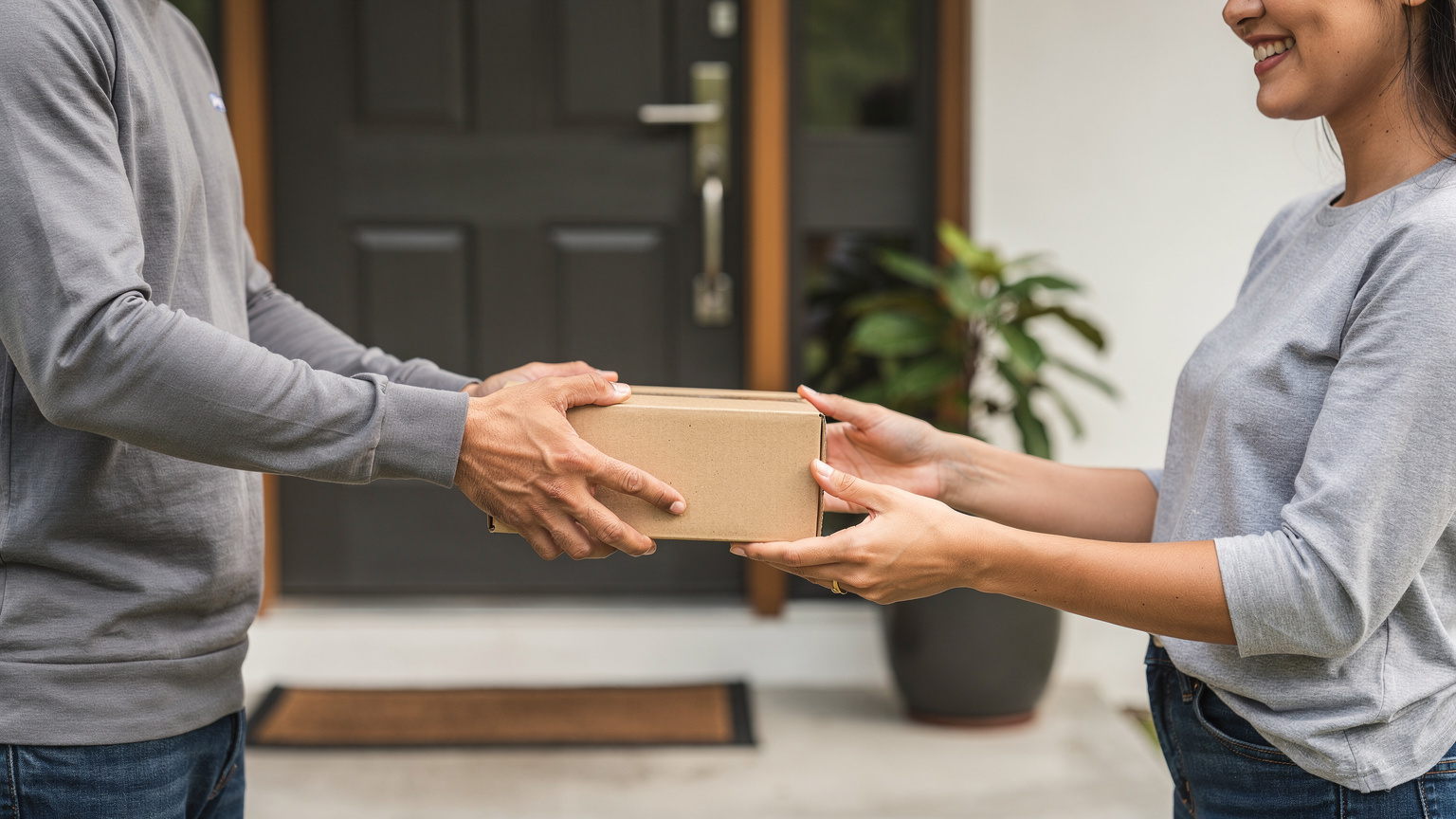
A first attempt has its best chance when the driver arrives knowing what the customer asked for. Leave it with reception. Use the side gate. Call on arrival.
Capturing that request is only half the job, because it also has to reach the driver. IMRG's 2021 review of home delivery, based on UK data, estimated that perhaps only 30% of retailers effectively capture delivery instructions that can be passed on to the courier.
So the place to look is the path an instruction travels, from the checkout field to the driver's screen. Typed once by the customer, it should arrive on the stop intact.
These steps make that path reliable:
- Give customers a clear instruction field at checkout or booking, with a short prompt such as safe place, entrance or contact on arrival.
- Map that field to the delivery job when orders import, so it travels with the stop.
- Show it on the driver's stop screen, right next to the address.
Then test it end to end. Place an order with an instruction and confirm it appears on the driver's phone word for word.
How live ETAs and pre-delivery alerts keep customers informed on the day
Customers value a delivery that arrives when it was promised. In a 2024 McKinsey article, a survey of e-commerce customers in Germany and the United States found that on-time and as-promised delivery was selected as the most relevant delivery feature, with 86 percent of respondents saying they were excited by it.
That gives the platform two jobs. The promise has to be realistic, and it has to stay visible as the day moves.
Among EU online shoppers in 2025, delivery slower than expected was the most often reported issue, declared by 20%, according to Eurostat's e-commerce statistics.
Expected is the useful word there. An ETA that updates as the run progresses keeps what the customer expects in step with where the vehicle actually is.
Pre-delivery alerts set that expectation early. IMRG's 2021 review describes them as keeping the customer informed on their order's progress in the final mile, with an estimated day of delivery, usually a time slot, and often the option to change the day or choose another location.
From there, a short sequence carries the customer through the day. Confirm the day and slot the day before, send a live tracking link when the run starts, and update the ETA as the vehicle gets close.
Locate2u shares live tracking links with customers and sends automated notifications about delivery status, so recipients know when to expect their order and can plan accordingly. See how it works in Locate2u's real-time tracking.
Your office benefits too. When customers can follow the vehicle on a map, they don't need to call to ask where it is.
How proof of delivery gives every handover a clear record
Handover is the moment a delivery becomes complete. A clear record of it lets the customer, the driver and the office all see the same thing.
It also gives a quick, confident answer when a customer asks about an order. Eurostat reports that among EU online shoppers in 2025, some 10% said the issue they met was a wrong or damaged good being delivered.
A photo of the goods at the door, with a time and location attached, shows exactly what arrived and in what condition. Your team can look it up in seconds and reply with the facts in hand.
Locate2u's proof of delivery captures photos, signatures and timestamps, along with location data. Drivers photograph each delivery on site, creating a record that both the business and the customer can reference.
Decide what each delivery type needs before you go live.
Signed-for goods suit a signature plus a photo. Unattended drops in a safe place suit a photo that shows where the parcel sits.
Bulky or site deliveries suit a photo of the full load, so quantities are easy to confirm later. Perishable goods suit a timestamp that shows when the order reached the door.
Then check that the platform can make those steps required for each job type. A short, consistent routine at every stop is simple for drivers to follow, and you can see it in action in how Locate2u records proof of delivery.
A practical checklist for choosing the right platform
The checklist below turns each stage of this guide into a test you can run on your own deliveries.
Use a real day's orders, including the tricky addresses and the tight windows. That is the day the platform will be running.
| What to check | How to test it on your own work |
|---|---|
| Planning time | Import one real day's orders with their time windows and time how long it takes to produce routes for every driver. |
| Changes during the day | Add a same-day stop to a route that is already running and check it slots in without rebuilding the rest. |
| Vehicle capacity | Set each vehicle's capacity and confirm the plan keeps every run within it. |
| Access notes and time on site | Save a note and a longer time on site against a repeat address, then check both carry into the next order there. |
| Delivery instructions | Place a test order with an instruction and confirm it appears on the driver's stop screen word for word. |
| Customer updates | Send yourself a tracking link and watch the ETA update as a test driver moves. |
| Proof of delivery | Complete a stop with a photo and signature and check the record shows the time and location. |
| Collections and returns | Plan a pickup and a drop on the same run and confirm both appear in the driver's sequence. |
| Reporting | Check you can see your chosen measures for the test day without building a spreadsheet. |
Agree before you start which measures you will compare. Planning time, on-time arrivals and first-attempt success are good starting points, and our guide to the last mile delivery metrics to track goes further.
Then compare cost on the same basis for every option. Ask how plans are billed, how long any contract runs and whether there are setup fees.
Set those answers alongside the planned day you just tested, and compare them with Locate2u's plans and pricing.
Frequently asked questions
What is the difference between route planning software and a last mile delivery management platform?
Route planning software sequences stops on a map. A last mile delivery management platform adds the work around that sequence, including dispatching jobs to drivers, live tracking, customer notifications and proof of delivery, so the whole day runs from one record.
Can a last mile platform plan collections and returns as well as deliveries?
Yes. Capgemini lists returns processing among the technology a last-mile operation needs, and a platform that plans pickup and drop-off stops on the same route lets returns travel on runs that are already going out.
What can you do when same-day orders arrive after the routes are planned?
First check whether the platform can slot new stops into live routes without rebuilding the day. When volume goes beyond your own fleet's capacity, Locate2u's sister brand Zoom2u provides on-demand courier capacity for overflow and same-day jobs.
How do you know if a small fleet is ready for a delivery management platform?
Look at how long daily route planning takes and how often customers call to ask when their order will arrive. If either grows every time order volume grows, a platform that automates planning and shares tracking links will free that time for the work itself.
The right platform is the one that runs your real day well: planned quickly, kept current for customers and closed with a clear record at every door. Take one day of your own orders through the checklist above, then see how Locate2u's last mile delivery software plans, tracks and records it from depot to doorstep.