Retail Courier Software: How Retailers Run Same-Day Store Deliveries
Drafted with AI assistance, edited and fact-checked by Sean Flannery. See our editorial policy.
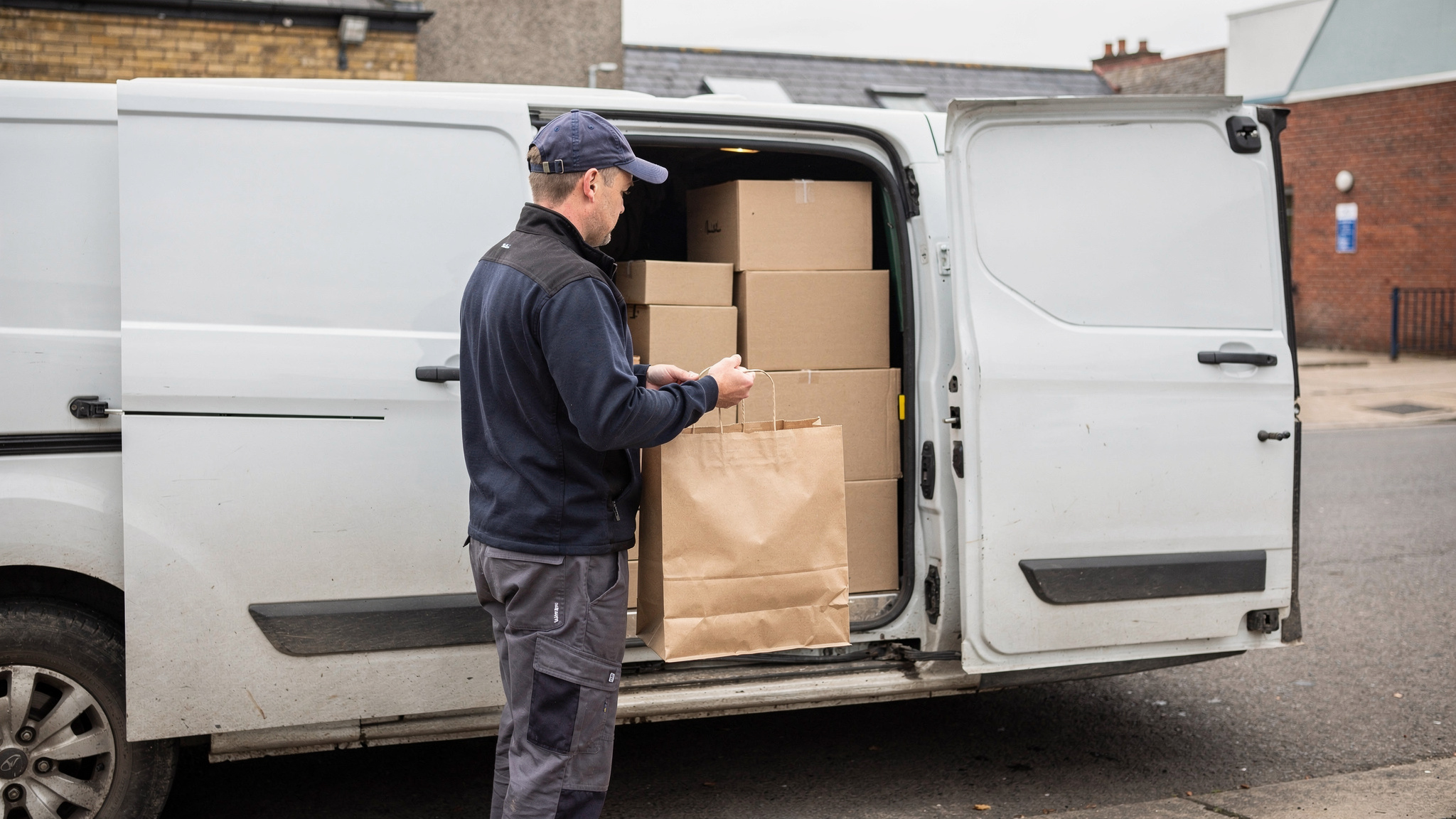
Retail courier software plans, dispatches and tracks deliveries from a store or warehouse to the customer's door. It turns online orders into optimised driver routes, sends customers live ETAs, and captures photo and signature proof of delivery. That lets retailers offer same-day and scheduled delivery windows they can reliably keep.
For a store team, that means one screen where the morning's web orders become sensible runs. Drivers know exactly where to go next, and shoppers can see when their order will arrive.
What retail courier software does for same-day store deliveries
A same-day store delivery moves quickly from start to finish. An order lands, someone picks it from the shelf, a driver collects it, and the customer has it that evening.
Retail courier software keeps those steps connected, so each hand-off happens on screen rather than over the phone.
Orders arrive from the online store with the date and window the shopper chose. The routing engine groups them by window and works out a stop order for each driver.
Drivers receive their run on a phone app. Customers receive a tracking link with a live ETA. At the door, the driver captures a photo or signature, and the order is marked complete.
Locate2u brings those jobs together in one platform, covering route optimisation, real-time tracking, a driver app and proof of delivery.
SuperPharmacy, an Australian online pharmacy, shows what this can mean for same-day service. It delivers prescription medications, over-the-counter products and health essentials directly to customers' doors.
As customers increasingly expected same-day delivery for prescriptions, manual planning became a bottleneck. When an urgent prescription came in during the day, the entire route had to be regenerated from scratch.
SuperPharmacy's case study reports that its team was spending up to one hour every day manually planning routes, and that route planning time was cut by 83%: what once took an hour of manual work now takes just 10 minutes.
New prescriptions can now be slotted into existing routes on the fly. That flexibility enabled SuperPharmacy to offer same-day prescription delivery as a core service.
In the team's words: "Before Locate2u, we had to generate new routes if we wanted to change anything. Now we can adjust the day's deliveries on the fly."
That is one Australian business's result, in pharmacy delivery, as its case study page reports it.
How the growth of online retail shapes store-to-door delivery planning
Online orders make up a large share of retail in several markets, and every one of them ends with a delivery to plan.
In the US, e-commerce accounted for 17.1 percent of total retail sales in the second quarter of 2026, seasonally adjusted, according to the U.S. Census Bureau.
In Great Britain, the proportion of retail sales made online rose from 28.4% in July 2026 to 28.8% in August 2026, according to the Office for National Statistics.
Across the EU, 78% of internet users aged 16 to 74 bought or ordered goods or services online in 2025, according to Eurostat.
These agencies measure online shopping in different ways, so read the figures as separate snapshots rather than a ranking.
The planning lesson is the same in each market. Once a real slice of sales starts online, delivery becomes a daily workload with its own forecast, staffing and service promise.
Where will orders ship from? A single store, several stores and a central warehouse each produce different routes. If stock sits in more than one place, check that routes can start from the location holding the goods.
How many windows can you fill? Start with the windows your drivers can cover today, and add more as volume proves them.
Which orders need same-day? Some products suit an evening slot on the day of order. Others suit a booked window later in the week, and offering both spreads the load.
Order history by weekday and window then tells you how many drivers each shift needs.
The picking and packing side matters just as much. The Locate2u guide to retail fulfilment workflows covers how store teams prepare orders so they're ready when the driver arrives.
How clear delivery promises at checkout help shoppers buy with confidence
Delivery is part of what a shopper is buying. When the options at checkout are clear and believable, the decision to buy is easier.
93% of consumers have abandoned a purchase in the past due to delivery concerns, according to IMRG's Consumer Home Delivery 2026 research.
So the delivery promise is worth showing early, on the product page and at checkout, rather than only in the confirmation email.
The same IMRG research shows that over 60% of consumers expect standard delivery to take 2-3 days, and 24% expect next day, including weekends, as set out in IMRG's summary of delivery expectations.
A store that can deliver the same day, or offer a booked evening slot, has a promise worth highlighting. The skill is offering only the windows the operation can keep.
These steps keep the checkout promise and the delivery plan in step:
- Set a same-day cut-off time that matches when your last run leaves the store.
- Cap the orders each window accepts, based on your driver capacity for that window.
- Close a window at checkout once it fills, and offer the next one.
- Send orders straight from your online store into the delivery platform with the chosen window attached.
That last step needs a direct connection between your store and the delivery platform, so confirm it early when you assess software.
A reliable promise can also earn repeat business. Close to three-fourths of consumers are willing to reward retailers who get the last-mile experience right with increased spend and loyalty, according to Capgemini Research Institute research published in 2021.
That study is several years old, so treat it as background. The practical step stays the same: promise only what your delivery plan supports, then deliver it.
How live ETAs keep customers informed on delivery day
Slower delivery than expected was the most common problem for EU online shoppers in 2025, reported by 19.9% of customers, according to Eurostat.
The useful word in that finding is expected. A customer who can see the driver's progress knows what to expect, and can plan around an arrival that shifts with traffic.
Send the tracking link when the driver starts the run, not when the order is placed. The first ETA the customer sees is then based on a real route.
Let the ETA update from the driver's position, so it moves as the day moves. A short alert when the driver is a few stops away gives the customer time to get to the door or the front desk.
Ask for delivery notes at checkout, such as a gate code or a preferred spot, and pass them to the driver with the stop.
Locate2u's real-time tracking gives each customer a live tracking link and gives the dispatch team a live view of every driver on the road. When a run falls behind, the team can see it straight away and update the customer with a revised arrival time.
The store team benefits too. A customer who can see where their order is already has the answer before picking up the phone.
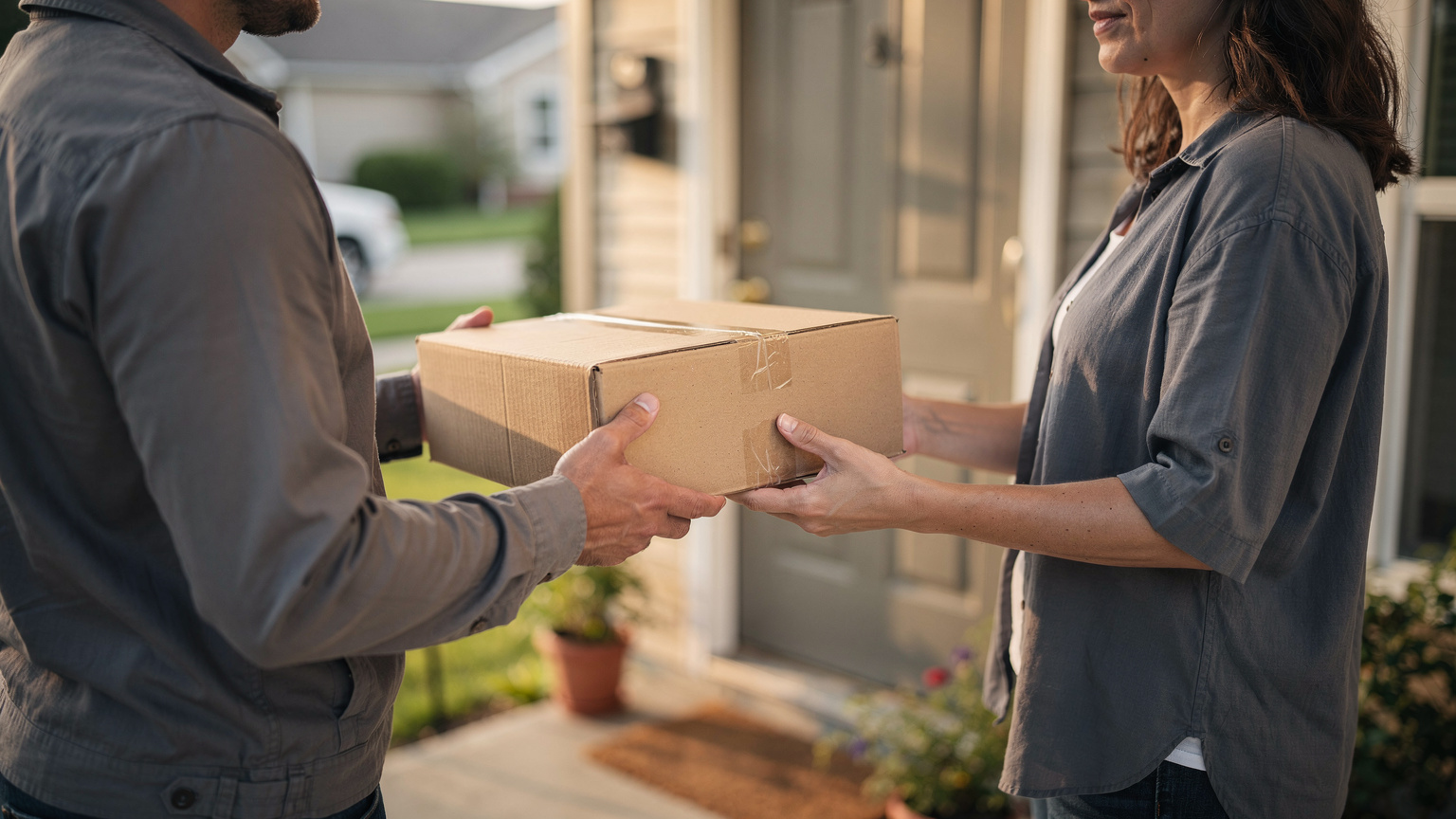
How photo proof of delivery confirms the right goods arrived in good condition
Delivery of incorrect or damaged goods or services was the third most common problem for EU online shoppers in 2025, reported by 10.4% of customers, according to Eurostat's survey findings.
A photo taken at the door gives the store and the customer the same clear picture of what arrived and how it looked.
If a question comes up later, customer service can answer it in seconds by opening the record. Drivers benefit as well, finishing each stop with a clear record and moving on with confidence.
A simple routine makes photo proof useful every time:
- Photograph the goods where they were left, with the door or house number in shot where practical.
- Take a close-up of the packaging for fragile or high-value items, so their condition on arrival is on record.
- Capture a signature when the customer has asked to sign, or when store policy calls for one.
- Add a short note for anything out of the ordinary, such as goods left with reception at the customer's request.
For larger items like furniture or appliances, a photo of the item in the room the customer chose shows the job was finished as agreed.
Locate2u's proof of delivery captures photo evidence, signatures and timestamps for every delivery. That creates a record the store and the customer can both refer to.
The same habit works for collections. A photo at pickup records the item's condition when it leaves the customer.
How on-the-fly route changes make same-day delivery workable
Same-day delivery means the plan changes during the day. An order placed in the late morning needs to join a run that may already be on the road.
There are two ways to handle that. One is to rebuild every route each time something changes. The other is to slot the new stop into the best live route and leave every other sequence alone.
The second approach keeps same-day practical as orders build through the day.
Locate2u's route optimisation generates routes from delivery locations, time windows and driver availability. Dispatchers can then slot new orders into existing routes on the fly, without disrupting other deliveries.
Drivers follow the updated run in the Locate2u driver app, which keeps the route, live status updates and proof of delivery capture in one place on their phone.
A few habits keep mid-day changes calm. Run in waves, such as a morning run and an afternoon run, each with its own order cut-off, so a new order always has a clear next departure.
Leave a little room in each route for urgent orders. And watch the live map: if a driver is held up, reassigning their next stop to a nearby driver keeps that customer's window intact.
What to check when choosing courier software for a retail operation
When you assess retail courier software, the best test is your own orders. A product tour shows what a platform can do. A test day with real addresses, windows and drivers shows how it handles your operation.
Use this checklist as a scorecard:
| What to check | What good looks like | How to test it |
|---|---|---|
| Store connection | Orders arrive with the shopper's chosen date and window, no re-keying | Place test orders on your store and confirm each lands with its window |
| Delivery windows | Routes respect every order's window | Load a real busy day, including your tightest windows |
| Same-day changes | New orders join live routes without re-planning everything | Add an urgent order mid-run and see where it lands |
| Customer tracking | A live tracking link with an updating ETA | Send yourself a link and follow a test run end to end |
| Proof of delivery | Photos, signatures and notes saved against each stop | Complete a test stop and open the record from the office |
| Driver app | Stop order, navigation and customer notes in one app | Ask a couple of drivers to run a test route and share feedback |
| Returns and collections | Pickups sit in the same route as deliveries | Add sample return collections to a test day |
| Several stores | Routes start from the location holding the stock | Set up two locations and route a day's orders from each |
| Commercial terms | A clear billing model, contract length and setup fees | Ask for each in writing before you commit |
Give the same-day and returns rows extra time, and test them on a plan that is already running, as they would be on a real trading day.
Match the plan you choose to the number of drivers and stores you run today, with room to grow.
For a wider view of dispatch tools beyond retail, the Locate2u overview of courier management software walks through the broader feature set.
How to plan driver capacity for busy retail periods
Seasonal peaks and sale weekends bring more orders into the same delivery windows. The goal is simple: every window offered at checkout is one the team can keep.
- Pull your own orders by day and window for the same period last year, and note which windows filled first.
- Use your on-time results to set how many stops a driver can finish comfortably in each window.
- Cap each window at checkout to the total your drivers can cover.
- Decide before the busy week how you'll cover orders above your own drivers' capacity.
- Publish the next day's routes early, so drivers start each shift knowing their run.
A worked example, using assumptions chosen only for illustration: a store runs four drivers in its evening window and plans each for 15 stops. That window holds 60 deliveries.
When the 60th order books, checkout closes the slot and offers the next window, or the extra orders go to overflow capacity.
Plan for collections after a busy period too. If returns come back, schedule them as stops in the regular routes rather than as separate trips.
Frequently asked questions
Can retail courier software take orders straight from an online store?
Yes, when it connects to the store platform, orders arrive with the delivery date and window the shopper chose, so nobody re-keys addresses. Locate2u connects to online stores and other business systems through its integrations and API, so check that your store platform is supported before you start.
What can a retailer do when same-day orders exceed its own drivers' capacity?
A practical approach is to keep your own drivers for planned runs and book on-demand couriers for overflow or urgent same-day jobs. Zoom2u, Locate2u's sister brand, is an on-demand courier and delivery marketplace that can cover that extra capacity on busy days.
Do drivers need a separate app for retail deliveries?
Drivers use a phone app that shows their stop order, navigation and customer notes, and captures photos and signatures at the door. The Locate2u driver app puts the route, live status updates and proof of delivery capture in one place on the driver's phone.
Can the same software handle customer returns and collections?
It can, if the platform treats a pickup as a stop that sits in the same route as outbound deliveries. When you assess a platform, add a few sample return collections to a test day and check they are sequenced, tracked and recorded like any other stop.
Same-day store delivery works best when the promise at checkout, the route on the road and the record at the door all come from one plan. Run a test day on your own orders, score it against the checklist above, and see how Locate2u's delivery management platform handles your busiest window.