How to Choose the Best Route Management Software: Features, Questions and a Buyer Checklist
Drafted with AI assistance, edited and fact-checked by Sean Flannery. See our editorial policy.
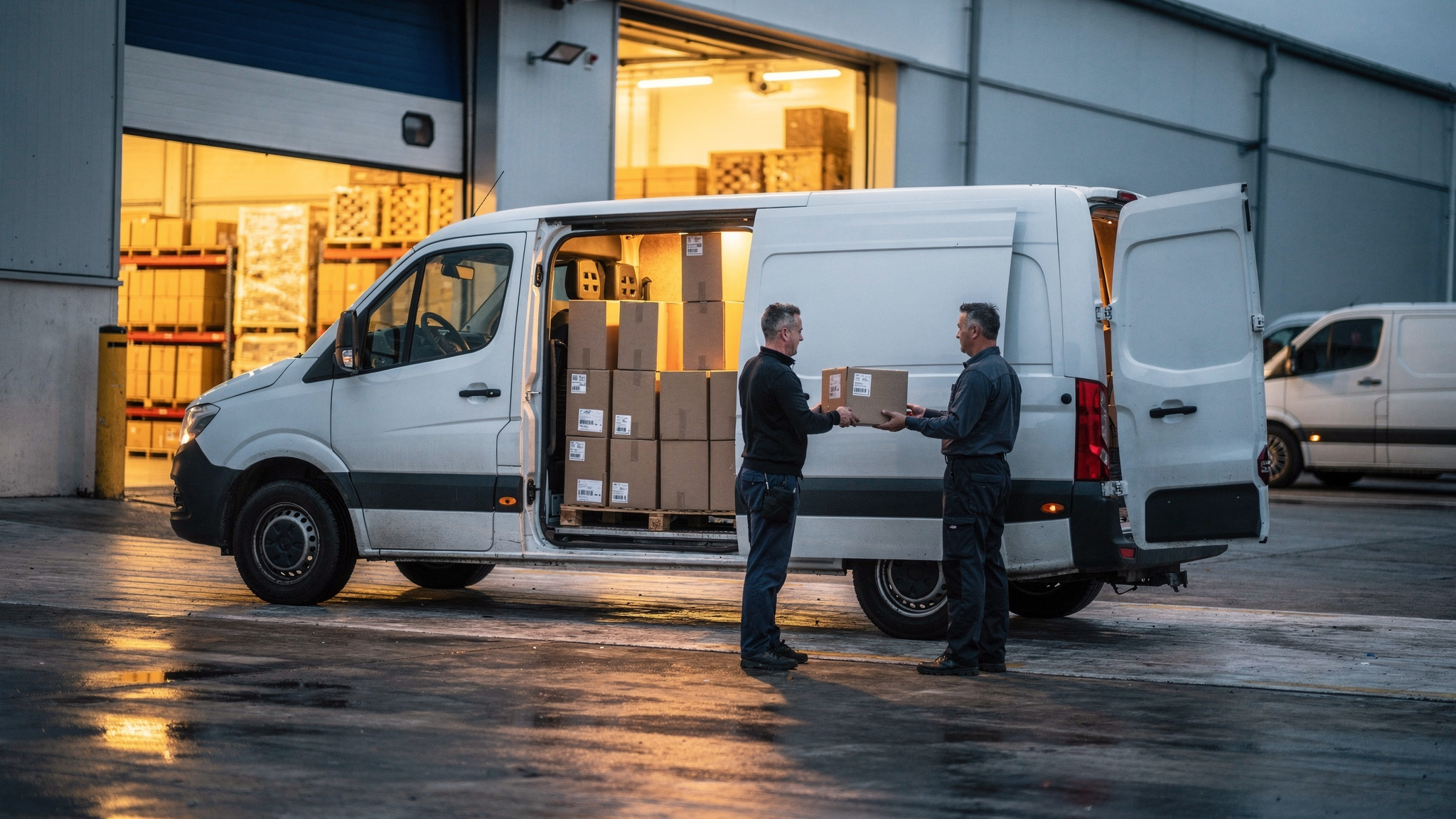
The best route management software is the one that plans multi-stop routes around your real constraints, such as time windows, vehicle capacity and driver availability. It adjusts when orders change mid-day, keeps customers updated with live ETAs, captures proof of delivery and connects to the systems you already use. Test it by piloting a full operating day on your own orders.
On a feature grid, most platforms look similar. The differences show up mid-morning, when an urgent order lands, a stop takes longer than planned and a customer wants to know when to be home.
So judge every option on a working day, not a brochure.
What the best route management software handles across a full delivery day
Sequencing stops is one job. Route management covers the whole day around it, from the first order in the system to the last delivery record.
A day run on a single platform moves through these stages:
- Order intake: jobs arrive from your online store, order system or phone bookings, with addresses and time windows attached.
- Planning: routes are built around vehicles, capacity, shifts and delivery windows.
- Dispatch: each driver receives an ordered run on their phone.
- Tracking: dispatchers see progress and customers get live ETAs.
- Changes: new orders, cancellations and delays are slotted into the live plan.
- Completion: proof of delivery is captured and the data flows to billing and reporting.
When those stages sit in separate tools, information gets re-typed between them. When they sit in one platform, a change at any stage flows through to the rest.
SuperPharmacy shows why the later stages matter as much as the first plan. SuperPharmacy's case study reports that, as customers increasingly expected same-day delivery for their prescriptions, the Australian online pharmacy's delivery team was spending up to one hour every day manually planning routes. A new urgent prescription or a rescheduled delivery meant regenerating the entire route from scratch.
After moving to Locate2u's route optimisation software, the case study reports that planning which once took an hour now takes just 10 minutes, the 83% cut in route planning time its headline describes, one Australian pharmacy's result rather than a benchmark for every fleet. Routes are generated automatically from delivery locations, time windows and driver availability.
Just as useful was what happened during the day. New prescriptions can be slotted into existing routes on the fly without disrupting other deliveries, and the case study credits that flexibility with letting SuperPharmacy offer same-day prescription delivery as a core service.
In the case study's words: "Before Locate2u, we had to generate new routes if we wanted to change anything. Now we can adjust the day's deliveries on the fly."
To test the same thing on your own routes, time how long tomorrow's plan takes to build today. Then ask each shortlisted platform to add an urgent order to a live plan while you watch.
How to get your stop, vehicle and timing data ready before comparing platforms
Route software plans around what it knows. If a delivery window is only remembered rather than recorded, or a vehicle's real capacity isn't written down, no platform can plan around it.
A short data audit before demos makes every comparison fairer, and it gives you a head start on rollout once you choose.
Start with your stops. Check that addresses are complete and land on the right spot on a map, and that each customer's delivery window is written down.
Then note how long each type of stop takes. Handing over a small parcel and unloading heavy goods by crane are very different service times, and the plan should reflect that.
Next, your vehicles. Record capacity in the units you actually load: weight, volume, pallets, crates or cartons. Note any access limits, such as sites that only take smaller vehicles, and where each vehicle starts and finishes the day.
Then your people and timing. Shift start and finish times, breaks and the vehicle types each driver drives all shape a route that works in practice.
Two process questions round out the audit. How do same-day orders reach dispatch today? And where does proof of delivery go once it's captured: invoicing, customer service, or both?
One practical step pays off later. Export the orders from a recent busy day, with addresses, windows and order sizes. That file becomes your pilot data, so every platform is tested on the same real work.
Planning features that keep routes on time and vehicles well loaded
With clean data in hand, focus demos on the constraints your routes actually face. A planner that skips one of them hands that work back to your dispatcher.
Time windows come first. Ask whether the engine treats a window as fixed or flexible, and whether you can mix both on one route, for example a set morning appointment alongside open afternoon drops.
Capacity is next. The platform should stop adding jobs once a vehicle is full, in whichever unit you recorded during your data audit.
Then driver availability and start points. Routes should respect each driver's shift and begin at the right depot, especially if you run more than one site.
Service time, the time spent at each stop, is easy to overlook and decides whether a route finishes on schedule. Check that you can set it by customer or job type. For a closer look at how a routing engine weighs these constraints, see our guide to route optimisation software.
Loading deserves the same attention as sequencing. Eurostat reports that "In 2025, more than one fifth (21.8%) of the distances travelled by road freight vehicles in the EU was performed by empty vehicles."
The same Eurostat page shows how widely that share varies, with Denmark at only 7.6% of vehicle-kilometres travelled by empty vehicles, Belgium at 10.1% and Lithuania at 10.9%.
These figures cover road freight vehicles across the EU, not delivery vans specifically. Still, the spread is a useful prompt to look at your own empty distance.
So if your work includes collections, returns or supplier pickups, ask whether a platform can plan pickups and deliveries on the same route and track capacity as the load changes through the day. A van that collects returns on its way back to the depot does two jobs in one trip.
How same-day orders and mid-route changes slot into the plan
By mid-morning, the plan starts to move. An urgent order arrives, a customer reschedules, a stop takes longer than expected.
The question for any platform is how it absorbs those changes without rebuilding everyone's route from scratch.
Locate2u supports real-time adjustments through the day, so new jobs can be slotted into existing routes, and its dispatch planning tools give the team a live view of every vehicle. If one run falls behind, dispatchers can see it straight away and reassign a later stop to another vehicle.
During demos, run these tests on your own sample day. Insert an urgent order and watch which other customers' ETAs move. Cancel a stop and check the route closes the gap. Move a job between drivers and confirm both apps update without a phone call.
Finally, ask whether dispatchers can lock certain stops in place, such as fixed appointments, while the rest of the route re-optimises around them.
How live ETAs, tracking links and proof of delivery keep handovers smooth
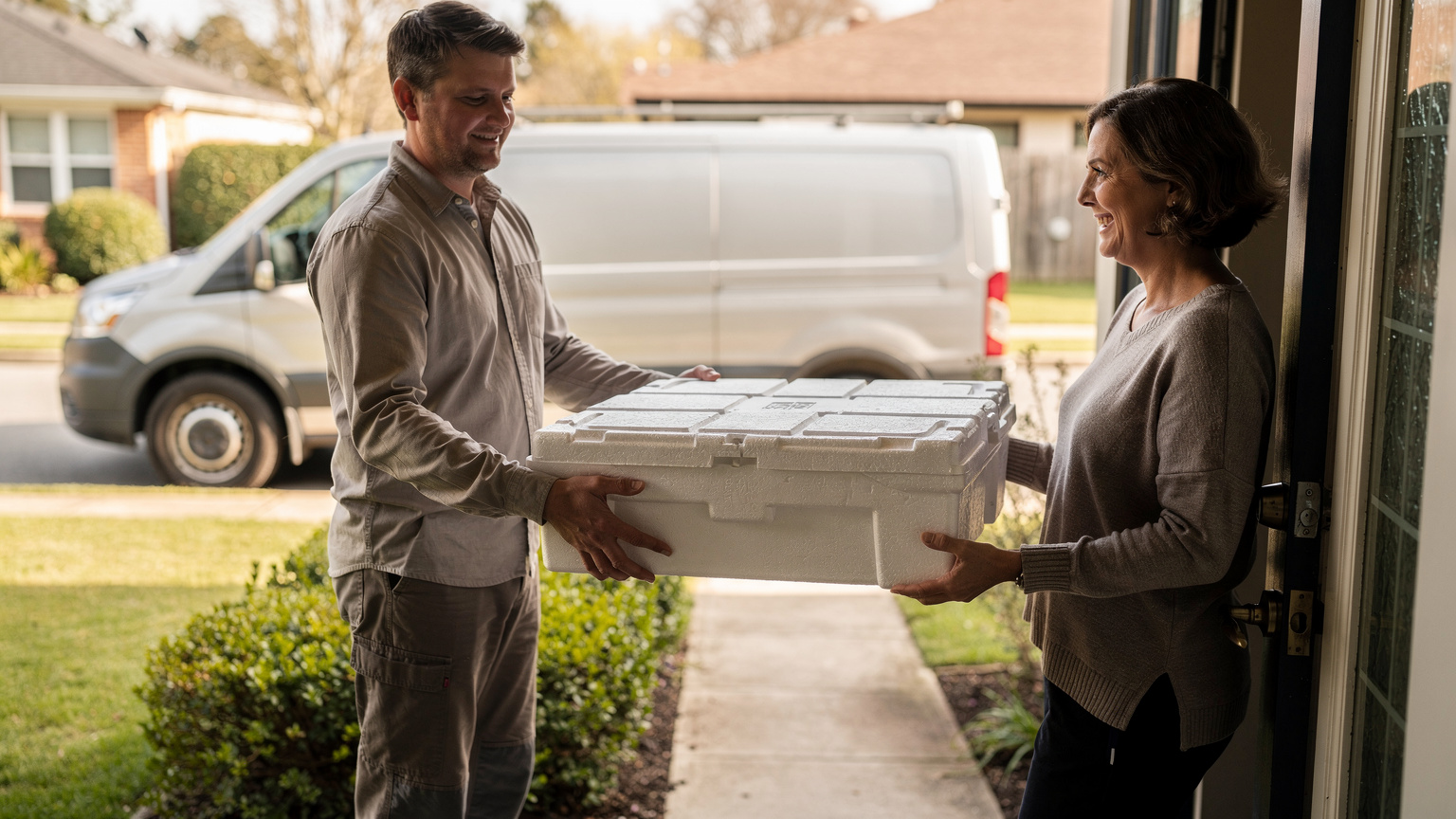
Every delivery ends with a handover: goods pass from your driver to a customer, a site or a receiving dock. The smoother that moment, the better the whole day runs.
Handovers carry real weight in logistics costs. McKinsey analysis finds that between 13 and 19 percent of logistics costs could stem from inefficient handovers between parties in the mid and last mile, amounting to up to $95 billion in losses a year in the United States economy alone.
So when you compare platforms, look closely at the doorstep and the dock: how quickly a driver records the handover, and how soon the customer and your office can see it.
Live ETAs set expectations before the driver arrives. A tracking link lets the recipient see when the vehicle is close, so someone is ready to receive the goods.
Locate2u's real-time tracking lets you share live tracking links with customers, and automated notifications keep recipients informed about their delivery status.
Proof of delivery closes the loop. Locate2u's proof of delivery captures photos, signatures, timestamps and location data for each completed stop, giving the driver, the customer and the office the same clear record.
Questions worth asking each vendor: can you choose when notifications go out, such as when the route starts or when the driver is a few stops away? Do recipients see an updated ETA if the plan changes?
Can proof requirements differ by customer, a signature for some and a photo for others? And how fast does a completed record reach your billing or customer service team?
Helping new and experienced drivers start each run with a clear route
The driver app is where the plan becomes a working day, so give it as much attention as the planning screen.
In the United States alone, the U.S. Bureau of Labor Statistics projects about 152,700 openings for delivery truck drivers and driver/sales workers each year, on average, over the decade. When roles open up that often, judge how quickly someone new can pick up the app and complete a run.
The same BLS page notes that most drivers generally receive instructions to go to a delivery location at a particular time, and it is up to them to determine the best route.
Route management software takes that sequencing work off the driver's plate. Each run opens as an ordered list of stops, ready to go.
For new drivers, look for clear stop details: the address, the delivery window, the order contents and any notes such as gate codes, parking spots or unloading instructions. One tap to start navigation, one tap to contact the customer.
Experienced drivers bring local knowledge that makes routes better. Check that drivers can add notes against a stop, such as the best entrance for a building site, so that knowledge stays with the route for whoever drives it next.
During the pilot, ask a newer driver and a long-serving driver to use the same app. If both finish the day comfortable with it, that is a strong sign.
Questions to ask about integrations, data and support before you sign
Integration effort shapes how quickly any platform delivers value. A Gartner survey found that more than half (56%) of chief supply chain officers say integrating AI with legacy systems and processes is a major challenge, and 50% say that they have limited internal expertise or talent to implement and manage AI.
If a platform you're considering uses AI in its planning, those findings become two direct questions: who connects it to your existing systems, and who on your side will run it day to day?
The same thinking applies to every connection, AI or not. Use this checklist in each vendor conversation.
| Area | Question to ask | What a clear answer includes |
|---|---|---|
| Order intake | How do orders get in from our online store, order system or spreadsheets? | A live connection or scheduled import for your actual systems, shown working |
| Data out | Can we export routes, completion times and proof of delivery records whenever we need them? | Exports in standard formats, plus an API for ongoing feeds |
| Ownership | Who owns our order, customer and delivery data, and how do we take it with us if we move on? | A plain written statement that the data is yours, with an export path |
| Access | Can we set different permissions for dispatchers, drivers, managers and customer service? | Role-based access your team can adjust without a support ticket |
| Setup help | What does onboarding include, and who does the configuration work? | A named contact and a clear plan for your first depot or shift |
| Ongoing support | How do we reach support during our operating hours, including early starts? | Support channels and hours that match when your vehicles run |
To see which connections are already available, look through Locate2u's API and integrations page before your first call.
Ask for answers in writing, and ask to see an integration running on a real account rather than on a slide.
How to pilot a realistic operating day on your own orders
A demo on sample data shows what a platform can do. A pilot on your own orders shows what it will do for you.
Start with the busy-day file you exported during the data audit. Load it into each shortlisted platform so every option faces the same addresses, windows and volumes.
Agree your measures before you begin and record a baseline from your current process. Planning time per day, distance per completed stop, on-time completion, repeat delivery attempts and admin time per delivery give a balanced picture.
Then run the day as it really happens. Import the orders and apply your vehicle, capacity and time-window constraints. Mid-morning, add an urgent order. Later, simulate a delay, reassign a stop and check that the affected customer receives an updated ETA.
Have drivers complete real or test stops and capture proof of delivery, then export the completion data for billing and reporting. If any step needs a workaround, write it down.
Run the pilot alongside your existing process on one depot or one shift, so deliveries carry on as normal while the team learns. Include at least one dispatcher and a couple of drivers, because they are the people who will use it every day.
Compare results on similar order volumes after a few weeks, not after the first morning. The best route management software for your operation is the one that handles this full day with the fewest workarounds and the most confident team.
Frequently asked questions
How is route management software different from a simple route planner?
A route planner sequences a list of stops once, while route management software runs the whole day: dispatching jobs to drivers, tracking progress, re-planning when stops change, notifying customers and recording completed deliveries. If your stops rarely change, a planner can be enough; if orders arrive through the day, you need the management layer.
How long does it take to get route management software running?
It depends mostly on how clean your address, time-window and vehicle data already is and how many systems need connecting. A practical approach is to start with one depot or one shift, run it alongside your current process, then widen the rollout once dispatchers and drivers are comfortable.
Do drivers need special devices to use route management software?
Ask whether the driver app runs on the phones your team already carries, how it handles areas with weak mobile coverage, and how much battery a full shift uses. Have two or three drivers try it on a real run during the pilot before you decide.
What should you measure to know whether new route software is working?
Agree the measures before go-live and record a baseline from your current process: planning time per day, kilometres (or miles) per completed stop, on-time completion, repeat delivery attempts and admin time per delivery. Compare the same measures after a few weeks on the new platform, using similar order volumes.
Choosing route software comes down to fit: clean data going in, constraints handled properly, changes absorbed during the day and a clear record at every handover. A good next step is to see how Locate2u's route optimisation plans around your own stops, vehicles and time windows.
When you're ready to talk through your operation, your pilot or cost, book a call with the Locate2u team.