Driver Routing and Scheduling: How to Build Routes and Shifts That Fit the Day
Drafted with AI assistance, edited and fact-checked by Sean Flannery. See our editorial policy.
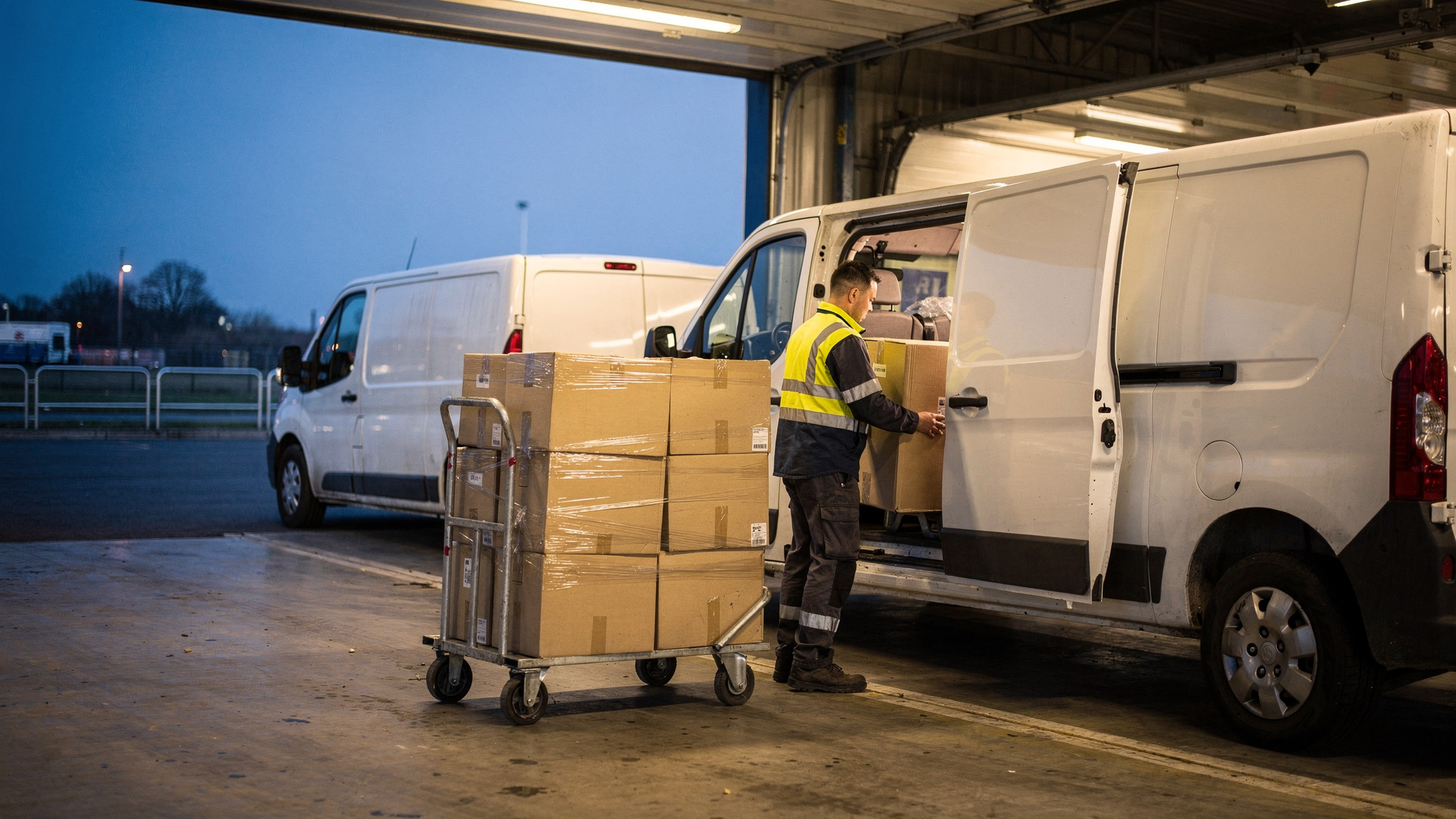
Driver routing and scheduling means planning which stops each driver visits, in what order, and when each shift starts and ends, as one decision. Good plans combine time windows, driver availability, depot trips and realistic stop times, then adjust live as orders change. Locate2u builds routes from delivery locations, time windows and driver availability.
The day runs best when each driver's route and each driver's hours were planned together. The first delivery window lines up with the shift start, and the last stop lands comfortably before the shift ends.
That joined-up approach helped SuperPharmacy, an online pharmacy delivering across Australia, bring its daily route planning down from up to one hour to 10 minutes, and gave it the flexibility to offer same-day prescription delivery.
How driver routing and scheduling work together as one plan
Routing answers where each driver goes and in what order. Scheduling answers who drives, and when.
Planned separately, the two can pull against each other. A sequence that looks tidy on a map may need a driver on the road before anyone on the roster starts.
Planned together, each route is built to fit a real shift, and each shift is set to fit a real route.
A combined plan for driver routing and scheduling draws on a short list of inputs:
- Delivery locations and the time window promised for each one
- Which drivers are available, and for how long
- Vehicle type and what each vehicle can carry
- Depot departures, including any reload trips
- A realistic service time at each stop
Time windows sit at the centre, because each one is a promise to a customer.
Capgemini Research Institute research found close to three-fourths of consumers are willing to reward retailers who get the last-mile experience right with increased spend and loyalty.
A delivery that arrives inside its promised window is the part of that experience a planner controls most directly. So protect the windows first, then fit drivers and shift lengths around them, rather than squeezing windows to suit the roster.
In Locate2u, windows and rostered drivers go into the same plan, so the route and the roster start from the same facts. The planning side of that is covered in Locate2u's dispatch planning.
Matching shift start times to how vehicles leave the depot
How a vehicle leaves the depot shapes the whole shift.
Delivery rounds often follow one of two patterns. Some stop at the distribution centre once, in the morning, and make many stops through the day. Others make several trips between the distribution centre and delivery locations.
Each pattern calls for a different shift shape.
One morning departure. Work backwards from the earliest delivery window. The start time covers loading, the drive to the first stop and a modest buffer.
Several depot trips. Treat each reload as a stop on the route, with its own time. Staggering start times so vehicles come back at different moments keeps the dock flowing and drivers moving.
Early and late hours are part of many regular routes. In the BLS's words: "Those who have regular routes sometimes must begin work very early in the morning or work late at night."
When those hours are chosen from the first window and the depot pattern, the paid time goes where it counts: on the road and at the door.
A quick test for any shift: does the driver's first stop fall near the opening of its window? If there's a long gap, move the start time or change the early sequence.
Building realistic stop times into every route
Drive time is the easier part to estimate. Time at the stop is harder, and it adds up quickly across a day.
A McKinsey analysis estimates that between 1 and 1.5 hours are spent in avoidable dwell time every day.
The useful insight is in that assumption. Most stops in the model are quick, yet a small share of longer ones is enough to reshape the whole day.
So give stops their own service times instead of one average for everyone.
A house drop, an apartment block with a concierge, a business with a loading dock and a building site each need different allowances. Record a time per stop type, then add access notes such as gate codes, loading bay hours or the best place to pull in.
Where parking or building access takes time, add it to the stop, not the drive. A route that assumes every vehicle pulls up right at the door tends to run late in dense streets, however short it looks on the map.
Then let real data refine the estimates. Timestamps captured with proof of delivery show how long each stop took, so next week's plan starts from measured times.
Tracking stops per driver hour over several weeks shows whether those service times are landing. When the figure shifts on a route, the stop times and access notes are the first place to look.
Using drivers' local knowledge to make planned routes work on the road
Experienced drivers know things no map shows.
A research challenge supported by the MIT Center for Transportation & Logistics put it plainly: "Experienced delivery drivers have tacit knowledge about the complex operational environment in which they serve customers on a daily basis."
That knowledge bridges the gap between a route that is optimal on paper and one that runs well on the road. Which entrance a receiver prefers. Where a van fits. Which side street clears first after the school run.
The practical step is to capture it so the whole team benefits. Give drivers an easy way to flag access changes from the road, through the driver app they already use for the route and proof of delivery.
Review flagged changes each week and fold the helpful ones into stop details. That local knowledge then travels with the route, including on days a driver new to the area covers it.
Adjusting routes through the day as orders and conditions change
Orders keep arriving after the morning plan is set.
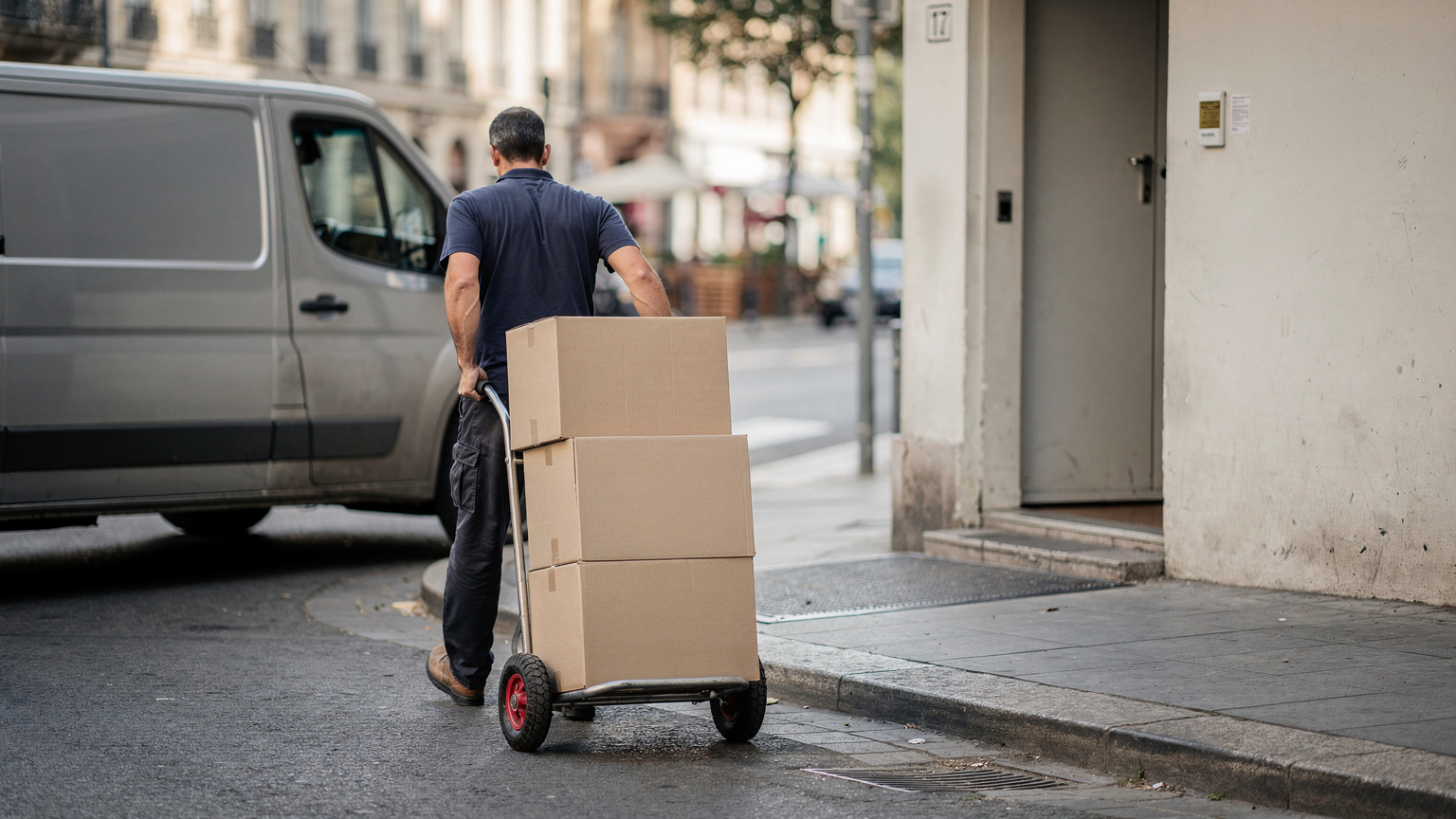
An urgent order comes in. A receiver asks for a later drop. A stop takes longer than expected. Each change touches the rest of that driver's route, and sometimes a colleague's too.
The WEF's 2020 urban delivery analysis describes dynamic rerouting as an intervention that "finds the best way to get from point to point through constant updates that reduce mileage and the time drivers need to deliver goods."
A few habits keep live changes calm and quick.
Re-plan only the remaining stops. Completed work stays put, and the new order slots into the best open gap.
Protect committed windows. Move the flexible stops first, so customers who were promised a time still get it.
Rebalance across drivers. If one route fills up, the next stop can go to a nearby driver with room.
And keep customers in the loop. An updated arrival time sent automatically saves a phone call on both sides.
Real-time tracking in Locate2u gives dispatchers a live view of every vehicle in the fleet. It's clear at a glance who is ahead of plan and who has capacity for the next stop.
For more on how fixed plans and live plans each fit a delivery operation, see this guide to static and dynamic route planning.
How an online pharmacy moved from an hour of daily planning to ten minutes
SuperPharmacy has been operating as an online pharmacy in Australia since 2000. It delivers prescription medications, over-the-counter products and health essentials to customers nationwide.
As customers increasingly expected same-day delivery for prescriptions, planning was the step to speed up.
On SuperPharmacy's case study page, the delivery team is described as spending up to one hour every day manually planning routes. If an urgent prescription came in during the day, or a delivery needed rescheduling, the route had to be regenerated from scratch.
SuperPharmacy brought in Locate2u's route optimisation software to automate the daily plan. Optimised routes are now generated automatically, based on where each delivery is going, its time window and who is available to drive.
Planning that took up to an hour now takes 10 minutes, cutting route planning time by 83%.
The bigger change came during the day. New prescriptions slot into existing routes on the fly, without disrupting other deliveries, and that flexibility let SuperPharmacy offer same-day prescription delivery as a core service.
The case study page sums it up: "Before Locate2u, we had to generate new routes if we wanted to change anything. Now we can adjust the day's deliveries on the fly."
Results vary with order volume and delivery area. The pattern is worth copying all the same: build the plan from windows and driver availability, and keep it editable once the day starts.
Planning return legs to keep empty kilometres down
A route doesn't end at the last delivery. The drive back, or on to the next job, is part of it.
Freight statistics show how much of that driving runs empty. Eurostat reports that around one fifth of EU road freight vehicle-kilometres, 21.8%, were travelled by empty vehicles, rising to 26.0% for national transport against 12.9% for international transport.
In Great Britain, the Department for Transport reports that GB-registered heavy goods vehicles travelled 30% of their total vehicle kilometres empty in 2024.
These are heavy freight figures, not van or last-mile data. The lesson still carries across.
Shorter national journeys run empty far more often than long international ones. Network shape and return-load planning are likely factors.
For a delivery fleet, that means planning the return leg as deliberately as the outbound one:
- Put scheduled collections, customer returns and supplier pickups on the way back.
- Finish routes close to the depot, or close to where the driver starts next.
- On multi-trip days, sequence each run so it ends near the depot for the reload.
- Book recurring pickups on days a vehicle is already working that area.
A simple weekly review that keeps routes and shifts balanced
Routes and shifts drift as customers, volumes and roads change. A short weekly review with last week's data keeps them balanced.
Use this table as the agenda.
| Check | What to look at | What to adjust |
|---|---|---|
| Stop times | Planned versus actual time at each stop type | Update service times and access notes |
| Shift starts | Gap between shift start and the first delivery window | Move the start time or re-sequence early stops |
| Workload balance | Stops per driver hour on each route | Shift stops from fuller routes to lighter ones |
| Return legs | Routes that come back with nothing on board | Add collections, returns or pickups on the way back |
| Driver notes | Access changes flagged through the week | Fold helpful notes into stop details |
| Time windows | Windows met on each route | Change sequence or add capacity where windows are tight |
Leave a little headroom in each shift rather than filling every minute. That spare room is what absorbs the urgent order on a busy Thursday afternoon.
Change one or two things a week, then check the effect the following week. Small, steady adjustments keep the plan close to how the day really runs.
Frequently asked questions
Should delivery drivers choose their own route?
The US Bureau of Labor Statistics says most delivery drivers are given a time to be at each location and are left to determine the best route themselves. A practical middle ground is to set the stop sequence centrally for time-window deliveries and let drivers flag access changes through the driver app so the plan keeps improving.
How early should a delivery shift start?
Work backwards from the earliest delivery window on the route, allowing for loading, the drive to the first stop and a modest buffer, and check the gap in each weekly review. The US Bureau of Labor Statistics notes that drivers on regular routes sometimes begin work very early in the morning, so an early start suits routes whose first windows open early.
Do drivers need separate apps for routing, tracking and proof of delivery?
One driver app that carries the route, live tracking and proof of delivery keeps the driver's day in one place and the stop data in one record for the weekly review.
How should shift planning allow for growing delivery demand?
The WEF projected in 2020 that urban last-mile delivery demand would grow 78% by 2030, a dated forecast rather than a measured result, and the planning answer holds whatever the final figure: keep headroom in each shift so extra orders slot into existing routes. For same-day spikes beyond your own fleet, an on-demand courier marketplace such as Zoom2u, Locate2u's sister brand, can add overflow capacity.
Driver routing and scheduling works best as one plan: built from real time windows, real driver availability and measured stop times, adjusted live through the day and reviewed each week. A good first step is to set next week's shift starts from each route's first window and see how the day flows. When you're ready to automate the plan, see how Locate2u's route optimisation turns the day's orders and rostered drivers into routes that stay editable once the vans are out.