Scheduling and Route Optimisation Software for Housekeeping Teams
Drafted with AI assistance, edited and fact-checked by Sean Flannery. See our editorial policy.
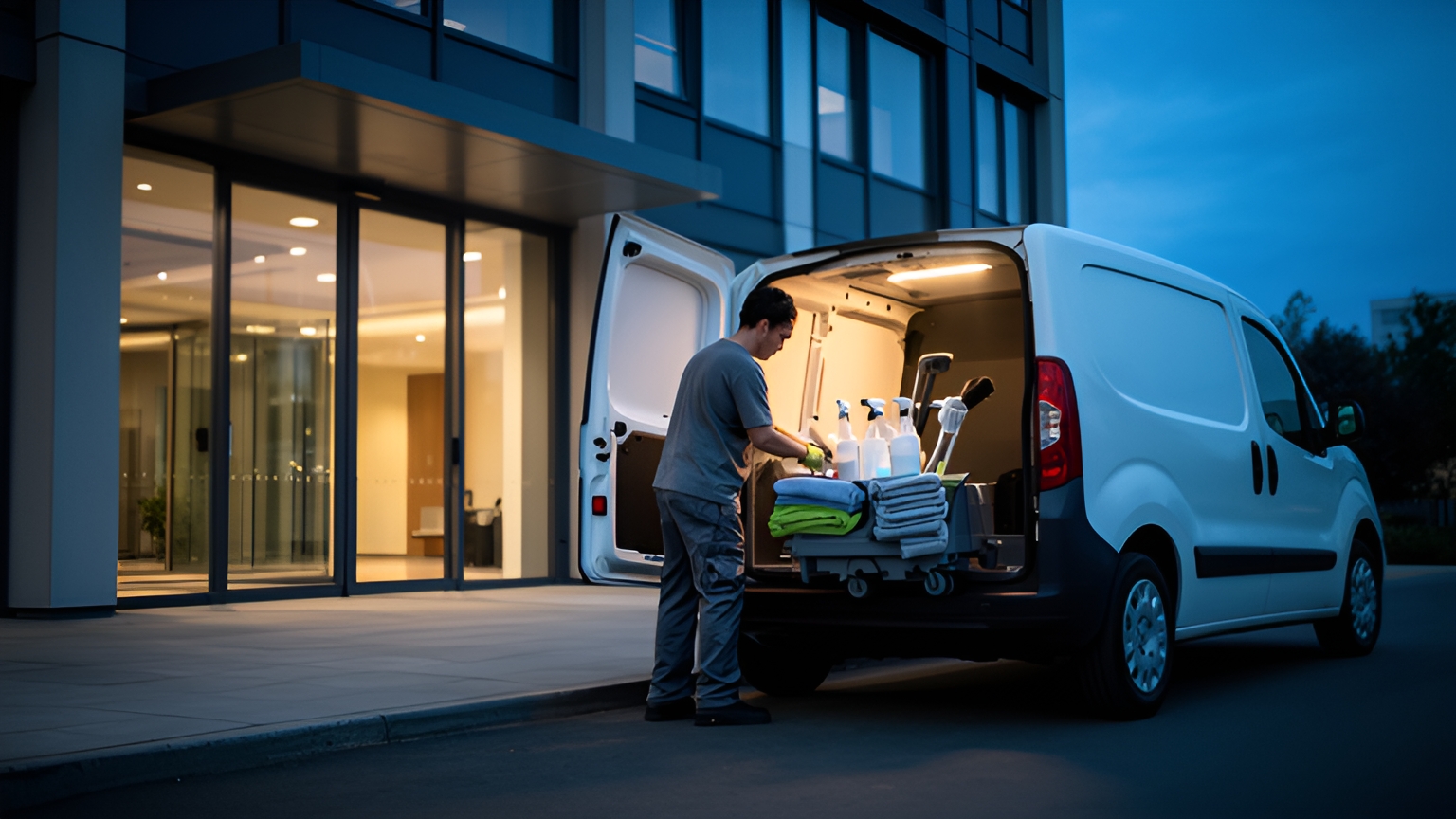
Scheduling and route optimisation software for housekeeping builds each cleaner's day around two things: how long every job takes and when each site can be entered. It then sequences visits to cut driving between sites, adjusts the plan when a job runs long, and records completed work for the client.
That makes it a tool for teams that travel. Contract office cleaners, residential and holiday-rental housekeepers, and facility crews covering several buildings all spend part of each shift on the road. Better planning can shorten that part of the day.
Teams that work inside a single hotel face a different planning question, answered in the FAQs. This guide is for crews who move between properties and want every day to finish on time.
What scheduling and route optimisation software does for cleaning teams on the move
Think of the software as a planner that holds the details a whiteboard can't. Each site carries its own job length, access window, crew size and notes. Each team member carries a start point, available hours and a way of getting around.
From there, the software fits jobs into the hours each building is free and orders the visits so the drive between them is as short as the windows allow.
It also updates the plan when a job finishes early or late. And it keeps a record of what was done, and when, for the client.
Locate2u brings these pieces together. It generates routes from locations, time windows and team availability, lets dispatchers change the plan during the day, and captures proof that each job was completed.
The planning gain shows up clearly in delivery work. Australian online pharmacy SuperPharmacy has served customers nationwide since 2000, delivering prescriptions and health essentials to their doorsteps. Its case study reports that the delivery team was spending up to one hour every day planning routes by hand.
Any urgent prescription or rescheduled delivery meant regenerating the whole route from scratch.
With Locate2u, that daily planning now takes 10 minutes. Routes are generated automatically from delivery locations, time windows and driver availability, and new prescriptions can join routes during the day without disrupting other deliveries. That flexibility let SuperPharmacy offer same-day prescription delivery as a core service.
As SuperPharmacy puts it: "Before Locate2u, we had to generate new routes if we wanted to change anything. Now we can adjust the day's deliveries on the fly."
For a cleaning business, the test is the same. Load a real week of sites and see how quickly the plan comes together, and how easily it changes when the day does.
Why a cleaning schedule starts with job duration, not job count
Ask how busy a cleaner is tomorrow and the quick answer is a job count. Five sites. Six houses. But a count says very little about the day.
A room's cleaning time depends on its size and how many beds it has. Commercial sites vary the same way: floor area, bathrooms, kitchens and the level of service the client has booked.
Take a worked example. Assume two cleaners each get four jobs tomorrow. The first has four small offices at about 45 minutes each, which adds up to three hours of cleaning.
The second has a medical suite needing three hours plus three apartments at 90 minutes each, which adds up to seven and a half hours.
Same job count. Two and a half times the cleaning time, before anyone has driven anywhere.
So the first input to any schedule is a duration for every job, set per site and per service level. A weekly clean and a deep clean at the same address are two different jobs with two different lengths.
Look for software that plans against those durations rather than fixed slots. It should stop filling a day once the hours run out, and show clearly when one team member is overloaded while another has room.
How to plan routes around the hours each building is empty
Commercial cleaning happens around everyone else's day. The US Bureau of Labor Statistics notes that many cleaners work evenings because office buildings are cleaned while they're empty, and that "When there is a need for 24-hour maintenance, such as in hospitals, cleaners work in shifts that may include nights, weekends, or holidays."
That makes the access window the firmest constraint on the plan. A route that looks short on a map won't help if it reaches a clinic after its window has closed.
Residential work flips the clock. Homes are often cleaned during the day while clients are out, and holiday rentals between one guest's checkout and the next check-in. A team covering both kinds of site works to two different sets of hours.
Here's a worked example of one cleaner's evening shift, assuming 20 minutes of driving between each site.
| Visit order | Site | Access window | Job length | Planned visit |
|---|---|---|---|---|
| First | Medical practice | 6:00pm to 8:00pm | 1.5 hours | 6:00pm to 7:30pm |
| Second | Office floor | 6:00pm to 11:00pm | 2 hours | 7:50pm to 9:50pm |
| Third | Retail shop | 9:00pm to 7:00am | 1 hour | 10:10pm to 11:10pm |
The medical practice goes first because its window closes earliest, not because it's nearest. Start at the office floor instead and the cleaner reaches the practice at 8:20pm, after its window has shut.
To plan this way, record every site's window as a start and end time. Add day-specific changes such as late trading, weekend closures and public holidays, which fall on different dates in markets such as Australia, the UK and the US.
Then let the software place visits inside those windows first and shorten the driving second.
How recurring schedules and site notes give every client a familiar, well-briefed team
Cleaning contracts often repeat. The same office every weeknight, the same house every second Thursday, the same rental after every checkout.
A recurring schedule keeps those visits on the plan automatically and, wherever possible, keeps the same person or crew on the same site. A regular cleaner learns where the supplies live, which rooms need extra care and how the client likes things left.
Cleaning also welcomes new people every year. The US Bureau of Labor Statistics projects about 321,800 openings for janitors and building cleaners each year, on average, over the decade, despite limited employment growth, with most coming from replacing workers who leave.
The workforce is large elsewhere too. Eurostat reports that in 2020, nearly 3 million people in the EU were employed in general cleaning of buildings, across 220 thousand enterprises.
With that many people joining the work, site knowledge needs to live in the schedule rather than in one person's memory. When someone covers a site for the first time, the job itself should carry everything they need.
That means site notes attached to each recurring job: entry and alarm instructions, where keys or fobs are kept, the client's priorities and anything to skip this week. Share access details only with the person assigned to that visit.
Then close the loop with a visit record. Locate2u's proof of delivery captures photos, signatures and timestamps at each completed job, which gives the client a clear, timestamped record of every clean.
How shorter drives between sites return paid hours to cleaning
Driving between sites is paid time that isn't spent cleaning. The useful question is how much of it better planning can recover.
A helpful benchmark comes from field service rather than cleaning. McKinsey & Company's 2019 analysis of field service workforces found that "Idle time amounts to two to three hours a day, and an additional hour may be spent on unnecessary driving time."
It also reported that dynamic dispatch, where the worker is given only their next job, can lead to "a freed capacity of 20 percent and a 40 percent reduction in travel time".
Read those as cross-industry figures from 2019. Contract cleaning returns to the same sites week after week, so a cleaning business won't follow the same pattern as a field team taking new jobs all day.
For recurring cleaning work, the practical gain is a well-built base route, with live changes kept for the exceptions. The same sequencing principles run through this guide to route optimisation for field service teams.
The cost side is easy to see. The US Bureau of Labor Statistics reports that the median annual wage for the building and grounds cleaning group "was $37,680 in May 2025", against $50,980 for all occupations.
Every hour paid for driving carries part of that wage without adding cleaning time. So here's a worked example on stated assumptions.
Take one full-time cleaner paid that median annual wage, working eight-hour shifts, with one hour of each shift spent driving between sites.
That hour is an eighth of every paid shift, so an eighth of the annual wage pays for time on the road rather than time at client sites.
If better sequencing trims that drive to 30 minutes a shift, half of that driving share goes back to cleaning. Across a team on the same pattern, the return grows with every cleaner on the roster.
To find your own number, compare scheduled drive time with recorded drive time for two weeks before changing anything. That gives you a baseline to check any new plan against.
How live re-optimisation keeps the shift on track when a job runs long
Even a good plan meets a long job. A client asks for an extra room, or a site is busier than usual when the cleaner arrives.
On a fixed plan, one long job pushes every later visit back until something misses its window. Software that re-optimises during the shift looks at what's left and works out which visits still fit.
A sensible order of moves helps. First, protect the later sites with tight windows. Next, move a flexible visit, such as a home clean with an open window, later in the day or across to a teammate with spare hours.
Then tell the client of any moved visit the new time, so nobody is waiting on an arrival that has shifted.
That's the practical difference between static and dynamic route planning: a static plan is set once, while a dynamic plan keeps updating as the shift unfolds.
Locate2u lets dispatchers change routes while the shift is under way, and its dispatch planning tools are where jobs are assigned across the team.
How realistic buffers for kit, crews and breaks keep the day achievable
A plan that fills every minute looks efficient on screen and finishes late in practice. Realistic buffers make a schedule achievable for the people working it.
Build these into each day:
- Kit time for loading and unloading equipment and supplies, which grows with the size of the job.
- A job length set for the crew booked to it, since a two-person team and a solo cleaner need different times on the same site.
- Breaks as fixed blocks in the shift, rather than gaps that may or may not appear between jobs.
- A transfer allowance for cleaners on public transport that reflects their real journey, not a van's drive time.
- Minutes at the door for parking, collecting keys and setting alarms.
Then compare planned against actual. Recorded start and finish times show where buffers are too tight or too generous, and updated job lengths make next month's schedule more accurate.
When software allocates the work, the plan should reflect how the work is really done. Realistic buffers keep accountability clear and support the team's wellbeing.
A practical checklist for choosing housekeeping scheduling software
Use this checklist when you see a platform working on your own data. Each row is something a housekeeping operation relies on, paired with a quick way to test it.
| What to check | Why it matters for housekeeping | How to test it |
|---|---|---|
| Job length per site and service level | Days are planned by hours of work, not job count | Enter a regular clean and a deep clean for one site and check they schedule differently |
| Access windows per site, by day | Each visit has to land inside the hours the building is free | Give one site a narrow window and confirm it is sequenced to fit |
| Recurring visit templates | Repeat clients keep a familiar team | Set a fortnightly visit and check it appears on the right dates with the same cleaner |
| Site notes on each job | Anyone covering a site arrives fully briefed | Attach access instructions and check the assigned cleaner sees them on the job |
| Crew size per job | Solo and two-person jobs take different times | Book the same site for one cleaner, then for two, and compare the plans |
| Travel time or mode per person | Plans stay realistic for cleaners without a vehicle | Set one cleaner to public transport and check the gaps between their jobs |
| Live re-optimisation | A long job doesn't push later sites out of their windows | Extend one job mid-shift and watch which visits move |
| Visit records with photos and timestamps | Clients see a clear record of every clean | Complete a test job and review the record it produces |
| Planned versus actual reporting | Job lengths improve with real data | Ask to see a report comparing scheduled and recorded times |
Bring one real week of work to the conversation. If the platform can build that week, keep every visit inside its window and absorb a late booking while you watch, it fits the way your team works.
Frequently asked questions
Does route optimisation help hotel housekeeping teams that never leave the building?
In-house hotel teams gain little from vehicle routing because their work happens on one site. Routing pays off for contract, residential and multi-site teams that travel between properties, while in-house teams benefit more from duration-based room scheduling.
Can the software plan for cleaners who travel by public transport instead of a van?
Ask whether the platform lets you set travel time or travel mode per worker. If it does not, add a fixed transfer allowance between sites for those cleaners so their plans stay realistic.
How do you set job durations when you have no history yet?
Start with each crew's own estimate per site, then record actual start and finish times for the first few weeks. Replace the estimates with the recorded averages once a pattern settles.
What should you bring to a software demo for a cleaning business?
Bring one real week of sites, access windows, job durations and crew sizes, and ask the team to build it live and then absorb a late booking. You can book a call with the Locate2u team to set this up.
A housekeeping schedule works when it starts from job lengths and access windows, keeps familiar teams on recurring sites and leaves room for the real shape of the day. To see how Locate2u's route optimisation plans around time windows and team availability on your own sites, book a call with the Locate2u team.