Route Optimization Tools: How to Choose the Right One for Your Delivery Fleet
Drafted with AI assistance, edited and fact-checked by Sean Flannery. See our editorial policy.
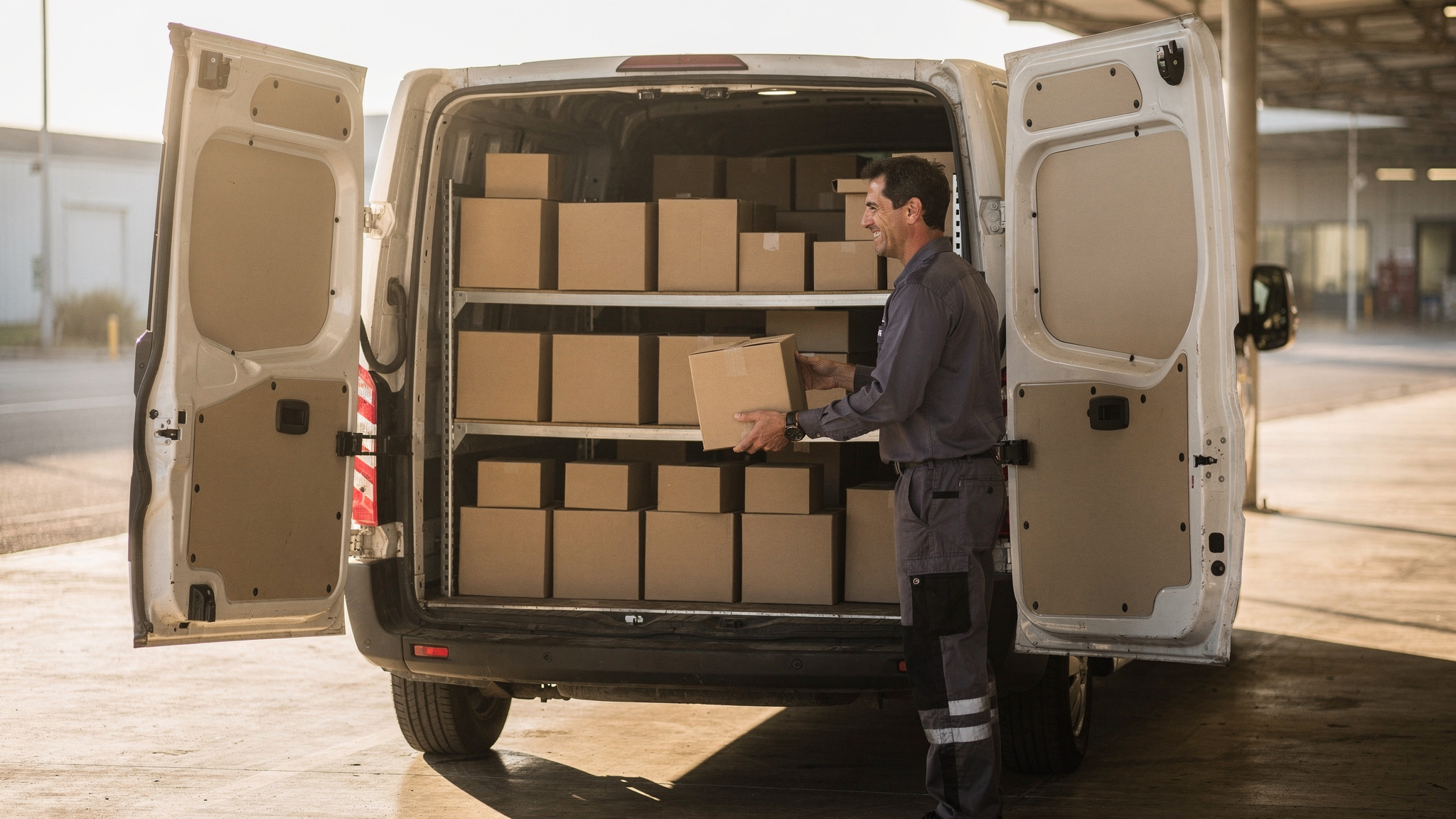
Route optimization tools sequence a day's stops into routes drivers can complete, respecting delivery windows, vehicle limits, service times and live changes. The best ones re-plan when orders shift and let drivers add local knowledge. Test any tool on your own stops before choosing. Locate2u plans multi-drop routes with time windows and on-the-fly adjustments.
The final leg is where delivery cost gathers. A Capgemini Research Institute survey, run in 2018 and published in 2019, found that the cost of providing last-mile services accounts for 41% of overall supply chain costs.
So the tool that plans that leg deserves a proper test on your own work, not a quick look at a sample map.
What route optimization tools do with a day of delivery stops
Start with a list of orders. Each one has an address, a time the customer can receive it, a size and sometimes a special requirement.
Route optimization tools turn that list into one sequenced route per driver. They decide which vehicle carries which orders, the order of stops and the expected arrival time at each door.
And the answer has to work on real streets. Van traffic in Great Britain was 58.8 billion vehicle miles in 2025, according to the UK Department for Transport's road traffic estimates.
That's where stop order, turning and parking shape a driver's day. So judge a tool on how it sequences stops on local streets, not on how short the line on the map looks.
SuperPharmacy shows what this looks like in practice. It's an Australian online pharmacy, operating since 2000, that delivers prescription medications, over-the-counter products and health essentials to customers nationwide.
SuperPharmacy's case study reports that its delivery team was spending up to one hour every day manually planning routes. Any change, such as a new urgent prescription, meant the entire route had to be regenerated from scratch.
With Locate2u's route optimisation software, what once took an hour of manual work now takes just 10 minutes, with routes generated automatically from delivery locations, time windows and driver availability. The case study describes this as cutting route planning time by 83%.
New prescriptions can now be slotted into existing routes on the fly, which enabled SuperPharmacy to offer same-day prescription delivery as a core service. In the team's words: "Before Locate2u, we had to generate new routes if we wanted to change anything. Now we can adjust the day's deliveries on the fly."
That's one Australian business's result, measured in its own planning time. SuperPharmacy's full case study tells the story in more detail.
Planning feasible routes around time windows, vehicle limits and service times
The shortest route isn't always one a driver can finish.
A sequence that ignores a customer's delivery window, sends a large vehicle down a narrow lane, or allows a quick drop for an order that needs carrying upstairs looks efficient on screen. Then it slips once the day starts.
Feasible routes come from giving the tool the constraints your deliveries actually carry:
- Delivery time windows chosen by the customer or agreed with the site
- Vehicle type and load, so each stop gets a vehicle that can reach it and carry the order
- Service time at each stop, longer for heavy, bulky or signed-for items
- Site access notes, such as a loading dock, a gate code or limited parking nearby
- Driver availability and shift start and finish times
Service time deserves extra attention. A plan with accurate drive times but generic stop times still produces arrival estimates that drift further as the day goes on.
Driver time is also a significant cost input. The median annual wage for light truck drivers in the US was $44,860 in May 2025, according to the US Bureau of Labor Statistics Occupational Outlook Handbook. That's a median base wage, before any other employment costs.
So when you compare tools, compare the hours each plan asks of your drivers, not just the distance it covers.
Locate2u builds routes around delivery time windows, vehicle types and driver availability, so the plan dispatchers send out reflects the day as it will run.
Splitting stops across several vehicles adds another layer, and the maths behind multi-vehicle route planning explains why balancing a fleet is harder than ordering a single list.
Reducing empty kilometres by planning return legs and pickups together
Every delivery route has a second half: the drive back.
Eurostat reports that in 2025, 21.8% of the distance travelled by road freight vehicles in the EU was performed by empty vehicles. The share was 26.0% for national transport, against 12.9% for international road transport.
Local delivery work is domestic by nature. That makes the return leg worth planning as carefully as the outbound run.
The practical step is to plan pickups and deliveries together. Customer returns, collections, empty containers or pallets heading back to the depot, and supplier pickups can all ride on the way home instead of becoming separate trips.
When you test a tool, check whether it can mix pickups and drop-offs on one route, whether it keeps a pickup ahead of any delivery that depends on it, and whether it accounts for the space freed up as orders come off the vehicle.
Collection requests can also arrive after routes have left. A tool that adds them to routes already running turns a late request into a stop on the way back, not a new trip.
Building drivers' local knowledge into the plan
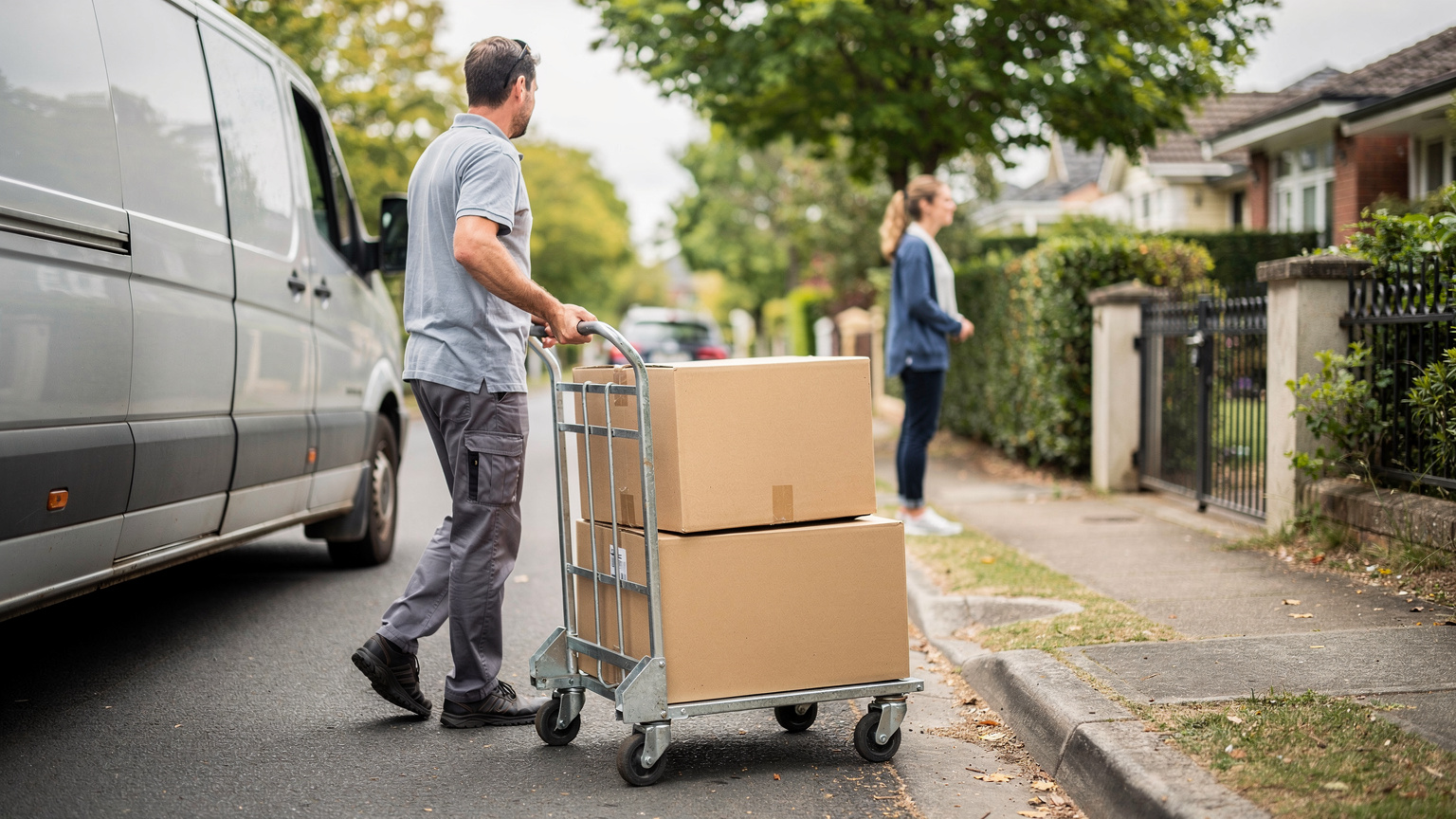
Drivers know things no map holds. Which entrance a building uses. Where a van can stop safely. Which reception desk accepts deliveries before opening.
Research reflects this. MIT News, reporting in 2021 on a last-mile routing research challenge, noted: "In real life, drivers frequently deviate from planned and mathematically optimized route sequences."
Read positively, that's expertise a plan can learn from. A good tool treats a driver's change as useful information.
Look for three places where that knowledge can live. Stop notes, so access details travel with the address. Driver feedback, so a better sequence can inform the next plan. And dispatcher overrides, so a planner can lock a stop where local knowledge says it belongs.
Look at Locate2u's driver app with the same questions in mind: can a driver see the whole sequence, read the notes for each stop and flag a change easily?
For more on getting the balance right, see how route optimisation and driver experience can work together.
Adjusting routes on the day as new orders arrive
The morning plan is a starting point.
An urgent order comes in. A customer moves their window. A collection is added after the vans have left.
The tool should slot new work into routes already running, re-sequence only the stops that change and leave the rest of each driver's day alone. Rebuilding every route for one new order costs planning time and unsettles drivers who are already out.
Locate2u lets dispatchers adjust the day's deliveries on the fly, adding new orders to existing routes without starting again.
Live visibility makes those decisions easier. Locate2u gives the dispatch team a live dashboard showing every vehicle, so if one is running behind, they can see it straight away and reassign a later pickup to another vehicle or send the customer a revised arrival time. Locate2u's dispatch planning brings those adjustments into one view.
When you test a tool, add an urgent order mid-run and watch what happens to the other drivers. The best result moves as few stops as possible while still meeting every window.
Keeping customers informed so first delivery attempts succeed
A delivery that succeeds the first time saves a second trip.
McKinsey estimated in 2024 that 10 percent of packages delivered in last-mile logistics need to be re-delivered, and that for B2C carriers this accounts for 1 to 3 percent of revenue.
That makes the messages a customer receives before the van arrives part of route planning, not an extra.
Customers who know when to expect a delivery can be ready for it. Home for a chilled order. On site to receive building materials. At the loading dock with space cleared.
Locate2u sends automated customer notifications and live tracking links, so recipients can follow their delivery and plan their day around it.
Proof of delivery completes the picture. Locate2u captures photo evidence, signatures and timestamps for every delivery, giving the business and the customer a clear shared record of each handover.
During a test, send yourself a tracking link from a sample route. Check that it reads clearly on a phone, shows a sensible arrival window and updates when the route changes.
A practical checklist for testing tools on your own routes
A sample demo shows a tool at its best. A test on your own stops shows how it handles your day.
Pick a typical day and a busy day from your recent orders. Export the stops with their real addresses, windows and order sizes, then run both days through each tool you're considering.
Ask an experienced driver and a dispatcher to review the routes with you. They'll spot an awkward turn or a hard-to-reach loading dock faster than anyone.
| What to test | How to test it | What good looks like |
|---|---|---|
| Your real stops | Load a typical day and a busy day from your own orders | Every stop placed on a route, with any unplaced stop clearly flagged |
| Time windows | Give some stops narrow windows, including early starts | Routes meet the windows, and any conflict shows before drivers leave |
| Vehicles and access | Assign vehicle types and mark sites that need a smaller vehicle | Each stop matched to a vehicle that can reach it and carry the order |
| Service times | Set longer times for heavy, bulky or signed-for deliveries | Arrival estimates reflect the time spent at each stop |
| Pickups and returns | Add collections and returns to the same day's orders | Pickups placed on return legs rather than separate trips |
| Driver knowledge | Ask an experienced driver to read the plan and add stop notes | Notes stay with the address and planners can lock a stop in place |
| Live changes | Add an urgent order once routes are under way | The order slots into a live route without rebuilding the rest |
| Customer updates | Send yourself a tracking link from a test route | Clear on a phone and updated when the route changes |
Then compare cost on the basis you'll actually use the tool. Check how each one bills, whether by user, vehicle or route, which features sit in which plan, and whether setup and integrations carry extra fees.
You can compare Locate2u's plans and pricing against the same checklist.
Frequently asked questions
Can a route optimisation tool plan for several vehicles at once?
Yes: multi-vehicle planning splits the day's stops across drivers and vehicles rather than ordering one long list, and Locate2u builds routes around driver availability, vehicle types and delivery time windows. When you assess any tool, check that it balances workloads across the whole fleet, not just one van at a time.
Do route optimisation tools connect to an online store?
Check whether orders flow in from your online store without retyping. Locate2u's online store integration pulls orders directly, groups them by the delivery window the customer chose at checkout and generates routes for each driver run.
Is route optimisation worth it for a small fleet?
It depends on how much your stops change. A handful of fixed daily runs can be planned by hand, while daily changes in addresses, time windows and urgent orders are where software saves planning time, even for a fleet of two or three vehicles.
Does route optimisation help reduce emissions?
Shorter, better-sequenced routes mean fewer vehicle-kilometres driven. A 2020 World Economic Forum study of 24 urban last-mile measures found that, taken together, they could cut emissions and traffic congestion by 30% against a do-nothing scenario, so routing works best as one part of a wider plan.
The tool worth choosing produces routes your drivers can complete, adapts when the day changes and keeps customers informed along the way. Run your own stops through every option on your shortlist, involve the people who drive and dispatch those routes, and see how Locate2u's route optimisation plans multi-drop routes with time windows and on-the-fly adjustments.