Courier Software Demo Checklist: What to Test and Ask
Drafted with AI assistance, edited and fact-checked by Sean Flannery. See our editorial policy.
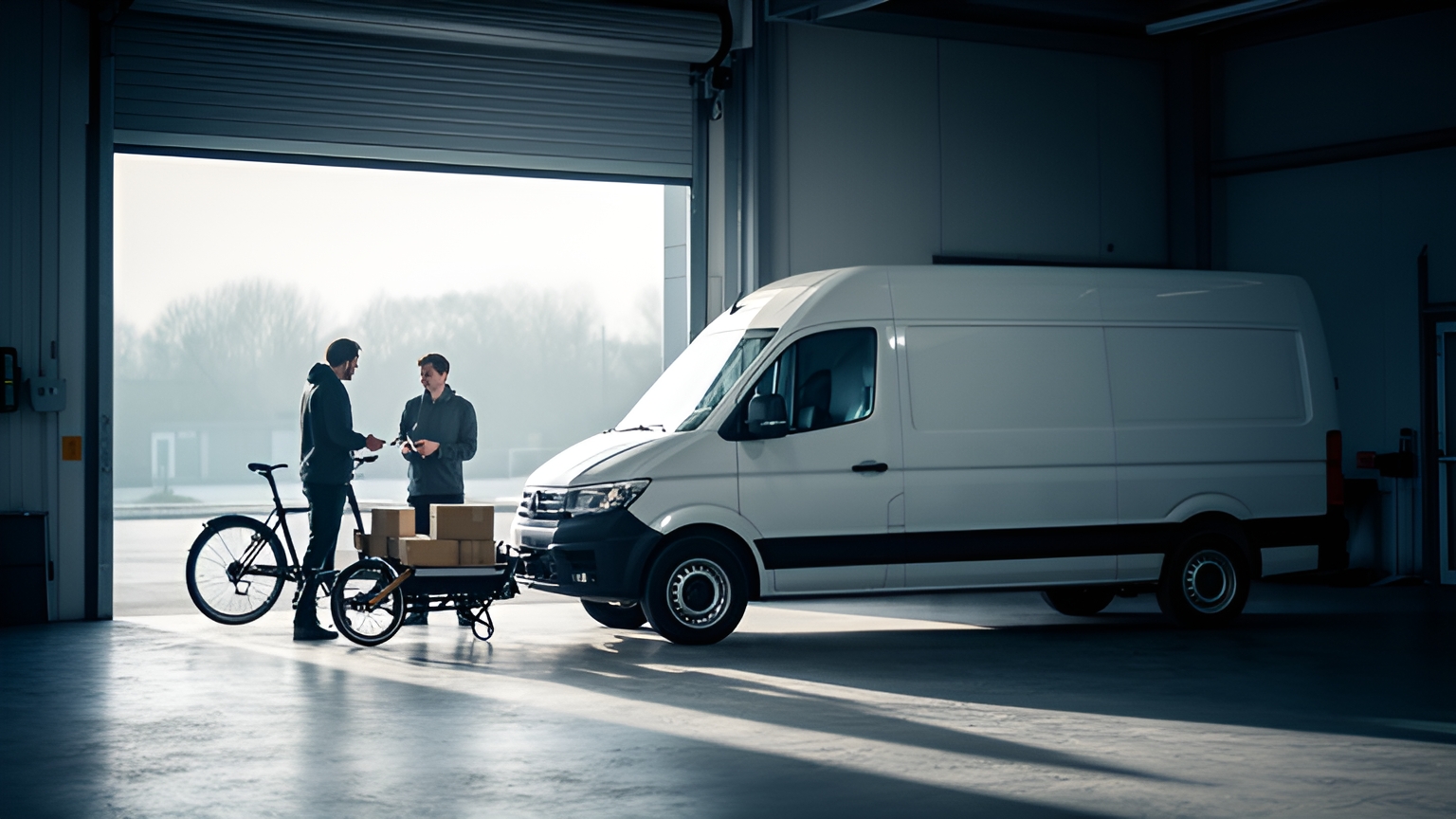
A courier software demo is a guided session where you watch delivery management software handle your own orders: intake, routing, dispatch to the driver app, live tracking and proof of delivery. A useful demo proves one real order can travel that whole path, then shows a same-day change and a missed delivery attempt being handled cleanly.
That is a higher bar than a tour of features. It is also a fair one, and a good presenter will welcome it.
The checklist below turns the session into a test you can score. Bring a busy day's orders, a clear picture of your fleet and the people who will use the system every day, then work through each step in order.
What a courier software demo should prove in one sitting
Keep the session focused on three proofs, in this order.
First, that a single order moves from intake to proof of delivery without anyone re-typing it. If an address has to be copied from one screen into another, that step repeats on every order you run.
Second, that the plan can change after drivers have left. Orders arrive late and customers move their windows. Good software absorbs those changes without rebuilding the whole day.
Third, that a delivery which can't be completed is captured, explained to the customer and rebooked, all inside the same record.
The second proof deserves the most time in the room. SuperPharmacy's case study reports that the online pharmacy's delivery team was spending up to one hour every day planning prescription delivery routes by hand, and an urgent prescription arriving during the day meant regenerating the entire route from scratch.
With Locate2u's route optimisation software, what once took an hour now takes just 10 minutes, a cut in route planning time of 83% for one Australian online pharmacy. New prescriptions slot into existing routes during the day without disrupting other deliveries, and that flexibility let the team offer same-day prescription delivery as a core service.
As the team puts it: "Before Locate2u, we had to generate new routes if we wanted to change anything. Now we can adjust the day's deliveries on the fly."
So ask for that moment specifically. Have the presenter add an order to a route that's already running and watch what happens to the stops around it.
How to match the demo to your own fleet, from bikes to vans
"Courier" covers a wide range of work, and the official definitions show it.
The U.S. Bureau of Labor Statistics describes the couriers and messengers subsector as businesses providing intercity or local delivery of parcels and documents, including express delivery services.
Its occupation profile for couriers and messengers, based on May 2023 estimates, is much narrower: people who pick up and deliver on foot or by bicycle, motorcycle, car or public transport, with light truck drivers excluded.
Your fleet sits somewhere in that range, whether it's a city bike team, a van operation or a mix of both. A demo built around a generic fleet tells you little about yours.
Before the call, send the presenter a short fleet profile:
- each vehicle type you run and what it can carry
- driver shift start and finish times
- the delivery windows your customers book most
- stops that suit only one vehicle type, such as bulky items or tight access
Then ask to see the same order file routed across that mix. Bikes should get dense, short loops. Larger or heavier orders should land on vehicles that can carry them.
Locate2u's routing engine accounts for vehicle types, driver availability and time windows, so this is a fair test to set.
Watch whether the result looks like a plan your dispatcher would sign off. And ask how they would override a single stop if they wanted it on a different vehicle.
How to test order intake with your own file, online store or API
Order intake is the first handoff of the day, and everything downstream depends on it.
Start with a file. Export a recent busy day from your current system as a spreadsheet, remove customer names and phone numbers, and keep the real addresses and delivery windows.
Ask the presenter to import it live, not in advance. You want to see the messy rows: a missing unit number, a street name spelt differently on different orders, a window that ends before it starts.
Good intake flags those rows clearly and lets you fix them on the spot. Quiet guesses are much harder to find later in the day.
Peak days matter most here. The U.S. Census Bureau reports that e-commerce sales in the second quarter of 2026 were 12.2 percent higher than in the second quarter of 2025.
If online orders feed your routes, test with your heaviest day's file rather than an average one. That's the day the import has to keep up.
If you sell through an online store, place a test order at checkout with a chosen delivery window. Locate2u can pull orders directly from an integrated online store and group them by delivery window, so ask to watch that order arrive in the dispatch view without anyone touching it.
If orders come from your own system or from the businesses you deliver for, ask to walk through Locate2u's API integrations. Check both directions: how an order is created, and how its status and proof of delivery travel back to the system that sent it.
How clean handoffs between businesses keep logistics costs down
If you deliver for other businesses, every order starts in someone else's system. A retailer, a wholesaler or a partner courier hands you a job, and you hand back a status and a proof record.
Those handovers carry weight. A 2024 McKinsey & Company analysis finds that between 13 and 19 percent of logistics costs could stem from inefficient handovers between parties, amounting to up to $95 billion in losses a year in the United States economy alone.
That figure covers the whole logistics chain, not courier software on its own. But it shows where a demo is worth the most attention: the moments when an order crosses from one business to another.
The same analysis indicates that around 80 percent of carriers in the US have adopted some form of real-time transportation visibility platform. So the businesses you deliver for may already work with live status updates, and it's reasonable to ask how yours would reach them from the first day.
In the demo, test the handoff from the sender's side. Ask how a partner business sends orders in, whether by file, portal or API, and what happens when an order arrives with a missing field.
Then ask how that business sees progress. A tracking link, a status update in their own system, a proof record they can open without contacting your office.
Each question a sender can answer for themselves is one less call for your team. That's what a clean handoff looks like in practice.
How live ETAs and proof of delivery set clear customer expectations
Live tracking doesn't make a van faster. What it changes is surprise.
Eurostat reports that in 2025 the most often reported issue among EU online shoppers was delivery slower than expected, declared by 20% of individuals.
"Slower than expected" depends on the expectation as much as the delivery. An accurate ETA that updates through the day is how you set it.
So in the demo, open the customer tracking link on a phone, not the presenter's laptop. Ask the presenter to reorder the route or hold a driver at a stop, and watch whether the ETA on the phone moves with it.
Ask what triggers each customer message, too. An on-the-way alert, an update when timing shifts and a delivered confirmation each answer a question before the customer needs to ask it.
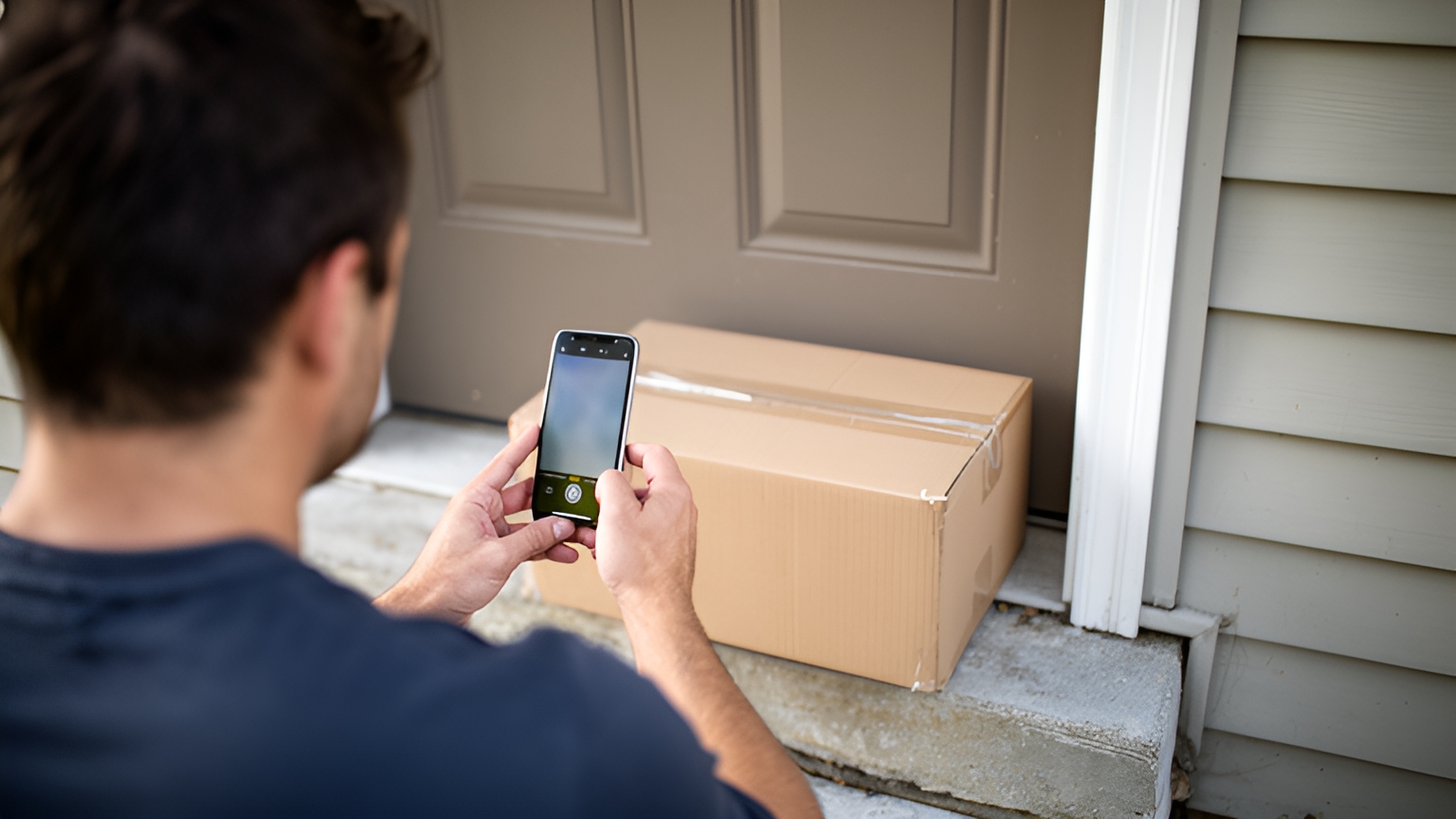
Locate2u shares live tracking links with customers and sends automated notifications about delivery status, so recipients know when to expect their order and can plan around it.
Proof of delivery completes the picture by recording what happened. Locate2u's proof of delivery captures photo evidence, signatures and timestamps for every delivery, along with location data.
Test it end to end. Have the presenter complete a stop in the driver app with a photo and signature, then find that record from the dispatcher's screen as if a customer had just phoned.
The faster customer service can open that record, the shorter and friendlier the call.
How to test same-day changes and failed attempts on a live route
Ask for this part on a route that is already in progress. A plan that looks tidy at the start of the day tells you little about how it adapts.
Run these changes one at a time, and check the map, the driver app and the customer ETAs after each:
- Add an urgent order near the middle of a driver's run.
- Move a customer's delivery window later in the day.
- Remove a stop after the driver has set off.
- Reassign a driver's remaining stops to other drivers mid-shift.
For each change, the pass is the same. The affected stops update, the other stops keep their windows, and the driver sees the new sequence without needing a phone call.
Then test a delivery that can't be completed. Recipients are out, gates are locked, a business closes early. That's normal delivery life, and the software's job is to make the next step easy for everyone.
Have the driver mark the stop as not completed and choose a reason. Check that they can add a photo, that the dispatcher sees the update straight away, and that the customer is told what happens next.
Then rebook it. The stop should move to a later route, or back to the depot, without anyone re-entering the order.
This step deserves careful testing because of where it sits. Capgemini Research Institute describes last-mile delivery as the most expensive part of the supply chain, on a research page dated 2021. A second attempt runs that leg again, so a smooth path from missed stop to completed delivery is worth seeing step by step.
How to see the driver app and accessibility from every user's side
A dispatcher, a driver and a recipient all use the same system through different screens. A demo should let each of them try it.
Start with the driver. Hand the phone to the driver who joined the call and let them run a short test route in the Locate2u driver app. See how quickly they can find the next stop, capture proof of delivery and record a stop that couldn't be completed.
Notice where they pause. If the person who will use the app every day finds it clear, getting new drivers started will be easier too.
Then ask the questions drivers care about. How does a new driver get set up? What happens to a status update or a photo when signal drops in an underground car park or on a quiet country road? Can the text be enlarged for a quick glance between stops?
Next, check accessibility for the office. Try the dispatcher dashboard using only the keyboard, and see whether you can create an order, assign it and find the completed proof record without a mouse.
Look at the customer tracking page with a screen reader turned on. The ETA and delivery status should be read out clearly, and status shouldn't rely on colour alone.
Accessibility requirements differ between markets, so check the current requirements with the relevant accessibility regulator where you operate.
The pass or fail criteria to write down before you book a call
Write your criteria down before the session, share them with the presenter, and score each one during the call. It keeps a courier software demo anchored to your operation rather than the feature list.
| Test | What a pass looks like | Who checks it |
|---|---|---|
| Your own order file | Imports live with addresses and windows intact, and problem rows clearly flagged | Dispatcher |
| Online store or API order | Test order arrives with its delivery window, and status flows back to the sender | Operations manager |
| Mixed fleet routing | Each vehicle gets work that fits its capacity and shift | Dispatcher |
| Urgent same-day order | Slots into a live route while other stops keep their windows | Dispatcher |
| Stop not completed | Reason and photo captured, customer informed, stop rebooked without re-entry | Driver and customer service |
| Tracking link and proof | ETA on a phone updates with the route, and the proof record opens quickly | Customer service |
| Driver app | A driver new to the app completes a test route with little coaching | Driver |
| Accessibility | Dashboard works by keyboard, and the tracking page reads clearly with a screen reader | Dispatcher and a recipient tester |
| Reporting | Planned against actual arrival times export to a file you can keep | Operations manager |
If a row doesn't pass, ask whether it's a setting, a configuration step during onboarding or something the platform doesn't cover. Each answer leads to a different decision.
For a broader view of what the software itself should do day to day, read this guide to choosing courier delivery software.
Frequently asked questions
Who from your team should join a courier software demo?
Invite the dispatcher who plans the day, one driver who will use the app, and whoever answers customer calls about delivery times. Each role tests a different screen, so their questions surface fit issues a manager alone would not spot.
Should you share real customer data during a demo?
Use a realistic sample file, but remove or replace customer names, phone numbers and notes before sharing it. Keep the real addresses and time windows where you can, because those are what the routing test depends on.
What is the difference between a demo and a pilot?
A demo is a guided session on sample orders that shows whether the workflow fits. A pilot runs the software on live routes with your own drivers for an agreed period, so agree the pilot's success criteria before it starts.
How do you get cost and onboarding details after the demo?
Book a call with the Locate2u team on the request access page and bring your fleet size, daily order volume and integration needs. The team can then talk through setup and onboarding for your operation.
The most useful demos are the ones you prepare for: your busiest day's orders, your real fleet mix, a written list of what a pass looks like and the people who will use the system. When you're ready to see route optimisation planned on your own orders, book a call with the Locate2u team and bring that checklist with you.